跳转到主内容
加入维修社区 - 创建账户

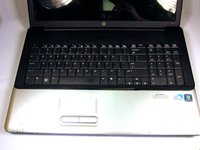
HP G71t-300 Keyboard Replacement

你所需要的

  1. HP G71t-300 Keyboard Replacement, Keyboard: 步骤 1 中的图像 1,3 HP G71t-300 Keyboard Replacement, Keyboard: 步骤 1 中的图像 2,3 HP G71t-300 Keyboard Replacement, Keyboard: 步骤 1 中的图像 3,3
    在这个步骤中使用的工具:
    Anti-Static Wrist Strap
    $7.95
    • Ground yourself by either touching an unpainted metal surface or by using the Anti-Static wrist strap.

    • Turn off the computer and remove the charger from the charging port.

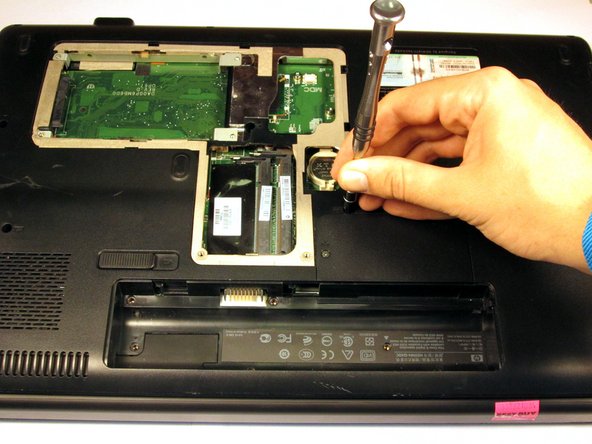
    • Turn the laptop over and slide the battery release catch to the right. The battery will pop up from its slot. Remove it using your fingers.

    询问修复机器人

    添加评论

  2. HP G71t-300 Keyboard Replacement: 步骤 2 中的图像 1,2 HP G71t-300 Keyboard Replacement: 步骤 2 中的图像 2,2
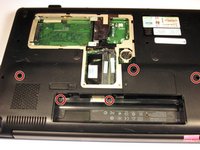
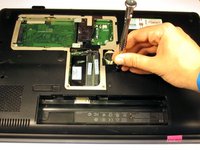
    • Use a Phillips #0 screwdriver to remove the four screws from the indicated cover.

    • Gently lift and remove the cover.

    询问修复机器人

    添加评论

  3. HP G71t-300 Keyboard Replacement: 步骤 3 中的图像 1,2 HP G71t-300 Keyboard Replacement: 步骤 3 中的图像 2,2
    • Remove the five 6mm screws with the Phillips #0 screwdriver.

    询问修复机器人

    添加评论

  4. HP G71t-300 Keyboard Replacement: 步骤 4 中的图像 1,2 HP G71t-300 Keyboard Replacement: 步骤 4 中的图像 2,2
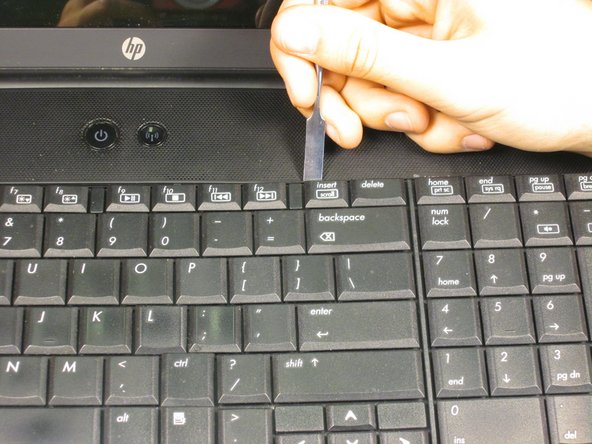
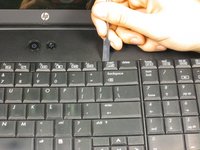
    • Pry the keyboard off with a spudger. Be careful not to apply too much pressure and damage any components.

    询问修复机器人

    添加评论

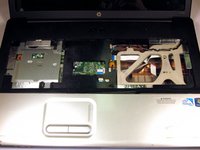
  5. HP G71t-300 Keyboard Replacement: 步骤 5 中的图像 1,2 HP G71t-300 Keyboard Replacement: 步骤 5 中的图像 2,2
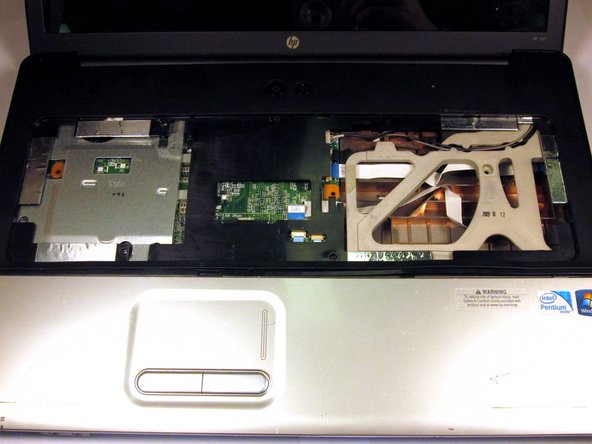
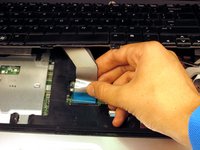
    • Disconnect the clip attaching the keyboard wiring to the motherboard. Lift and remove the keyboard.

    询问修复机器人

    添加评论

结论

To reassemble your device, follow these instructions in reverse order.

取消:我没有完成这个指南。

Rohan Mathew

于09/22/16注册

513 声望

创作了5篇指南

团队

UC Davis, Team 2-3, Oliver Fall 2016 UC Davis, Team 2-3, Oliver Fall 2016 的会员

UCD-OLIVER-F16S2G3

5 名成员

创作了6篇指南

0指南评论

添加评论

浏览统计数据:

过去 24 小时: 1

过去 7 天: 4

过去 30 天: 24

总计 451