跳转到主内容
加入维修社区 - 创建账户
HP G62-234DX Screen Replacement

你所需要的

    1. HP G62-234DX Screen Replacement, Screen: 步骤 1 中的图像 1,3 HP G62-234DX Screen Replacement, Screen: 步骤 1 中的图像 2,3 HP G62-234DX Screen Replacement, Screen: 步骤 1 中的图像 3,3
      • Make sure the computer is turned off and disconnected from a charger.

      • Place your laptop on a clean, flat surface with the bottom facing up.

      • Slide the battery lock to the left.

      • Slide the battery out from the laptop while holding the lock to the left.

      • Remove the battery.

      询问修复机器人

      添加评论

    2. HP G62-234DX Screen Replacement: 步骤 2 中的图像 1,3 HP G62-234DX Screen Replacement: 步骤 2 中的图像 2,3 HP G62-234DX Screen Replacement: 步骤 2 中的图像 3,3
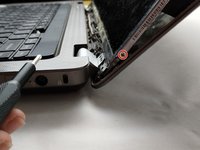
      • Flip over the laptop and open the laptop.

      • Using a spudger and opening picks, loosen the screen bezel (outer frame).

      • Start from one side of the bezel and work your way around to the other side.

      询问修复机器人

      添加评论

    3. HP G62-234DX Screen Replacement: 步骤 3 中的图像 1,3 HP G62-234DX Screen Replacement: 步骤 3 中的图像 2,3 HP G62-234DX Screen Replacement: 步骤 3 中的图像 3,3
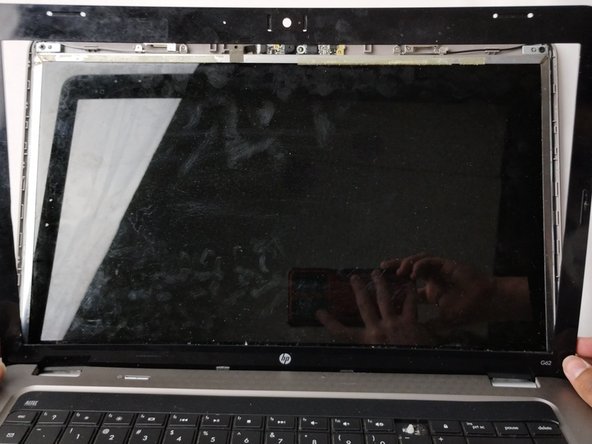
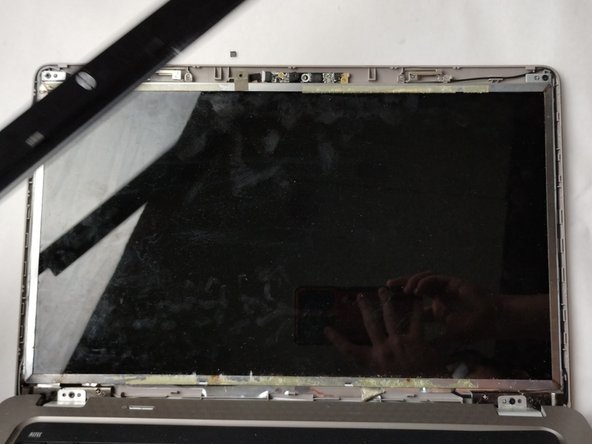
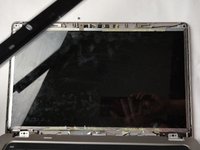
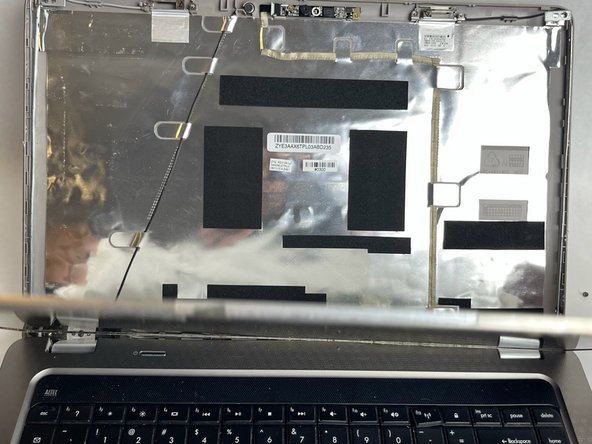
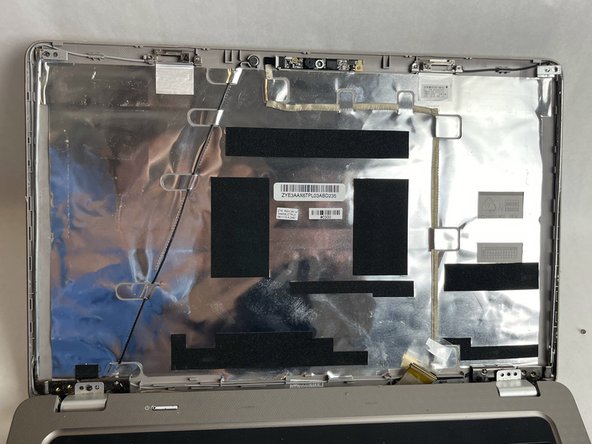
      • Lift the screen bezel with your fingers to reveal the screen unit.

      询问修复机器人

      添加评论

    4. HP G62-234DX Screen Replacement: 步骤 4 中的图像 1,2 HP G62-234DX Screen Replacement: 步骤 4 中的图像 2,2
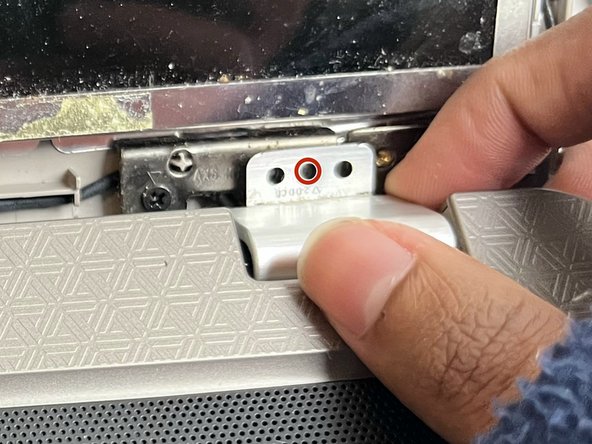
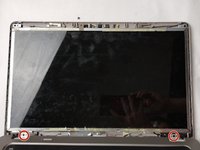
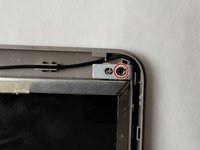
      • Use a Phillips #0 screwdriver to remove one 4.0 mm screw on the left and right hinges.

      • Lift the hinges with your fingers.

      询问修复机器人

      添加评论

    5. HP G62-234DX Screen Replacement: 步骤 5 中的图像 1,2 HP G62-234DX Screen Replacement: 步骤 5 中的图像 2,2
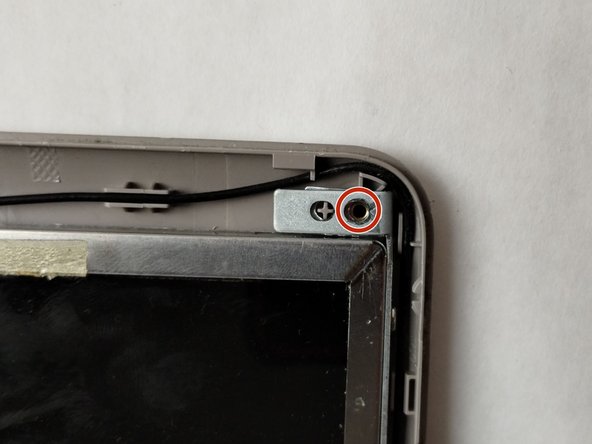
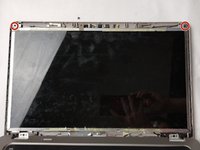
      • Use a Phillips #0 screwdriver to remove the two 3.0 mm screws on the top of the display.

      询问修复机器人

      添加评论

    6. HP G62-234DX Screen Replacement: 步骤 6 中的图像 1,2 HP G62-234DX Screen Replacement: 步骤 6 中的图像 2,2
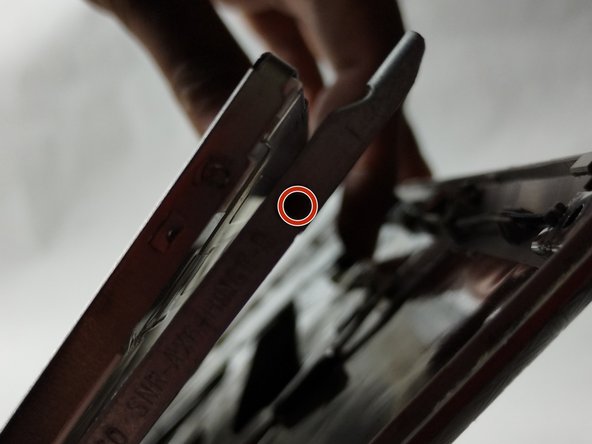
      • Use a Phillips #0 screwdriver to remove a total of four 3.0 mm screws along the edge of both sides of the screen.

      询问修复机器人

      添加评论

    7. HP G62-234DX Screen Replacement: 步骤 7 中的图像 1,3 HP G62-234DX Screen Replacement: 步骤 7 中的图像 2,3 HP G62-234DX Screen Replacement: 步骤 7 中的图像 3,3
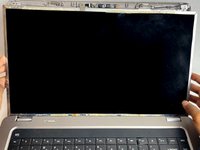
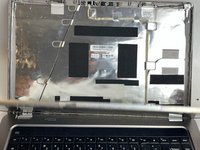
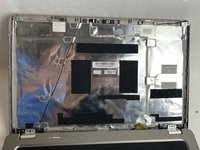
      • Carefully loosen the adhesive under the screen unit using your spudger.

      • Pull off the screen unit using your fingers.

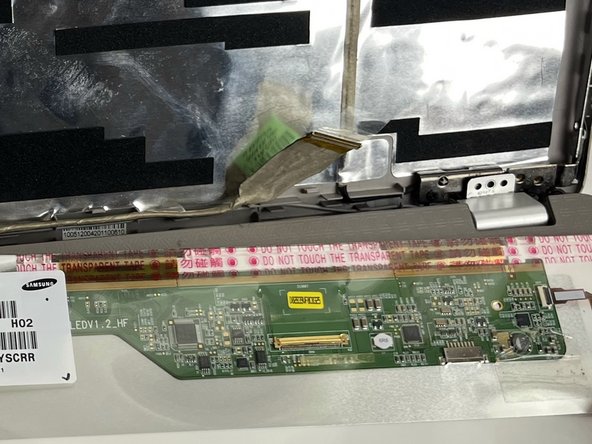
      • The screen is still connected by the display cable.

      询问修复机器人

      添加评论

    8. HP G62-234DX Screen Replacement: 步骤 8 中的图像 1,3 HP G62-234DX Screen Replacement: 步骤 8 中的图像 2,3 HP G62-234DX Screen Replacement: 步骤 8 中的图像 3,3
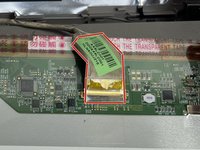
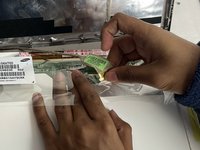
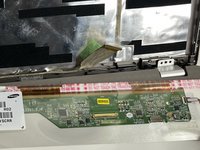
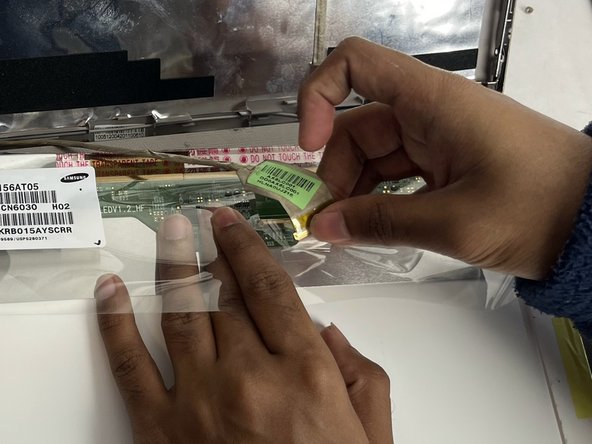
      • To disconnect the display cable connector, gently push the tip of a spudger under the clip. Then, swing the clip over to the other side of the socket, so that it lays flat against the cable.

      • Lift the protective film slightly and, holding the clip and cable together, gently pull in the direction of the cable to remove the connector from its socket.

      • Safely remove the screen.

      询问修复机器人

      添加评论

结论

To reassemble your device, follow these instructions in reverse order.

取消:我没有完成这个指南。

另外一个人完成了本指南。

Kate Ferland

于11/01/23注册

836 声望

创作了6篇指南

团队

UMass Dartmouth, Team 1-1, Petersen Fall 2023 UMass Dartmouth, Team 1-1, Petersen Fall 2023 的会员

UMASSD-PETERSEN-F23S1G1

4 名成员

创作了53篇指南

0指南评论

添加评论

浏览统计数据:

过去 24 小时: 1

过去 7 天: 9

过去 30 天: 33

总计 564