跳转到主内容
加入维修社区 - 创建账户

HP Envy TouchSmart 15 RAM Replacement

你所需要的

  1. HP Envy TouchSmart 15 RAM Replacement, Battery: 步骤 1 中的图像 1,1
    • Press the battery release tab and the battery will pop up.

    询问修复机器人

    添加评论

  2. HP Envy TouchSmart 15 RAM Replacement: 步骤 2 中的图像 1,1
    • Remove the battery from the laptop, it will come out easily.

    询问修复机器人

    添加评论

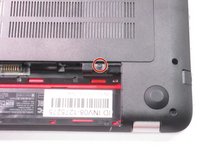
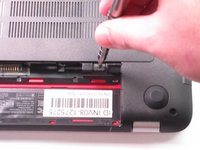
  3. HP Envy TouchSmart 15 RAM Replacement, Accessory Plate: 步骤 3 中的图像 1,2 HP Envy TouchSmart 15 RAM Replacement, Accessory Plate: 步骤 3 中的图像 2,2
    • Remove the single screw holding the accessory plate. This is a PH0 2.0x2.5 screw.

    询问修复机器人

    添加评论

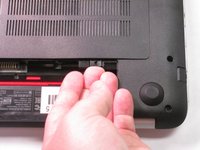
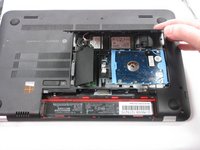
  4. HP Envy TouchSmart 15 RAM Replacement: 步骤 4 中的图像 1,3 HP Envy TouchSmart 15 RAM Replacement: 步骤 4 中的图像 2,3 HP Envy TouchSmart 15 RAM Replacement: 步骤 4 中的图像 3,3
    • Pry the accessory plate up from the back of the laptop by applying force upwards where the screw was removed.

    询问修复机器人

    添加评论

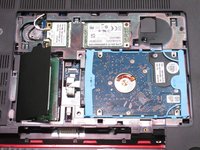
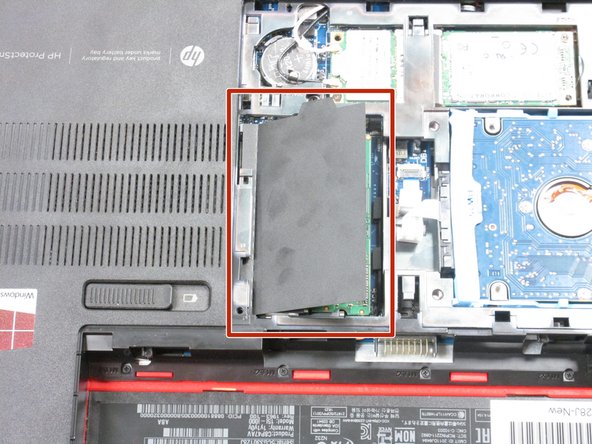
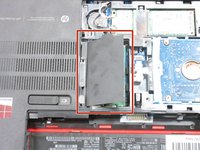
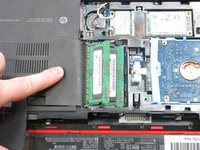
  5. HP Envy TouchSmart 15 RAM Replacement, RAM: 步骤 5 中的图像 1,2 HP Envy TouchSmart 15 RAM Replacement, RAM: 步骤 5 中的图像 2,2
    • Hold back the covering to reveal the RAM modules.

    询问修复机器人

    添加评论

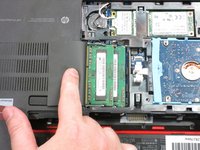
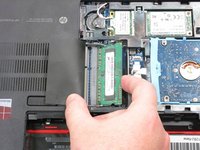
  6. HP Envy TouchSmart 15 RAM Replacement: 步骤 6 中的图像 1,1
    • Press the clips on the edges of the RAM modules outward to pop them out.

    询问修复机器人

    添加评论

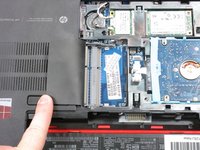
  7. HP Envy TouchSmart 15 RAM Replacement: 步骤 7 中的图像 1,3 HP Envy TouchSmart 15 RAM Replacement: 步骤 7 中的图像 2,3 HP Envy TouchSmart 15 RAM Replacement: 步骤 7 中的图像 3,3
    • You can now remove the RAM modules you need to replace. You can replace the top one, the bottom one, or both if needed.

    询问修复机器人

    添加评论

结论

To reassemble your device, follow these instructions in reverse order.

取消:我没有完成这个指南。

3等其他人完成本指南。

团队

USF Tampa, Team 2-6, Sullivan Fall 2015 USF Tampa, Team 2-6, Sullivan Fall 2015 的会员

USFT-SULLIVAN-F15S2G6

4 名成员

创作了10篇指南

0指南评论

添加评论

浏览统计数据:

过去 24 小时: 0

过去 7 天: 2

过去 30 天: 24

总计 1,953