跳转到主内容
加入维修社区 - 创建账户

HP Deskjet D1660 Encoder Strip Replacement

你所需要的

    1. HP Deskjet D1660 Encoder Strip Replacement, Encoder Strip: 步骤 1 中的图像 1,1
      • Remove the back two 14.0 mm Torx #10 screws.

      询问修复机器人

      添加评论

    2. HP Deskjet D1660 Encoder Strip Replacement: 步骤 2 中的图像 1,1
      • Lay the printer on its back.

      • Grab the paper tray by its right side and pull it to the left and up.

      询问修复机器人

      添加评论

    3. HP Deskjet D1660 Encoder Strip Replacement: 步骤 3 中的图像 1,1
      • Open the frontal access panel by lifting it from the top.

      • Similar to the paper tray, grab it from the right side and pull it to the left and up.

      询问修复机器人

      添加评论

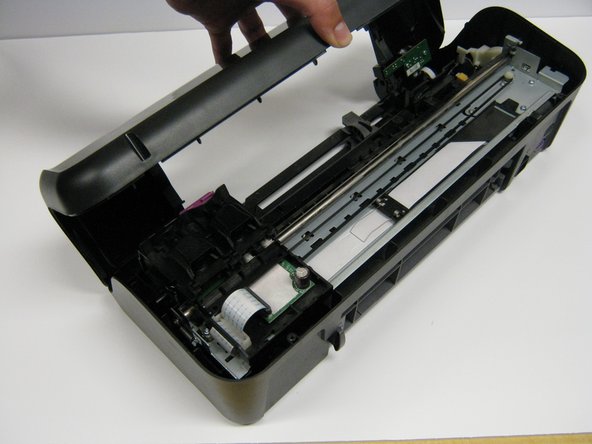
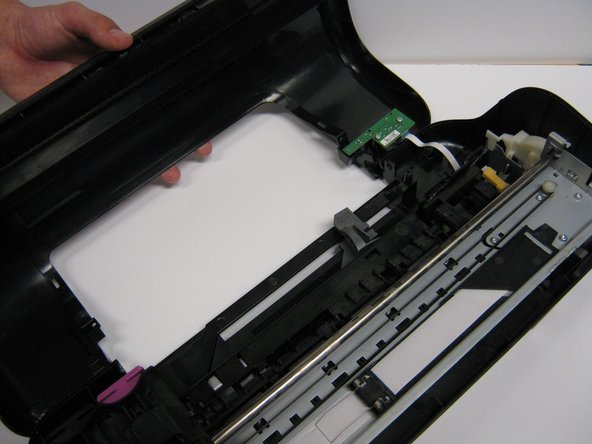
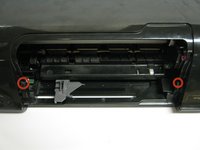
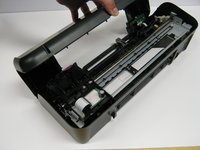
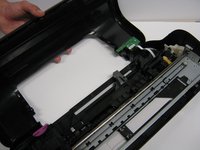
    4. HP Deskjet D1660 Encoder Strip Replacement: 步骤 4 中的图像 1,3 HP Deskjet D1660 Encoder Strip Replacement: 步骤 4 中的图像 2,3 HP Deskjet D1660 Encoder Strip Replacement: 步骤 4 中的图像 3,3
      • Take out the two frontal 14.0 mm Torx #10 screws.

      • Carefully lift the frontal cover.

      • Don't lift it up aggressively. A strip will be attached to it.

      询问修复机器人

      添加评论

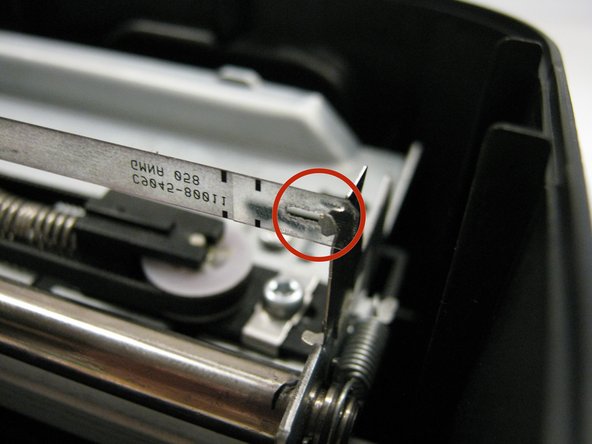
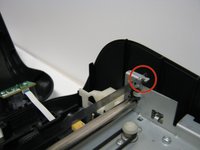
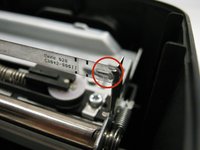
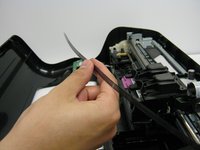
    5. HP Deskjet D1660 Encoder Strip Replacement: 步骤 5 中的图像 1,3 HP Deskjet D1660 Encoder Strip Replacement: 步骤 5 中的图像 2,3 HP Deskjet D1660 Encoder Strip Replacement: 步骤 5 中的图像 3,3
      • Looking at the printer from the front, carefully unhook the encoder strip from the left side.

      • Pull the strip to the left and push a little to unhook the strip.

      • Do the same thing on the other side by pulling to the right and pushing a little.

      • Pull the strip completely out from the cartridge holder.

      询问修复机器人

      添加评论

结论

To reassemble your device, follow these instructions in reverse order.

取消:我没有完成这个指南。

3等其他人完成本指南。

团队

Cal Poly, Team 1-41, Maness Winter 2014 Cal Poly, Team 1-41, Maness Winter 2014 的会员

CPSU-MANESS-W14S1G41

4 名成员

创作了14篇指南

0指南评论

添加评论

浏览统计数据:

过去 24 小时: 2

过去 7 天: 11

过去 30 天: 67

总计 5,476