跳转到主内容
加入维修社区 - 创建账户

HP 17-x173dx RAM Replacement

你所需要的

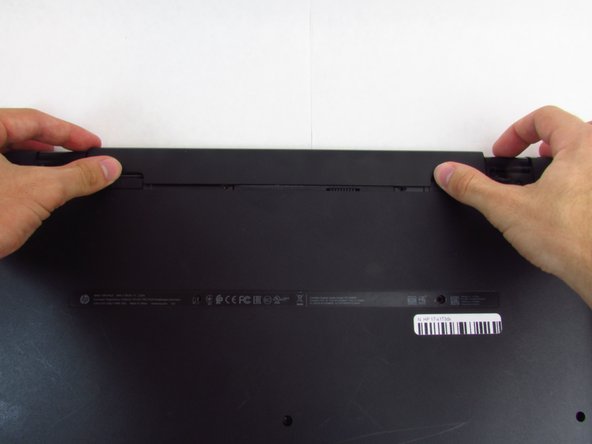
    1. HP 17-x173dx RAM Replacement, Battery: 步骤 1 中的图像 1,2 HP 17-x173dx RAM Replacement, Battery: 步骤 1 中的图像 2,2
      • Begin by sliding the left tab to the unlock position

      询问修复机器人

      添加评论

    2. HP 17-x173dx RAM Replacement: 步骤 2 中的图像 1,1
      • Push each of the two tabs in the direction specified by the picture.

      询问修复机器人

      添加评论

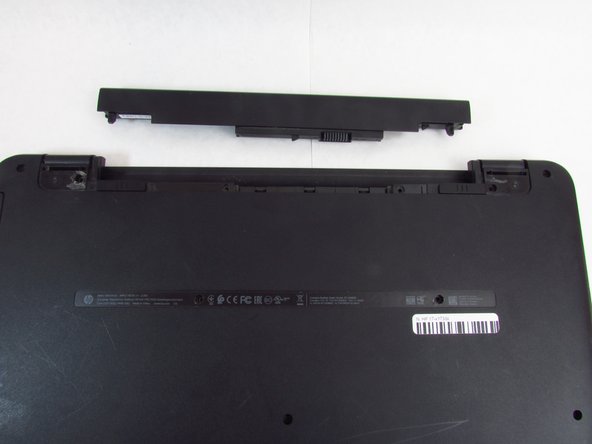
    3. HP 17-x173dx RAM Replacement: 步骤 3 中的图像 1,3 HP 17-x173dx RAM Replacement: 步骤 3 中的图像 2,3 HP 17-x173dx RAM Replacement: 步骤 3 中的图像 3,3
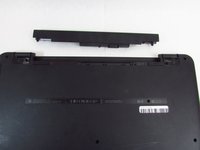
      • Slide and hold the right tab to the left, while gently pushing out the battery with your thumbs

      询问修复机器人

      添加评论

    1. HP 17-x173dx RAM Replacement, RAM: 步骤 4 中的图像 1,1
      • Using the Phillips #0 screwdriver, remove fourteen 7 mm screws on the back of the device (two will be underneath where the battery was).

      询问修复机器人

      添加评论

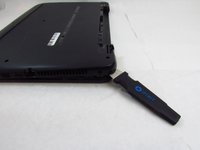
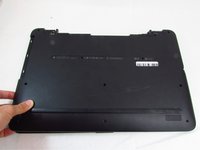
    2. HP 17-x173dx RAM Replacement: 步骤 5 中的图像 1,3 HP 17-x173dx RAM Replacement: 步骤 5 中的图像 2,3 HP 17-x173dx RAM Replacement: 步骤 5 中的图像 3,3
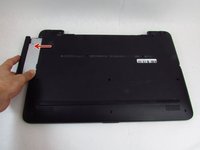
      • Remove the Optical Disk Drive.

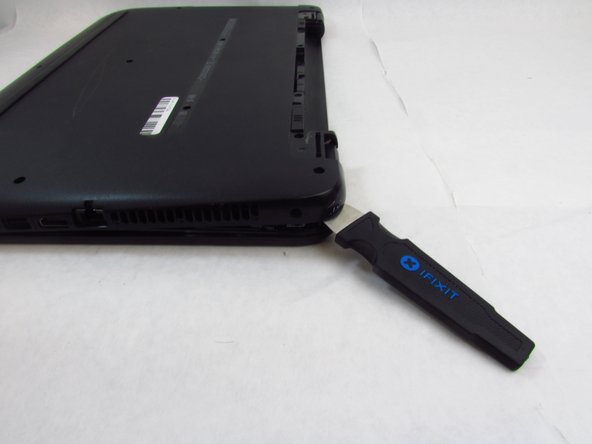
      • Use the spudger to lift the plastic backing, starting from the back right side, near the vent.

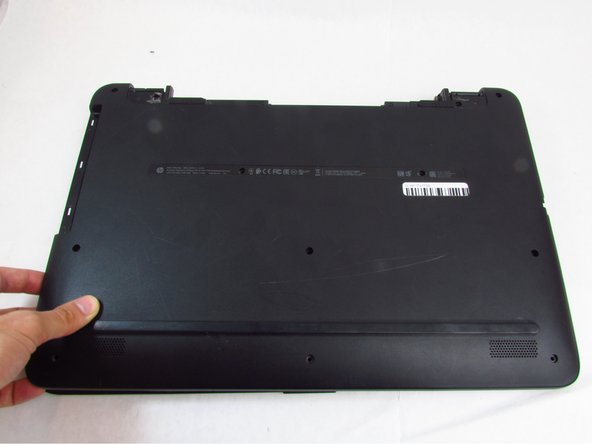
      • Remove the back of the device by continuing to lift the plastic around the entire perimeter of the device.

      询问修复机器人

      添加评论

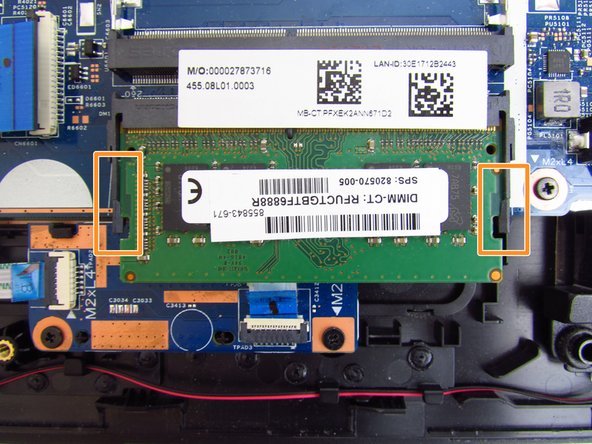
    3. HP 17-x173dx RAM Replacement: 步骤 6 中的图像 1,3 HP 17-x173dx RAM Replacement: 步骤 6 中的图像 2,3 HP 17-x173dx RAM Replacement: 步骤 6 中的图像 3,3
      在这个步骤中使用的工具:
      Tweezers
      $4.99
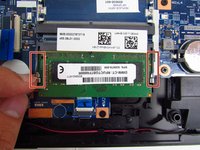
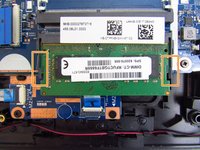
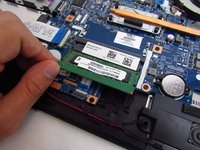
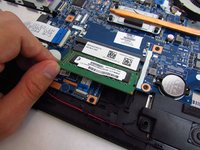
      • Use a pair of tweezers or your fingernails to carefully pry the two metal retention clips out and away from the ram casing.

      • Then gently bend the plastic retainers away to free the ram stick.

      询问修复机器人

      添加评论

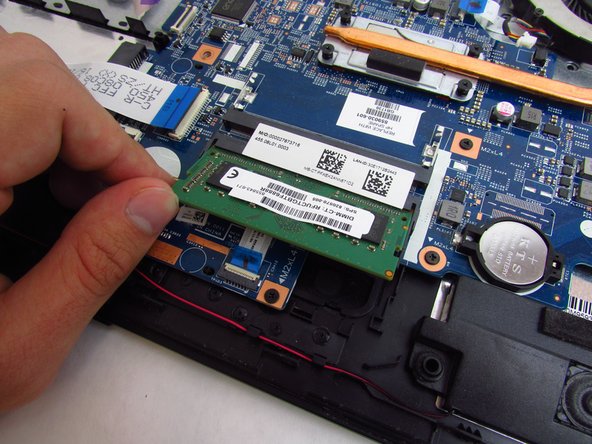
    4. HP 17-x173dx RAM Replacement: 步骤 7 中的图像 1,2 HP 17-x173dx RAM Replacement: 步骤 7 中的图像 2,2
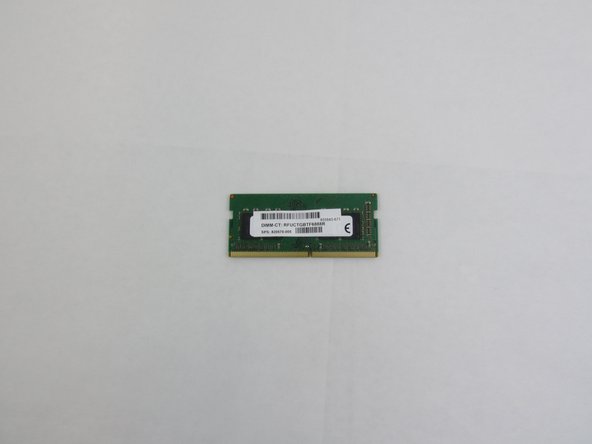
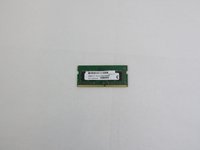
      • Lift the RAM stick away from the motherboard and remove it from the device.

      • Repeat this step for any extra sticks of RAM.

      询问修复机器人

      添加评论

结论

Install your replacement RAM and reassemble your device by following these instructions in reverse order.

取消:我没有完成这个指南。

0指南评论

添加评论

浏览统计数据:

过去 24 小时: 0

过去 7 天: 2

过去 30 天: 25

总计 1,263