跳转到主内容

HMD Fusion Back Cover Replacement

你所需要的

  1. HMD Fusion Back Cover Replacement, Remove the SIM card tray: 步骤 1 中的图像 1,3 HMD Fusion Back Cover Replacement, Remove the SIM card tray: 步骤 1 中的图像 2,3 HMD Fusion Back Cover Replacement, Remove the SIM card tray: 步骤 1 中的图像 3,3
    • Firmly press a SIM eject tool, bit, or straightened paper clip into the SIM card tray hole on the left edge of your phone until the tray ejects.

    • Remove the SIM card tray.

  2. HMD Fusion Back Cover Replacement, Remove the back cover screws: 步骤 2 中的图像 1,3 HMD Fusion Back Cover Replacement, Remove the back cover screws: 步骤 2 中的图像 2,3 HMD Fusion Back Cover Replacement, Remove the back cover screws: 步骤 2 中的图像 3,3
    • Use a T3 Torx screwdriver to remove the sixteen 5.0 mm‑long screws securing the back cover.

    • Use your fingernails, or angled tweezers, to remove any stuck screws.

    • The screws are secured tightly in the back cover, so you might not be able to remove all of them. If you can't remove a few screws, don't worry! Move to the next step and follow the guide normally.

  3. HMD Fusion Back Cover Replacement: 步骤 3 中的图像 1,1
    在这个步骤中使用的工具:
    Magnetic Project Mat
    $19.95
    • During the next four steps, the remaining back cover screws might fall out unexpectedly.

    • To avoid losing screws, you can place a tray, bowl, or Magnetic Project Mat under the phone while you work.

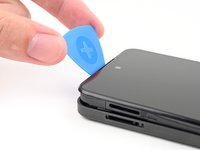
  4. HMD Fusion Back Cover Replacement, Unclip the back cover: 步骤 4 中的图像 1,2 HMD Fusion Back Cover Replacement, Unclip the back cover: 步骤 4 中的图像 2,2
    • Flip your phone over so the screen is facing up.

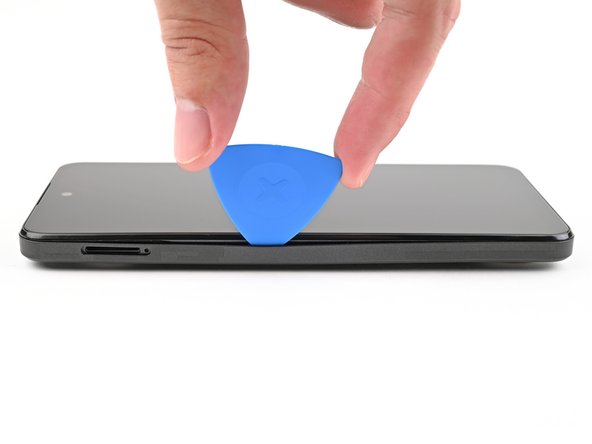
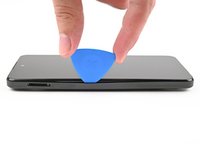
    • Insert the tip of an opening pick between the back cover and frame at the SIM card tray cutout.

  5. HMD Fusion Back Cover Replacement: 步骤 5 中的图像 1,3 HMD Fusion Back Cover Replacement: 步骤 5 中的图像 2,3 HMD Fusion Back Cover Replacement: 步骤 5 中的图像 3,3
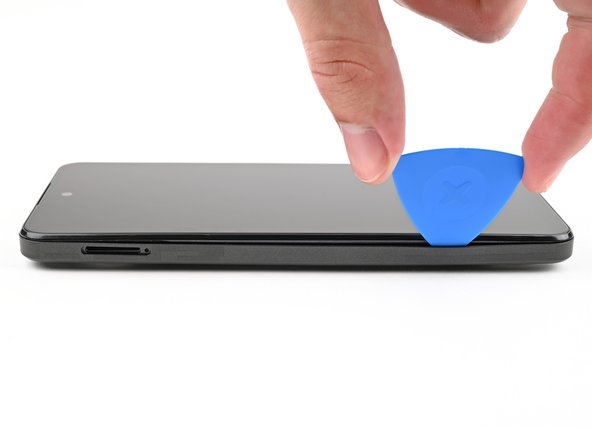
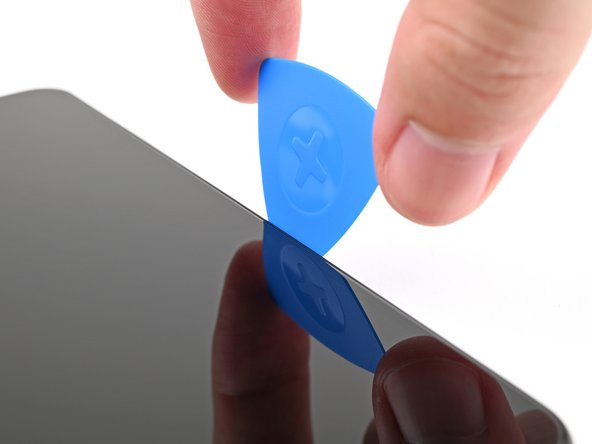
    • Slide the opening pick along the left edge to begin unclipping the back cover.

  6. HMD Fusion Back Cover Replacement: 步骤 6 中的图像 1,3 HMD Fusion Back Cover Replacement: 步骤 6 中的图像 2,3 HMD Fusion Back Cover Replacement: 步骤 6 中的图像 3,3
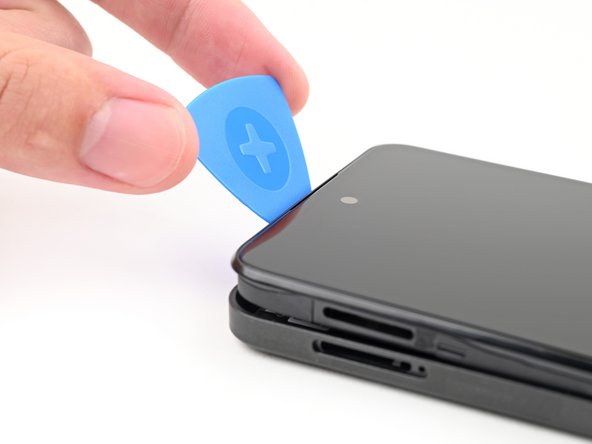
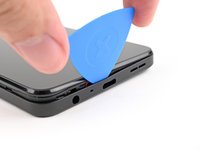
    • Continue sliding the pick around the perimeter of your phone until the back cover is fully unclipped.

    • The corners can be tricky to unclip and may take some force. If you're having trouble, try prying up with the pick.

    • Don't try to fully remove the cover yet, as it's still connected by a delicate cable.

  7. HMD Fusion Back Cover Replacement: 步骤 7 中的图像 1,3 HMD Fusion Back Cover Replacement: 步骤 7 中的图像 2,3 HMD Fusion Back Cover Replacement: 步骤 7 中的图像 3,3
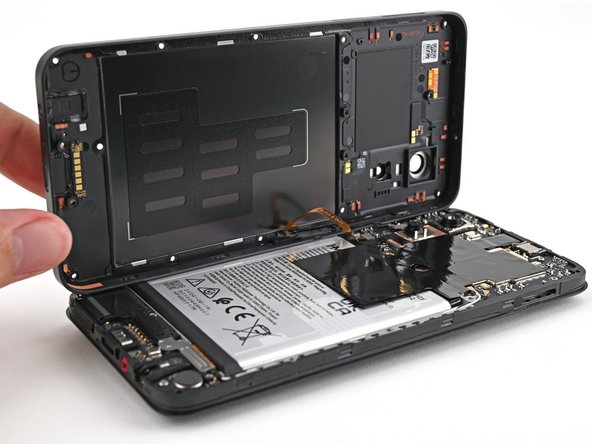
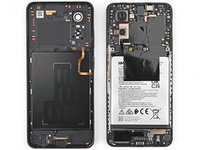
    • Carefully flip your phone over so the back cover is facing up.

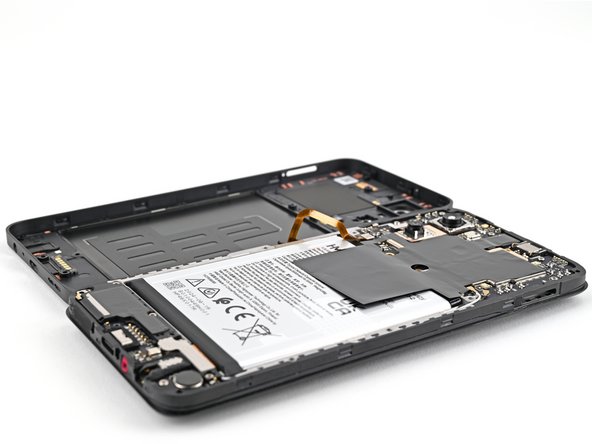
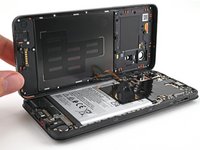
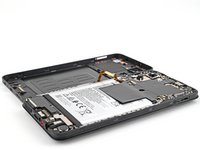
    • Lift the back cover off the frame and flip it over the left edge of your phone, laying the cover flat on your work surface.

    • Be very careful not to strain the back cover's delicate cable.

    • During reassembly, place the back cover onto the frame and firmly press around the perimeter to reengage all the clips.

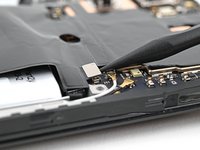
  8. HMD Fusion Back Cover Replacement, Disconnect the battery: 步骤 8 中的图像 1,3 HMD Fusion Back Cover Replacement, Disconnect the battery: 步骤 8 中的图像 2,3 HMD Fusion Back Cover Replacement, Disconnect the battery: 步骤 8 中的图像 3,3
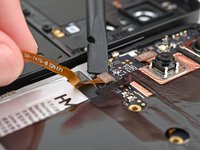
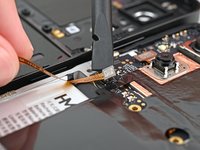
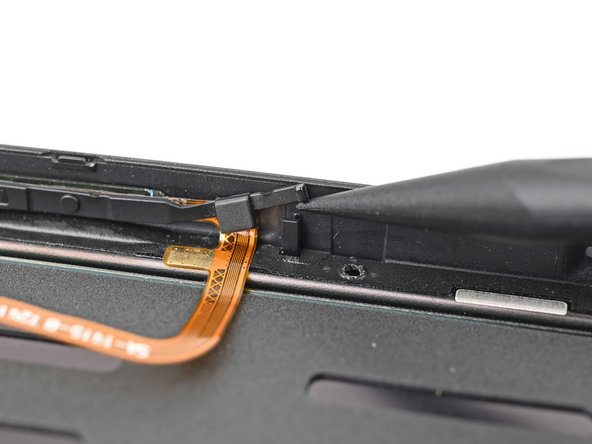
  9. HMD Fusion Back Cover Replacement, Disconnect the power button: 步骤 9 中的图像 1,3 HMD Fusion Back Cover Replacement, Disconnect the power button: 步骤 9 中的图像 2,3 HMD Fusion Back Cover Replacement, Disconnect the power button: 步骤 9 中的图像 3,3
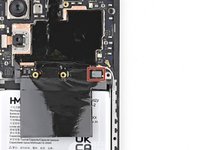
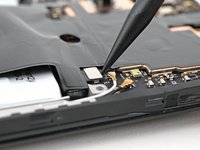
    • Use a spudger to pry up and disconnect the power button press connector.

    • Remove the back cover.

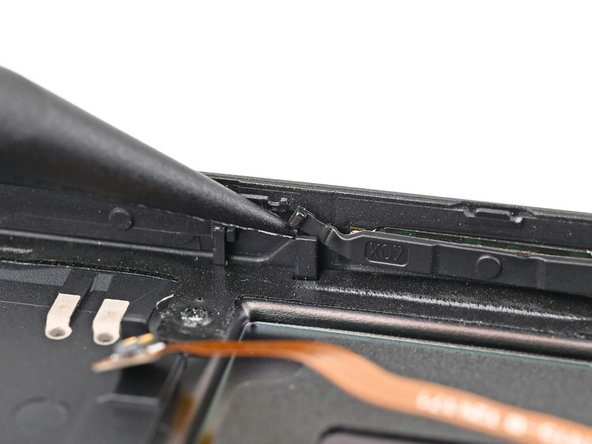
  10. HMD Fusion Back Cover Replacement, Remove the power button: 步骤 10 中的图像 1,3 HMD Fusion Back Cover Replacement, Remove the power button: 步骤 10 中的图像 2,3 HMD Fusion Back Cover Replacement, Remove the power button: 步骤 10 中的图像 3,3
    • If your replacement back cover doesn't come with a power button pre-installed, follow the next two steps to remove and transfer it.

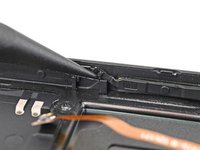
    • Use the tip of a spudger to lift the two rubber arms securing the power button out of their slots in the back cover.

  11. HMD Fusion Back Cover Replacement: 步骤 11 中的图像 1,1
    • Lift the power button out of the recess in the back cover and remove it.

结论

To reassemble your device, follow these instructions in reverse order.

Take your e-waste to an R2 or e-Stewards certified recycler.

Repair didn’t go as planned? Try some basic troubleshooting, or ask our Answers community for help.

Alex Diaz-Kokaisl

于01/16/22注册

215,973 声望

创作了1,047篇指南

团队

iFixit iFixit 的会员

Staff

123 名成员

创作了23,842篇指南

0指南评论

添加评论

浏览统计数据:

过去 24 小时: 1

过去 7 天: 18

过去 30 天: 64

总计 1,627