跳转到主内容
加入维修社区 - 创建账户

GoPro Hero4 Black Lens Replacement

你所需要的

    1. GoPro Hero4 Black Lens Replacement, Midframe Housing: 步骤 1 中的图像 1,3 GoPro Hero4 Black Lens Replacement, Midframe Housing: 步骤 1 中的图像 2,3 GoPro Hero4 Black Lens Replacement, Midframe Housing: 步骤 1 中的图像 3,3
      在这个步骤中使用的工具:
      Tweezers
      $4.99
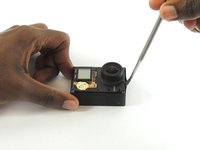
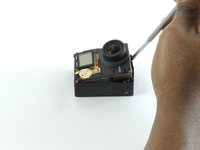
      • Remove the faceplate by carefully prying around the edge using a plastic opening tool. Loosen the clips on the edge, then pull the faceplate off.

      • Use the tweezers to lift the faceplate from the rest of the device.

      • The power button on the front of the GoPro may pop off. Ensure to align it properly during reassembly.

      询问修复机器人

      添加评论

    2. GoPro Hero4 Black Lens Replacement: 步骤 2 中的图像 1,2 GoPro Hero4 Black Lens Replacement: 步骤 2 中的图像 2,2
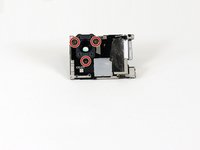
      • Using a #00 Phillips head screwdriver, remove the following screws:

      • One 4.6 mm screw

      • Three 8.2 mm screws

      • Two 6.1 mm screws

      添加评论

    3. GoPro Hero4 Black Lens Replacement: 步骤 3 中的图像 1,2 GoPro Hero4 Black Lens Replacement: 步骤 3 中的图像 2,2
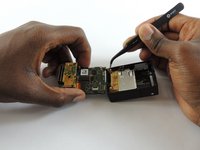
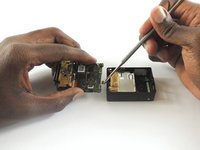
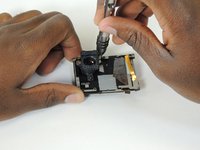
      • Insert a metal spudger between the back plastic housing and the camera board assembly. Working around the edge to be careful of the inner components, carefully remove the camera.

      询问修复机器人

      添加评论

    4. GoPro Hero4 Black Lens Replacement: 步骤 4 中的图像 1,3 GoPro Hero4 Black Lens Replacement: 步骤 4 中的图像 2,3 GoPro Hero4 Black Lens Replacement: 步骤 4 中的图像 3,3
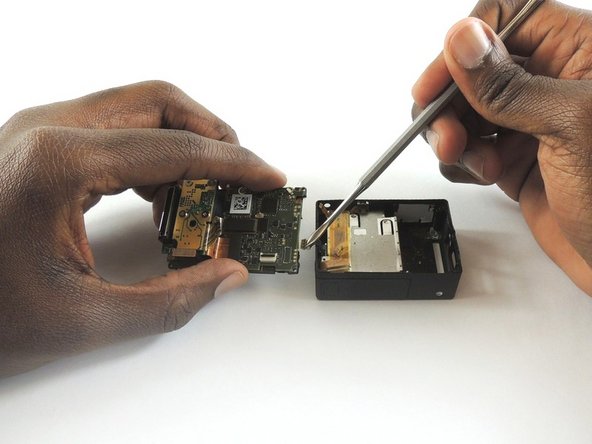
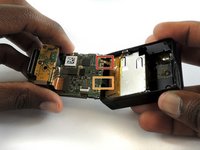
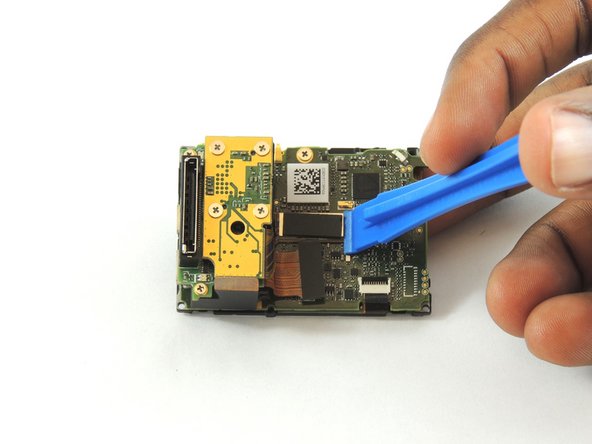
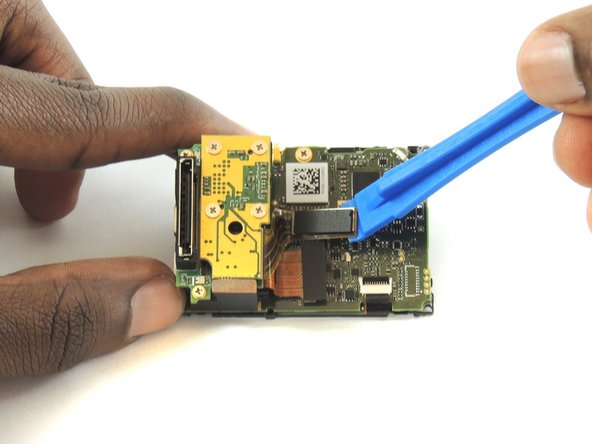
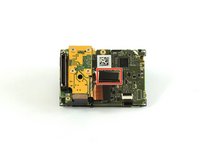
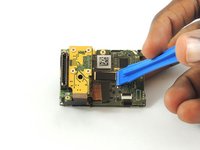
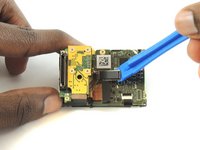
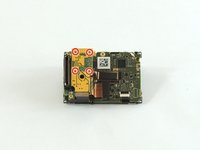
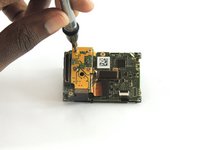
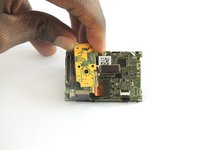
      • Using tweezers, remove the ribbon strip by pulling on it. This will remove the connection.

      • Push down on the three wires with the metal spudger and the clip will disconnect from the motherboard.

      • The clip must be pulled up and away from the motherboard. Attempting to slide it out will damage the clip.

      • During reassembly, remove the black tape on the ribbon cable, turn the camera upside down so you can see the port, and reinsert the cable with tweezers. It's a lot easier!

      添加评论

    1. GoPro Hero4 Black Lens Replacement, Camera Sensor: 步骤 5 中的图像 1,3 GoPro Hero4 Black Lens Replacement, Camera Sensor: 步骤 5 中的图像 2,3 GoPro Hero4 Black Lens Replacement, Camera Sensor: 步骤 5 中的图像 3,3
      • Using a plastic opening tool, separate the camera sensor's connector from the motherboard.

      询问修复机器人

      添加评论

    2. GoPro Hero4 Black Lens Replacement: 步骤 6 中的图像 1,3 GoPro Hero4 Black Lens Replacement: 步骤 6 中的图像 2,3 GoPro Hero4 Black Lens Replacement: 步骤 6 中的图像 3,3
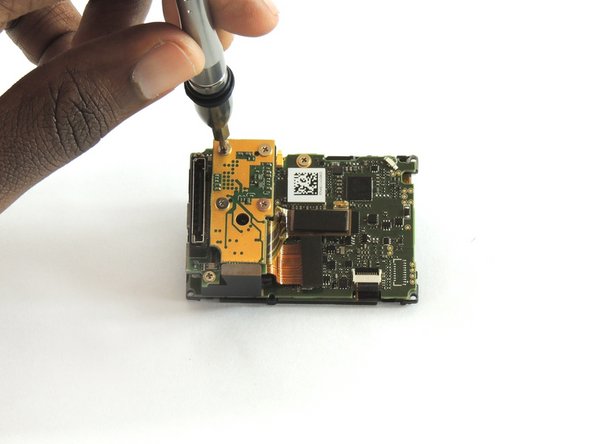
      • Using a #00 Phillips head screwdriver, remove the four 3.0mm screws holding the camera sensor.

      添加评论

    1. GoPro Hero4 Black Lens Replacement, Lens: 步骤 7 中的图像 1,2 GoPro Hero4 Black Lens Replacement, Lens: 步骤 7 中的图像 2,2
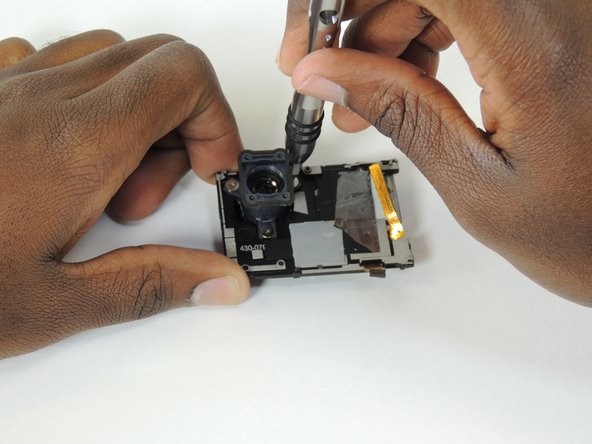
      • Using a #00 Phillips head screwdriver, remove the following screws:

      • Three 2 mm screw

      询问修复机器人

      添加评论

    2. GoPro Hero4 Black Lens Replacement: 步骤 8 中的图像 1,1
      • Lift the lens from the front housing.

      询问修复机器人

      添加评论

结论

To reassemble your device, follow these instructions in reverse order.

取消:我没有完成这个指南。

5等其他人完成本指南。

团队

USF Tampa, Team S2-G1, Sullivan Spring 2017 USF Tampa, Team S2-G1, Sullivan Spring 2017 的会员

USFT-SULLIVAN-S17S2G1

4 名成员

创作了12篇指南

1指南评论

Between step 6 and step 7, you skipped a really important step…

Matthew Mulholland - 回复 分享

添加评论

浏览统计数据:

过去 24 小时: 0

过去 7 天: 6

过去 30 天: 39

总计 5,106