跳转到主内容
加入维修社区 - 创建账户

Gateway MA6 Laptop RAM Replacement

你所需要的

  1. Gateway MA6 Laptop RAM Replacement, Battery: 步骤 1 中的图像 1,1
    • To prevent injury, make sure the laptop is unplugged before removing the battery.

    • Make sure the switch in the upper right corner of the laptop is switched to the "unlock" position (toward the unlocked padlock icon).

    询问修复机器人

    添加评论

  2. Gateway MA6 Laptop RAM Replacement: 步骤 2 中的图像 1,3 Gateway MA6 Laptop RAM Replacement: 步骤 2 中的图像 2,3 Gateway MA6 Laptop RAM Replacement: 步骤 2 中的图像 3,3
    • Pull the switch on the upper lefthand corner of the laptop towards the unlocked padlock icon.

    • Firmly pull the battery outwards and away from the laptop.

    询问修复机器人

    添加评论

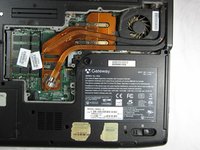
  3. Gateway MA6 Laptop RAM Replacement, RAM: 步骤 3 中的图像 1,2 Gateway MA6 Laptop RAM Replacement, RAM: 步骤 3 中的图像 2,2
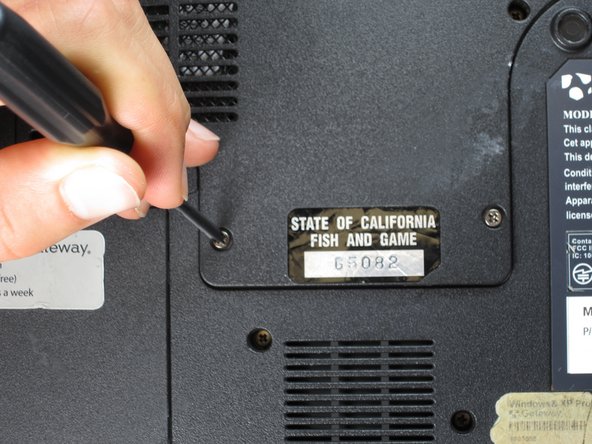
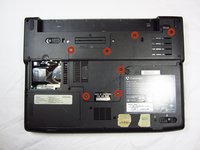
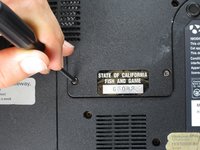
    • Remove the seven 6 mm Phillips #0 screws from the back of the case.

    • Leave all the screws in the back plate and so you don't lose them.

    询问修复机器人

    添加评论

  4. Gateway MA6 Laptop RAM Replacement: 步骤 4 中的图像 1,2 Gateway MA6 Laptop RAM Replacement: 步骤 4 中的图像 2,2
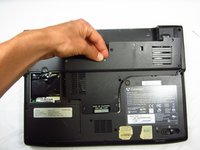
    • Pull upwards on the top of the back cover to remove it.

    询问修复机器人

    添加评论

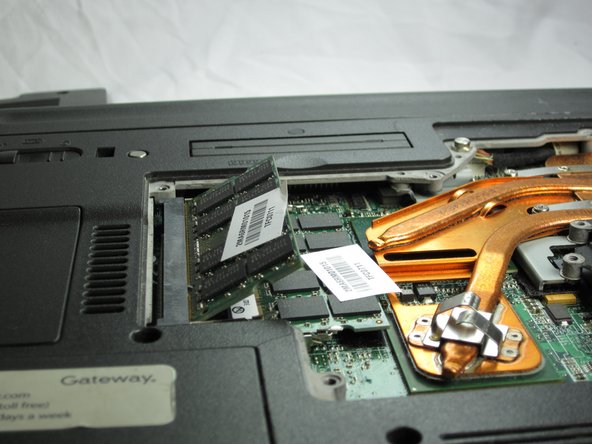
  5. Gateway MA6 Laptop RAM Replacement: 步骤 5 中的图像 1,3 Gateway MA6 Laptop RAM Replacement: 步骤 5 中的图像 2,3 Gateway MA6 Laptop RAM Replacement: 步骤 5 中的图像 3,3
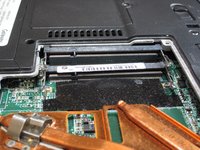
    • Pull outwards on the silver metal pins to release the upper RAM module.

    • The module will automatically lift up 30° after it has been released.

    询问修复机器人

    添加评论

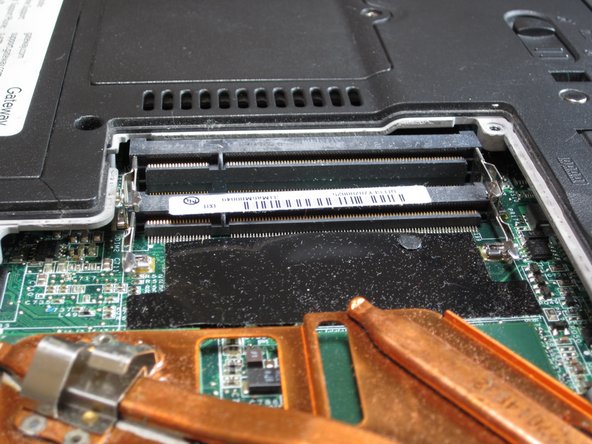
  6. Gateway MA6 Laptop RAM Replacement: 步骤 6 中的图像 1,2 Gateway MA6 Laptop RAM Replacement: 步骤 6 中的图像 2,2
    • Firmly grasp the outer portion of the RAM module, and pull it outward to remove it from the port.

    • Repeat the same process for the lower RAM module.

    询问修复机器人

    添加评论

结论

To reassemble your device, follow these instructions in reverse order.

取消:我没有完成这个指南。

团队

Cal Poly, Team 6-2, Forte Spring 2014 Cal Poly, Team 6-2, Forte Spring 2014 的会员

CPSU-FORTE-S14S6G2

5 名成员

创作了20篇指南

0指南评论

添加评论

浏览统计数据:

过去 24 小时: 1

过去 7 天: 9

过去 30 天: 32

总计 1,521