跳转到主内容

Gateway 600YGR RAM Replacement

你所需要的

  1. Gateway 600YGR RAM  Replacement, RAM: 步骤 1 中的图像 1,2 Gateway 600YGR RAM  Replacement, RAM: 步骤 1 中的图像 2,2
    • Flip the computer over so that the bottom of your device is face up.

  2. Gateway 600YGR RAM  Replacement: 步骤 2 中的图像 1,3 Gateway 600YGR RAM  Replacement: 步骤 2 中的图像 2,3 Gateway 600YGR RAM  Replacement: 步骤 2 中的图像 3,3
    • Use a Philips head screwdriver and the PH1 bit to remove the indicated 5.35mm screw.

    • Remove the cover panel.

  3. Gateway 600YGR RAM  Replacement: 步骤 3 中的图像 1,3 Gateway 600YGR RAM  Replacement: 步骤 3 中的图像 2,3 Gateway 600YGR RAM  Replacement: 步骤 3 中的图像 3,3
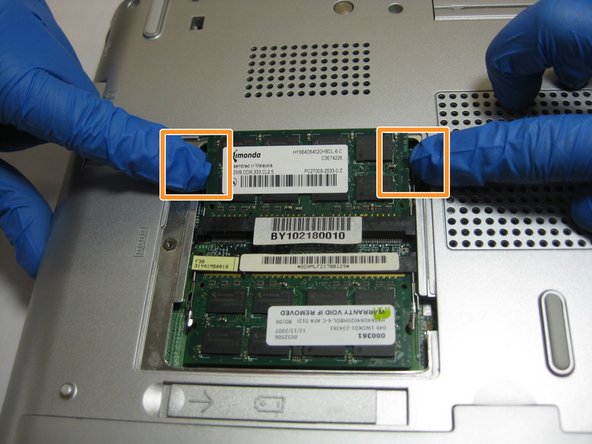
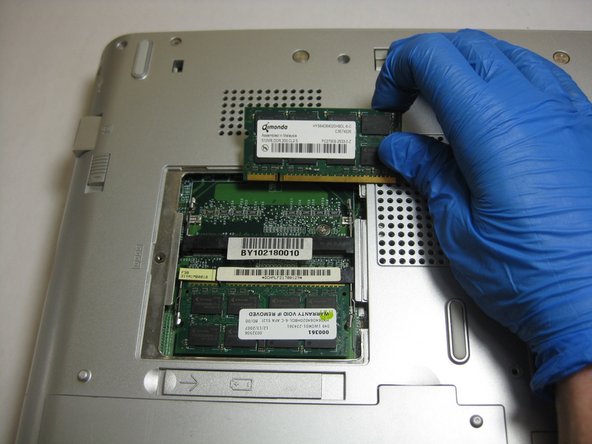
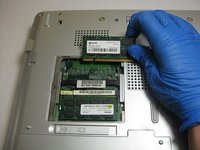
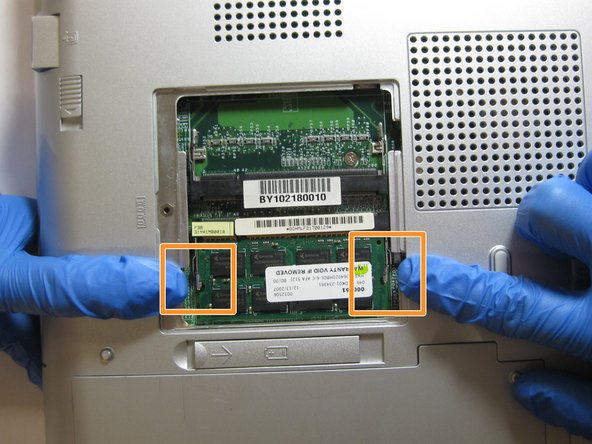
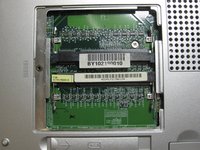
    • Locate the indicated tabs on the edges of the top RAM board.

    • Pull the tabs outward and the RAM board will release.

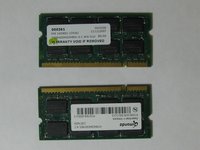
    • Remove the RAM board.

  4. Gateway 600YGR RAM  Replacement: 步骤 4 中的图像 1,2 Gateway 600YGR RAM  Replacement: 步骤 4 中的图像 2,2
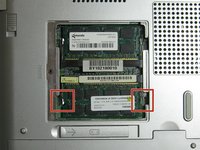
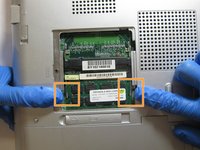
    • Locate the indicated tabs on the edges of the bottom RAM board.

    • Pull the tabs outward.

    • Remove the RAM board.

  5. Gateway 600YGR RAM  Replacement: 步骤 5 中的图像 1,2 Gateway 600YGR RAM  Replacement: 步骤 5 中的图像 2,2
    • You have now successfully removed the RAM boards.

结论

To reassemble your device, follow these instructions in reverse order.

0指南评论

添加评论

浏览统计数据:

过去 24 小时: 0

过去 7 天: 1

过去 30 天: 7

总计 289