简介
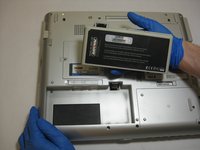
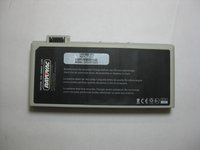
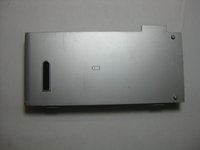
This guide provides the step by step directions for removing and replacing the battery for a Gateway 600YGR. There are no prerequisite guides that need to be completed in order to use this guide. No tools are required to complete this guide.
你所需要的


 询问修复机器人


结论
To reassemble your device, follow these instructions in reverse order.
另外一个人完成了本指南。

团队

The Citadel Military College of South Carolina, Team S2-G7, Eggleston Spring 2019 The Citadel Military College of South Carolina, Team S2-G7, Eggleston Spring 2019 的会员
CMCSC-EGGLESTON-S19S2G7
3 名成员
创作了18篇指南
