此翻译由机器生成,尚未经过人工审核。 会说这种语言吗? 查看评论。
简介
如果你的 Garmin Rino GPS 设备屏幕破碎、触摸失灵或液晶显示图像失真,本指南将带你完成屏幕更换,让设备恢复正常工作。
你所需要的
-
-
-
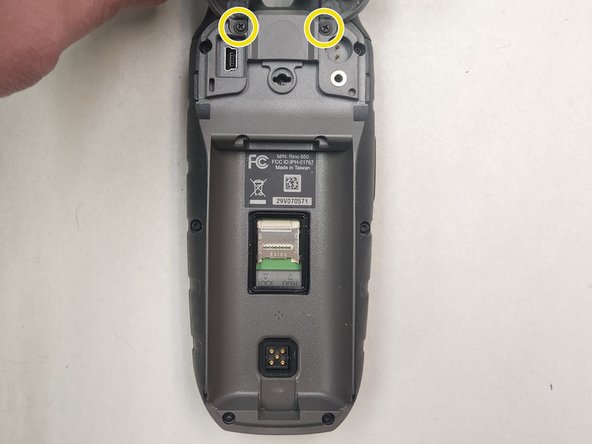
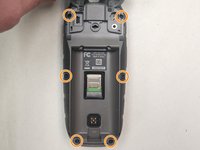
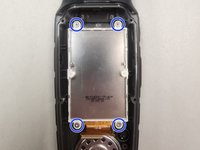
中框边缘周围共有 6 颗 T6 螺丝。其中 2 颗在外部,2 颗在电池下方,最后 2 颗在设备顶部的抗水硅胶盖板下方。
-
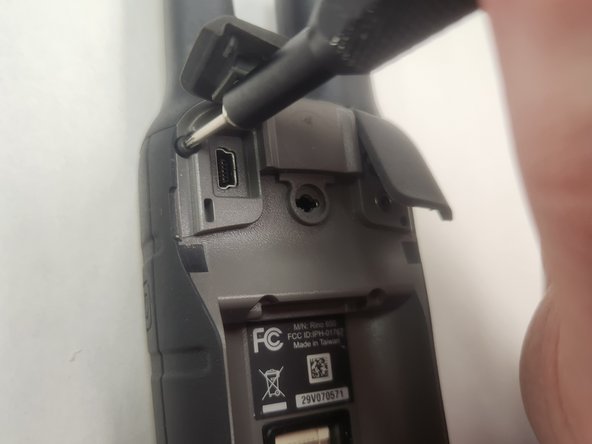
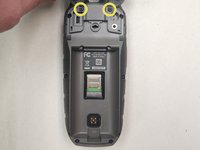
请注意此处的 2 颗十字螺丝。它们是 PH1 规格,用于将硅胶盖板固定在外壳上。你可以将它们拆下以方便操作,但这不是必须的。
-
使用 T6 螺丝刀,拧下这 6 颗 T6 螺丝并放在一旁。这些螺丝完全相同,无需分门别类摆放。
-
-
-
-
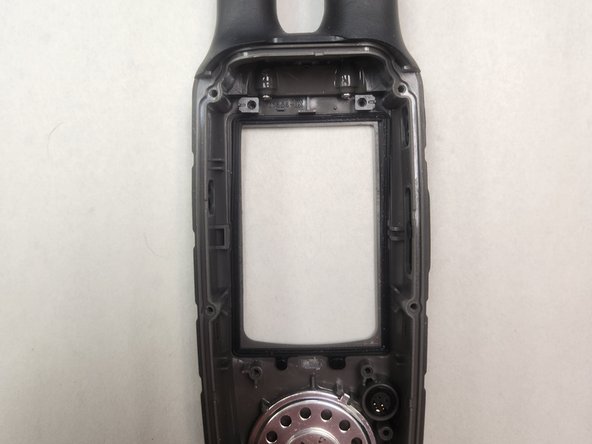
屏幕与中框之间有一个黑色密封垫。拆卸屏幕时请小心,因为该密封垫很容易损坏。
-
如果密封垫脱落,其底部有两个标签,可以紧密地卡在中框的几个凹槽上。密封垫只能以一种方式安装,请勿强行安装。
-
重新组装时,请务必注意对屏幕施加均匀的压力。否则,密封垫可能会滑出,并如图所示错误地卡在屏幕和中框之间。
-
-
-
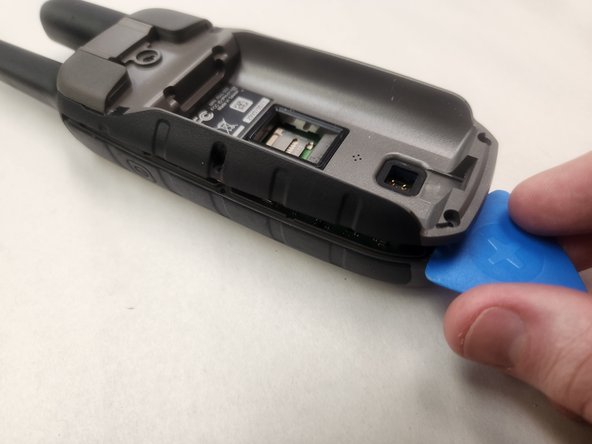
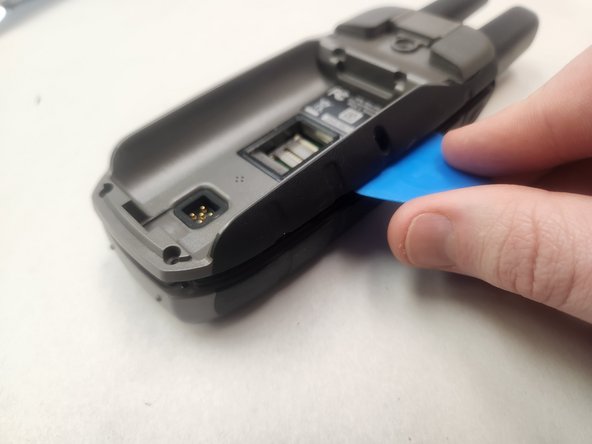
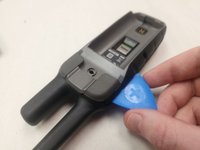
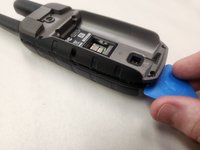
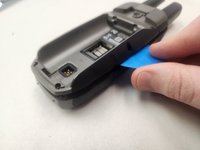
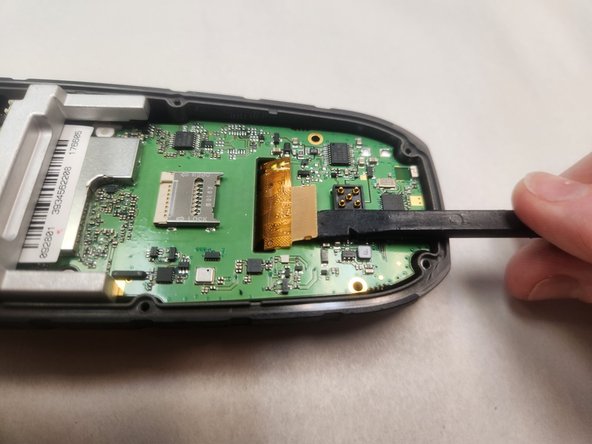
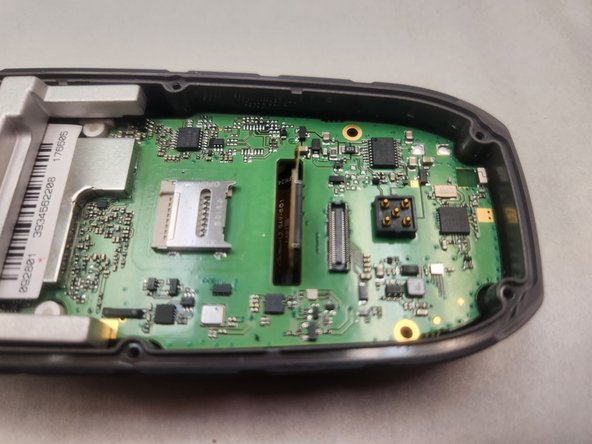
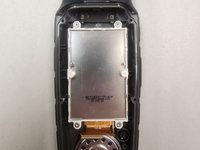
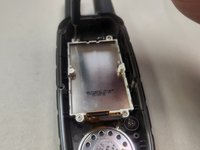
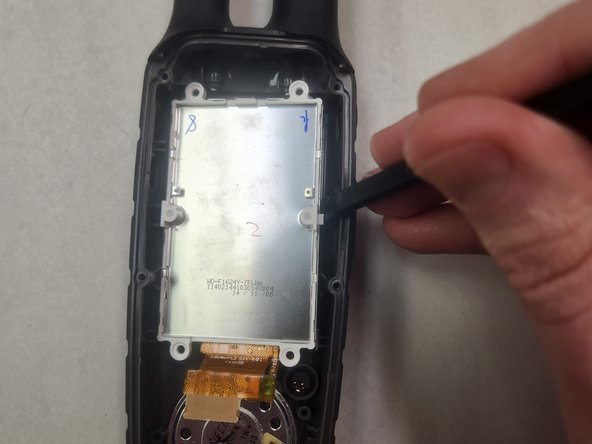
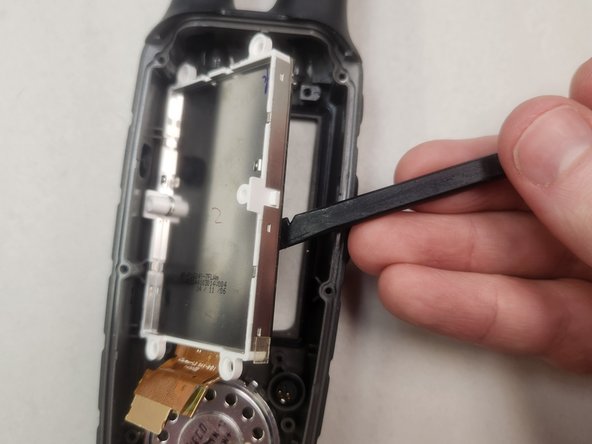
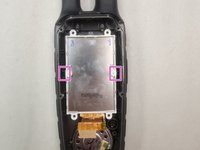
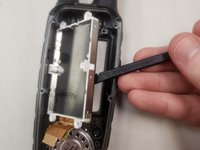
有两个塑料片锁定在中框下方。拆除螺丝后,这些锁定片是固定屏幕的唯一部件。
-
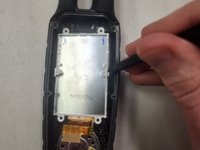
使用撬棒的平坦一端,对着屏幕组件的右侧施加压力并向左推动,以松开右侧的塑料锁定片。
-
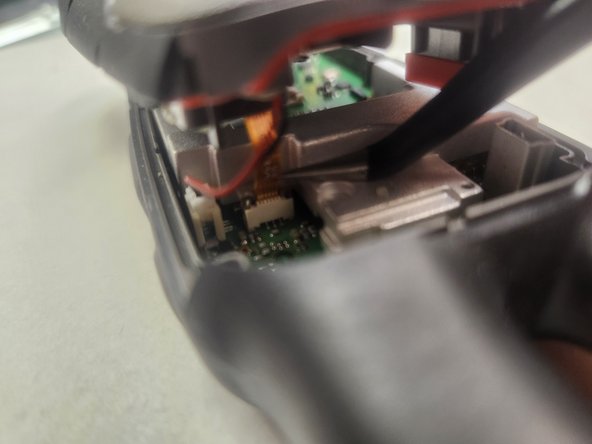
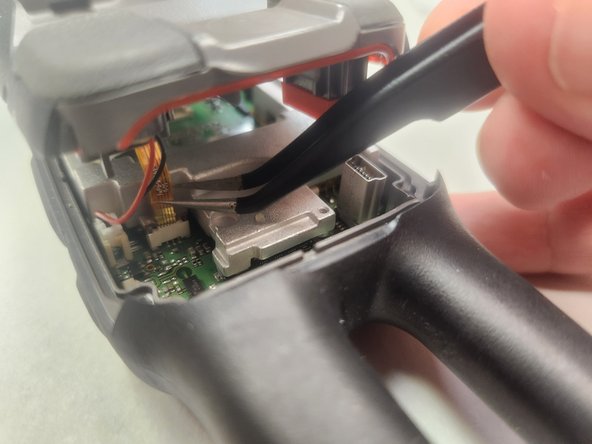
当塑料锁定片脱离中框后,轻轻提起屏幕,它应该很容易就能拆下来。
-

 询问修复机器人


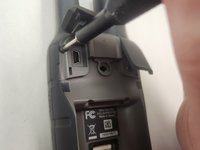



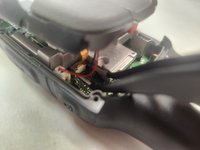
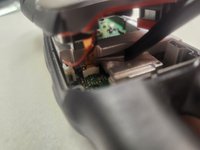
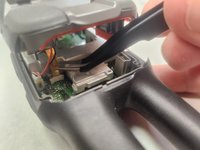

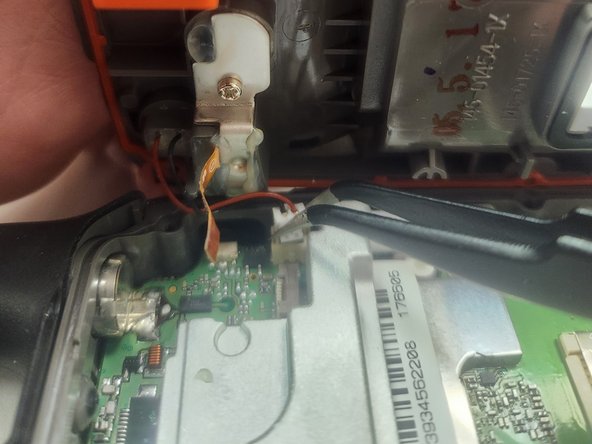
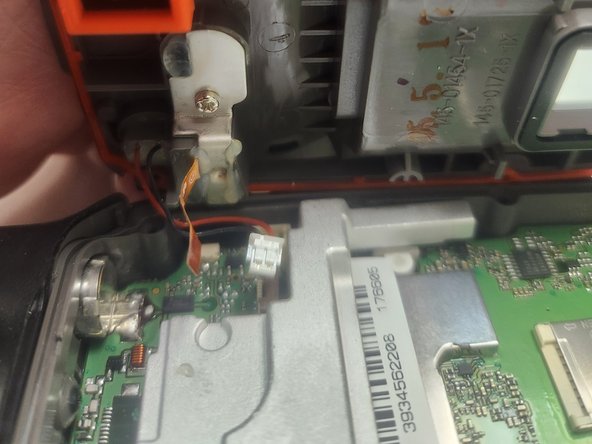


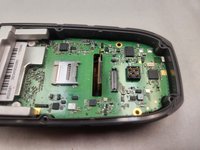

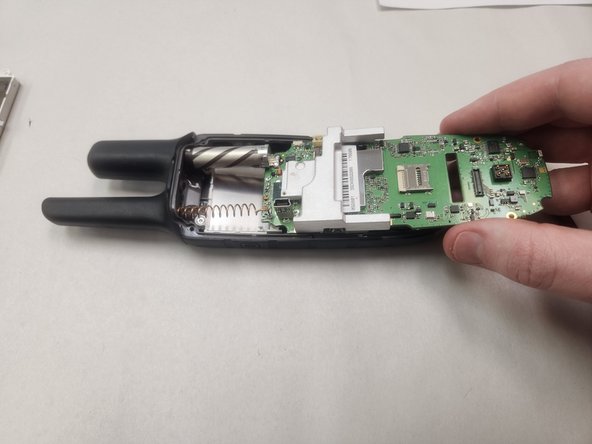
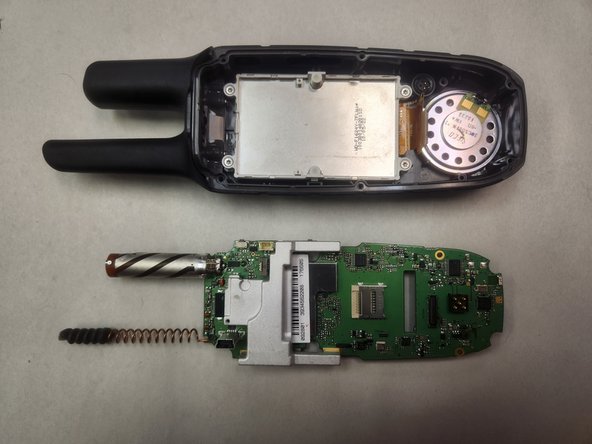
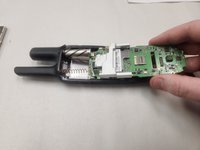
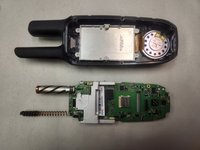

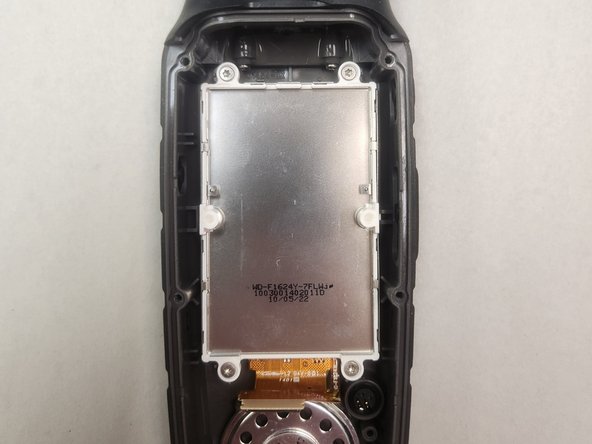
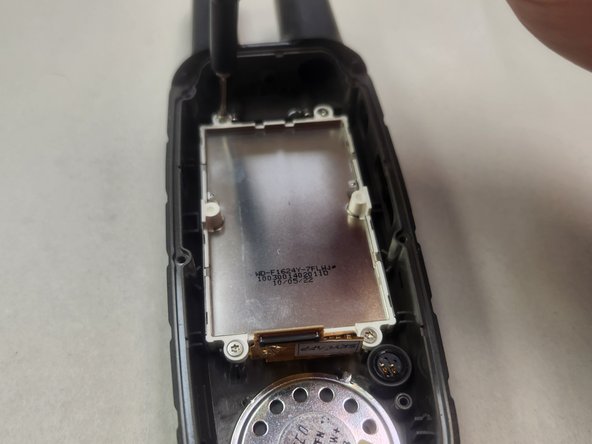

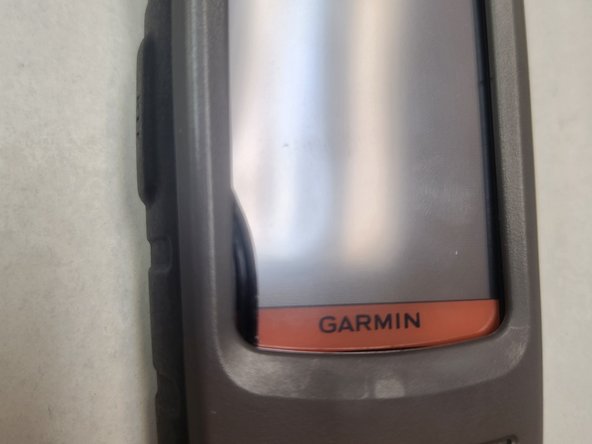
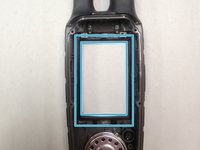
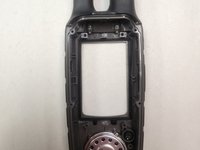


要重新组装设备,请按相反顺序执行这些说明。请特别注意关于耐候密封的相关章节。
3等其他人完成本指南。

12指南评论
Hello..I ordered this screen and followed your procedure all went well👍👍…but turning on the gps the menu icon screen is not fully in the viewing are icon page is off the top and to the left and not fully visible…is this a fault of the screen or something I did or needs to be calibrated..any help would be appreciated
Stan Hawkins - 回复 分享
Hi there Stan. Glad my guide could help.
I am not an expert on these specific devices or associated with Garmin in any way. I simply do a lot of repairs in my shop and when there's no good guide for a device and I have to figure things out on my own, I make the guide to help the next person.
During my repair, no calibration was necessary. I can't offer you an explanation on how to fix that, I am very sorry.
Unfortunately it appears the specific listing I have ordered doesn't link properly. It is this one: https://www.ebay.com/itm/313992288429.
However, there were two different versions of the screen (version A and B). Compare your original screen with the new one you received, and compare it between A and B on that link. Did you get the right one? If i were to hazard a guess I'd suspect the different version has some role and you perhaps got the wrong one leading to this issue.
If you can confirm that I'll add a note to the guide detailing such for future repairs.
Thank you..I will check ,and if the versions are different I will report back..also left a message for the supplier recommended on your site as that is how I found them,and will advise you of any solutions ..thanks again.
Stan Hawkins - 回复 分享
Ok..yes the issue was I ordered the incorrect version.the site I was looking on did not
Mention 2 versions ..I would add to your guide that there are 2 versions part # located on the amber ribbon connector seen in step 9 pictures at bottom..thanks again for your help
Stan Hawkins - 回复 分享
Thank you for the update Stan.
I have added an extra note (step 1) to the guide to try and ensure people do not accidentally run into the same issue you did. I have also changed the part link and it seems to be working properly now.
Glad you were able to get your device working properly again. I hope you have a great day.
