简介
Follow this guide to remove and replace the Display Cover in your Framework Laptop 12.
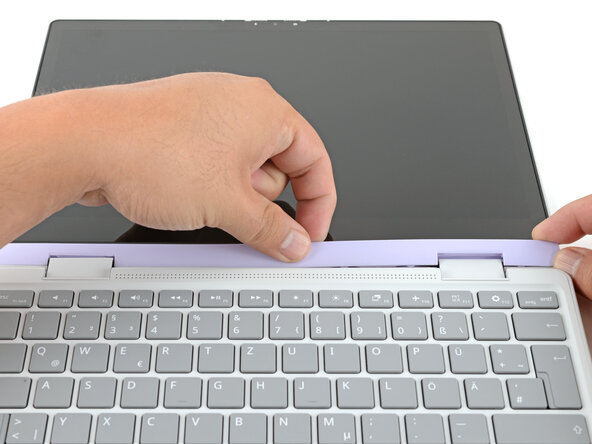
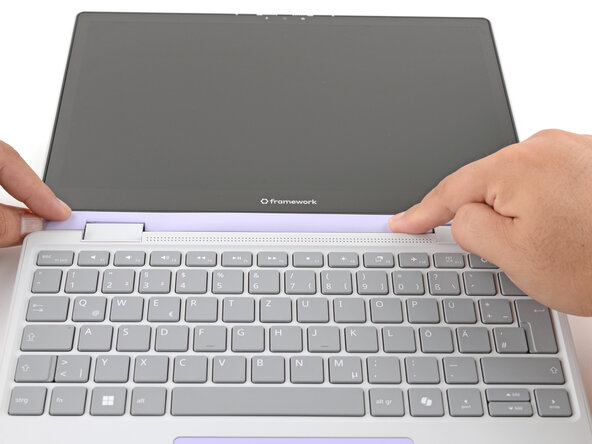
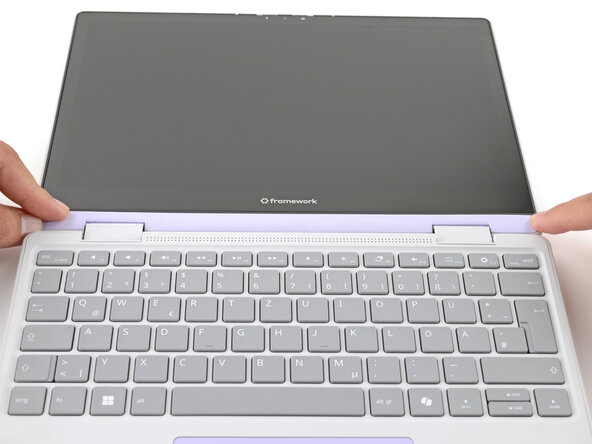
The Display Cover is the plastic bezel strip below the screen. You can easily replace a broken one or swap out a different colored one.
你所需要的
-
-
Open the laptop lid so that both the screen and the base lie flat on your work surface.
-
-
-
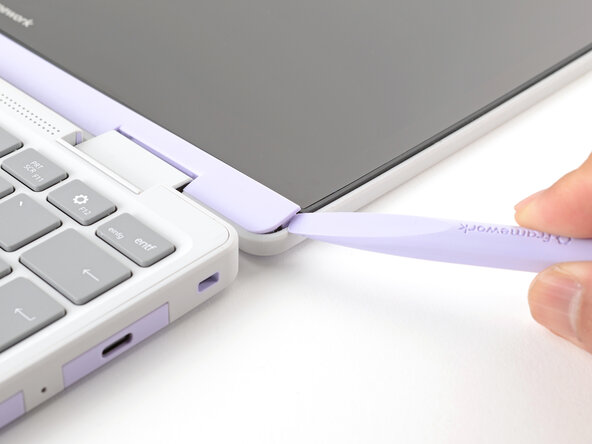
Use the flat end of your Framework Screwdriver to pry up the right edge of the Display Cover.
-
-








结论
You finished fixing your Framework Laptop!
If you need help, contact Framework support.


团队

