简介
If your Epson VS250 projector is having image display issues then this might be the right guide for you. The lamp is essentially the most important component in the projector and without it you wouldn’t be able to display images onto a screen. The Epson VS250 projector has a status light for the lamp and this is useful for indicating that a problem has occurred. It can even warn you if the lamp needs to be replaced ahead of time. This guide will help assist you in replacing the lamp.
你所需要的

 询问修复机器人


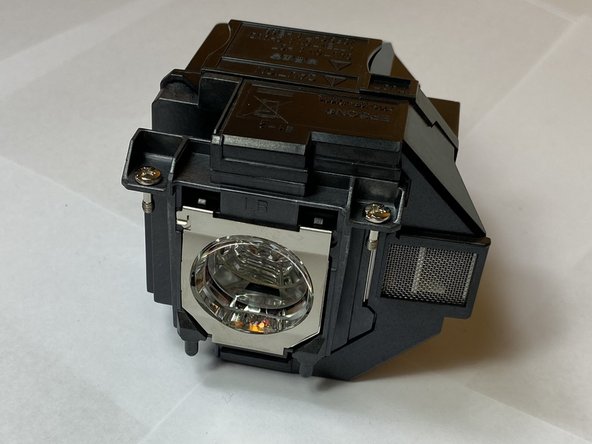


To reassemble your device, follow these instructions in reverse order.
另外一个人完成了本指南。

团队

Clemson, Team 4-2, Hunter Fall 2021 Clemson, Team 4-2, Hunter Fall 2021 的会员
CLEM-HUNTER-F21S4G2
5 名成员
创作了15篇指南
