跳转到主内容

Disassembling Motorola i90c Logic Board

你所需要的

  1. Disassembling Motorola i90c Logic Board, Battery: 步骤 1 中的图像 1,3 Disassembling Motorola i90c Logic Board, Battery: 步骤 1 中的图像 2,3 Disassembling Motorola i90c Logic Board, Battery: 步骤 1 中的图像 3,3
    • Slide the notch downward while pulling the back cover off to remove it.

  2. Disassembling Motorola i90c Logic Board: 步骤 2 中的图像 1,3 Disassembling Motorola i90c Logic Board: 步骤 2 中的图像 2,3 Disassembling Motorola i90c Logic Board: 步骤 2 中的图像 3,3
    • Use your fingers to push the battery upward from the bottom.

    • Lift upwards to remove the battery.

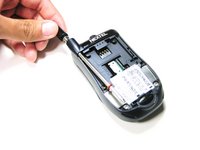
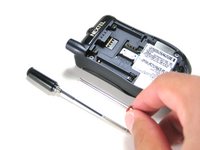
  3. Disassembling Motorola i90c Logic Board, Antenna: 步骤 3 中的图像 1,2 Disassembling Motorola i90c Logic Board, Antenna: 步骤 3 中的图像 2,2
    • Unscrew the antenna in a counter-clockwise fashion.

    • Remove the aluminum cover.

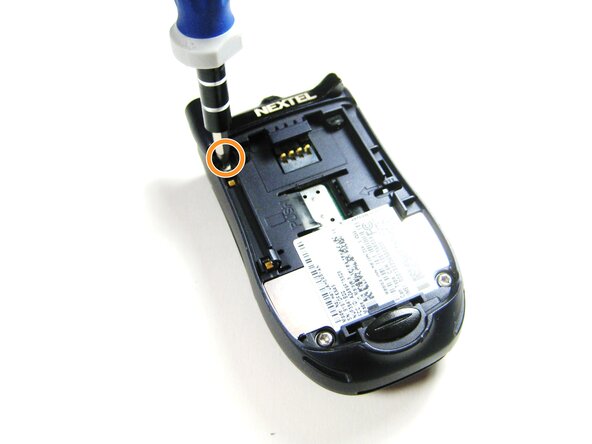
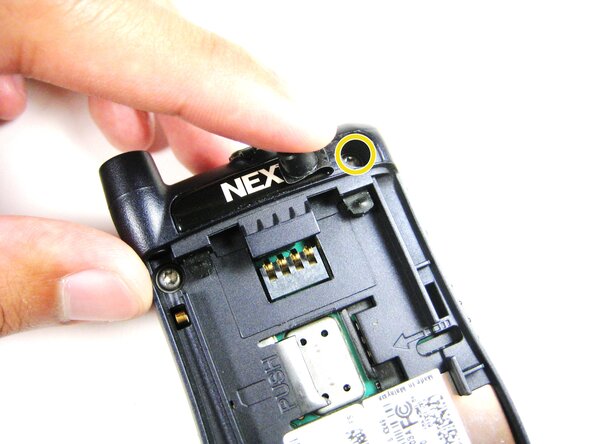
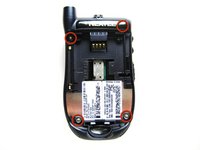
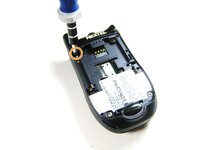
  4. Disassembling Motorola i90c Logic Board, Midframe: 步骤 4 中的图像 1,3 Disassembling Motorola i90c Logic Board, Midframe: 步骤 4 中的图像 2,3 Disassembling Motorola i90c Logic Board, Midframe: 步骤 4 中的图像 3,3
    • Unscrew the 3 screws shown.

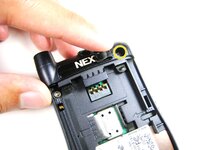
    • Lift the right part of the Nextel logo

    • Remove the screw underneath.

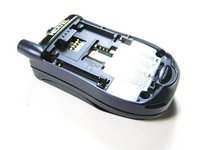
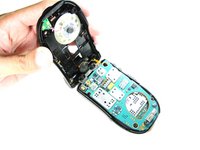
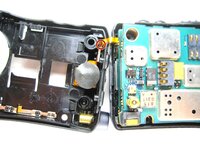
  5. Disassembling Motorola i90c Logic Board: 步骤 5 中的图像 1,2 Disassembling Motorola i90c Logic Board: 步骤 5 中的图像 2,2
    • Forcing the cover off could damage the ribbon cable, so be careful when doing so.

    • Gently lift the back cover off.

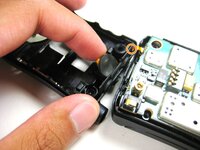
  6. Disassembling Motorola i90c Logic Board: 步骤 6 中的图像 1,3 Disassembling Motorola i90c Logic Board: 步骤 6 中的图像 2,3 Disassembling Motorola i90c Logic Board: 步骤 6 中的图像 3,3
    • Find the connection between the headphone jack and logic board.

    • Begin separating the two pieces, slowly and carefully.

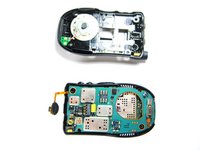
  7. Disassembling Motorola i90c Logic Board, Logic Board: 步骤 7 中的图像 1,2 Disassembling Motorola i90c Logic Board, Logic Board: 步骤 7 中的图像 2,2
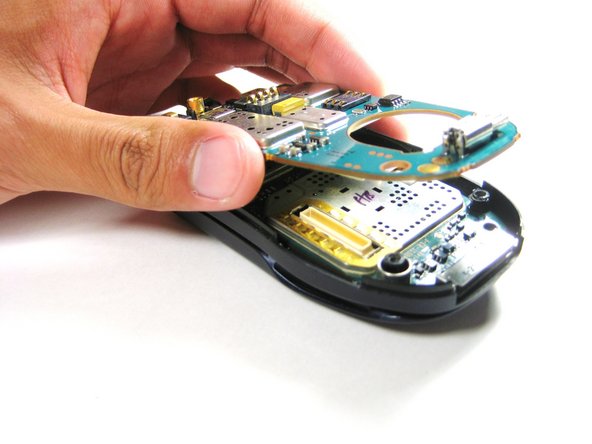
    • Lift the first logic board off of the rest of the device.

  8. Disassembling Motorola i90c Logic Board: 步骤 8 中的图像 1,1
    • Gently lift the second logic board from the rest of the device.

    • DO NOT force the board straight off as it could damage the ribbon cable!

  9. Disassembling Motorola i90c Logic Board: 步骤 9 中的图像 1,2 Disassembling Motorola i90c Logic Board: 步骤 9 中的图像 2,2
    在这个步骤中使用的工具:
    Tweezers
    $4.99
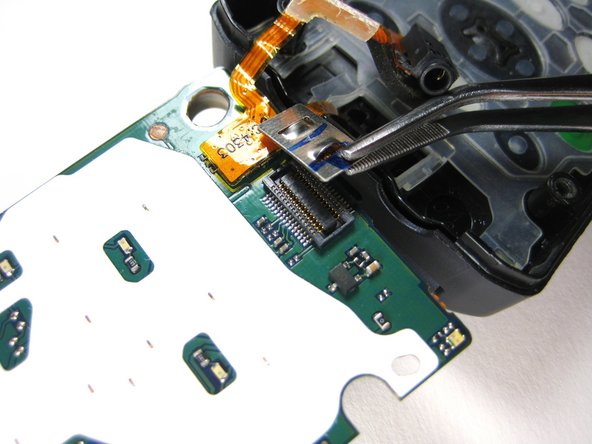
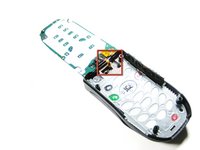
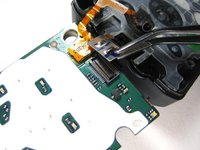
    • Using tweezers, carefully pull off the connector shown.

结论

To reassemble your device, follow these instructions in reverse order.

团队

Cal Poly, Team 29-61, Johann Spring 2010 Cal Poly, Team 29-61, Johann Spring 2010 的会员

CPSU-JOHANN-S10S29G61

4 名成员

创作了6篇指南

0指南评论

添加评论

浏览统计数据:

过去 24 小时: 0

过去 7 天: 2

过去 30 天: 7

总计 1,055