跳转到主内容
加入维修社区 - 创建账户

Disassembling Microtek ScanMaker 5900 Outer Scanner Chassis

你所需要的

    1. Disassembling Microtek ScanMaker 5900 Outer Scanner Chassis, Remove serial port connection: 步骤 1 中的图像 1,3 Disassembling Microtek ScanMaker 5900 Outer Scanner Chassis, Remove serial port connection: 步骤 1 中的图像 2,3 Disassembling Microtek ScanMaker 5900 Outer Scanner Chassis, Remove serial port connection: 步骤 1 中的图像 3,3
      • Loosen the screws on the serial port by turning them counter clockwise by hand.

      • After loosening the screws, pull the serial port out.

      询问修复机器人

      添加评论

    2. Disassembling Microtek ScanMaker 5900 Outer Scanner Chassis, Remove Lid: 步骤 2 中的图像 1,3 Disassembling Microtek ScanMaker 5900 Outer Scanner Chassis, Remove Lid: 步骤 2 中的图像 2,3 Disassembling Microtek ScanMaker 5900 Outer Scanner Chassis, Remove Lid: 步骤 2 中的图像 3,3
      • Lift lid to its vertical position.

      • Pull lid straight up to remove it from the scanner.

      询问修复机器人

      添加评论

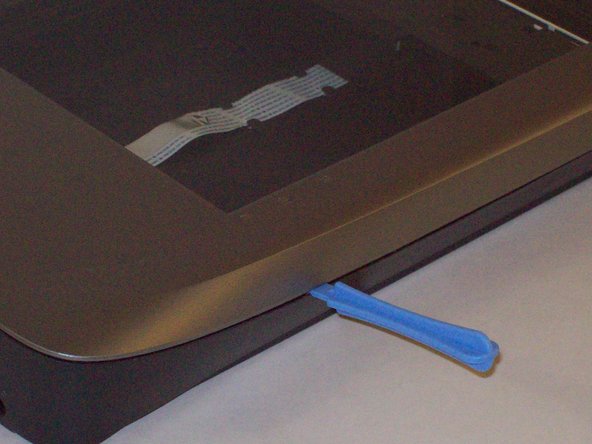
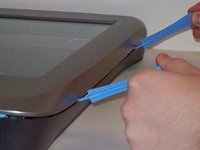
    1. Disassembling Microtek ScanMaker 5900 Outer Scanner Chassis, Detach plastic latches: 步骤 3 中的图像 1,3 Disassembling Microtek ScanMaker 5900 Outer Scanner Chassis, Detach plastic latches: 步骤 3 中的图像 2,3 Disassembling Microtek ScanMaker 5900 Outer Scanner Chassis, Detach plastic latches: 步骤 3 中的图像 3,3
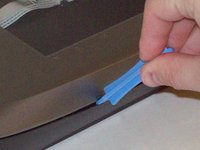
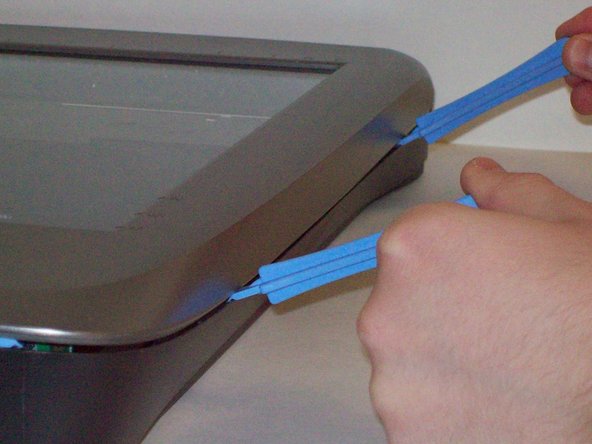
      • Push the plastic opening tools into the crack between the top and the bottom of the chassis.

      询问修复机器人

      添加评论

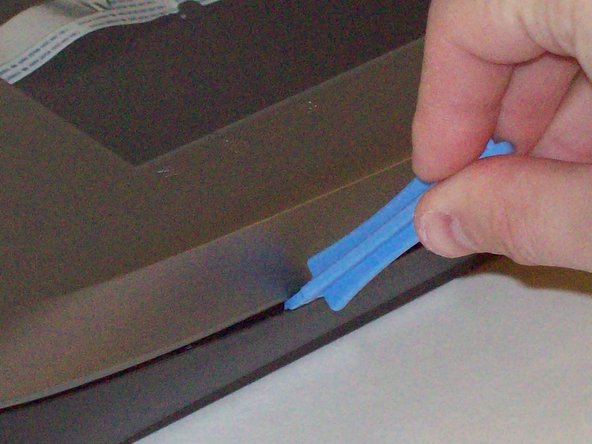
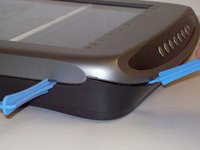
    2. Disassembling Microtek ScanMaker 5900 Outer Scanner Chassis, Continue latch detachment: 步骤 4 中的图像 1,3 Disassembling Microtek ScanMaker 5900 Outer Scanner Chassis, Continue latch detachment: 步骤 4 中的图像 2,3 Disassembling Microtek ScanMaker 5900 Outer Scanner Chassis, Continue latch detachment: 步骤 4 中的图像 3,3
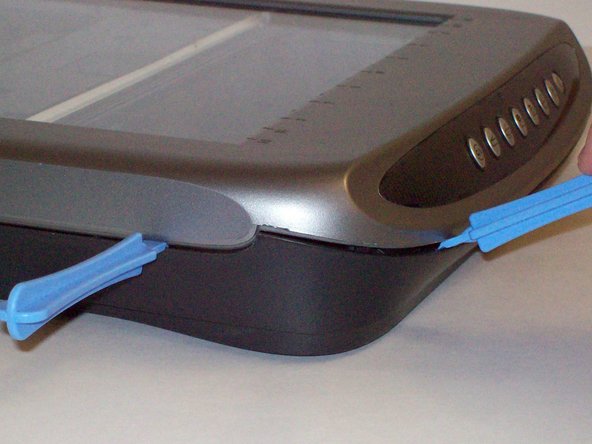
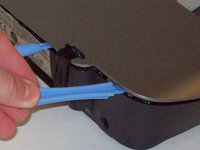
      • After placing one plastic opening tool into the slit, slide other plastic opening tools along the slit to detach the top from the bottom of the chassis.

      • Go all the way along the chassis until you can lift the upper lid.

      询问修复机器人

      添加评论

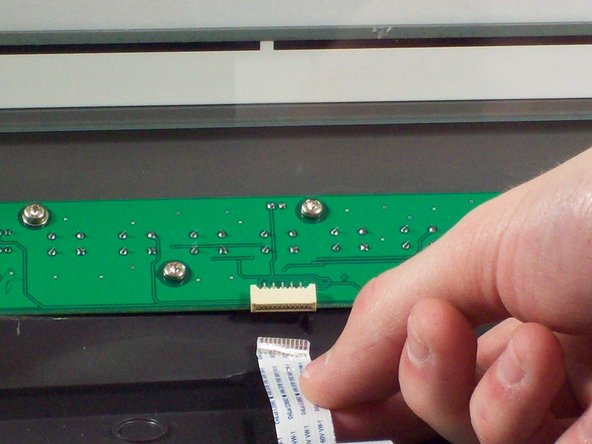
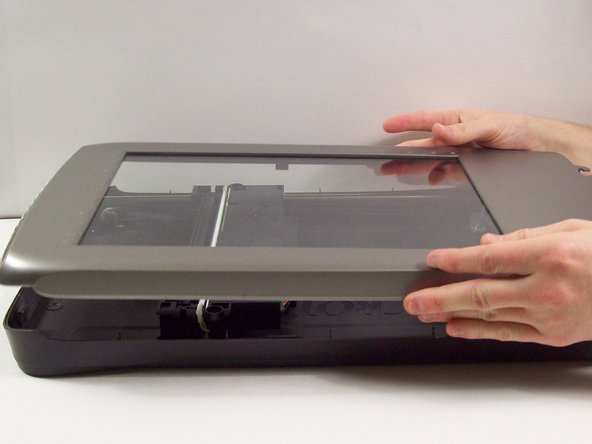
    3. Disassembling Microtek ScanMaker 5900 Outer Scanner Chassis, Fully remove the upper lid: 步骤 5 中的图像 1,3 Disassembling Microtek ScanMaker 5900 Outer Scanner Chassis, Fully remove the upper lid: 步骤 5 中的图像 2,3 Disassembling Microtek ScanMaker 5900 Outer Scanner Chassis, Fully remove the upper lid: 步骤 5 中的图像 3,3
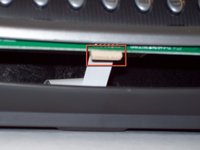
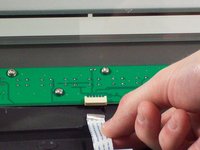
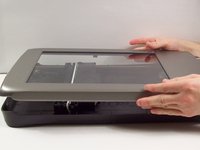
      • Do not fully remove the lid until you remove the ribbon cable attached to the front of the upper lid.

      • Do this by grabbing the upper lid from the sides and rotating it ninety degrees so it is perpendicular to the bottom lid.

      • Grab the ribbon cable and gently pull it out of its slot with your fingers.

      • The upper lid can now safely be removed from the bottom lid.

      询问修复机器人

      添加评论

结论

To reassemble your device, follow these instructions in reverse order.

取消:我没有完成这个指南。

团队

Cal Poly, Team 6-9, Regan Fall 2011 Cal Poly, Team 6-9, Regan Fall 2011 的会员

CPSU-REGAN-F11S6G9

2 名成员

创作了22篇指南

0指南评论

添加评论

浏览统计数据:

过去 24 小时: 1

过去 7 天: 9

过去 30 天: 31

总计 2,437