跳转到主内容
加入维修社区 - 创建账户

Delphi MyFi XM2GO Motherboard Replacement

你所需要的

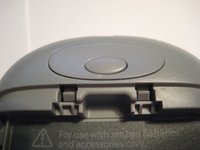
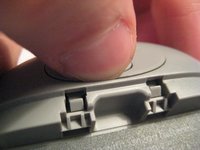
  1. Delphi MyFi XM2GO Motherboard Replacement, Battery Cover: 步骤 1 中的图像 1,3 Delphi MyFi XM2GO Motherboard Replacement, Battery Cover: 步骤 1 中的图像 2,3 Delphi MyFi XM2GO Motherboard Replacement, Battery Cover: 步骤 1 中的图像 3,3
    • Locate the large button on the top of the device.

    • Push down on the button and slide the cover away from the button.

    • The battery removal tab may pop up.

    询问修复机器人

    添加评论

  2. Delphi MyFi XM2GO Motherboard Replacement, Battery: 步骤 2 中的图像 1,3 Delphi MyFi XM2GO Motherboard Replacement, Battery: 步骤 2 中的图像 2,3 Delphi MyFi XM2GO Motherboard Replacement, Battery: 步骤 2 中的图像 3,3
    • Grab the red pull tab and pull down to unlock the latch.

    • Pull the battery out.

    添加评论

  3. Delphi MyFi XM2GO Motherboard Replacement, Motherboard: 步骤 3 中的图像 1,2 Delphi MyFi XM2GO Motherboard Replacement, Motherboard: 步骤 3 中的图像 2,2
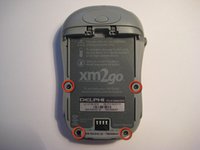
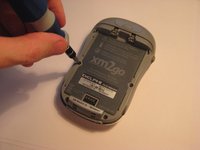
    • Remove the four screws from the bottom of the device using a T6 Torx screwdriver.

    询问修复机器人

    添加评论

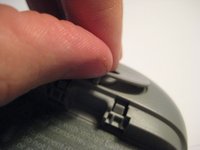
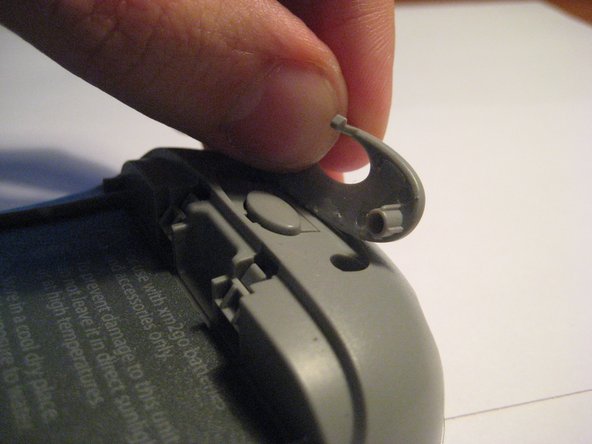
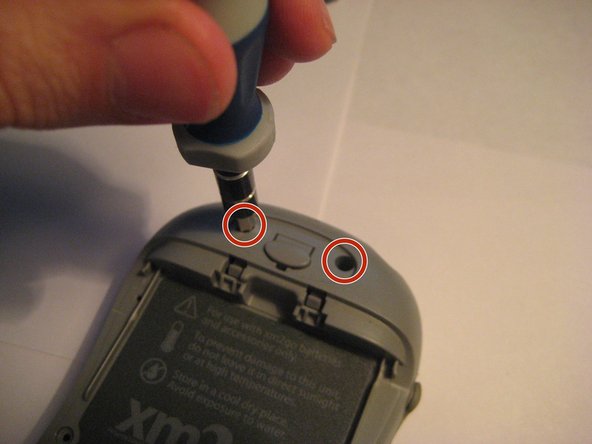
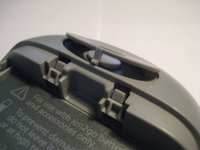
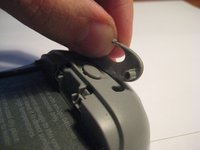
  4. Delphi MyFi XM2GO Motherboard Replacement: 步骤 4 中的图像 1,3 Delphi MyFi XM2GO Motherboard Replacement: 步骤 4 中的图像 2,3 Delphi MyFi XM2GO Motherboard Replacement: 步骤 4 中的图像 3,3
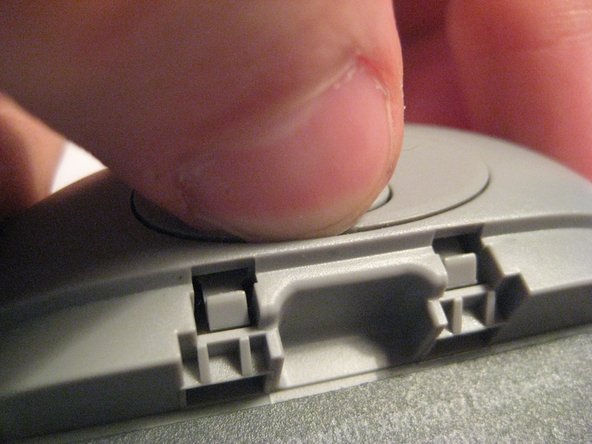
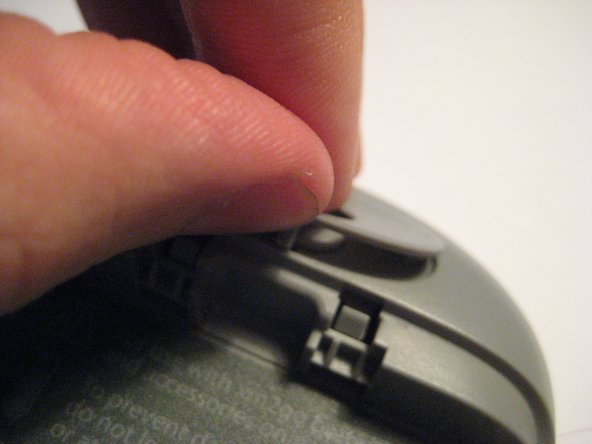
    • Remove the button cover on the back of the device by prying it up with a spudger or your thumb nail.

    询问修复机器人

    添加评论

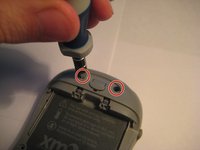
  5. Delphi MyFi XM2GO Motherboard Replacement: 步骤 5 中的图像 1,3 Delphi MyFi XM2GO Motherboard Replacement: 步骤 5 中的图像 2,3 Delphi MyFi XM2GO Motherboard Replacement: 步骤 5 中的图像 3,3
    • Remove the two screws under the button using the T6 Torx screwdriver.

    询问修复机器人

    添加评论

  6. Delphi MyFi XM2GO Motherboard Replacement: 步骤 6 中的图像 1,2 Delphi MyFi XM2GO Motherboard Replacement: 步骤 6 中的图像 2,2
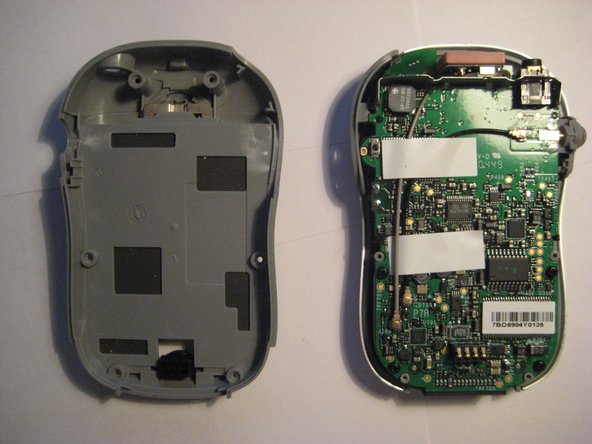
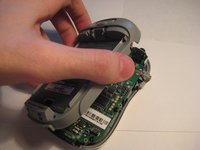
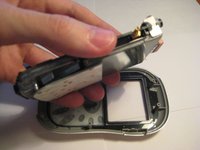
    • Remove the back cover.

    询问修复机器人

    添加评论

  7. Delphi MyFi XM2GO Motherboard Replacement: 步骤 7 中的图像 1,2 Delphi MyFi XM2GO Motherboard Replacement: 步骤 7 中的图像 2,2
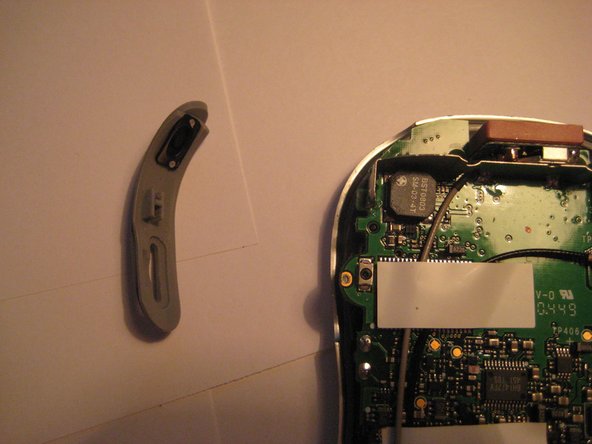
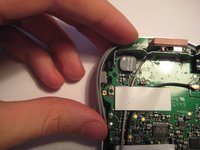
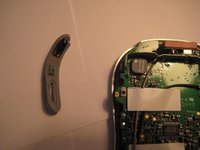
    • Remove the power button by pulling it to the left.

    询问修复机器人

    添加评论

  8. Delphi MyFi XM2GO Motherboard Replacement: 步骤 8 中的图像 1,2 Delphi MyFi XM2GO Motherboard Replacement: 步骤 8 中的图像 2,2
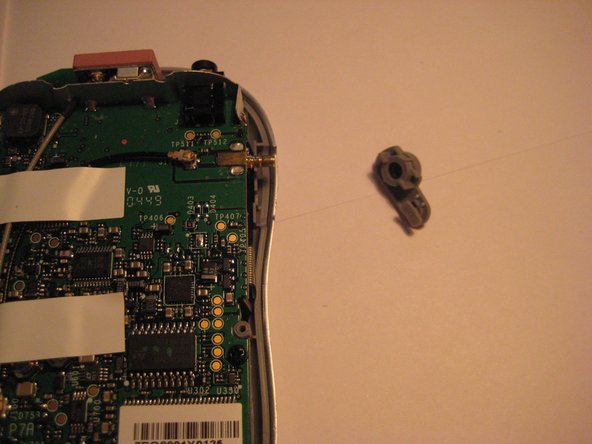
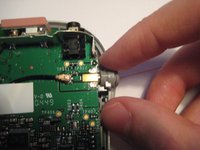
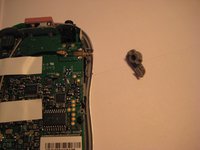
    • Remove the plastic antenna extension connector on the right side of the device.

    询问修复机器人

    添加评论

  9. Delphi MyFi XM2GO Motherboard Replacement: 步骤 9 中的图像 1,3 Delphi MyFi XM2GO Motherboard Replacement: 步骤 9 中的图像 2,3 Delphi MyFi XM2GO Motherboard Replacement: 步骤 9 中的图像 3,3
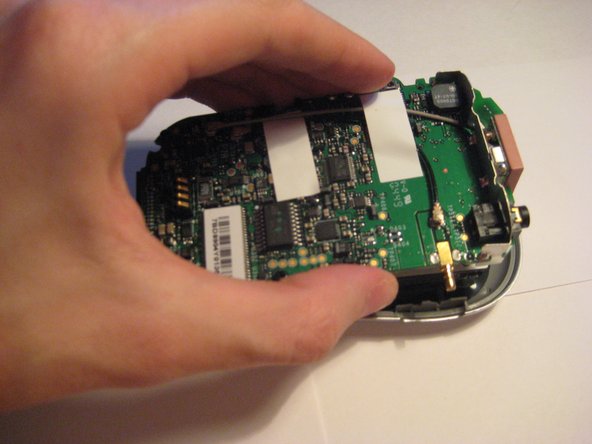
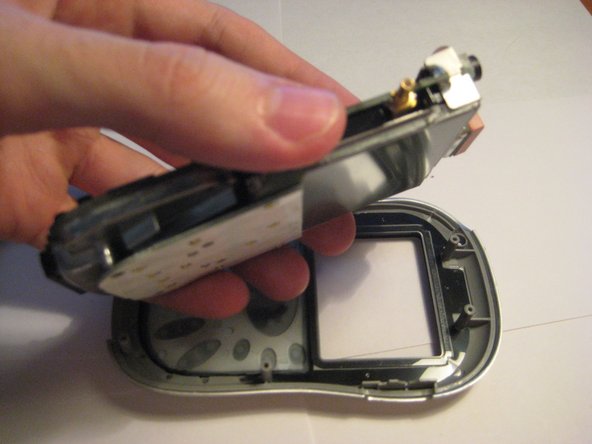
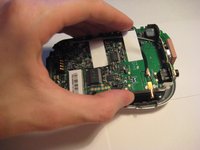
    • Pull up on the motherboard to remove it from the device.

    • The LCD screen and keypad are only connected to the motherboard with ribbon cables. They will hang down as the motherboard is removed.

    询问修复机器人

    添加评论

结论

To reassemble your device, follow these instructions in reverse order.

取消:我没有完成这个指南。

另外一个人完成了本指南。

Scott Byer

于03/09/12注册

88 声望

创作了5篇指南

团队

Clemson, Team 1-2, Benson Spring 2012 Clemson, Team 1-2, Benson Spring 2012 的会员

CLEM-BENSON-S12S1G2

3 名成员

创作了9篇指南

0指南评论

添加评论

浏览统计数据:

过去 24 小时: 0

过去 7 天: 4

过去 30 天: 34

总计 2,859