跳转到主内容
加入维修社区 - 创建账户

Dell XPS M140 Screen Replacement

你所需要的

  1. Dell XPS M140 Screen Replacement, Battery: 步骤 1 中的图像 1,1
    • Turn over the laptop.

    询问修复机器人
  2. Dell XPS M140 Screen Replacement: 步骤 2 中的图像 1,3 Dell XPS M140 Screen Replacement: 步骤 2 中的图像 2,3 Dell XPS M140 Screen Replacement: 步骤 2 中的图像 3,3
    • Open the slide lock and pull out the battery.

    询问修复机器人
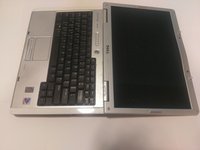
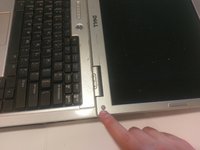
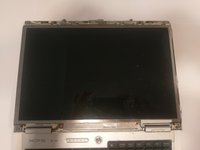
  3. Dell XPS M140 Screen Replacement, Screen: 步骤 3 中的图像 1,3 Dell XPS M140 Screen Replacement, Screen: 步骤 3 中的图像 2,3 Dell XPS M140 Screen Replacement, Screen: 步骤 3 中的图像 3,3
    • The plastic casing around the screen has a gray rubber circle, lining the perimeter of the casing.

    • Remove the casing by peeling them off. This will expose the screws underneath.

    询问修复机器人
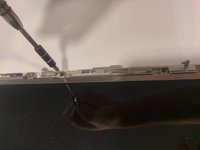
  4. Dell XPS M140 Screen Replacement: 步骤 4 中的图像 1,1
    • Unscrew the screws on the casing that you just exposed.

    询问修复机器人
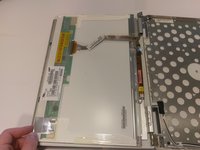
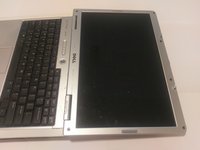
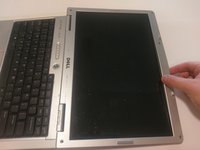
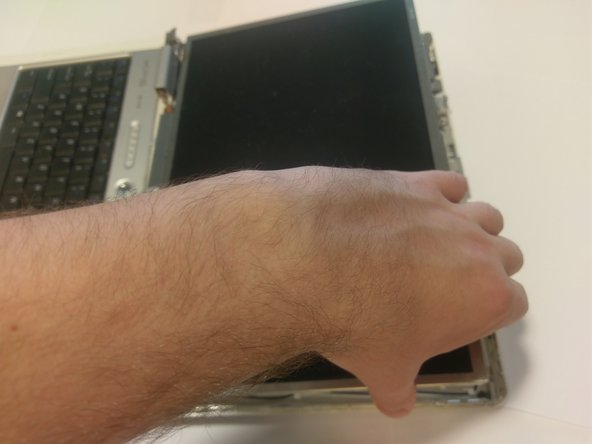
  5. Dell XPS M140 Screen Replacement: 步骤 5 中的图像 1,3 Dell XPS M140 Screen Replacement: 步骤 5 中的图像 2,3 Dell XPS M140 Screen Replacement: 步骤 5 中的图像 3,3
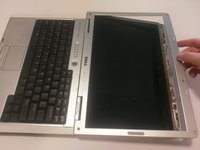
    • With care, pop off the plastic clips sourrounding the casing.

    • Run your hand, or a tool, around the perimeter, to remove the casing.

    询问修复机器人
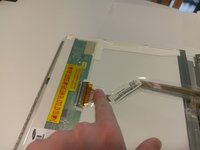
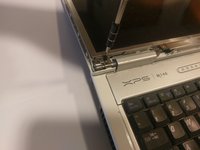
  6. Dell XPS M140 Screen Replacement: 步骤 6 中的图像 1,3 Dell XPS M140 Screen Replacement: 步骤 6 中的图像 2,3 Dell XPS M140 Screen Replacement: 步骤 6 中的图像 3,3
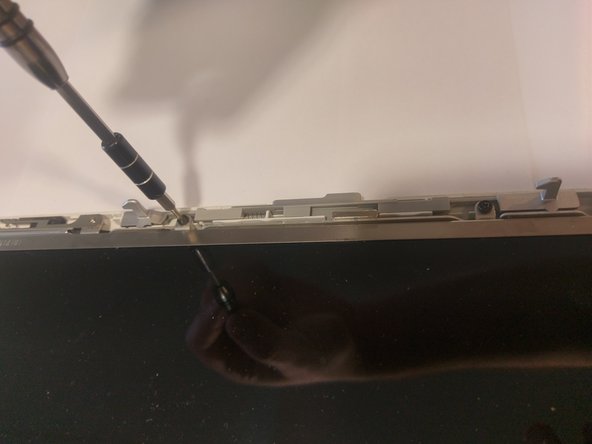
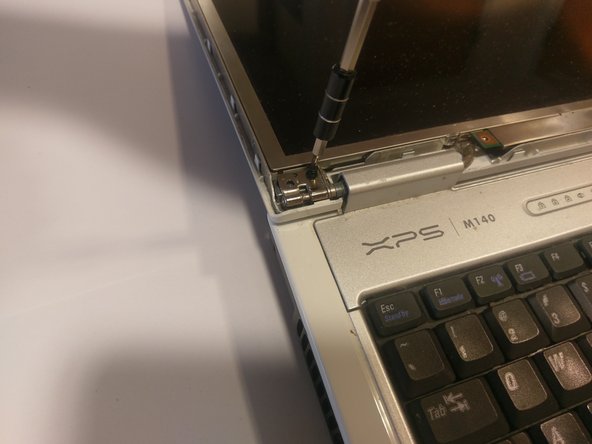
    • Once the casing is removed, more screws should be exposed.

    • Remove every screw.

    询问修复机器人
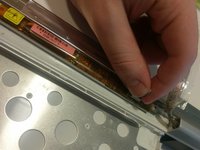
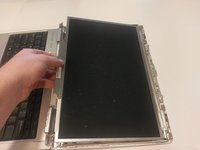
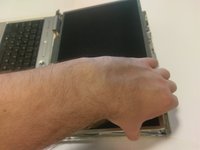
  7. Dell XPS M140 Screen Replacement: 步骤 7 中的图像 1,3 Dell XPS M140 Screen Replacement: 步骤 7 中的图像 2,3 Dell XPS M140 Screen Replacement: 步骤 7 中的图像 3,3
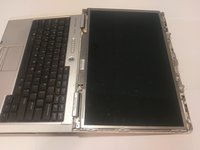
    • Once all of the screws are removed, the screen should be loose.

    • Gently pick it up and place it face down onto the keyboard.

    询问修复机器人
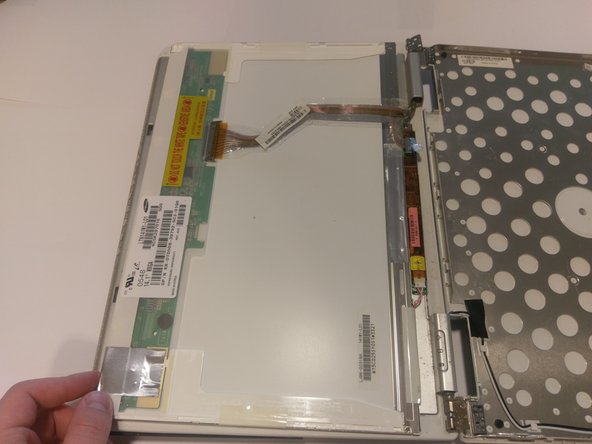
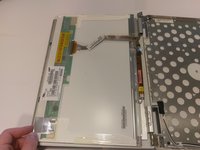
  8. Dell XPS M140 Screen Replacement: 步骤 8 中的图像 1,3 Dell XPS M140 Screen Replacement: 步骤 8 中的图像 2,3 Dell XPS M140 Screen Replacement: 步骤 8 中的图像 3,3
    • There should be two connections.

    • One with a blue looking handle, and one with clips.

    • To remove the connection with the clips, squeeze the two clips together and pull the ribbon cable.

    • To remove the connection with the blue handle, gently pull on the blue handle, it should come right off.

    询问修复机器人
结论

To reassemble your device, follow these instructions in reverse order.

团队

0指南评论

添加评论

浏览统计数据:

过去 24 小时: 0

过去 7 天: 7

过去 30 天: 27

总计 519