跳转到主内容
加入维修社区 - 创建账户

Dell VRP100 HDMI/USB Cable Replacement

你所需要的

    1. Dell VRP100 HDMI/USB Cable Replacement, Cover Panel: 步骤 1 中的图像 1,3 Dell VRP100 HDMI/USB Cable Replacement, Cover Panel: 步骤 1 中的图像 2,3 Dell VRP100 HDMI/USB Cable Replacement, Cover Panel: 步骤 1 中的图像 3,3
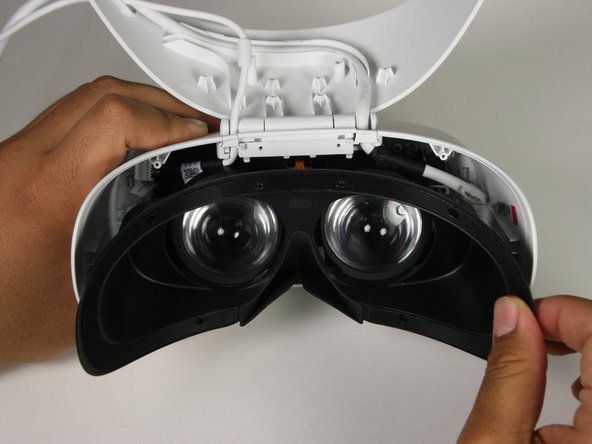
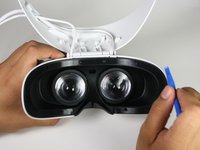
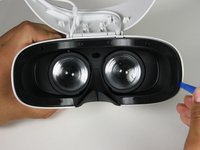
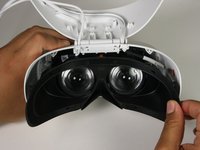
      • Remove the black foam padding by peeling away slowly.

      • Remove the front and back padding from the headset by peeling away slowly.

      添加评论

    2. Dell VRP100 HDMI/USB Cable Replacement: 步骤 2 中的图像 1,1
      • Remove the six 5.5mm PH000 screws from the cover by rotating counter-clockwise.

      • Cover panel may need to be pushed in before inserting screws.

      询问修复机器人

      添加评论

    3. Dell VRP100 HDMI/USB Cable Replacement: 步骤 3 中的图像 1,3 Dell VRP100 HDMI/USB Cable Replacement: 步骤 3 中的图像 2,3 Dell VRP100 HDMI/USB Cable Replacement: 步骤 3 中的图像 3,3
      • Remove the cover using one of the plastic opening tools, and then carefully pull it from the casing.

      添加评论

    4. Dell VRP100 HDMI/USB Cable Replacement: 步骤 4 中的图像 1,3 Dell VRP100 HDMI/USB Cable Replacement: 步骤 4 中的图像 2,3 Dell VRP100 HDMI/USB Cable Replacement: 步骤 4 中的图像 3,3
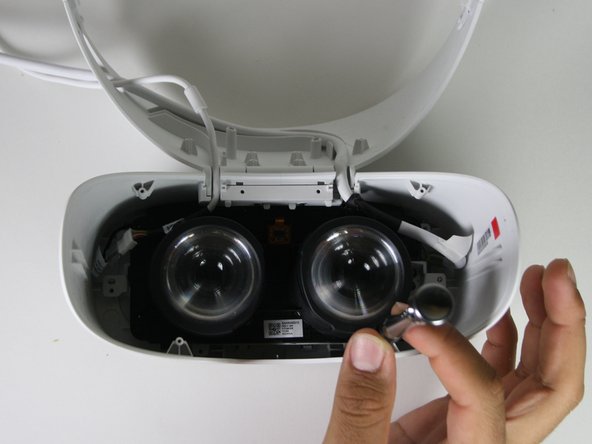
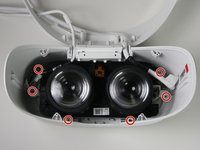
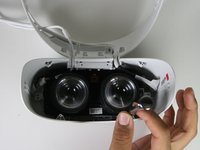
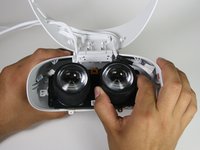
      • Remove the six 5.5mm PH000 screws from the cover by rotating counter-clockwise.

      • Carefully remove the lens and motherboard assembly from the white casing.

      添加评论

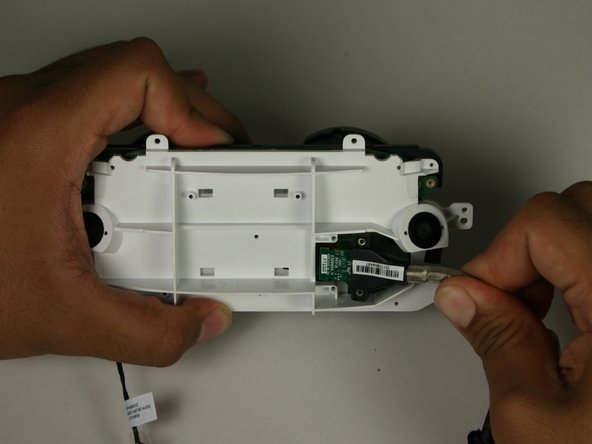
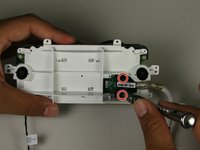
    1. Dell VRP100 HDMI/USB Cable Replacement, HDMI/USB Cable: 步骤 5 中的图像 1,2 Dell VRP100 HDMI/USB Cable Replacement, HDMI/USB Cable: 步骤 5 中的图像 2,2
      在这个步骤中使用的工具:
      Tweezers
      $4.99
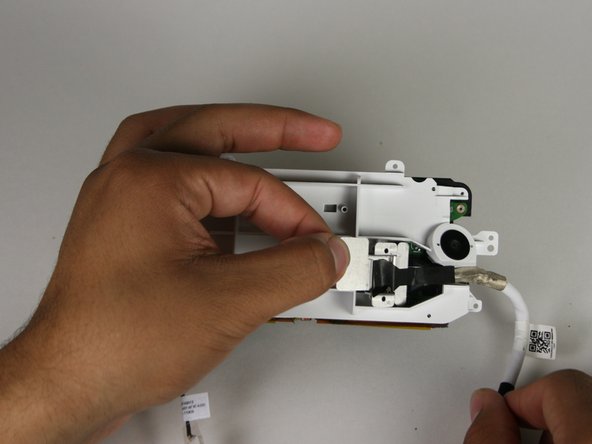
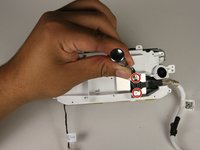
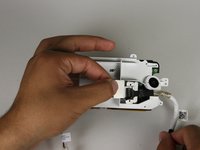
      • Remove the two 3.4mm PH000 screws from the cover by rotating counter-clockwise.

      • Peel off the tape using your hands or the blunt nose tweezers.

      询问修复机器人

      添加评论

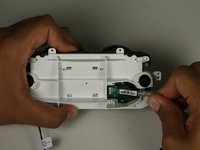
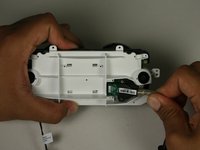
    2. Dell VRP100 HDMI/USB Cable Replacement: 步骤 6 中的图像 1,3 Dell VRP100 HDMI/USB Cable Replacement: 步骤 6 中的图像 2,3 Dell VRP100 HDMI/USB Cable Replacement: 步骤 6 中的图像 3,3
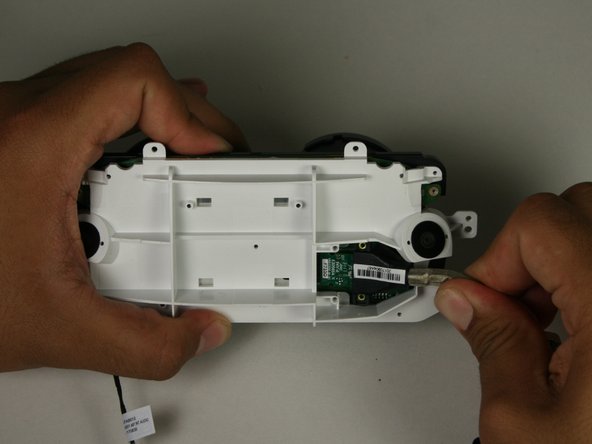
      • Remove the two 5.5mm PH000 screws from the cover by rotating counter-clockwise.

      • Hold the HDMI/USB cable and remove from the connection.

      询问修复机器人

      添加评论

结论

To reassemble your device, follow these instructions in reverse order.

取消:我没有完成这个指南。

5等其他人完成本指南。

Marco Salazar

于10/08/18注册

381 声望

创作了2篇指南

团队

Cal Poly, Team S17-G1, White Fall 2018 Cal Poly, Team S17-G1, White Fall 2018 的会员

CPSU-WHITE-F18S17G1

4 名成员

创作了18篇指南

6指南评论

Hi

Nice breakdown. Would you know where I can purchase a spare cable (I’m in the UK) as I can find nothing online regarding where to buy one.

Thanks

Jason

jason.d.spiller - 回复 分享

Me too, looking for a cable replacement.

Filipi Nascimento Silva - 回复 分享

also looking for replacement cable as mine has twisted up so bad that there is no longer and picture coming through when can i buy the replacement

Tom Powell - 回复 分享

I am also looking for a replacement cable. Could it be soldered on from another cable?

Peter Hindes - 回复 分享

Me too for replacement cable specs please

geebee800 - 回复 分享

添加评论

浏览统计数据:

过去 24 小时: 2

过去 7 天: 10

过去 30 天: 36

总计 2,072