跳转到主内容
加入维修社区 - 创建账户

Creative Zen Vision W Keypad Replacement

你所需要的

    1. Creative Zen Vision W Keypad Replacement, Front Cover: 步骤 1 中的图像 1,2 Creative Zen Vision W Keypad Replacement, Front Cover: 步骤 1 中的图像 2,2
      • Remove the two screws (2.5 mm) on the top and bottom of the device using a Phillips #0 screwdriver.

      询问修复机器人

      添加评论

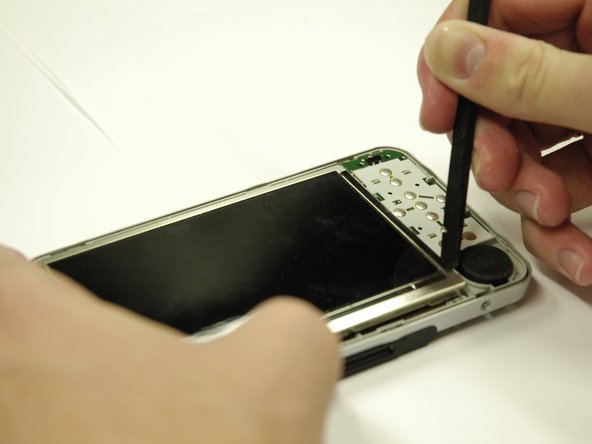
    2. Creative Zen Vision W Keypad Replacement: 步骤 2 中的图像 1,3 Creative Zen Vision W Keypad Replacement: 步骤 2 中的图像 2,3 Creative Zen Vision W Keypad Replacement: 步骤 2 中的图像 3,3
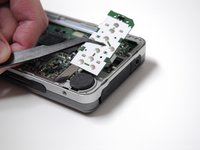
      • Run the spudger along the cover and pry.

      • Do this gently to preserve the screen

      • The button pad may fall off when the cover is removed.

      询问修复机器人

      添加评论

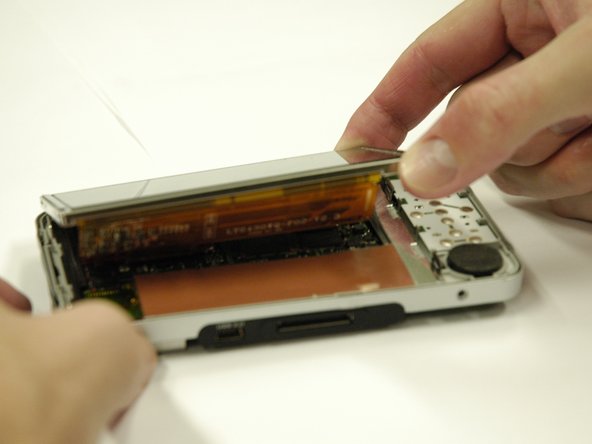
    1. Creative Zen Vision W Keypad Replacement, LCD Screen: 步骤 3 中的图像 1,3 Creative Zen Vision W Keypad Replacement, LCD Screen: 步骤 3 中的图像 2,3 Creative Zen Vision W Keypad Replacement, LCD Screen: 步骤 3 中的图像 3,3
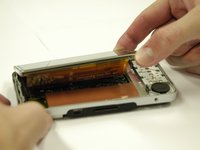
      • Use a spudger to separate the metal tabs that hold the screen in place on the right side.

      • The screen is still attached underneath with two ribbon cables. Lift it very carefully.

      询问修复机器人

      添加评论

    2. Creative Zen Vision W Keypad Replacement: 步骤 4 中的图像 1,1
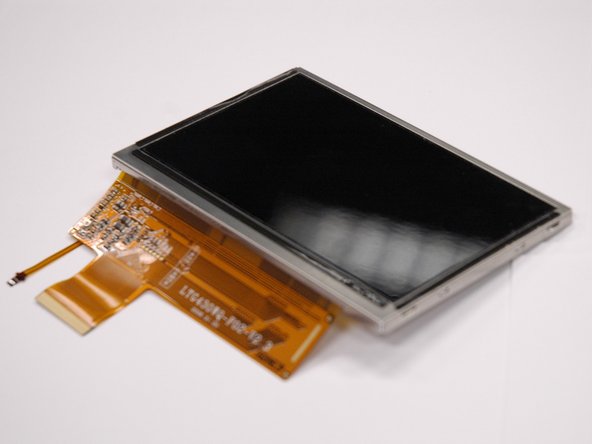
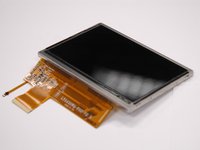
      • Put the screen face down so you can see where the ribbon cables are attached.

      • Remove the red sticker that covers the ribbon cable connections.

      询问修复机器人

      添加评论

    3. Creative Zen Vision W Keypad Replacement: 步骤 5 中的图像 1,1
      • Use a plastic opening tool to get underneath the black flap on the larger ribbon cable connection and lift it.

      询问修复机器人

      添加评论

    4. Creative Zen Vision W Keypad Replacement: 步骤 6 中的图像 1,3 Creative Zen Vision W Keypad Replacement: 步骤 6 中的图像 2,3 Creative Zen Vision W Keypad Replacement: 步骤 6 中的图像 3,3
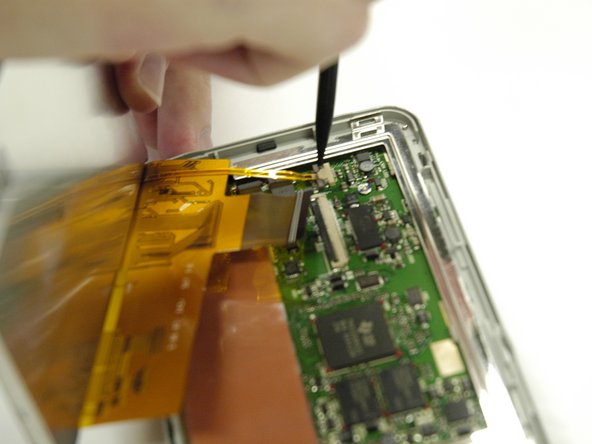
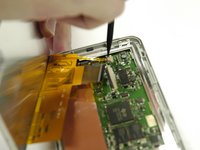
      • Use a spudger to slide the two small gray tabs away from the ribbon cable connection.

      • Remove the screen from the device.

      询问修复机器人

      添加评论

    1. Creative Zen Vision W Keypad Replacement, Keypad: 步骤 7 中的图像 1,1
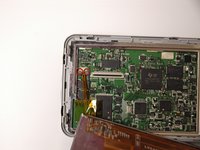
      • Peel the orange sticker off of the motherboard.

      询问修复机器人

      添加评论

    2. Creative Zen Vision W Keypad Replacement: 步骤 8 中的图像 1,2 Creative Zen Vision W Keypad Replacement: 步骤 8 中的图像 2,2
      在这个步骤中使用的工具:
      Tweezers
      $4.99
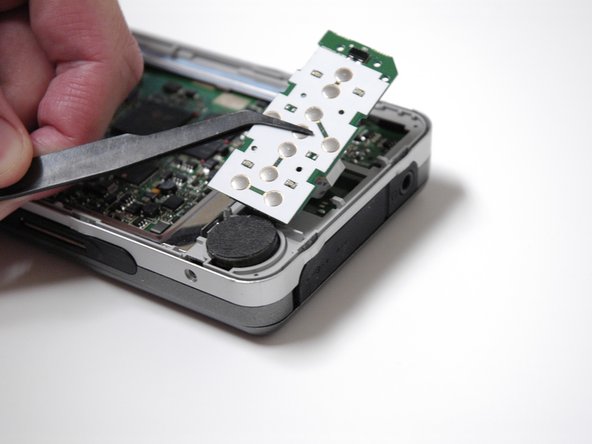
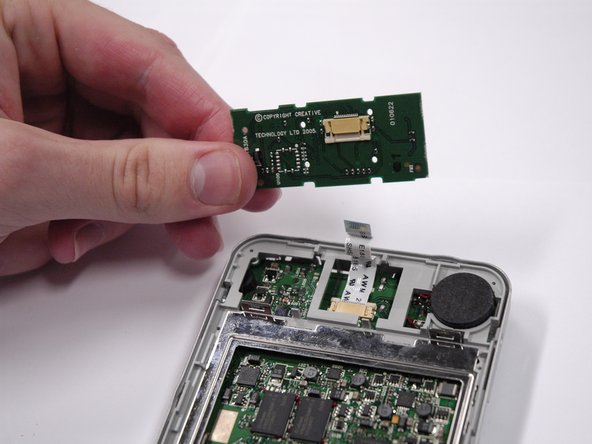
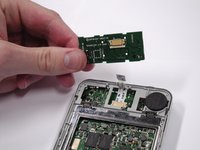
      • Lift the keypad from the left side and use tweezers to slide it out to the left.

      询问修复机器人

      添加评论

    3. Creative Zen Vision W Keypad Replacement: 步骤 9 中的图像 1,2 Creative Zen Vision W Keypad Replacement: 步骤 9 中的图像 2,2
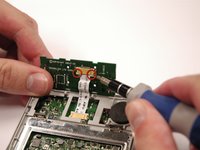
      • Use a small flat head screw driver to slide the white tabs away from the ribbon cable connection.

      • Remove the ribbon cable from the keypad.

      询问修复机器人

      添加评论

结论

To reassemble your device, follow these instructions in reverse order.

取消:我没有完成这个指南。

Tim Wilson

于04/11/13注册

143 声望

创作了6篇指南

团队

Cal Poly, Team 17-2, Regan Spring 2013 Cal Poly, Team 17-2, Regan Spring 2013 的会员

CPSU-REGAN-S13S17G2

4 名成员

创作了24篇指南

0指南评论

添加评论

浏览统计数据:

过去 24 小时: 0

过去 7 天: 5

过去 30 天: 31

总计 763