跳转到主内容
加入维修社区 - 创建账户

Contour Roam2 Lens Unit Replacement

你所需要的

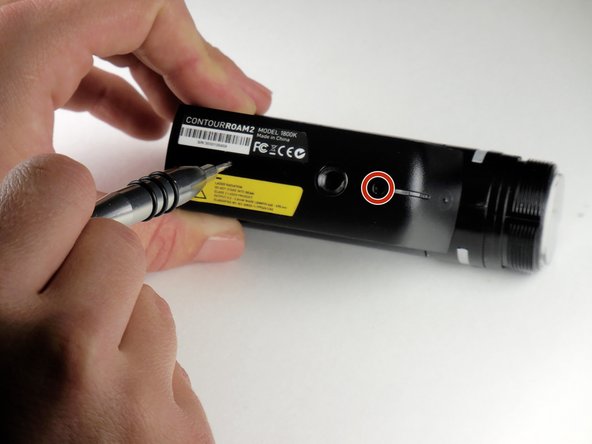
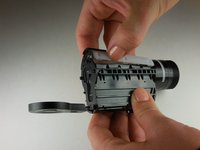
    1. Contour Roam2 Lens Unit Replacement, Record Slider: 步骤 1 中的图像 1,1
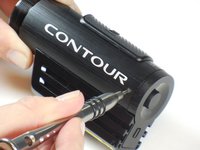
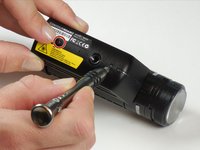
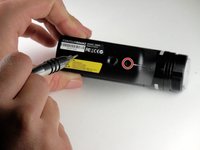
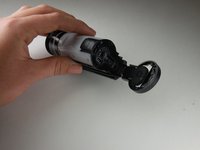
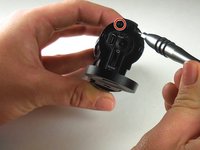
      • Using the phillips head screwdriver (PH000) locate and remove the 4.45mm (.175in) screw by the 180 degree graphic on the metal ring.

      • The screws in the camera are very small and can strip very easily. Apply consistent pressure when removing screws.

      询问修复机器人

      添加评论

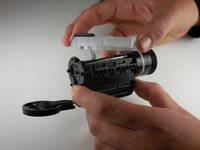
    2. Contour Roam2 Lens Unit Replacement: 步骤 2 中的图像 1,2 Contour Roam2 Lens Unit Replacement: 步骤 2 中的图像 2,2
      • Rotate the metal ring counterclockwise until completely removed.

      询问修复机器人

      添加评论

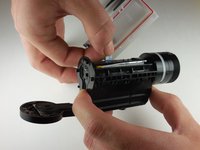
    3. Contour Roam2 Lens Unit Replacement: 步骤 3 中的图像 1,2 Contour Roam2 Lens Unit Replacement: 步骤 3 中的图像 2,2
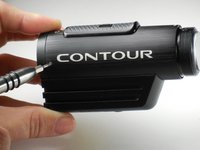
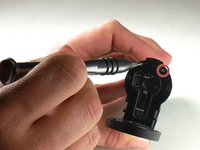
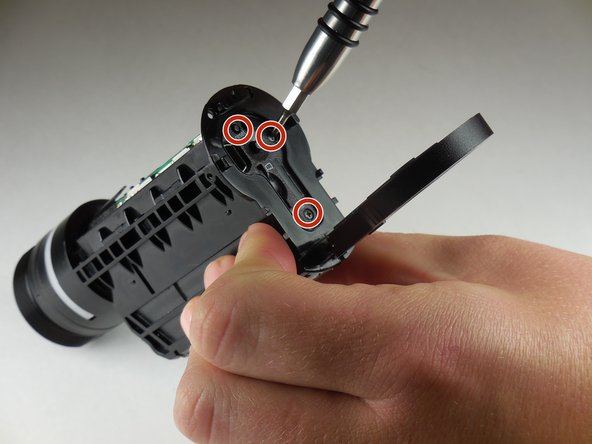
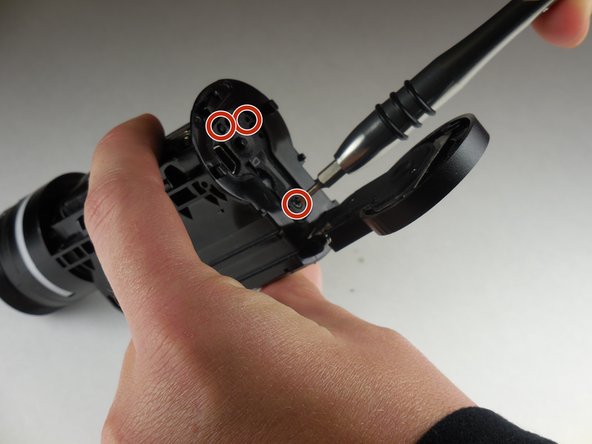
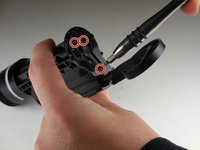
      • Using the phillips head screwdriver (PH000) remove the two 4.46mm (.175in) screws on each side near the back of the camera.

      询问修复机器人

      添加评论

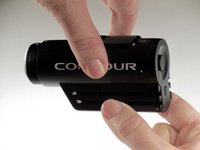
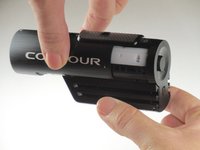
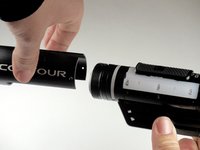
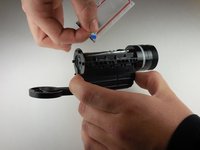
    4. Contour Roam2 Lens Unit Replacement: 步骤 4 中的图像 1,3 Contour Roam2 Lens Unit Replacement: 步骤 4 中的图像 2,3 Contour Roam2 Lens Unit Replacement: 步骤 4 中的图像 3,3
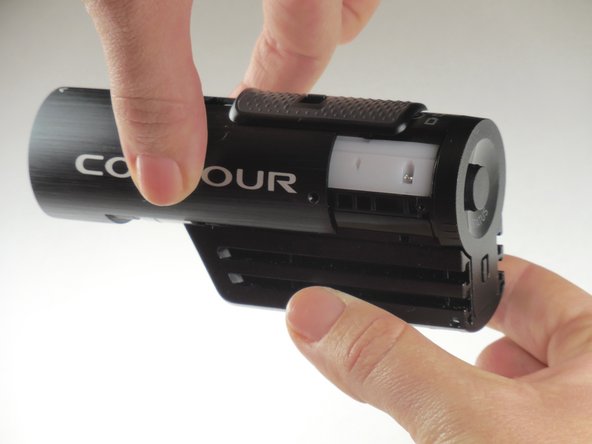
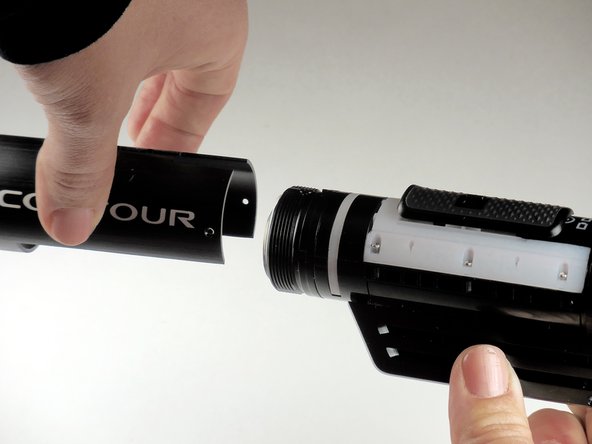
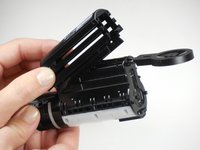
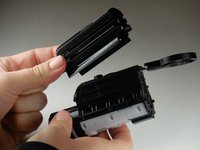
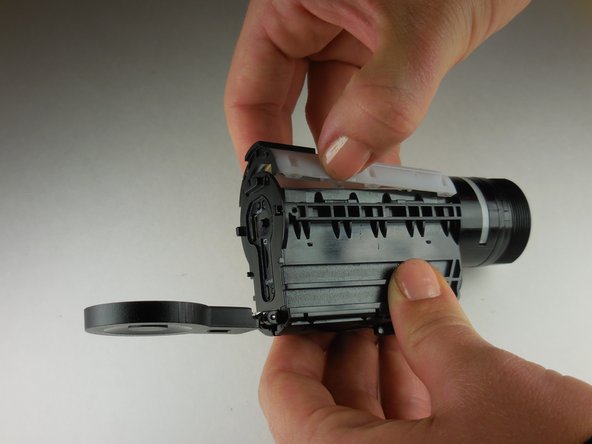
      • Grab the camera on both sides and slide the outer shell forward until completely removed.

      询问修复机器人

      添加评论

    5. Contour Roam2 Lens Unit Replacement: 步骤 5 中的图像 1,1
      • Lift the record slider out.

      • The record slider should come out easily no matter the position (forward or backward).

      询问修复机器人

      添加评论

    1. Contour Roam2 Lens Unit Replacement, Mounting Piece: 步骤 6 中的图像 1,2 Contour Roam2 Lens Unit Replacement, Mounting Piece: 步骤 6 中的图像 2,2
      • Using the phillips head screwdriver (PH000) remove the two 3.82mm (0.150in) screws on the bottom of mounting piece near the tripod screw-in.

      • The screws in the camera are very small and can strip very easily. Apply consistent pressure when removing screws.

      询问修复机器人

      添加评论

    2. Contour Roam2 Lens Unit Replacement: 步骤 7 中的图像 1,2 Contour Roam2 Lens Unit Replacement: 步骤 7 中的图像 2,2
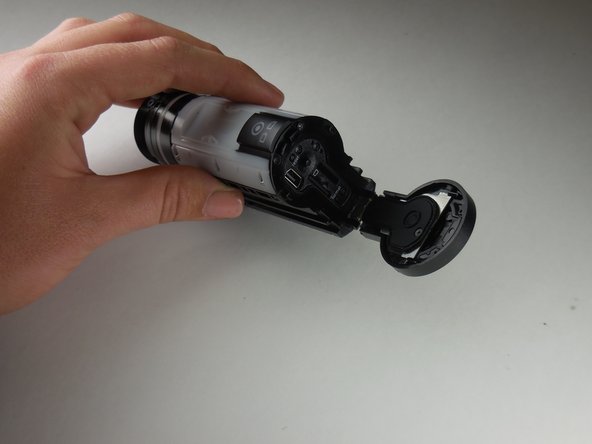
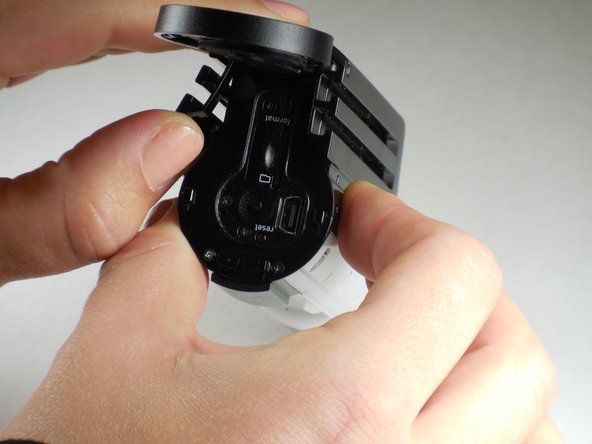
      • Open the back door by your thumb and index finger on sides of back door and pull upward.

      询问修复机器人

      添加评论

    3. Contour Roam2 Lens Unit Replacement: 步骤 8 中的图像 1,1
      • Using your thumb, pry sides outward on back of mount piece.

      • This will loosen mount piece for removal in proceeding step.

      • Side can be hard to pry outward. Using a flat tool such as a metal spudger, may help if your thumb is insufficient.

      询问修复机器人

      添加评论

    4. Contour Roam2 Lens Unit Replacement: 步骤 9 中的图像 1,2 Contour Roam2 Lens Unit Replacement: 步骤 9 中的图像 2,2
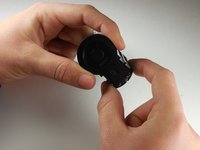
      • Remove and replace mount piece.

      询问修复机器人

      添加评论

    1. Contour Roam2 Lens Unit Replacement, Lens Unit: 步骤 10 中的图像 1,2 Contour Roam2 Lens Unit Replacement, Lens Unit: 步骤 10 中的图像 2,2
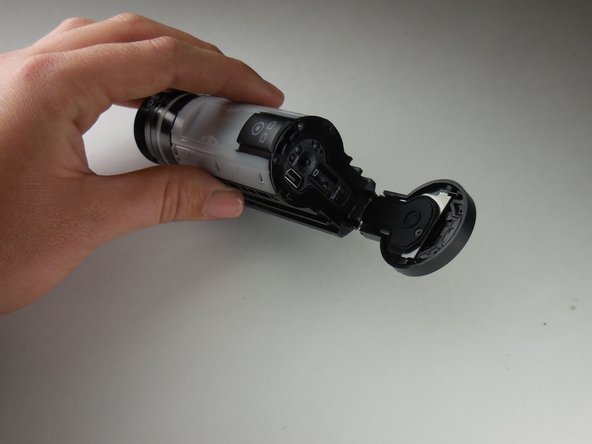
      • Open the back door by your thumb and index finger on sides of back door and pull upward.

      询问修复机器人

      添加评论

    2. Contour Roam2 Lens Unit Replacement: 步骤 11 中的图像 1,2 Contour Roam2 Lens Unit Replacement: 步骤 11 中的图像 2,2
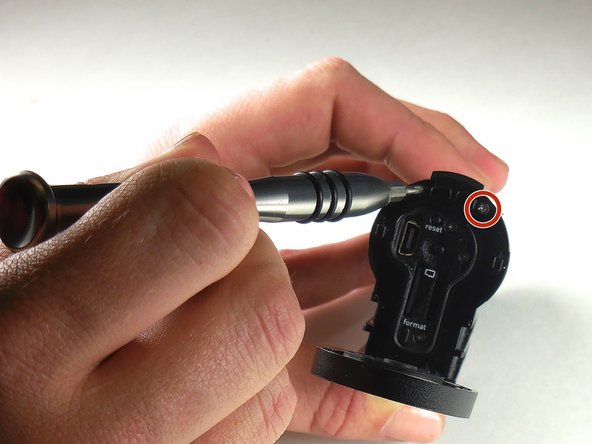
      • With the phillips head screwdriver (PH000) remove the two 3.31mm (.130inch) screws located at the top, above the reset button.

      询问修复机器人

      添加评论

    3. Contour Roam2 Lens Unit Replacement: 步骤 12 中的图像 1,1
      • Also with phillips head screwdriver (PH000) remove the six 6.07mm (0.239in) screws along sides of large white piece.

      • The screws in the camera are very small and can strip very easily. Apply consistent pressure when removing screws.

      询问修复机器人

      添加评论

    4. Contour Roam2 Lens Unit Replacement: 步骤 13 中的图像 1,1
      • Locate notch on side of large white plastic piece.

      询问修复机器人

      添加评论

    5. Contour Roam2 Lens Unit Replacement: 步骤 14 中的图像 1,3 Contour Roam2 Lens Unit Replacement: 步骤 14 中的图像 2,3 Contour Roam2 Lens Unit Replacement: 步骤 14 中的图像 3,3
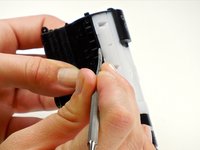
      • Remove white piece by pressing a fingernail in notch (located in previous step) and lifting up on white piece.

      询问修复机器人

      添加评论

    6. Contour Roam2 Lens Unit Replacement: 步骤 15 中的图像 1,2 Contour Roam2 Lens Unit Replacement: 步骤 15 中的图像 2,2
      • The white piece is connected to logic board of camera by a ribbon connector.

      • To remove the white piece completely give a gentle pull on ribbon connector.

      询问修复机器人

      添加评论

    7. Contour Roam2 Lens Unit Replacement: 步骤 16 中的图像 1,1
      • With a phillips head screwdriver (PH 000), remove the 5.54 mm (0.218 in) screw located next to the tripod screw-in.

      询问修复机器人

      添加评论

    8. Contour Roam2 Lens Unit Replacement: 步骤 17 中的图像 1,3 Contour Roam2 Lens Unit Replacement: 步骤 17 中的图像 2,3 Contour Roam2 Lens Unit Replacement: 步骤 17 中的图像 3,3
      • Using the phillips head screwdriver (PH 000), remove the remaining three 3.78 mm (0.1445 in) screws located on the back panel of the camera.

      • If you have not done so already, remove the microSD card.

      询问修复机器人

      添加评论

    9. Contour Roam2 Lens Unit Replacement: 步骤 18 中的图像 1,1
      • Using the phillips head size PH000 screwdriver remove 3.67mm (0.1445 inch) screw located on the side of logic board within the body of the camera.

      询问修复机器人

      添加评论

    10. Contour Roam2 Lens Unit Replacement: 步骤 19 中的图像 1,3 Contour Roam2 Lens Unit Replacement: 步骤 19 中的图像 2,3 Contour Roam2 Lens Unit Replacement: 步骤 19 中的图像 3,3
      在这个步骤中使用的工具:
      Tweezers
      $4.99
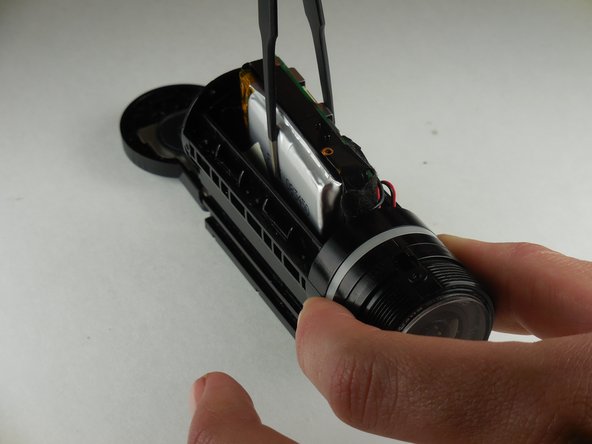
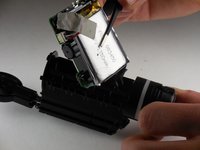
      • Using flathead tweezers, remove the logic board and the battery from the camera.

      询问修复机器人

      添加评论

    11. Contour Roam2 Lens Unit Replacement: 步骤 20 中的图像 1,2 Contour Roam2 Lens Unit Replacement: 步骤 20 中的图像 2,2
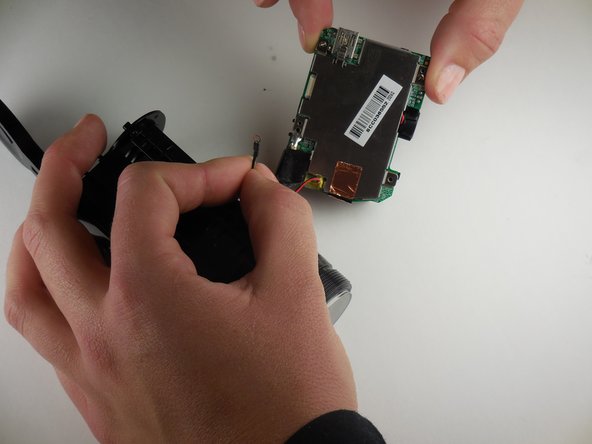
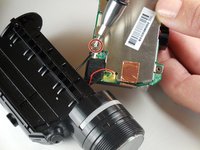
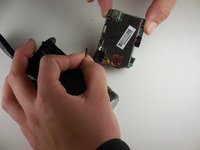
      • Using a phillips head screwdriver (PH 000), remove the screw connecting the lens unit to the logic board.

      询问修复机器人

      添加评论

    12. Contour Roam2 Lens Unit Replacement: 步骤 21 中的图像 1,2 Contour Roam2 Lens Unit Replacement: 步骤 21 中的图像 2,2
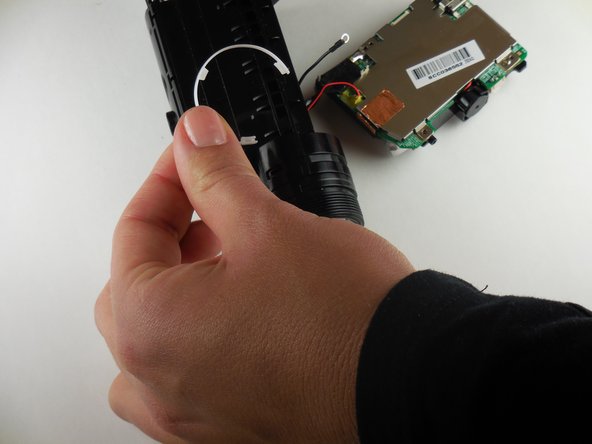
      • Remove the semicircular white plastic strip near the lens unit.

      询问修复机器人

      添加评论

    13. Contour Roam2 Lens Unit Replacement: 步骤 22 中的图像 1,2 Contour Roam2 Lens Unit Replacement: 步骤 22 中的图像 2,2
      • Twist lens unit until able to easily remove

      询问修复机器人

      添加评论

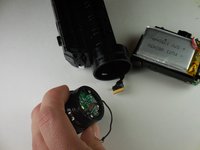
    14. Contour Roam2 Lens Unit Replacement: 步骤 23 中的图像 1,2 Contour Roam2 Lens Unit Replacement: 步骤 23 中的图像 2,2
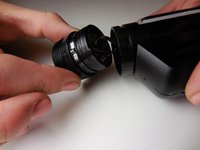
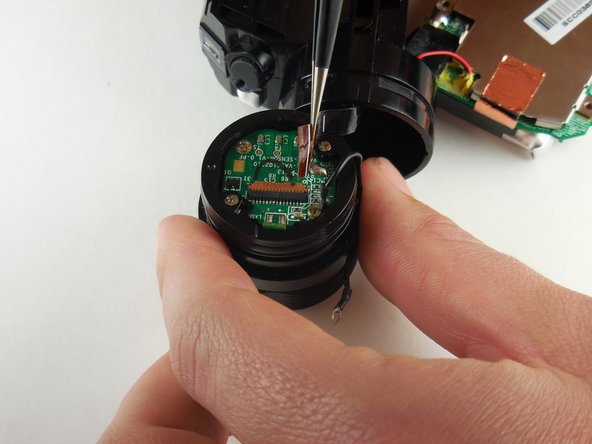
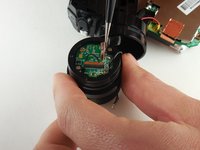
      • Disconnect the ribbon connector connecting the lens unit to the logic board.

      询问修复机器人

      添加评论

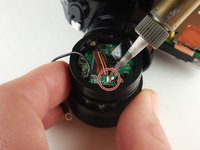
    15. Contour Roam2 Lens Unit Replacement: 步骤 24 中的图像 1,2 Contour Roam2 Lens Unit Replacement: 步骤 24 中的图像 2,2
      • Remove the ribbon connecter from the lens unit by soldering.

      询问修复机器人

      添加评论

结论

To reassemble your device, follow these instructions in reverse order.

取消:我没有完成这个指南。

2等其他人完成本指南。

Jamie Maple

于03/11/15注册

310 声望

创作了2篇指南

团队

Colorado Springs, Team 4-5, Panko Spring 2015 Colorado Springs, Team 4-5, Panko Spring 2015 的会员

UCCS-PANKO-S15S4G5

3 名成员

创作了25篇指南

3指南评论

hola amigos soy de venezuela, hace aproximadamente compre una -contour roam- y se me daño el flex del lente, pero aqui en venezuela no se encuentra ese repuesto y he buscado por internet y no encuentro, ustedes me podrian ayudar de alguna manera con ese problema? mi correo es luiswichin@gmail.com por favor se les agradece alguna respuesta.

luis gerardo - 回复 分享

hello friends I'm from Venezuela, does about buying a -contour roam- and hurt me flex the lens, but here in Venezuela is not the parts and I have searched the internet and can not find, you could help me somehow with that problem? my email is luiswichin@gmail.com are thanked please any response.

luis gerardo - 回复 分享

Hello! Where can we find the ribbon connector with 10 pins? Is to short to contain all code on the connector is vissible only JI-HAW AWM E1180… more is missing. I searched many days… I removed it gentle, but when I push it back the head of the band just separated from plastic and broke…

Ilie lucian - 回复 分享

添加评论

浏览统计数据:

过去 24 小时: 6

过去 7 天: 17

过去 30 天: 50

总计 2,741