简介
If your Coby Kyros MID7012 (Tablet) screen is broken, you can use this guide to walk you through how to replace the malfunctioning display. Your display may need to be replaced if the glass is cracked or is broken internally because it will affect the touchscreen capabilities. From the process of safely opening the device to replacing the screen, this guide will help you fix your screen and have your device working again!
Important: Make sure the device is powered off before beginning. When taking apart the device, be careful not to crack the faceplate or screen with the spudger (wedge tool). Similarly, be careful not to break the motherboard when removing it from the plastic housing.
你所需要的
-
-
-
Insert the metal spudger underneath the faceplate.
-
Carefully pry the faceplate away from the body of the tablet.
 询问修复机器人
-
-
-


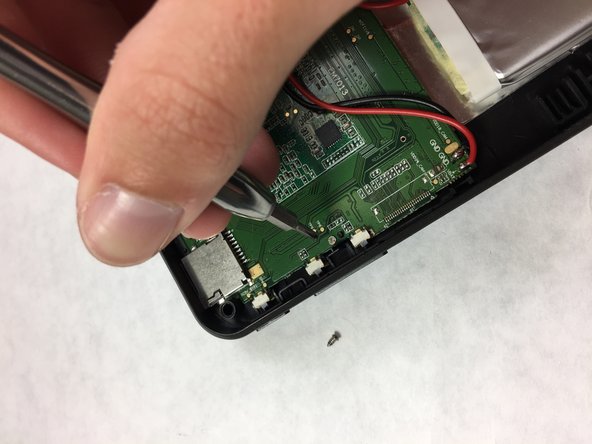
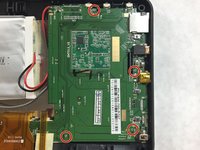
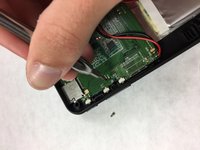

To reassemble your device, follow these instructions in reverse order.
另外一个人完成了本指南。

团队

IUPUI, Team 3-4, Harley Fall 2016 IUPUI, Team 3-4, Harley Fall 2016 的会员
IUPUI-HARLEY-F16S3G4
4 名成员
创作了9篇指南
