跳转到主内容
加入维修社区 - 创建账户

Coby Kyros MID7012 Battery Replacement

你所需要的

    1. Coby Kyros MID7012 Battery Replacement, Battery: 步骤 1 中的图像 1,1
      • Wedge the metal spudger in between the faceplate and the body of the tablet.

      询问修复机器人

      添加评论

    2. Coby Kyros MID7012 Battery Replacement: 步骤 2 中的图像 1,2 Coby Kyros MID7012 Battery Replacement: 步骤 2 中的图像 2,2
      • Carefully pry the faceplate away from the body of the tablet.

      询问修复机器人

      添加评论

    3. Coby Kyros MID7012 Battery Replacement: 步骤 3 中的图像 1,1
      • Carefully lift the screen and set it face down on a soft surface to not scratch it.

      询问修复机器人

      添加评论

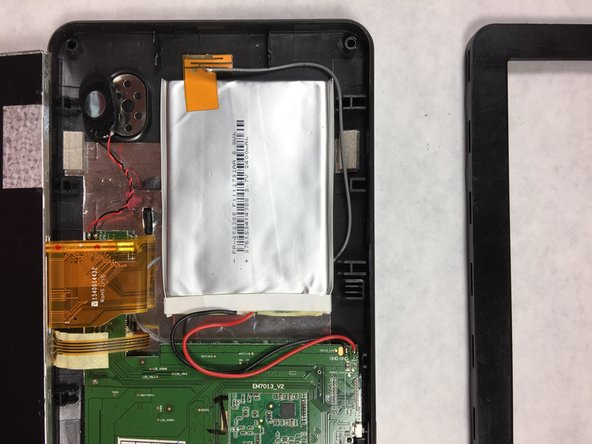
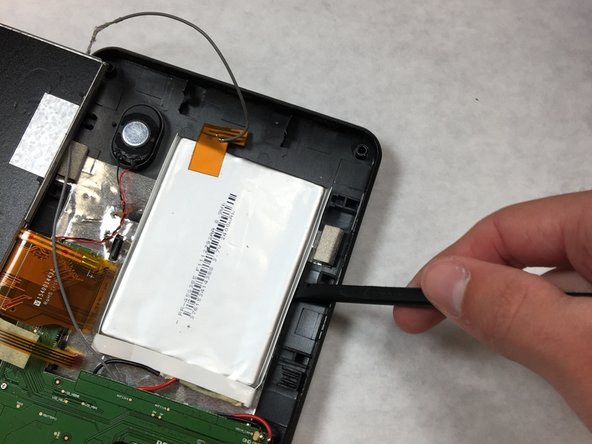
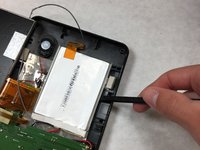
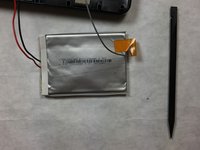
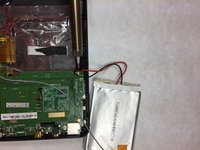
    4. Coby Kyros MID7012 Battery Replacement: 步骤 4 中的图像 1,3 Coby Kyros MID7012 Battery Replacement: 步骤 4 中的图像 2,3 Coby Kyros MID7012 Battery Replacement: 步骤 4 中的图像 3,3
      • Carefully pry the battery away from the body of the tablet using the plastic spudger.

      询问修复机器人

      添加评论

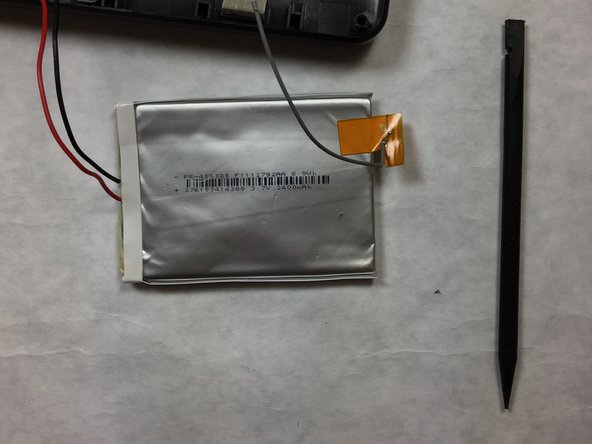
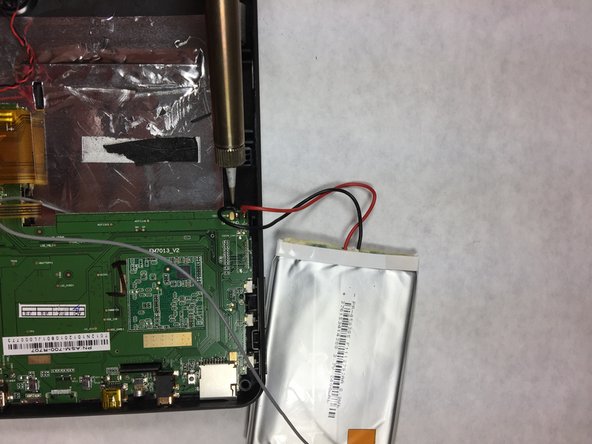
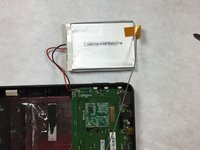
    5. Coby Kyros MID7012 Battery Replacement: 步骤 5 中的图像 1,2 Coby Kyros MID7012 Battery Replacement: 步骤 5 中的图像 2,2
      • Using a soldering iron heat up the location where the wire meets the motherboard. Remove the red wire first, then the black wire.

      • Clip the grey wire about an inch from the ribbon using a sharp object.

      • Here are some tips on how to Solder.

      询问修复机器人

      添加评论

结论

To reassemble your device, follow these instructions in reverse order.

取消:我没有完成这个指南。

3等其他人完成本指南。

团队

IUPUI, Team 3-4, Harley Fall 2016 IUPUI, Team 3-4, Harley Fall 2016 的会员

IUPUI-HARLEY-F16S3G4

4 名成员

创作了9篇指南

0指南评论

添加评论

浏览统计数据:

过去 24 小时: 0

过去 7 天: 5

过去 30 天: 31

总计 1,670