跳转到主内容
加入维修社区 - 创建账户

Checking Model Number

  1. Checking Model Number, Checking Model Number: 步骤 1 中的图像 1,1
    • Turn the phone so it is face (keypad) down.

    询问修复机器人

    添加评论

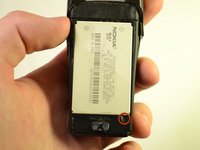
  2. Checking Model Number: 步骤 2 中的图像 1,3 Checking Model Number: 步骤 2 中的图像 2,3 Checking Model Number: 步骤 2 中的图像 3,3
    • Press and hold the button located at the bottom of the phone.

    • Slide the back of the phone downwards and away from the main body.

    • Remove the backing and place it to the side.

    询问修复机器人

    添加评论

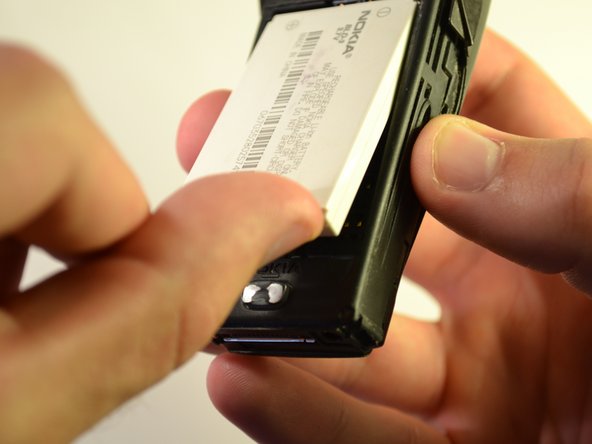
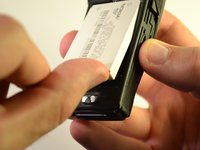
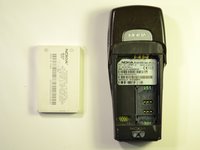
  3. Checking Model Number: 步骤 3 中的图像 1,3 Checking Model Number: 步骤 3 中的图像 2,3 Checking Model Number: 步骤 3 中的图像 3,3
    • Locate indentation from which battery can be removed.

    • Place finger in indentation and lift battery up from phone's body.

    • Remove battery from phone's body.

    询问修复机器人

    添加评论

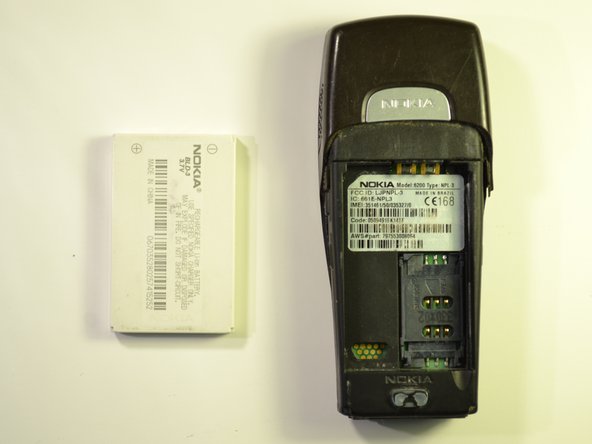
  4. Checking Model Number: 步骤 4 中的图像 1,1
    • Read model number and type from back of phone.

    询问修复机器人

    添加评论

结论

To reassemble your device, replace the battery back in the slot, and slide the back cover back into place.

取消:我没有完成这个指南。

Reid Polstra

于10/22/12注册

1 声望

创作了7篇指南

团队

Clemson, Team 15-5, Benson Fall 2012 Clemson, Team 15-5, Benson Fall 2012 的会员

CLEM-BENSON-F12S15G5

3 名成员

创作了7篇指南

0指南评论

添加评论

浏览统计数据:

过去 24 小时: 2

过去 7 天: 6

过去 30 天: 24

总计 2,204