跳转到主内容

Casio CTK-3200 LCD Screen Replacement

你所需要的

  1. Casio CTK-3200 LCD Screen Replacement, Center Front Panel: 步骤 1 中的图像 1,2 Casio CTK-3200 LCD Screen Replacement, Center Front Panel: 步骤 1 中的图像 2,2
    • Remove the seven 10 mm Phillips #1 screws on the underside of the keyboard that secure the center front panel.

  2. Casio CTK-3200 LCD Screen Replacement: 步骤 2 中的图像 1,1
    • Flip the keyboard over and remove the central panel on the front and place it above the keyboard.

    • Make sure not to sever or strain any connections between the yellow-colored main board and the central panel.

    • If the panel is not easily removable, make sure all the screws are removed from the back.

  3. Casio CTK-3200 LCD Screen Replacement, Main Board: 步骤 3 中的图像 1,1
    • Make sure you are not putting too much strain on the wires that connect the yellow board to the rest of the piano.

  4. Casio CTK-3200 LCD Screen Replacement: 步骤 4 中的图像 1,2 Casio CTK-3200 LCD Screen Replacement: 步骤 4 中的图像 2,2
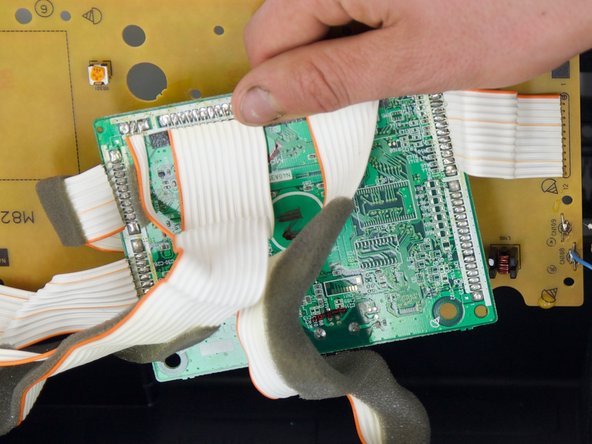
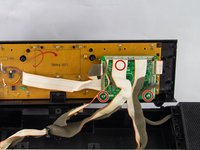
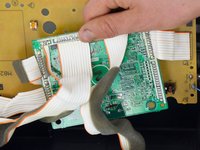
    • Remove the three 12 mm Phillips #2 screws from the green PCB.

    • This step will require you to move some of the motherboard's wiring. Make sure not to separate any of the connection points.

  5. Casio CTK-3200 LCD Screen Replacement: 步骤 5 中的图像 1,2 Casio CTK-3200 LCD Screen Replacement: 步骤 5 中的图像 2,2
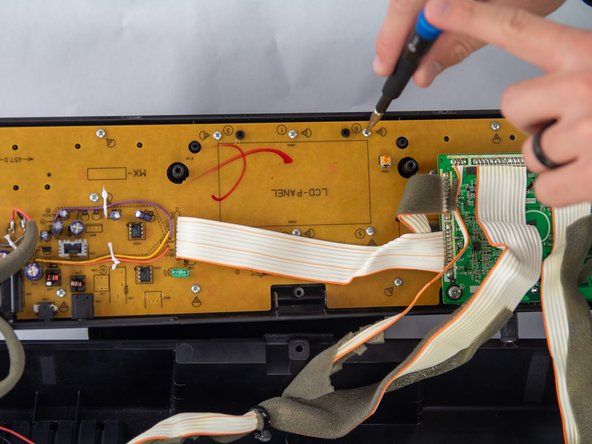
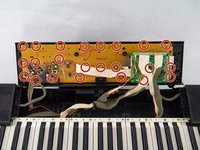
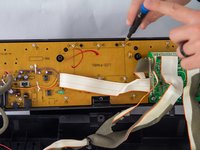
    • Remove all twenty-three of the 10 mm Phillips #1 screws from the yellow circuit board.

  6. Casio CTK-3200 LCD Screen Replacement: 步骤 6 中的图像 1,1
    • The board is now able to be removed from the center front panel. Carefully remove the board, making certain not to break the board or any of the components attached to it.

    • Make sure the center front panel is facing down for this step, as the keys will come loose from the front of the panel.

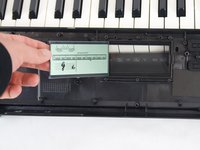
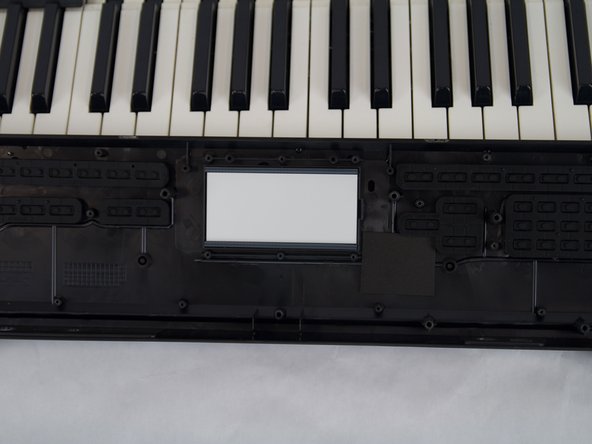
  7. Casio CTK-3200 LCD Screen Replacement, LCD Screen: 步骤 7 中的图像 1,2 Casio CTK-3200 LCD Screen Replacement, LCD Screen: 步骤 7 中的图像 2,2
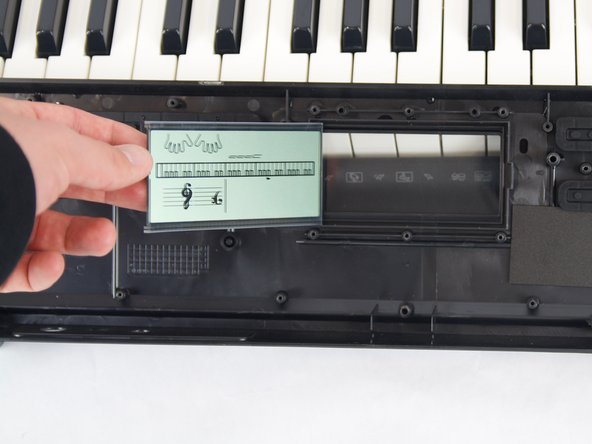
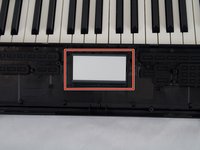
    • Carefully lift out the LCD screen.

    • If the screen has not been taken off before it might seem like it is glued to the board; this is normal.

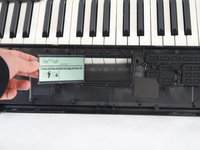
  8. Casio CTK-3200 LCD Screen Replacement: 步骤 8 中的图像 1,2 Casio CTK-3200 LCD Screen Replacement: 步骤 8 中的图像 2,2
    • Place your new screen face down into the center panel. Lay the screen exactly as shown in the first image, then let it fall over and land face down into place.

    • Make sure the screen is right side up. This will ensure that all of the electrical components line up correctly when the main board is re-attached to the center panel.

结论

To reassemble your device, follow these instructions in reverse order.

Will Wright

于10/23/24注册

369 声望

创作了2篇指南

团队

Cuesta, Team 10-4, Krynen Fall 2024 Cuesta, Team 10-4, Krynen Fall 2024 的会员

CUESTA-KRYNEN-F24S10G4

4 名成员

创作了6篇指南

0指南评论

添加评论

浏览统计数据:

过去 24 小时: 1

过去 7 天: 6

过去 30 天: 19

总计 267