简介
This guide will teach you how to replace your printer's right side transformer. Do not touch anything other than what is specified, specifically on the green board. You may accidentally short or damage the electrical configurations or give yourself an electric shock.
你所需要的
-
-
-
-
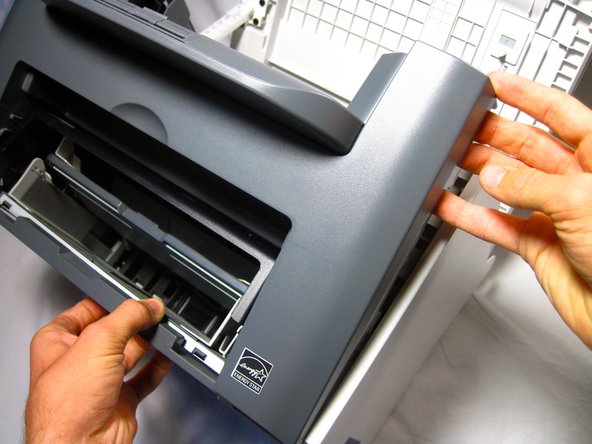
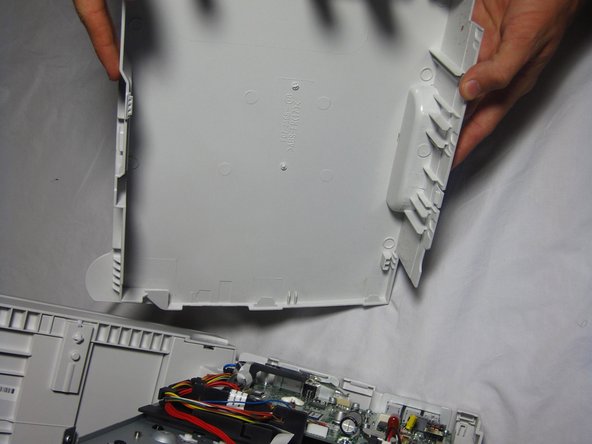
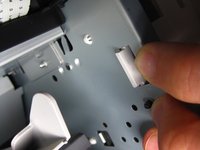
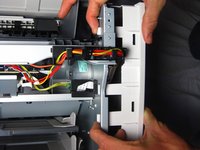
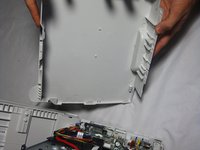
Gently unhook the right side paneling (as looking at the printer's front face) from the printer.
-
-
-
-
-
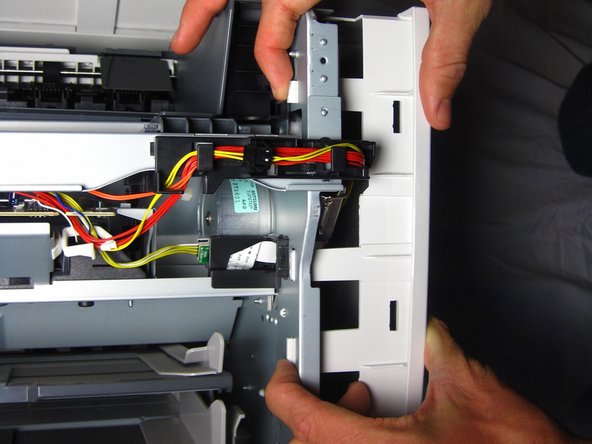
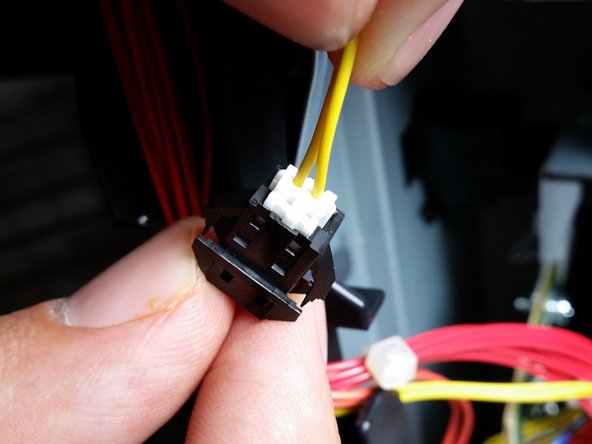
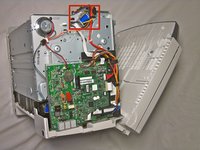
Locate the yellow wire connected to the metal box.
-
Carefully pull the yellow wire from the black connector.
-
-

 询问修复机器人
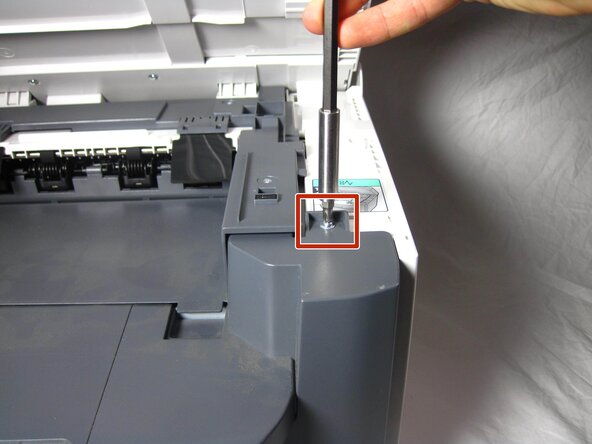
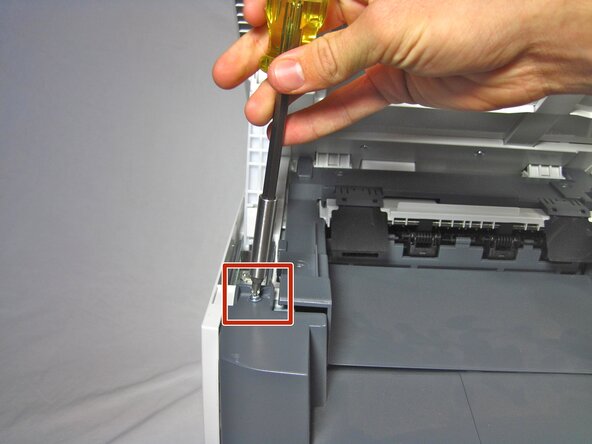




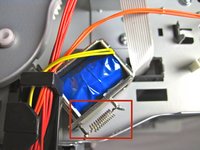
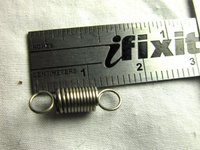


To reassemble your device, follow these instructions in reverse order.
另外一个人完成了本指南。

团队

Cal Poly, Team 13-1, Forte Fall 2013 Cal Poly, Team 13-1, Forte Fall 2013 的会员
CPSU-FORTE-F13S13G1
5 名成员
创作了17篇指南
