跳转到主内容
加入维修社区 - 创建账户

CamPark BM20 Buttons Replacement

你所需要的

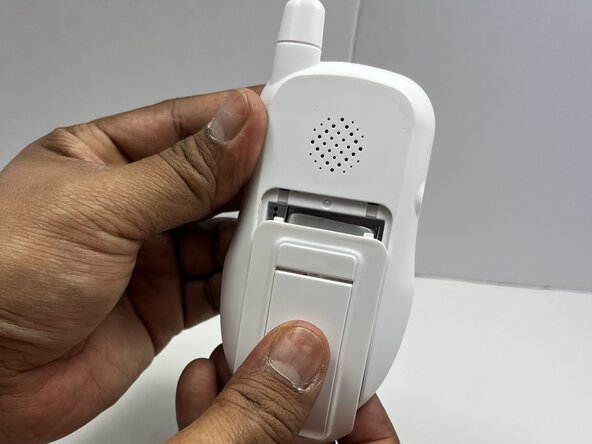
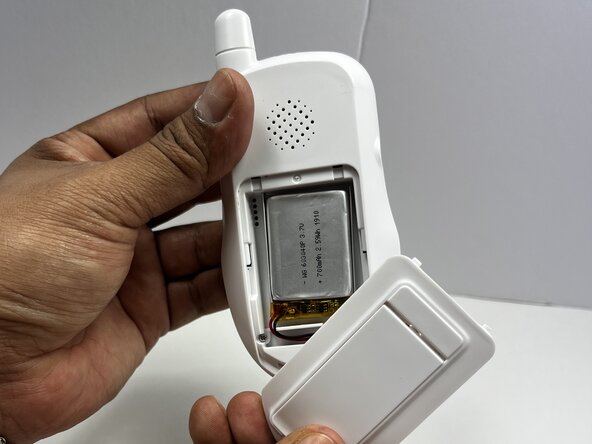
  1. CamPark BM20 Buttons Replacement, Battery: 步骤 1 中的图像 1,3 CamPark BM20 Buttons Replacement, Battery: 步骤 1 中的图像 2,3 CamPark BM20 Buttons Replacement, Battery: 步骤 1 中的图像 3,3
    • Flip the handheld monitor so the back is facing you.

    • Use your fingers to slide the battery cover off to access the battery.

    询问修复机器人
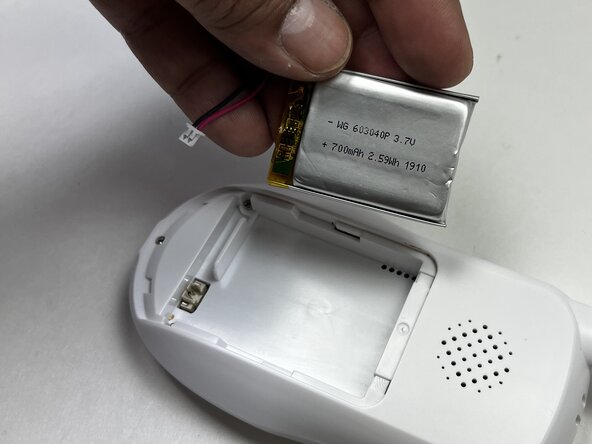
  2. CamPark BM20 Buttons Replacement: 步骤 2 中的图像 1,2 CamPark BM20 Buttons Replacement: 步骤 2 中的图像 2,2
    • Use a spudger or your fingers to unplug the battery cable from the handheld device.

    • Remove the battery.

    询问修复机器人
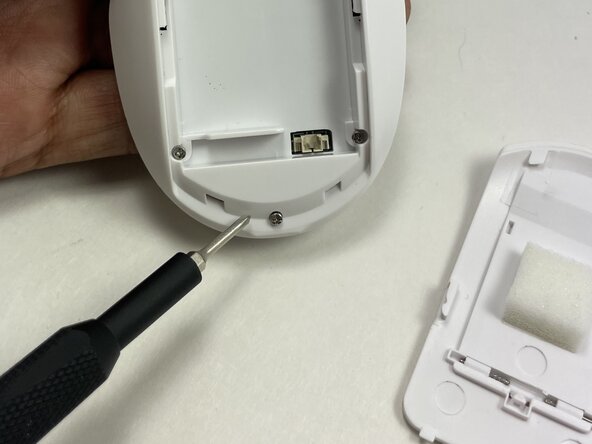
  3. CamPark BM20 Buttons Replacement, Buttons: 步骤 3 中的图像 1,3 CamPark BM20 Buttons Replacement, Buttons: 步骤 3 中的图像 2,3 CamPark BM20 Buttons Replacement, Buttons: 步骤 3 中的图像 3,3
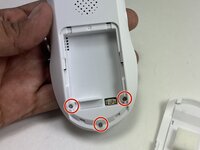
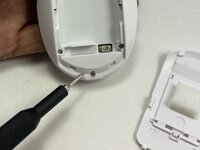
    • Use a Phillips #0 screwdriver to remove the three 12.7 mm screws from the lower back of the device.

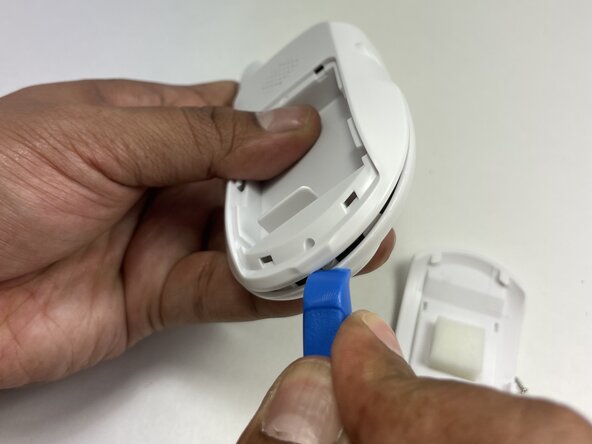
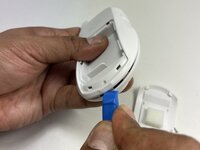
    • Insert the tip of an iFixit opening tool between the front and back casing seams to release the clips securing the two halves.

    • Gently pry apart the handheld unit.

    询问修复机器人
  4. CamPark BM20 Buttons Replacement: 步骤 4 中的图像 1,3 CamPark BM20 Buttons Replacement: 步骤 4 中的图像 2,3 CamPark BM20 Buttons Replacement: 步骤 4 中的图像 3,3
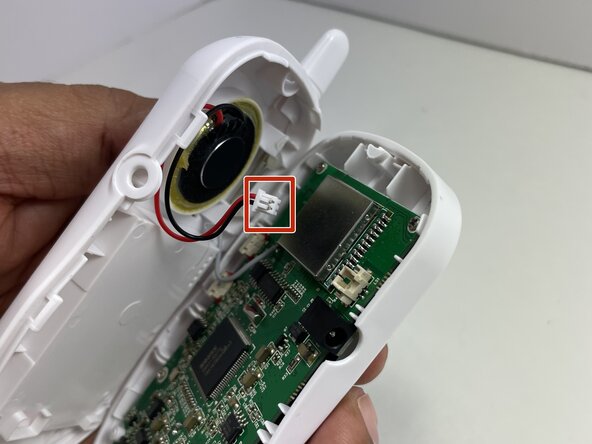
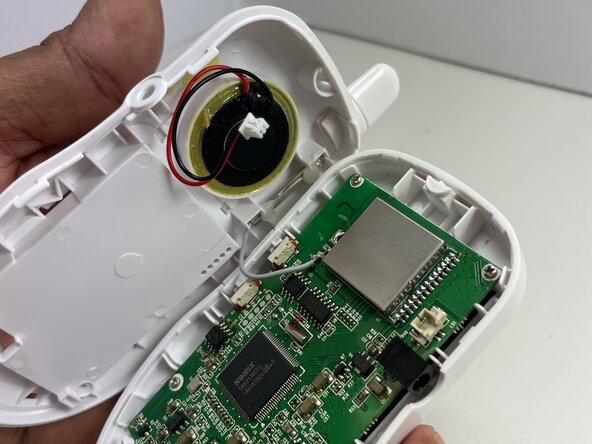
    • Unplug the speaker cable from the socket on the motherboard.

    询问修复机器人
  5. CamPark BM20 Buttons Replacement: 步骤 5 中的图像 1,1
    • Using a Phillips #00 screwdriver, remove the four 6.35 mm screws from the corners of the motherboard.

    询问修复机器人
  6. CamPark BM20 Buttons Replacement: 步骤 6 中的图像 1,2 CamPark BM20 Buttons Replacement: 步骤 6 中的图像 2,2
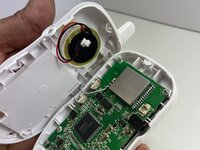
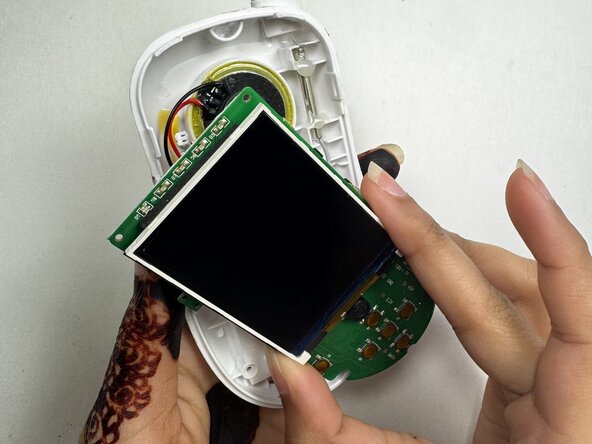
    • Remove the motherboard from the front case and set it on the bottom case with the speaker.

    询问修复机器人
  7. CamPark BM20 Buttons Replacement: 步骤 7 中的图像 1,3 CamPark BM20 Buttons Replacement: 步骤 7 中的图像 2,3 CamPark BM20 Buttons Replacement: 步骤 7 中的图像 3,3
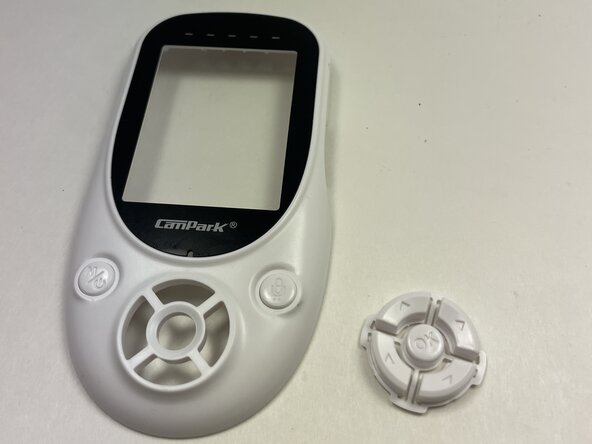
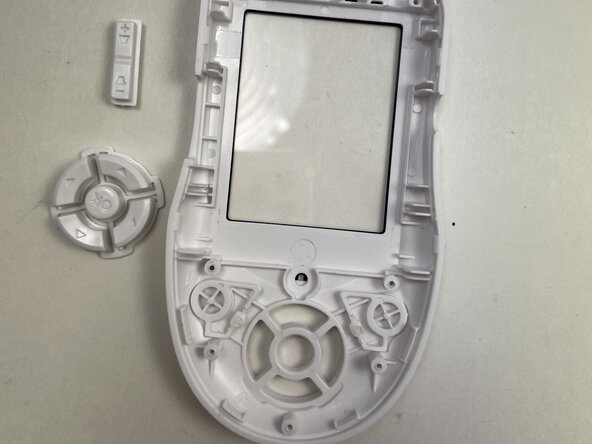
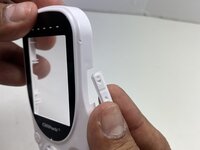
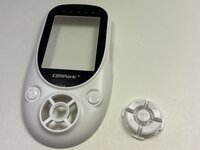
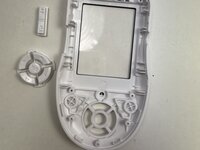
    • Remove the volume and directional buttons from the top cover.

    • The power and speaker buttons cannot be removed without breaking them off.

    询问修复机器人
结论

To reassemble your device, follow these instructions in reverse order. Take your e-waste to an R2 or e-Stewards certified recycler.

Subah Shabnam

于02/24/25注册

837 声望

创作了4篇指南

0指南评论

添加评论

浏览统计数据:

过去 24 小时: 0

过去 7 天: 1

过去 30 天: 6

总计 184