跳转到主内容
加入维修社区 - 创建账户

Brother PT-210 Battery Replacement

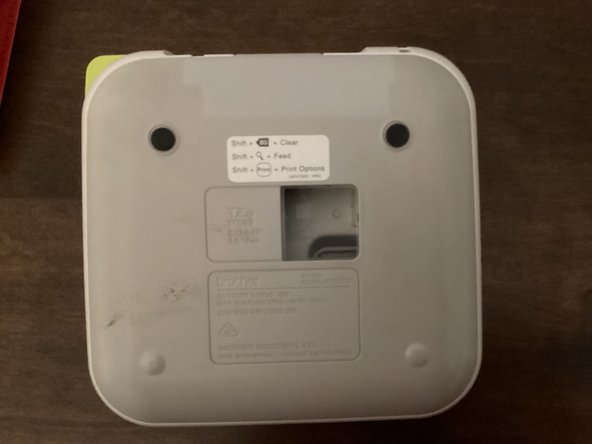
  1. Brother PT-210 Battery Replacement, Back Cover: 步骤 1 中的图像 1,3 Brother PT-210 Battery Replacement, Back Cover: 步骤 1 中的图像 2,3 Brother PT-210 Battery Replacement, Back Cover: 步骤 1 中的图像 3,3
    • Use the tab to open the back cover of your machine.

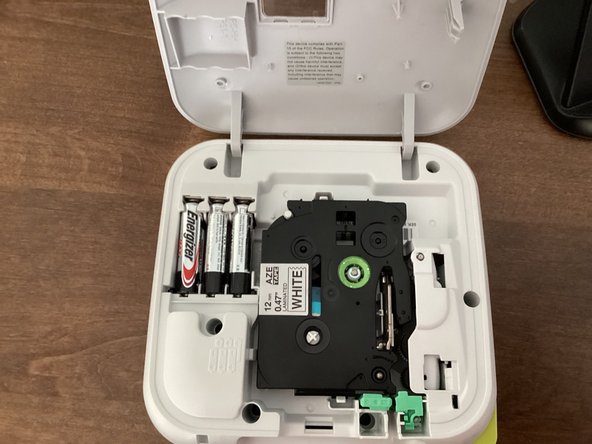
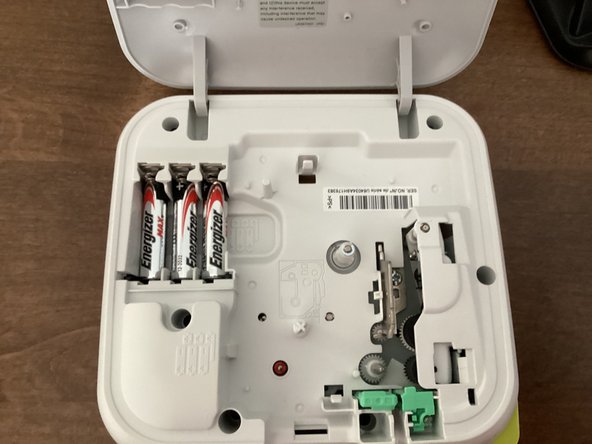
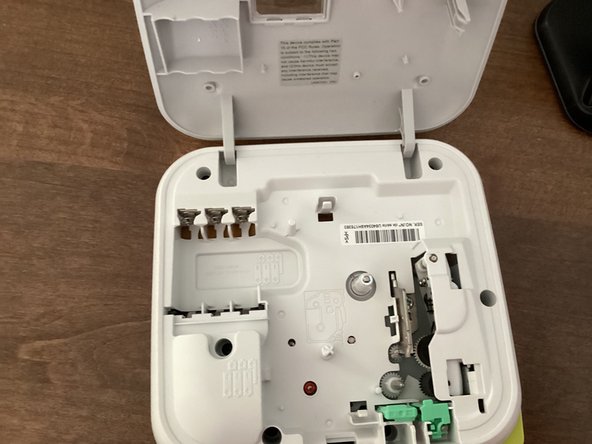
  2. Brother PT-210 Battery Replacement, Batteries: 步骤 2 中的图像 1,3 Brother PT-210 Battery Replacement, Batteries: 步骤 2 中的图像 2,3 Brother PT-210 Battery Replacement, Batteries: 步骤 2 中的图像 3,3
    • Remove all 6 batteries from your machine.

    • When you put the batteries back in, keep in mind that the polarity of them matter. Your machine won't work if the polarities of the batteries are messed up.

    • Do not mix new and old batteries!

    • It might be helpful to take the tape out of your machine. This guide shows you how to.

结论

To reassemble your device, follow these instructions in reverse order.

TheMasterG

于07/19/24注册

1,406 声望

创作了12篇指南

0指南评论

添加评论

浏览统计数据:

过去 24 小时: 2

过去 7 天: 8

过去 30 天: 40

总计 309