跳转到主内容
加入维修社区 - 创建账户

Brother PT-1290 Keyboard Replacement

你所需要的

  1. Brother PT-1290 Keyboard Replacement, Keyboard: 步骤 1 中的图像 1,3 Brother PT-1290 Keyboard Replacement, Keyboard: 步骤 1 中的图像 2,3 Brother PT-1290 Keyboard Replacement, Keyboard: 步骤 1 中的图像 3,3
    • Turn the device to its side toward the bottom of the keyboard. Then pop open the case and remove the batteries.

  2. Brother PT-1290 Keyboard Replacement: 步骤 2 中的图像 1,3 Brother PT-1290 Keyboard Replacement: 步骤 2 中的图像 2,3 Brother PT-1290 Keyboard Replacement: 步骤 2 中的图像 3,3
    • Remove back of device and set aside.

  3. Brother PT-1290 Keyboard Replacement: 步骤 3 中的图像 1,3 Brother PT-1290 Keyboard Replacement: 步骤 3 中的图像 2,3 Brother PT-1290 Keyboard Replacement: 步骤 3 中的图像 3,3
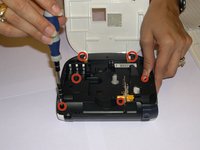
    • Remove all 1/4 inch screws(6 total) with a (+PH00) screwdriver. Open slowly not to damage the display data cable.

  4. Brother PT-1290 Keyboard Replacement: 步骤 4 中的图像 1,3 Brother PT-1290 Keyboard Replacement: 步骤 4 中的图像 2,3 Brother PT-1290 Keyboard Replacement: 步骤 4 中的图像 3,3
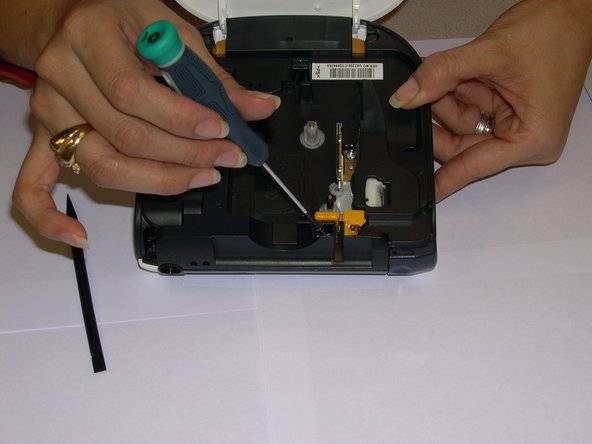
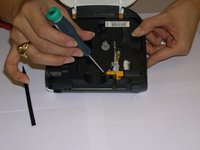
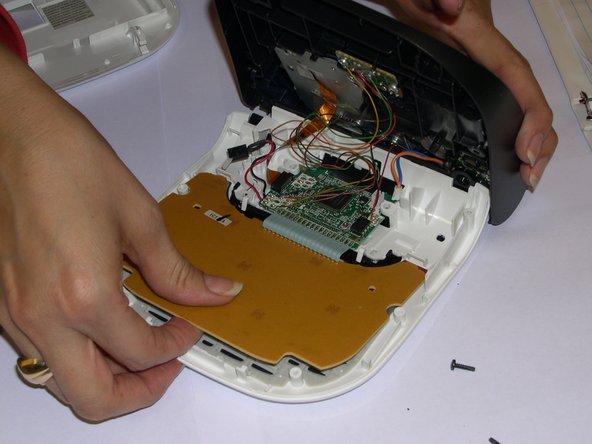
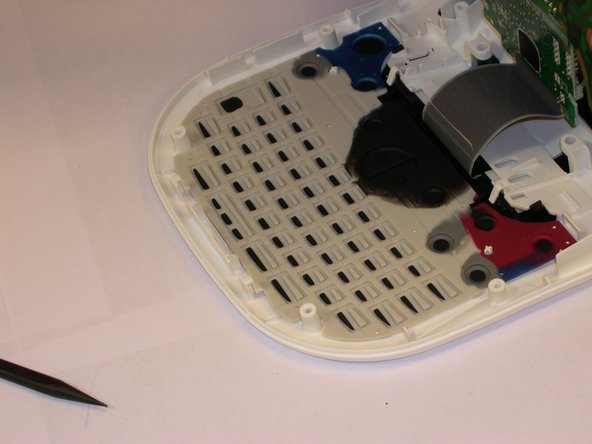
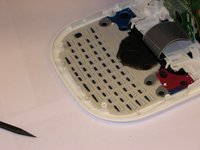
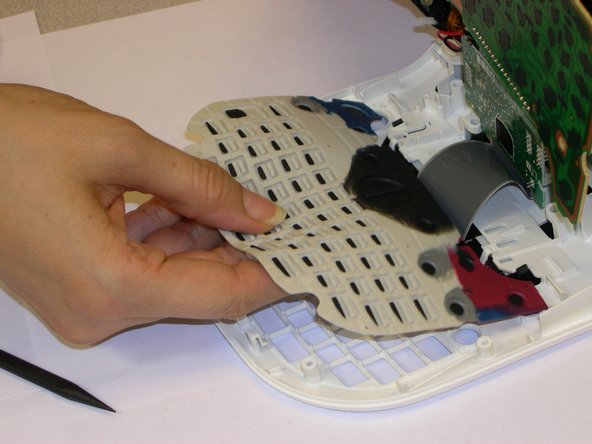
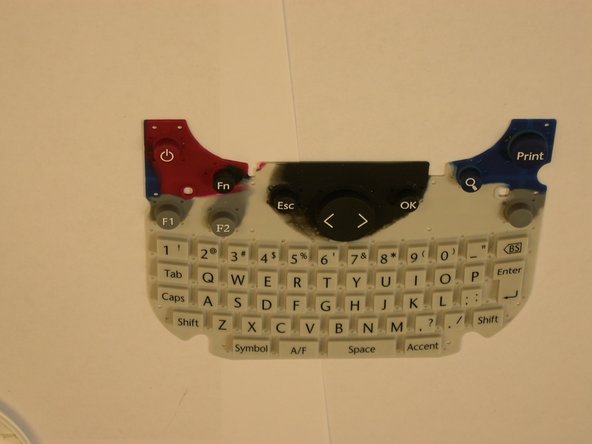
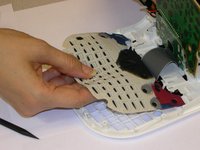
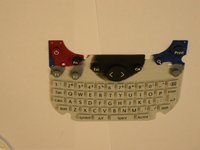
    • Use a plastic opening tool to remove the flat-panel membrane keyboard. Lift up and set aside.

  5. Brother PT-1290 Keyboard Replacement: 步骤 5 中的图像 1,3 Brother PT-1290 Keyboard Replacement: 步骤 5 中的图像 2,3 Brother PT-1290 Keyboard Replacement: 步骤 5 中的图像 3,3
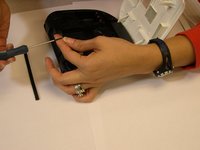
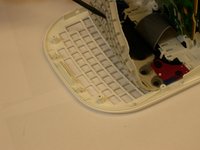
    • Use a spudger to aid in removing the keyboard.

    • Gently lift out while removing the LCD screen that is connected to the data cable and finishing removing.

结论

To reassemble your device, follow these instructions in reverse order.

Angela Araujo

于10/24/14注册

99 声望

撰写一个指南

团队

Gateway, Team 1-4, Johnson Fall 2014 Gateway, Team 1-4, Johnson Fall 2014 的会员

GCC-JOHNSON-F14S1G4

3 名成员

创作了6篇指南

0指南评论

添加评论

浏览统计数据:

过去 24 小时: 1

过去 7 天: 7

过去 30 天: 13

总计 596