简介
Use this guide to replace the screen on the front of your device.
你所需要的
-
-
-
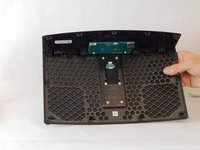
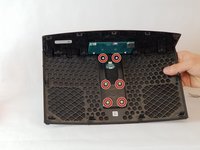
Remove the (6) six 1.5 cm Phillips screws holding on the bottom cover of the speaker using a Phillips #0 screwdriver.
-
Lift the cover straight up and set the cover to the side.
 询问修复机器人
-
-
-
-
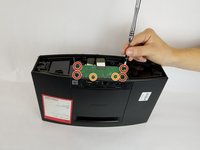
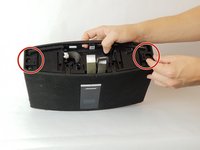
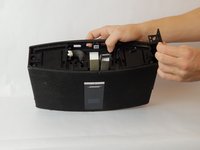
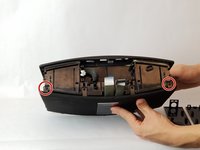
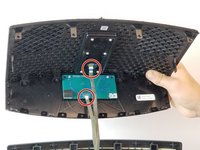
Remove the (2) two 1.5 cm screws circled in picture one.
-
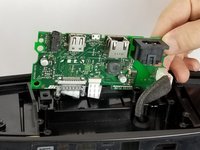
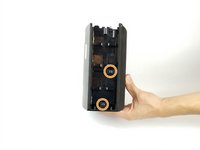
Rotate the speaker to its side and remove the (2) two 1.5 cm screws circled in picture 2. Remove these screws on either side of the speaker.
-
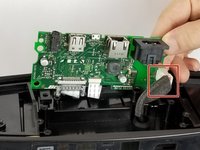
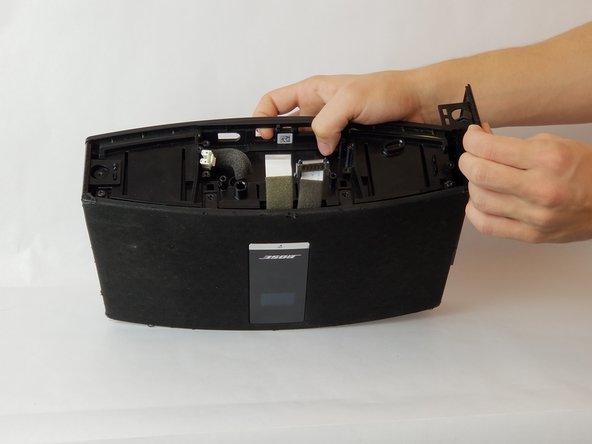
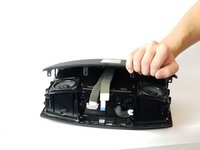
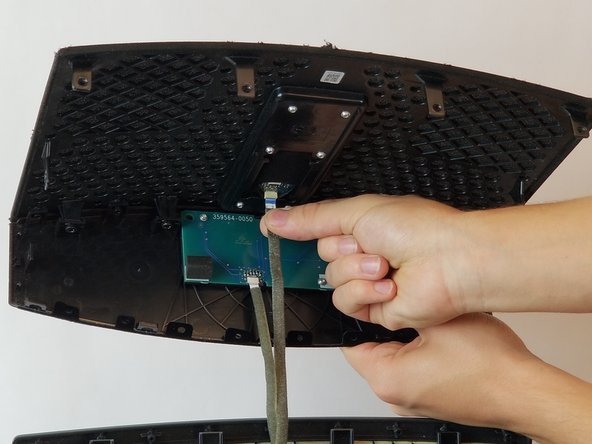
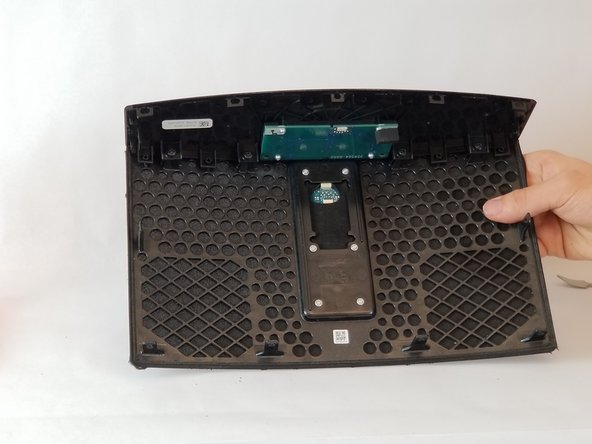
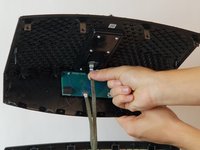
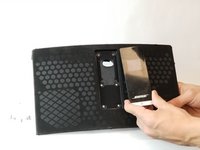
After all screws are removed, gently remove the cover from the speaker as shown in picture 3.
-
-




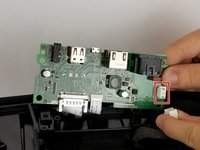








To reassemble your device, follow these instructions in reverse order.
4等其他人完成本指南。

团队

USF Tampa, Team S11-G3, Passmore Fall 2017 USF Tampa, Team S11-G3, Passmore Fall 2017 的会员
USFT-PASSMORE-F17S11G3
4 名成员
创作了21篇指南
