简介
Lithium-ion batteries inevitably wear over time, and the battery in the BolaButty X-GO speaker is no different. If you've noticed that your speaker is losing its ability to store and deliver power efficiently, it's probably time to consider replacing the battery.
Before replacing the battery make sure your charger isn't the issue. Try using a different charger to confirm that the battery won't hold a charge. Also be sure to check the charging port to make sure it isn't having issues connecting to the charger. The battery will be the most likely issue, but it is still a good idea to make sure nothing is bent, warped, or out of place.
If your battery appears swollen, follow this guide.
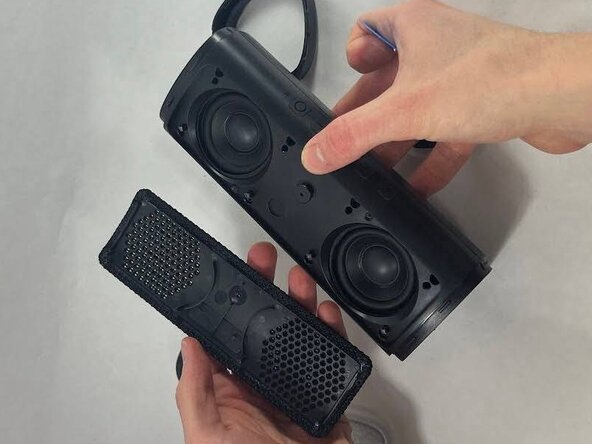
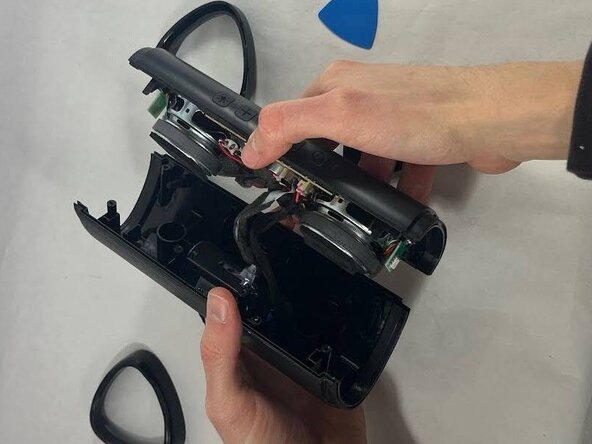
If you are replacing any other components, it's a good idea to disconnect the battery before accessing them for safety reasons. Once you open the device, you will also discover that the device separates into two halves, with the wire from the battery connecting the two.
The battery is secured underneath the charging port, so you will have to remove that first.
For optimal performance, after completing this guide, calibrate your newly installed battery. Take your e-waste to an R2 or e-Stewards certified recycler.
你所需要的
-
-
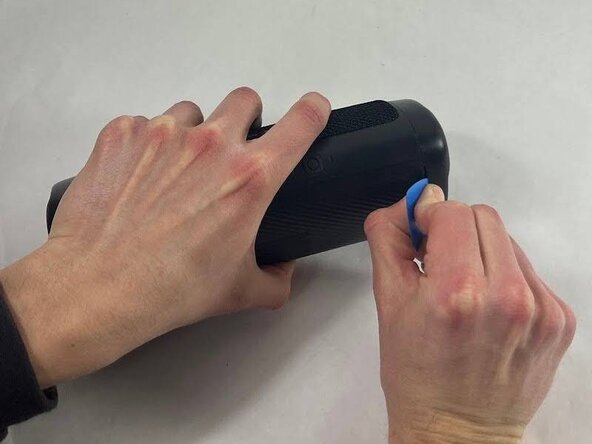
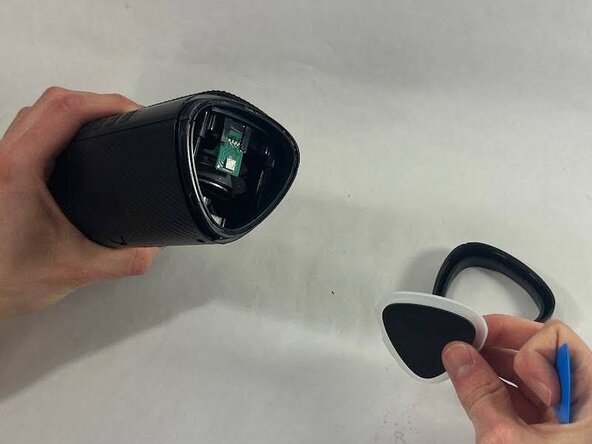
Take an opening tool or pick and wedge it into the groove between the endcap and the main casing. Wiggle it back and forth.
-
Strike the speaker endcap firmly against a solid surface to pop the end caps off.
-
-





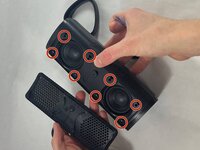
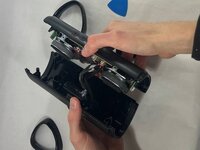

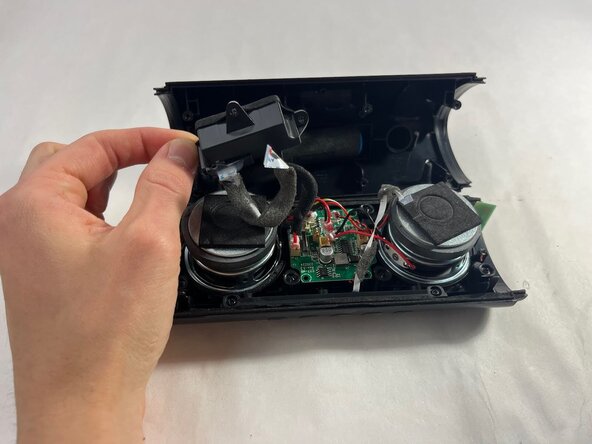
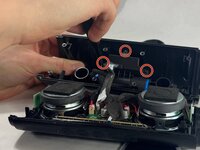
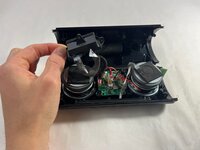

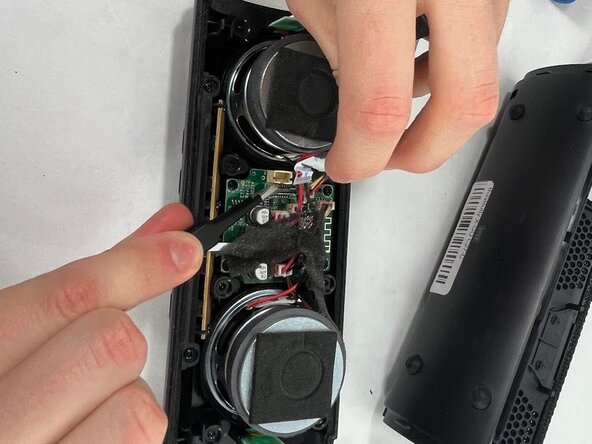
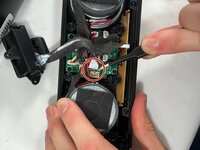
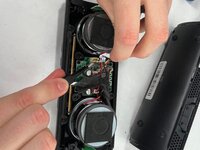

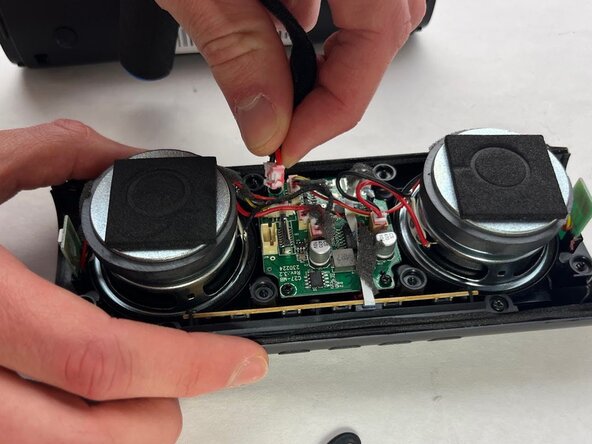

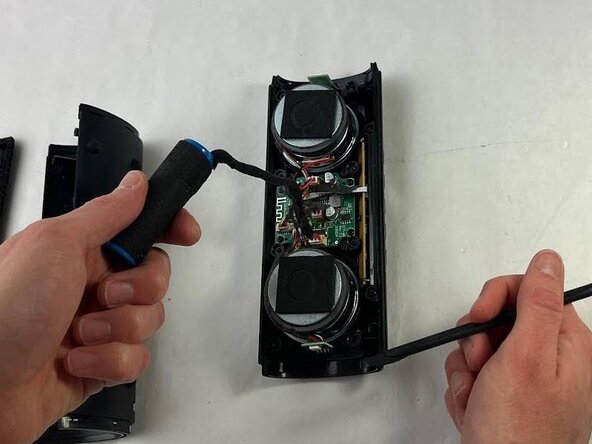
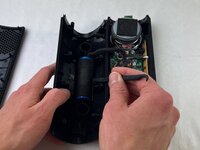
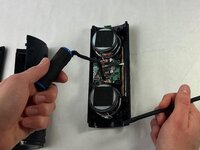
To reassemble your device, follow the above steps in reverse order.
For optimal performance, after completing this guide, calibrate your newly installed battery.
Take your e-waste to an R2 or e-Stewards certified recycler.
Repair didn’t go as planned? Try some basic troubleshooting or ask our Answers community for help.
另外一个人完成了本指南。


团队

UMass Dartmouth, Team 3-5, Botvin Spring 2025 UMass Dartmouth, Team 3-5, Botvin Spring 2025 的会员
UMASSD-BOTVIN-S25S3G5
3 名成员
创作了5篇指南
