跳转到主内容
加入维修社区 - 创建账户

BlackBerry 7280 Microphone Replacement

你所需要的

    1. BlackBerry 7280 Microphone Replacement, Battery: 步骤 1 中的图像 1,3 BlackBerry 7280 Microphone Replacement, Battery: 步骤 1 中的图像 2,3 BlackBerry 7280 Microphone Replacement, Battery: 步骤 1 中的图像 3,3
      • With your thumb press down on the locking- button on the back of the BlackBerry 7280.

      • Slide the battery cover off the device.

      询问修复机器人

      添加评论

    2. BlackBerry 7280 Microphone Replacement: 步骤 2 中的图像 1,2 BlackBerry 7280 Microphone Replacement: 步骤 2 中的图像 2,2
      • Remove the lithium-ion battery from the back of the device using your index finger.

      询问修复机器人

      添加评论

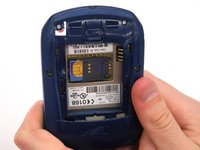
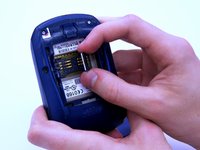
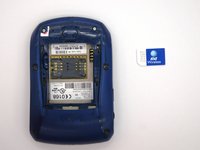
    1. BlackBerry 7280 Microphone Replacement, SIM Card: 步骤 3 中的图像 1,3 BlackBerry 7280 Microphone Replacement, SIM Card: 步骤 3 中的图像 2,3 BlackBerry 7280 Microphone Replacement, SIM Card: 步骤 3 中的图像 3,3
      • Hold the device with both hands.

      • Lift the SIM card holder using your thumb and index finger.

      • Remove the SIM card from the device.

      询问修复机器人

      添加评论

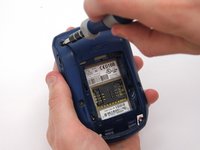
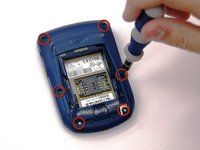
    1. BlackBerry 7280 Microphone Replacement, Back Case: 步骤 4 中的图像 1,2 BlackBerry 7280 Microphone Replacement, Back Case: 步骤 4 中的图像 2,2
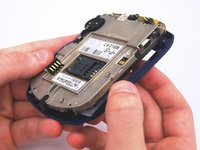
      • Using a Torx T6 screwdriver, remove all six 1/8 inch screws (marked in red) from the back case. Set screws aside.

      • The SIM card has been removed here to prevent damage to the card. This is recommended, but not not required.

      询问修复机器人

      添加评论

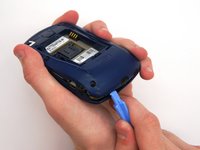
    2. BlackBerry 7280 Microphone Replacement: 步骤 5 中的图像 1,2 BlackBerry 7280 Microphone Replacement: 步骤 5 中的图像 2,2
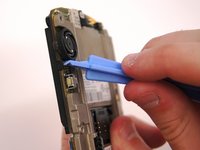
      • Use the plastic opening tool to pry the back case away from the front case.

      询问修复机器人

      添加评论

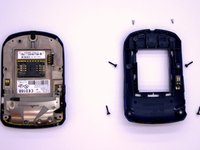
    1. BlackBerry 7280 Microphone Replacement, Front Case: 步骤 6 中的图像 1,2 BlackBerry 7280 Microphone Replacement, Front Case: 步骤 6 中的图像 2,2
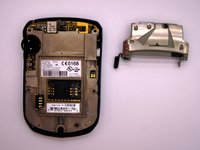
      • Using a Torx T6 screwdriver, remove the lone 1/8 inch screw that holds the upper metal bracket onto the larger metal bracket. Set aside the screw and the bracket.

      询问修复机器人

      添加评论

    2. BlackBerry 7280 Microphone Replacement: 步骤 7 中的图像 1,2 BlackBerry 7280 Microphone Replacement: 步骤 7 中的图像 2,2
      • Remove the front plastic case from the metal bracket.

      询问修复机器人

      添加评论

    1. BlackBerry 7280 Microphone Replacement, LCD Screen and Speaker: 步骤 8 中的图像 1,2 BlackBerry 7280 Microphone Replacement, LCD Screen and Speaker: 步骤 8 中的图像 2,2
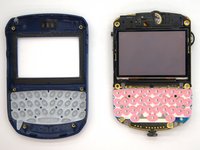
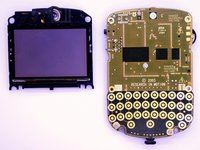
      • Use the plastic opening tool to pry at the edge of the screen near the track-wheel.

      询问修复机器人

      添加评论

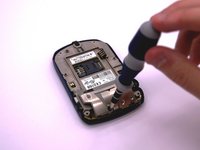
    1. BlackBerry 7280 Microphone Replacement, Logic Board: 步骤 9 中的图像 1,1
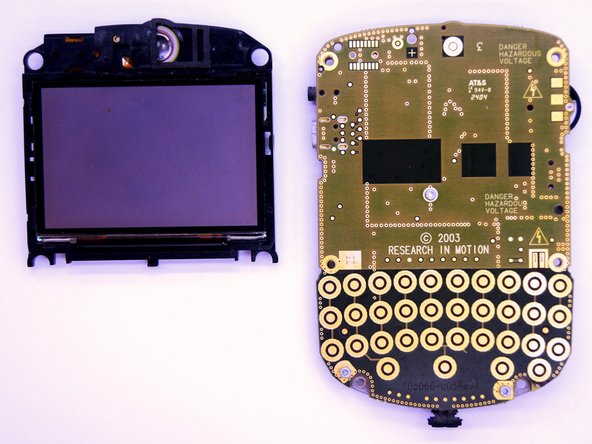
      • Use a Torx T6 screwdriver to remove the 3 1/8 inch screws shown.

      询问修复机器人

      添加评论

    2. BlackBerry 7280 Microphone Replacement: 步骤 10 中的图像 1,1
      • Remove the logic board with your hands.

      询问修复机器人

      添加评论

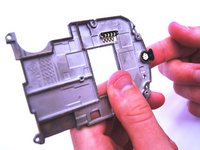
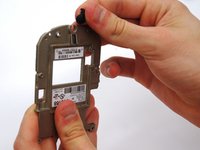
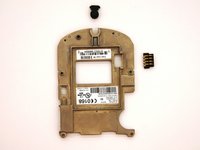
    1. BlackBerry 7280 Microphone Replacement, Microphone: 步骤 11 中的图像 1,3 BlackBerry 7280 Microphone Replacement, Microphone: 步骤 11 中的图像 2,3 BlackBerry 7280 Microphone Replacement, Microphone: 步骤 11 中的图像 3,3
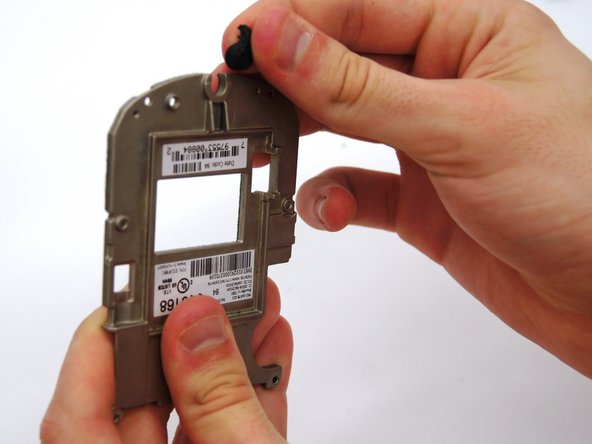
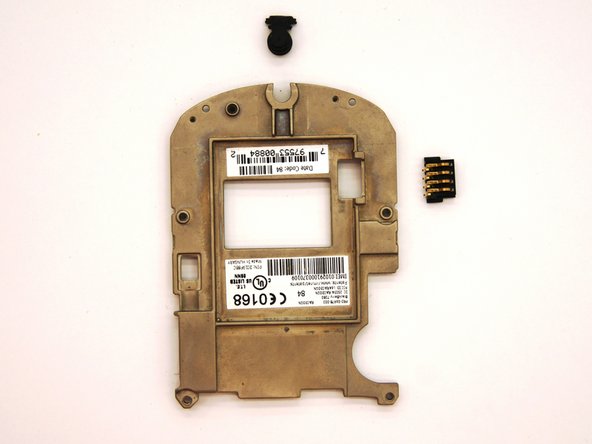
      • Remove the small black rubber microphone by sliding it off of the metal bracket.

      询问修复机器人

      添加评论

结论

To reassemble your device, follow these instructions in reverse order.

取消:我没有完成这个指南。

另外一个人完成了本指南。

团队

Clemson, Team 12-2, Benson Spring 2013 Clemson, Team 12-2, Benson Spring 2013 的会员

CLEM-BENSON-S13S12G2

4 名成员

创作了90篇指南

1指南评论

Hi ! great tutorial ! do you know the reference name or number of the microphone that this blackberry uses ?

Thank you !

DearTom - 回复 分享

添加评论

浏览统计数据:

过去 24 小时: 1

过去 7 天: 8

过去 30 天: 28

总计 610