跳转到主内容
加入维修社区 - 创建账户

BlackBerry 7100g Screen Replacement

你所需要的

    1. BlackBerry 7100g Screen Replacement, Battery: 步骤 1 中的图像 1,1
      • Turn over your BalckBerry 7100g so that the back cover is facing up.

      • Locate the battery cover release button near the bottom of the back panel.

      询问修复机器人

      添加评论

    2. BlackBerry 7100g Screen Replacement: 步骤 2 中的图像 1,3 BlackBerry 7100g Screen Replacement: 步骤 2 中的图像 2,3 BlackBerry 7100g Screen Replacement: 步骤 2 中的图像 3,3
      • Push down on the release button with one thumb.

      • Slide the battery cover off with the other thumb.

      询问修复机器人

      添加评论

    3. BlackBerry 7100g Screen Replacement: 步骤 3 中的图像 1,1
      • Remove the battery from the battery housing by flipping up the top of the battery.

      询问修复机器人

      添加评论

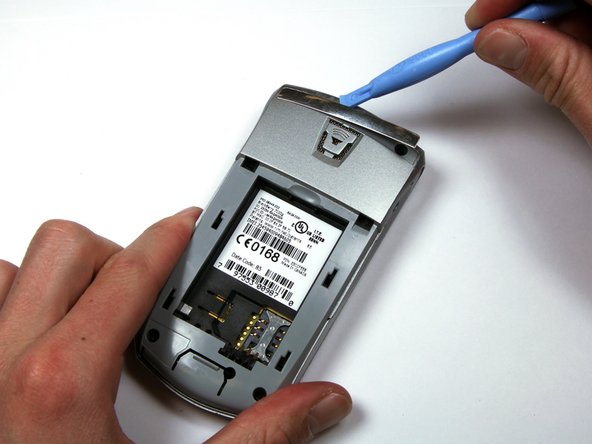
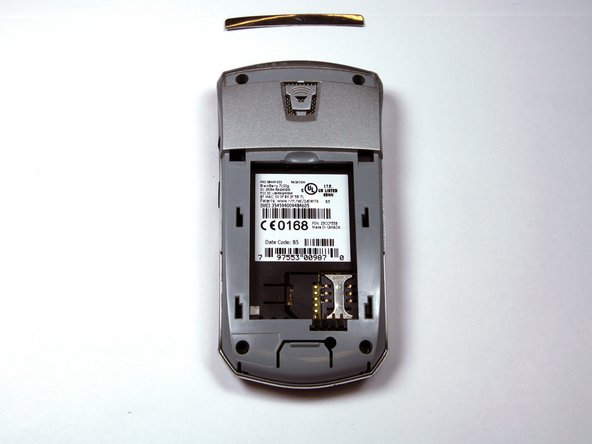
    1. BlackBerry 7100g Screen Replacement, Housing: 步骤 4 中的图像 1,3 BlackBerry 7100g Screen Replacement, Housing: 步骤 4 中的图像 2,3 BlackBerry 7100g Screen Replacement, Housing: 步骤 4 中的图像 3,3
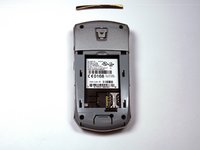
      • Locate the silver strip near the top of your BlackBerry.

      • Use a plastic opening tool to pry off the edge of the silver lining.

      • Slide the tool along the length of the silver strip to completely remove it.

      询问修复机器人

      添加评论

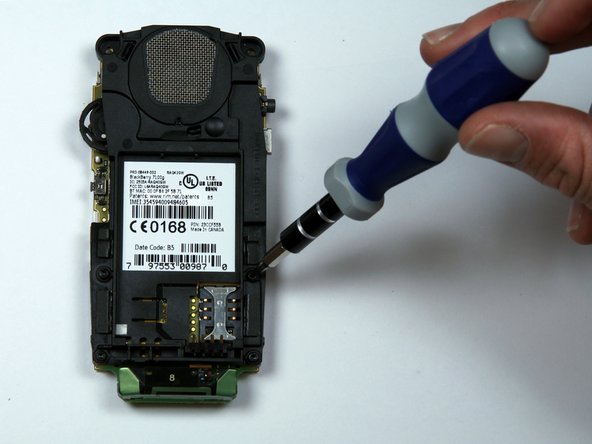
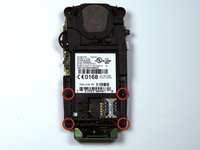
    2. BlackBerry 7100g Screen Replacement: 步骤 5 中的图像 1,2 BlackBerry 7100g Screen Replacement: 步骤 5 中的图像 2,2
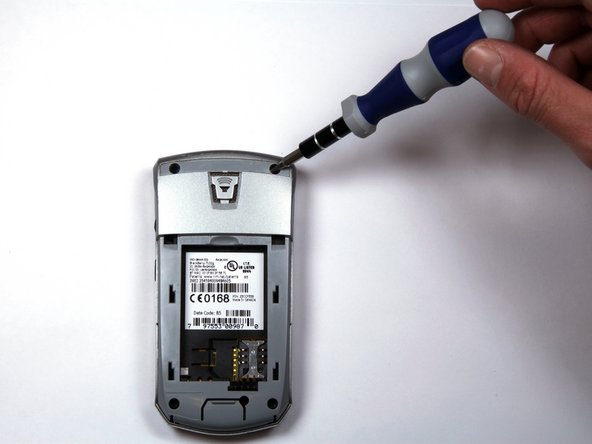
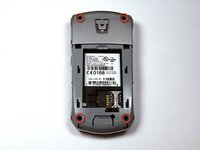
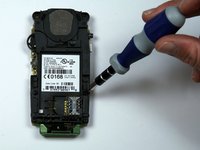
      • Do not lose the screws. They are quite small and can easily be misplaced.

      • Locate and unscrew the four (4) screws using a T6 screwdriver.

      询问修复机器人

      添加评论

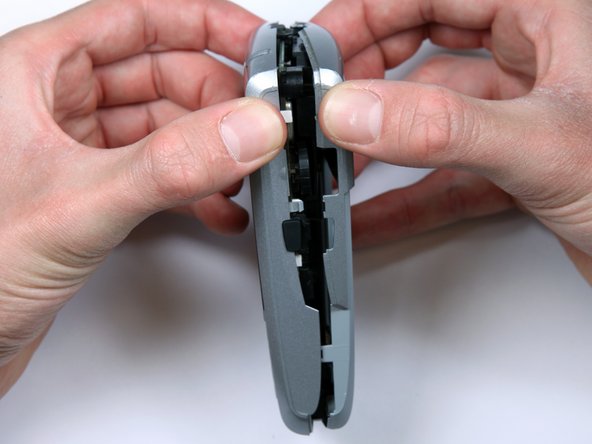
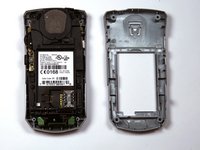
    3. BlackBerry 7100g Screen Replacement: 步骤 6 中的图像 1,3 BlackBerry 7100g Screen Replacement: 步骤 6 中的图像 2,3 BlackBerry 7100g Screen Replacement: 步骤 6 中的图像 3,3
      • The keypad cover may fall out of the housing when prying the housing apart.

      • Tightly pinch the top of the front and back halves of the housing.

      • Carefully pry the two halves of the housing apart.

      询问修复机器人

      添加评论

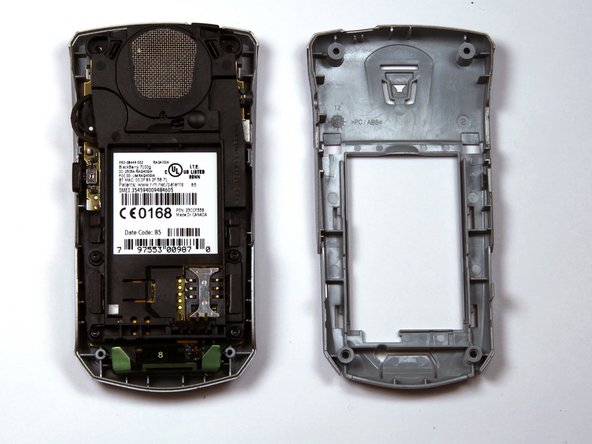
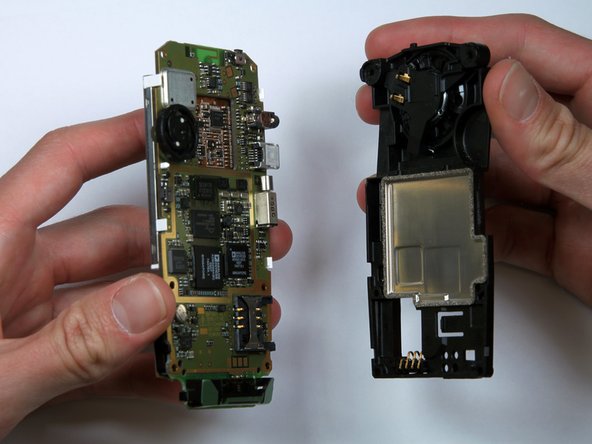
    4. BlackBerry 7100g Screen Replacement: 步骤 7 中的图像 1,1
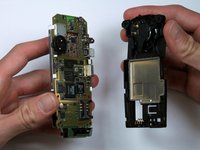
      • You can now easily remove the "guts" of the phone from the housing.

      询问修复机器人

      添加评论

    1. BlackBerry 7100g Screen Replacement, Keypad: 步骤 8 中的图像 1,3 BlackBerry 7100g Screen Replacement, Keypad: 步骤 8 中的图像 2,3 BlackBerry 7100g Screen Replacement, Keypad: 步骤 8 中的图像 3,3
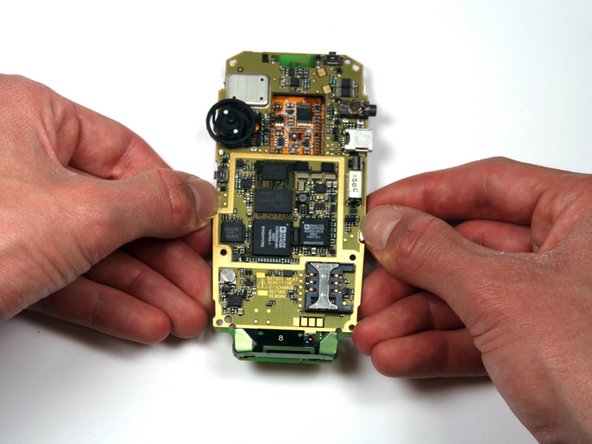
      • Turn the "guts" over so the speaker is facing up.

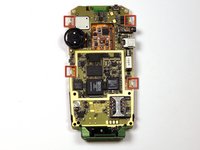
      • Locate and unscrew the four (4) screws near the bottom of the motherboard, using a T6 screwdriver.

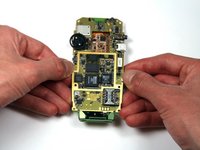
      • Separate the battery housing from the motherboard.

      询问修复机器人

      添加评论

    2. BlackBerry 7100g Screen Replacement: 步骤 9 中的图像 1,1
      • Pull the keypad off of the motherboard.

      • It should come off with little effort. If not, there are several tabs that can be released on either side of the keypad.

      询问修复机器人

      添加评论

    1. BlackBerry 7100g Screen Replacement, Screen: 步骤 10 中的图像 1,2 BlackBerry 7100g Screen Replacement, Screen: 步骤 10 中的图像 2,2
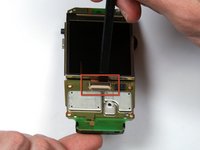
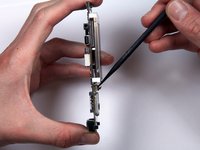
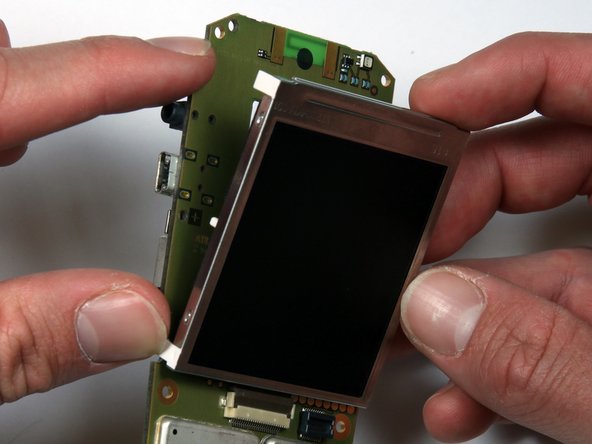
      • Locate the ribbon connector below the bottom of the screen.

      • Use a spudger to flip up the connector.

      询问修复机器人

      添加评论

    2. BlackBerry 7100g Screen Replacement: 步骤 11 中的图像 1,3 BlackBerry 7100g Screen Replacement: 步骤 11 中的图像 2,3 BlackBerry 7100g Screen Replacement: 步骤 11 中的图像 3,3
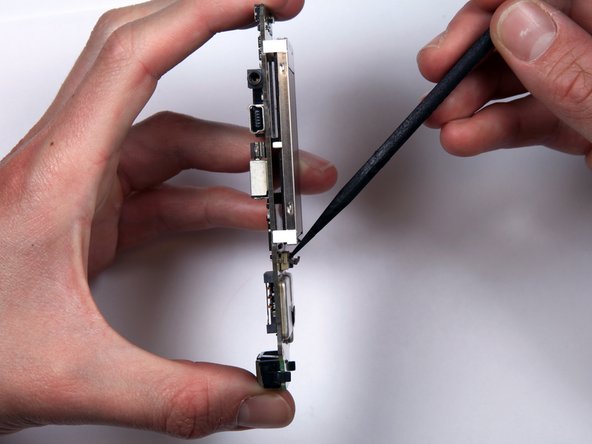
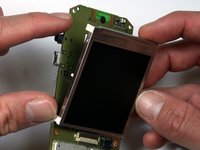
      • Locate the four (4) white tabs that attach the screen to the motherboard.

      • Carefully detach the tabs from the motherboard.

      • The screen can now be removed from the motherboard.

      询问修复机器人

      添加评论

结论

To reassemble your device, follow these instructions in reverse order.

取消:我没有完成这个指南。

另外一个人完成了本指南。

团队

Cal Poly, Team 25-87, Amido Spring 2010 Cal Poly, Team 25-87, Amido Spring 2010 的会员

CPSU-AMIDO-S10S25G87

4 名成员

创作了33篇指南

1指南评论

just a heads up don't do this with a iPhone it does not work at All!

Jaxson HUTCHINSON - 回复 分享
添加评论

浏览统计数据:

过去 24 小时: 1

过去 7 天: 8

过去 30 天: 28

总计 2,331