跳转到主内容
加入维修社区 - 创建账户

BlackBerry 7100g Battery Terminal Replacement

你所需要的

    1. BlackBerry 7100g Battery Terminal Replacement, Battery: 步骤 1 中的图像 1,1
      • Turn over your BalckBerry 7100g so that the back cover is facing up.

      • Locate the battery cover release button near the bottom of the back panel.

      询问修复机器人

      添加评论

    2. BlackBerry 7100g Battery Terminal Replacement: 步骤 2 中的图像 1,3 BlackBerry 7100g Battery Terminal Replacement: 步骤 2 中的图像 2,3 BlackBerry 7100g Battery Terminal Replacement: 步骤 2 中的图像 3,3
      • Push down on the release button with one thumb.

      • Slide the battery cover off with the other thumb.

      询问修复机器人

      添加评论

    3. BlackBerry 7100g Battery Terminal Replacement: 步骤 3 中的图像 1,1
      • Remove the battery from the battery housing by flipping up the top of the battery.

      询问修复机器人

      添加评论

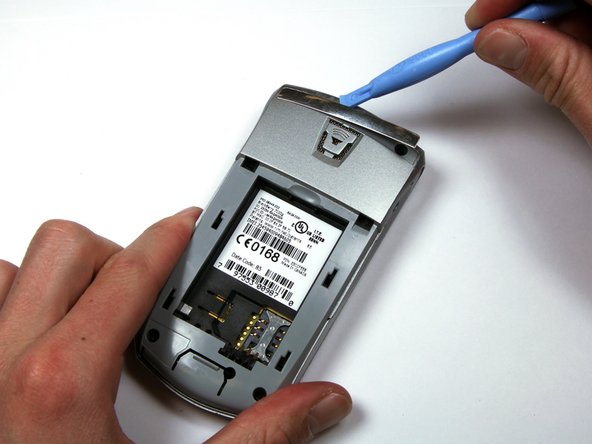
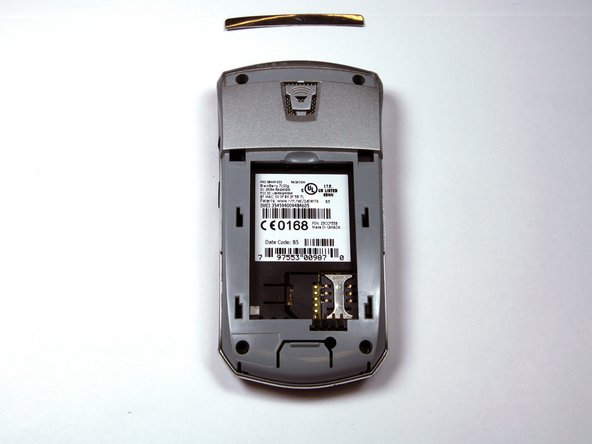
    1. BlackBerry 7100g Battery Terminal Replacement, Housing: 步骤 4 中的图像 1,3 BlackBerry 7100g Battery Terminal Replacement, Housing: 步骤 4 中的图像 2,3 BlackBerry 7100g Battery Terminal Replacement, Housing: 步骤 4 中的图像 3,3
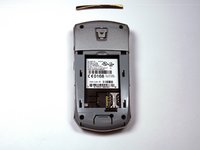
      • Locate the silver strip near the top of your BlackBerry.

      • Use a plastic opening tool to pry off the edge of the silver lining.

      • Slide the tool along the length of the silver strip to completely remove it.

      询问修复机器人

      添加评论

    2. BlackBerry 7100g Battery Terminal Replacement: 步骤 5 中的图像 1,2 BlackBerry 7100g Battery Terminal Replacement: 步骤 5 中的图像 2,2
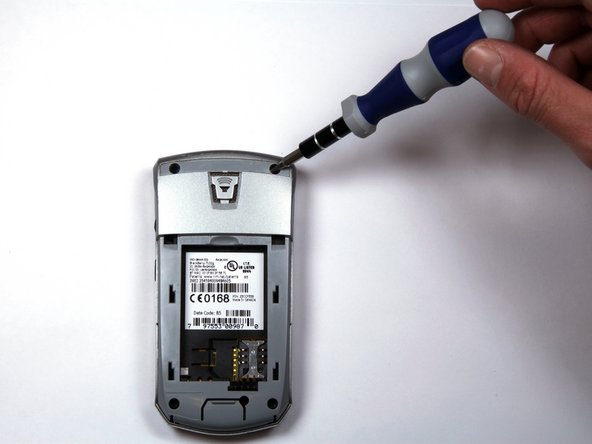
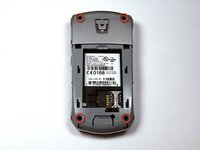
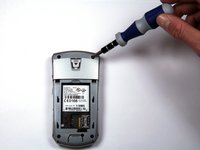
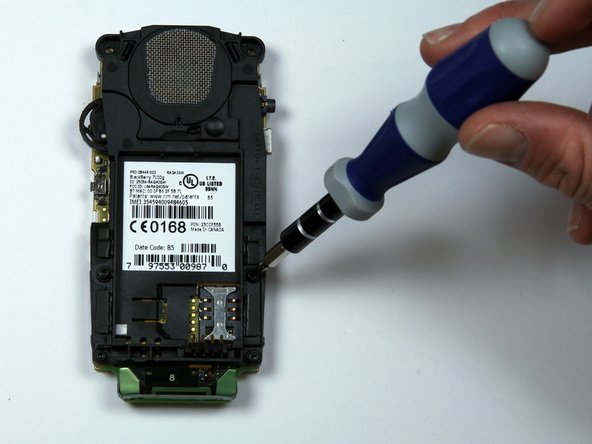
      • Do not lose the screws. They are quite small and can easily be misplaced.

      • Locate and unscrew the four (4) screws using a T6 screwdriver.

      询问修复机器人

      添加评论

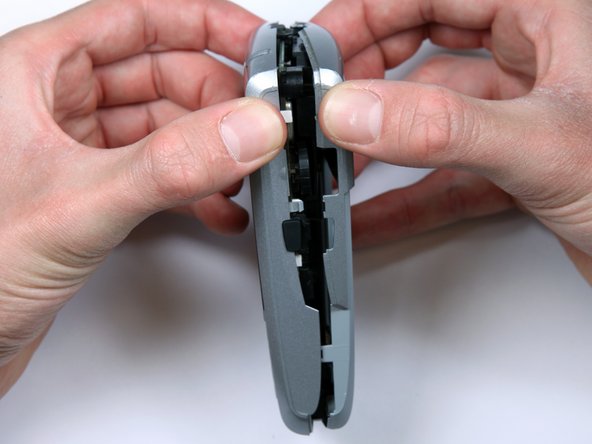
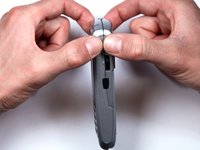
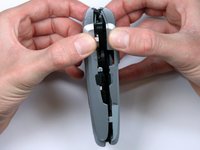
    3. BlackBerry 7100g Battery Terminal Replacement: 步骤 6 中的图像 1,3 BlackBerry 7100g Battery Terminal Replacement: 步骤 6 中的图像 2,3 BlackBerry 7100g Battery Terminal Replacement: 步骤 6 中的图像 3,3
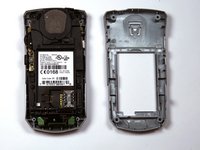
      • The keypad cover may fall out of the housing when prying the housing apart.

      • Tightly pinch the top of the front and back halves of the housing.

      • Carefully pry the two halves of the housing apart.

      询问修复机器人

      添加评论

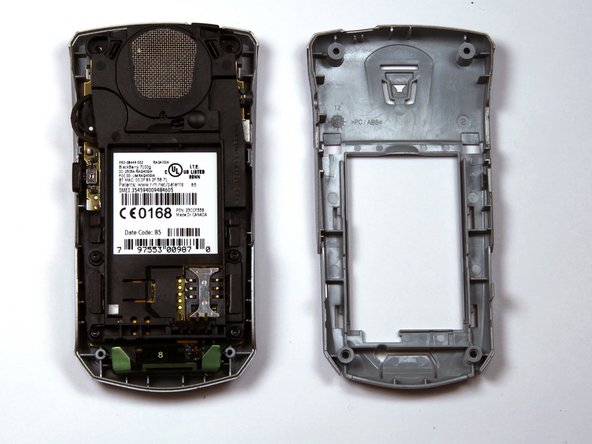
    4. BlackBerry 7100g Battery Terminal Replacement: 步骤 7 中的图像 1,1
      • You can now easily remove the "guts" of the phone from the housing.

      询问修复机器人

      添加评论

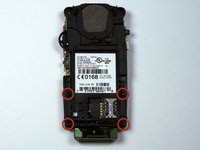
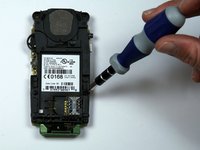
    1. BlackBerry 7100g Battery Terminal Replacement, Battery Terminal: 步骤 8 中的图像 1,2 BlackBerry 7100g Battery Terminal Replacement, Battery Terminal: 步骤 8 中的图像 2,2
      • Remove the four screws holding the battery and speaker housing to the motherboard.

      询问修复机器人

      添加评论

    2. BlackBerry 7100g Battery Terminal Replacement: 步骤 9 中的图像 1,3 BlackBerry 7100g Battery Terminal Replacement: 步骤 9 中的图像 2,3 BlackBerry 7100g Battery Terminal Replacement: 步骤 9 中的图像 3,3
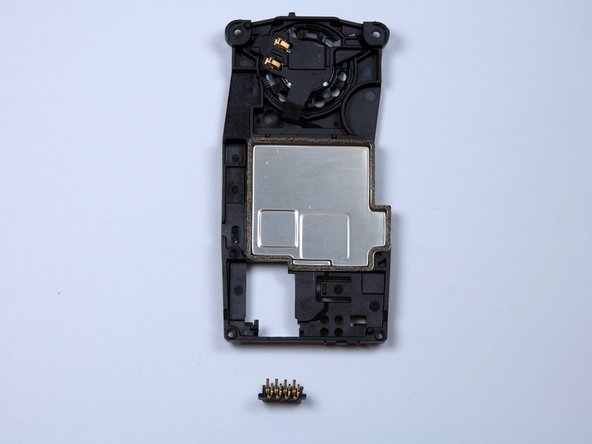
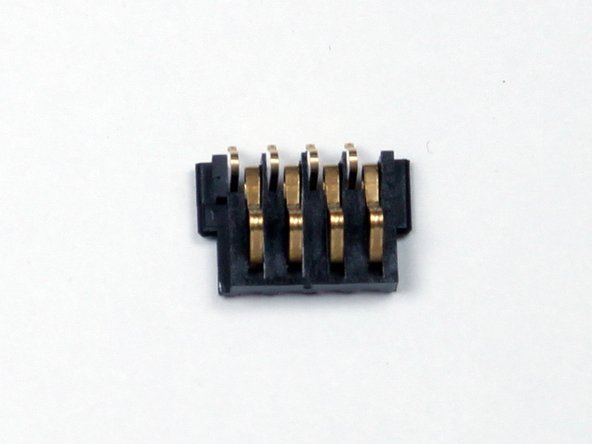
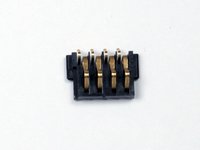
      • Once the battery housing is seperated from the motherboard, the battery terminal will slide off the battery housing.

      • The small plastic piece with four metal pins is the battery terminal shown in the third picture.

      询问修复机器人

      添加评论

结论

To reassemble your device, follow these instructions in reverse order.

取消:我没有完成这个指南。

Kellan

于03/30/10注册

277 声望

创作了3篇指南

团队

Cal Poly, Team 25-87, Amido Spring 2010 Cal Poly, Team 25-87, Amido Spring 2010 的会员

CPSU-AMIDO-S10S25G87

4 名成员

创作了56篇指南

0指南评论

添加评论

浏览统计数据:

过去 24 小时: 4

过去 7 天: 9

过去 30 天: 32

总计 3,556