跳转到主内容
加入维修社区 - 创建账户
Battery Disconnect

仅作为前提条件
本指南仅提供前提条件!本指南是另一个程序的一部分,不能单独使用。

你所需要的

  1. Battery Disconnect, Safety precautions: 步骤 1 中的图像 1,2 Battery Disconnect, Safety precautions: 步骤 1 中的图像 2,2
    • Let your Pixel's battery drain below 25% before starting this repair. A charged lithium‑ion battery may catch fire if damaged.

    • Unplug all cables and completely power down your phone.

  2. Battery Disconnect, Adhesive information: 步骤 2 中的图像 1,3 Battery Disconnect, Adhesive information: 步骤 2 中的图像 2,3 Battery Disconnect, Adhesive information: 步骤 2 中的图像 3,3
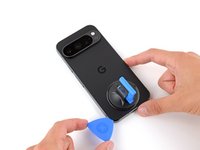
    • Adhesive secures the perimeter of the rear cover to the frame.

    • When separating the adhesive, don't insert your tool more than 3 mm under the rear cover to avoid damaging the internal components.

    • Measure 3 mm from the tip and mark your opening pick with a permanent marker. Alternatively, you can tape a coin to a pick 3 mm from the tip.

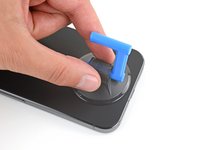
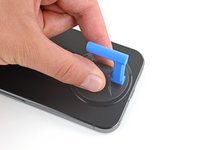
  3. Battery Disconnect, Apply a suction handle: 步骤 3 中的图像 1,2 Battery Disconnect, Apply a suction handle: 步骤 3 中的图像 2,2
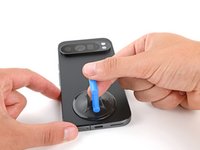
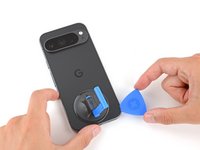
    • Attach a suction handle to the bottom edge of the rear cover, as close to the edge as possible.

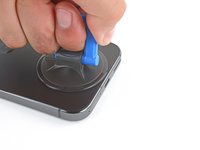
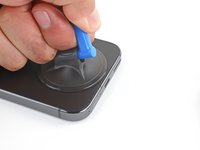
  4. Battery Disconnect, Insert an opening pick: 步骤 4 中的图像 1,3 Battery Disconnect, Insert an opening pick: 步骤 4 中的图像 2,3 Battery Disconnect, Insert an opening pick: 步骤 4 中的图像 3,3
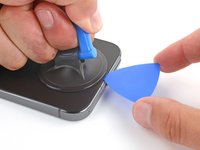
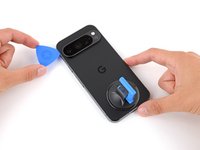
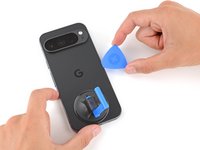
    • Pull up on the suction handle with strong, steady force to create a small gap under the rear cover.

    • Insert the tip of an opening pick in the gap.

  5. Battery Disconnect, Separate the rear cover adhesive: 步骤 5 中的图像 1,3 Battery Disconnect, Separate the rear cover adhesive: 步骤 5 中的图像 2,3 Battery Disconnect, Separate the rear cover adhesive: 步骤 5 中的图像 3,3
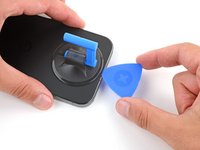
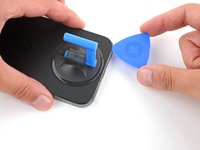
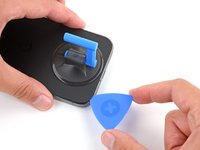
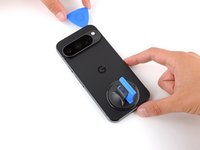
    • Slide your opening pick along the bottom edge to separate the adhesive securing it.

    • Remember: don't insert the opening pick deeper than 3 mm.

  6. Battery Disconnect: 步骤 6 中的图像 1,3 Battery Disconnect: 步骤 6 中的图像 2,3 Battery Disconnect: 步骤 6 中的图像 3,3
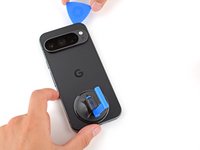
    • Slide your opening pick up the left edge and along the top edge to separate the adhesive.

  7. Battery Disconnect: 步骤 7 中的图像 1,3 Battery Disconnect: 步骤 7 中的图像 2,3 Battery Disconnect: 步骤 7 中的图像 3,3
    • Slide your pick down the right edge to separate the remaining adhesive.

  8. Battery Disconnect, Prop up the rear cover: 步骤 8 中的图像 1,3 Battery Disconnect, Prop up the rear cover: 步骤 8 中的图像 2,3 Battery Disconnect, Prop up the rear cover: 步骤 8 中的图像 3,3
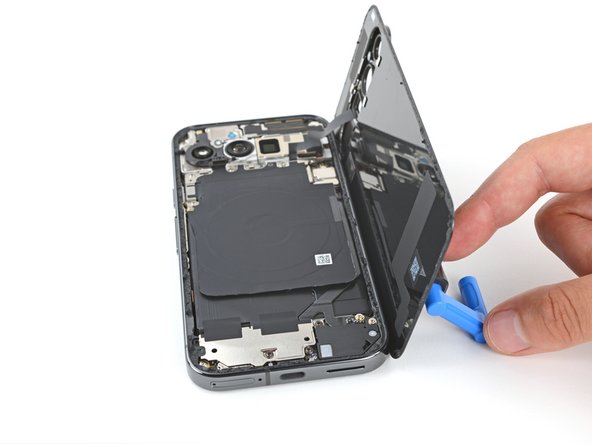
    • Don't try to fully remove the rear cover yet, as a ribbon cable on the right edge connects it to the phone.

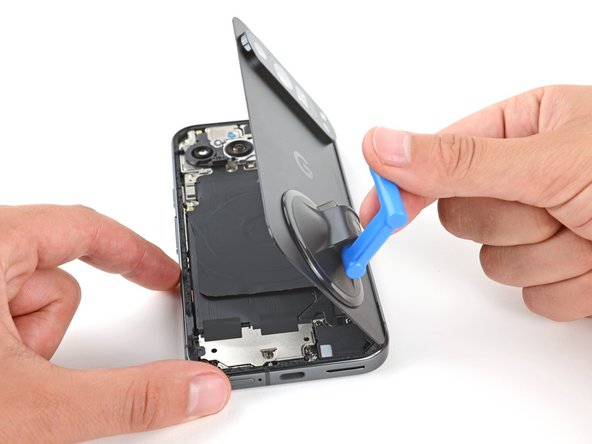
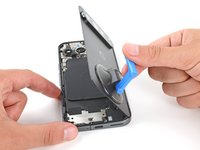
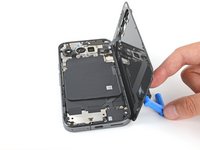
    • Use the suction handle to lift the left edge of the rear cover and swing it over the right edge, like opening the cover of a book.

    • If you're having trouble, check the perimeter for any remaining adhesive and use your opening pick to separate it.

    • Prop up the rear cover with the suction handle so you can access the ribbon cable near the top right corner.

  9. Battery Disconnect, Remove the wireless charging assembly: 步骤 9 中的图像 1,2 Battery Disconnect, Remove the wireless charging assembly: 步骤 9 中的图像 2,2
    在这个步骤中使用的工具:
    FixMat
    $36.95
    • Throughout this repair, keep track of each screw and make sure it goes back exactly where it came from.

    • While the Pixel 9 Pro uses Torx Plus screws, standard Torx bits will also work. Make sure to apply constant, downward force to prevent stripping.

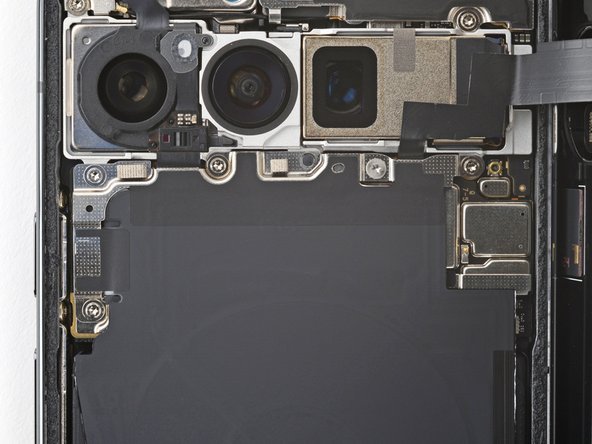
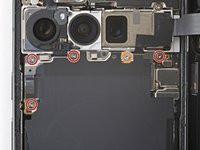
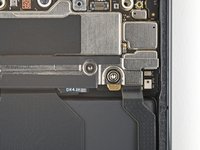
    • Use a Torx Plus 3IP screwdriver to remove the five screws securing the wireless charging assembly:

    • Four 5.4 mm‑long screws

    • One 1.5 mm‑long screw

    • This screw is non‑magnetic—you may need to use tweezers to remove it.

  10. Battery Disconnect: 步骤 10 中的图像 1,3 Battery Disconnect: 步骤 10 中的图像 2,3 Battery Disconnect: 步骤 10 中的图像 3,3
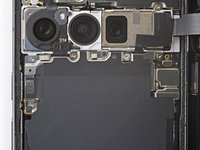
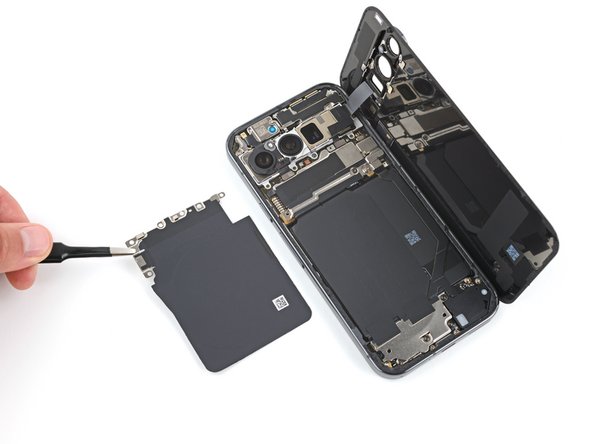
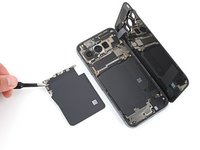
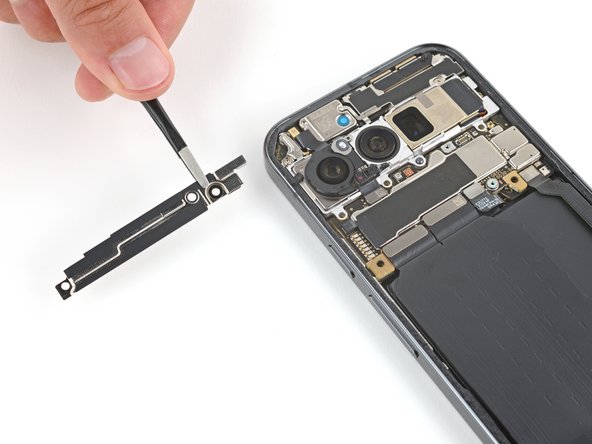
    • Be very careful not to damage the spring contacts under the top left edge of the wireless charging assembly.

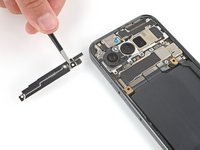
    • Use tweezers or your fingers to remove the wireless charging assembly.

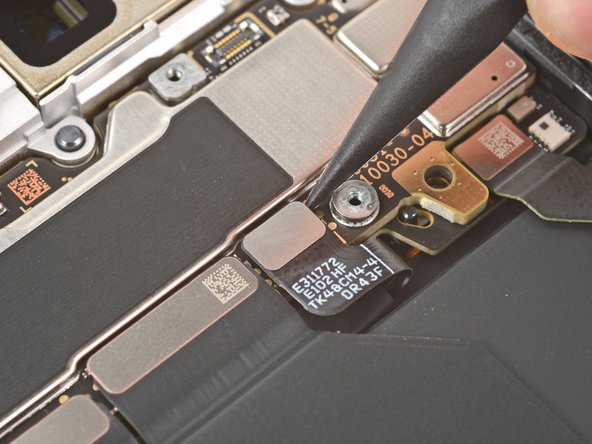
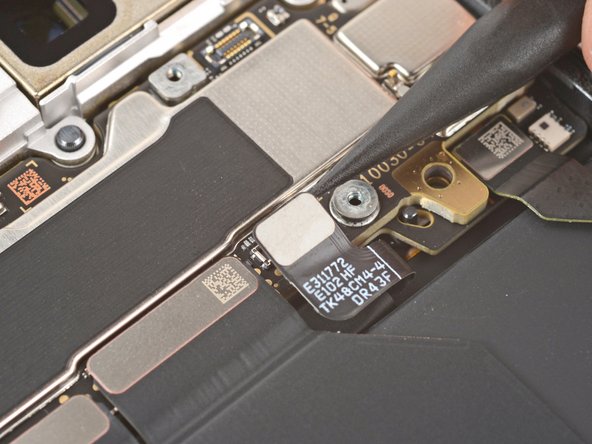
  11. Battery Disconnect, Disconnect the rear cover: 步骤 11 中的图像 1,3 Battery Disconnect, Disconnect the rear cover: 步骤 11 中的图像 2,3 Battery Disconnect, Disconnect the rear cover: 步骤 11 中的图像 3,3
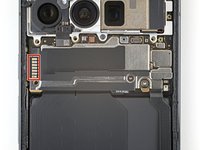
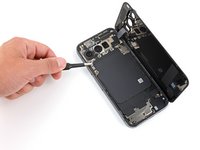
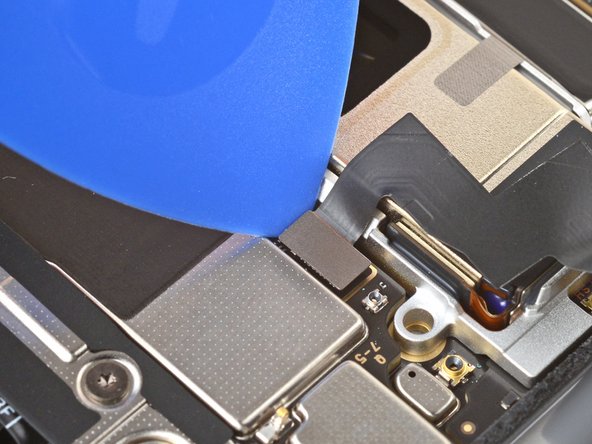
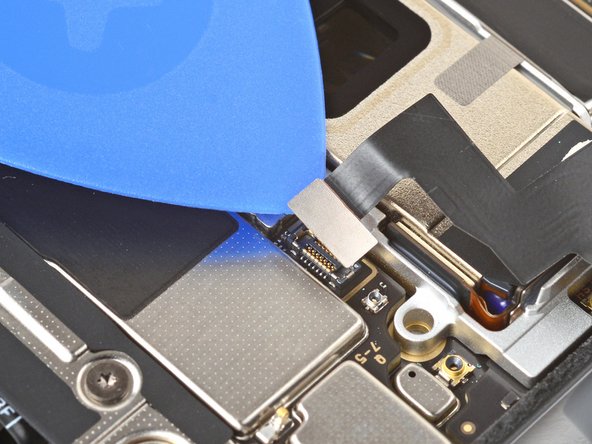
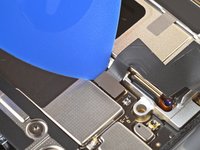
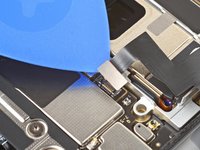
    • Insert the tip of an opening pick under the left edge of the rear cover press connector and pry straight up to disconnect it.

  12. Battery Disconnect, Remove the rear cover: 步骤 12 中的图像 1,1
    • Remove the rear cover.

    • During reassembly, follow this guide to apply new adhesive and install your rear cover.

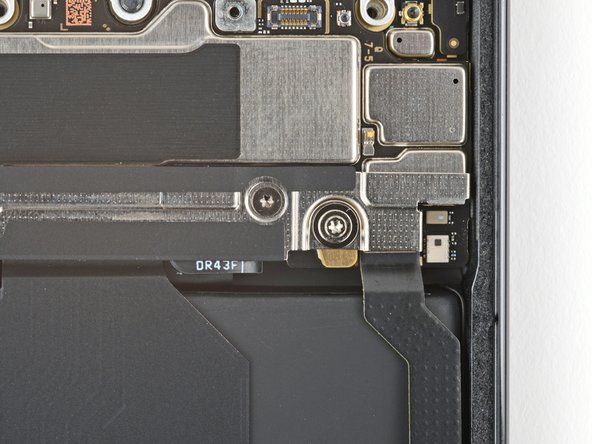
  13. Battery Disconnect, Remove the cable cover: 步骤 13 中的图像 1,2 Battery Disconnect, Remove the cable cover: 步骤 13 中的图像 2,2
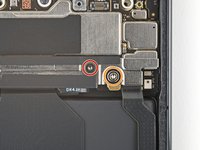
    • Use a Torx Plus 3IP screwdriver to remove the two screws securing the cable cover:

    • One 2.3 mm‑long screw

    • One 5.4 mm‑long screw

  14. Battery Disconnect: 步骤 14 中的图像 1,2 Battery Disconnect: 步骤 14 中的图像 2,2
    • Use tweezers or your fingers to remove the cable cover.

  15. Battery Disconnect, Disconnect the battery: 步骤 15 中的图像 1,3 Battery Disconnect, Disconnect the battery: 步骤 15 中的图像 2,3 Battery Disconnect, Disconnect the battery: 步骤 15 中的图像 3,3
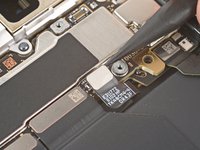
    • Insert the point of a spudger under the right edge of the battery press connector and pry straight up to disconnect it.

终点

Spencer Day

于09/14/22注册

158,609 声望

创作了1,043篇指南

团队

iFixit iFixit 的会员

Staff

123 名成员

创作了23,899篇指南

0指南评论

添加评论

浏览统计数据:

过去 24 小时: 0

过去 7 天: 5

过去 30 天: 11

总计 67