跳转到主内容
加入维修社区 - 创建账户

Backbone One Face Buttons Replacement

你所需要的

  1. Backbone One Face Buttons Replacement, Remove the screws: 步骤 1 中的图像 1,1
    • Use a Phillips screwdriver to remove the four 5.9 mm-long screws.

    询问修复机器人

    添加评论

  2. Backbone One Face Buttons Replacement, Rotate the upper part: 步骤 2 中的图像 1,3 Backbone One Face Buttons Replacement, Rotate the upper part: 步骤 2 中的图像 2,3 Backbone One Face Buttons Replacement, Rotate the upper part: 步骤 2 中的图像 3,3
    • Lift up the upper cover of the controller.

    • Swing the upper cover over and place it on the controller case.

    • Make sure that the interconnecting cable has no tension.

    添加评论

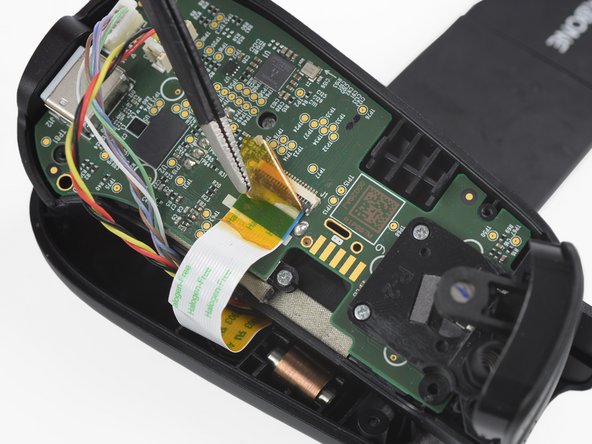
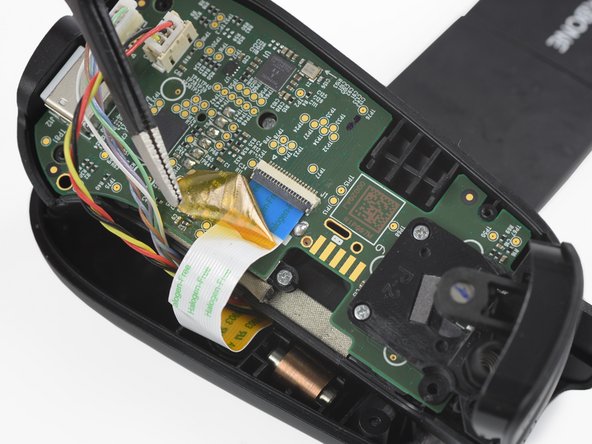
  3. Backbone One Face Buttons Replacement, Remove the protective tape: 步骤 3 中的图像 1,3 Backbone One Face Buttons Replacement, Remove the protective tape: 步骤 3 中的图像 2,3 Backbone One Face Buttons Replacement, Remove the protective tape: 步骤 3 中的图像 3,3
    在这个步骤中使用的工具:
    Tweezers
    $4.99
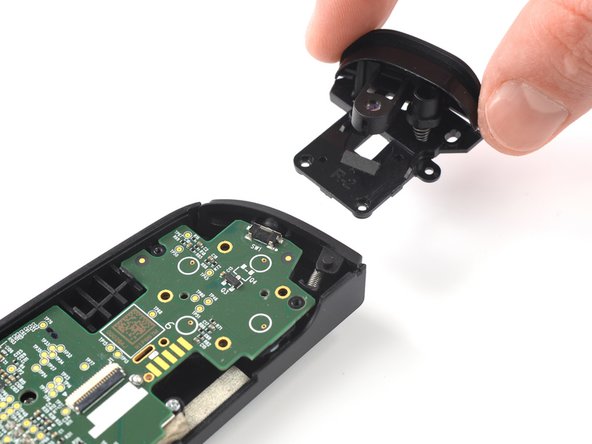
    • Use a pair of tweezers to remove the yellow protective tape which is placed over the interconnect cable and the connector.

    询问修复机器人
    添加评论

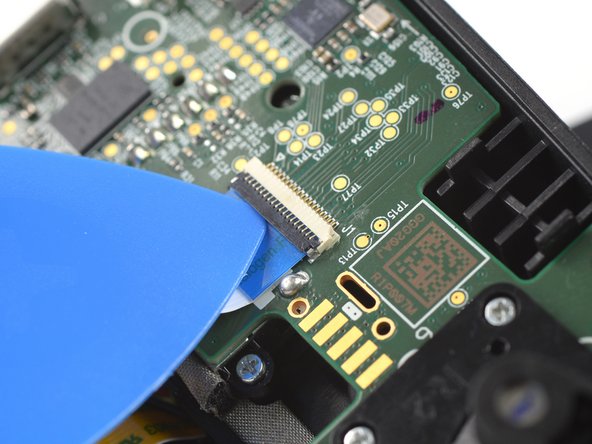
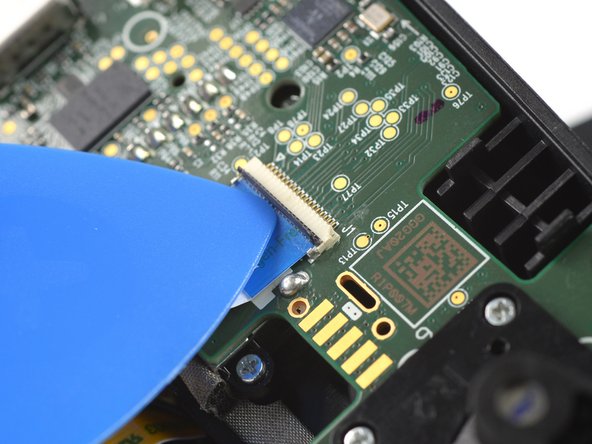
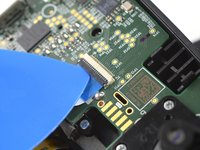
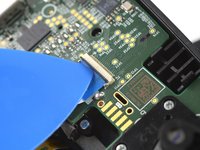
  4. Backbone One Face Buttons Replacement, Open the interconnect cable ZIF connector: 步骤 4 中的图像 1,3 Backbone One Face Buttons Replacement, Open the interconnect cable ZIF connector: 步骤 4 中的图像 2,3 Backbone One Face Buttons Replacement, Open the interconnect cable ZIF connector: 步骤 4 中的图像 3,3
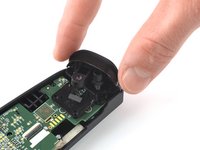
    • Use the tip of an opening pick to open the gray flap of the interconnect cable ZIF connector by pushing it upwards.

    询问修复机器人
    添加评论

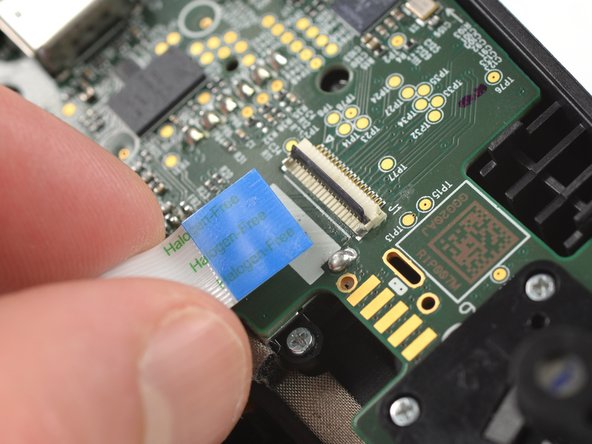
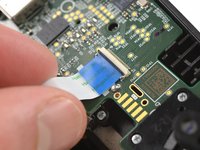
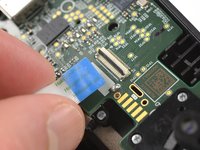
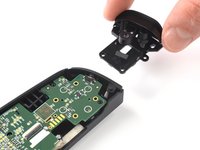
  5. Backbone One Face Buttons Replacement, Disconnect the interconnect cable: 步骤 5 中的图像 1,2 Backbone One Face Buttons Replacement, Disconnect the interconnect cable: 步骤 5 中的图像 2,2
    • Disconnect the cable by pulling it straight out the ZIF connector.

    询问修复机器人
    添加评论

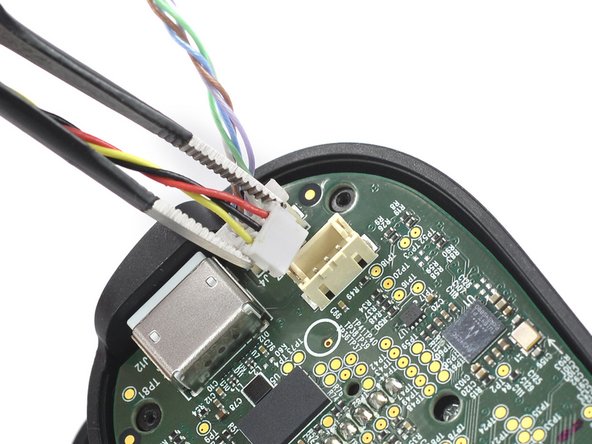
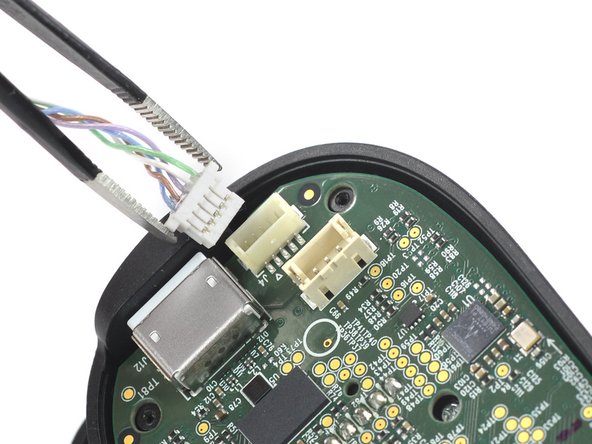
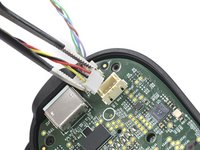
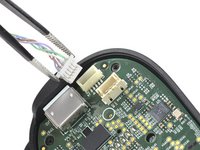
  6. Backbone One Face Buttons Replacement, Disconnect the phone connector cables: 步骤 6 中的图像 1,3 Backbone One Face Buttons Replacement, Disconnect the phone connector cables: 步骤 6 中的图像 2,3 Backbone One Face Buttons Replacement, Disconnect the phone connector cables: 步骤 6 中的图像 3,3
    • Use a pair of tweezers to disconnect the phone connector cables out from their sockets.

    询问修复机器人

    添加评论

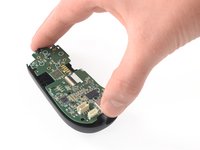
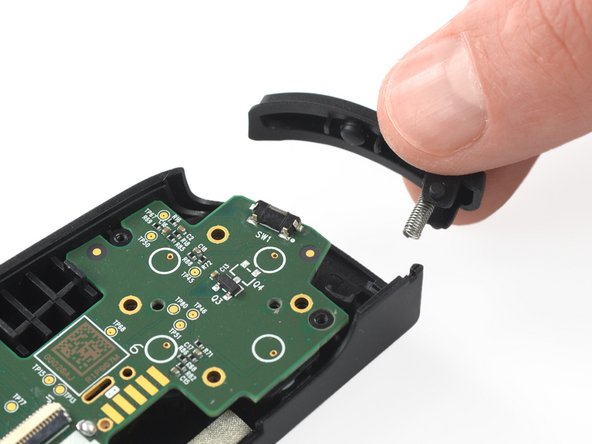
  7. Backbone One Face Buttons Replacement, Separate the upper case: 步骤 7 中的图像 1,1
    • Separate the the upper case of the left controller handle.

    询问修复机器人
    添加评论

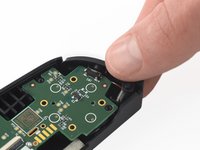
  8. Backbone One Face Buttons Replacement, Remove the screws: 步骤 8 中的图像 1,1
    • Use a Phillips screwdriver to remove the three 5.9 mm-long screws.

    询问修复机器人
    添加评论

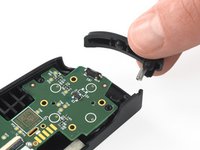
  9. Backbone One Face Buttons Replacement, Remove the trigger: 步骤 9 中的图像 1,2 Backbone One Face Buttons Replacement, Remove the trigger: 步骤 9 中的图像 2,2
    • Remove the trigger.

    询问修复机器人
    添加评论

  10. Backbone One Face Buttons Replacement, Remove the bumper: 步骤 10 中的图像 1,2 Backbone One Face Buttons Replacement, Remove the bumper: 步骤 10 中的图像 2,2
    • Remove the bumper.

    询问修复机器人

    添加评论

  11. Backbone One Face Buttons Replacement, Remove the screws: 步骤 11 中的图像 1,1
    • Use a Phillips screwdriver to remove the two 3.9 mm-long screws.

    询问修复机器人

    添加评论

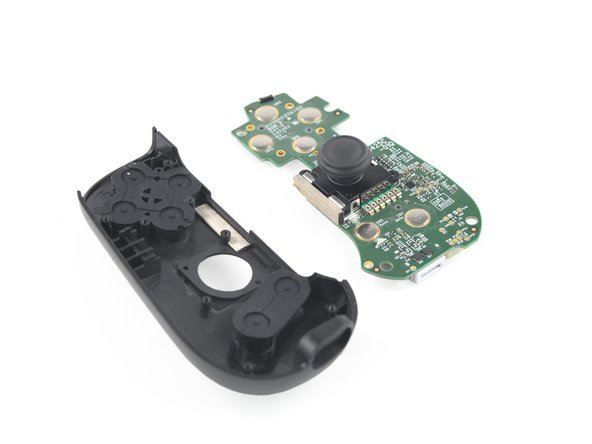
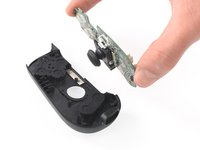
  12. Backbone One Face Buttons Replacement, Remove the mainboard: 步骤 12 中的图像 1,3 Backbone One Face Buttons Replacement, Remove the mainboard: 步骤 12 中的图像 2,3 Backbone One Face Buttons Replacement, Remove the mainboard: 步骤 12 中的图像 3,3
    • Remove the mainboard.

    询问修复机器人

    添加评论

  13. Backbone One Face Buttons Replacement, Remove the rubber cover: 步骤 13 中的图像 1,3 Backbone One Face Buttons Replacement, Remove the rubber cover: 步骤 13 中的图像 2,3 Backbone One Face Buttons Replacement, Remove the rubber cover: 步骤 13 中的图像 3,3
    在这个步骤中使用的工具:
    Tweezers
    $4.99
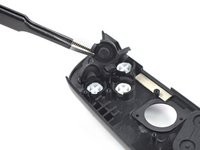
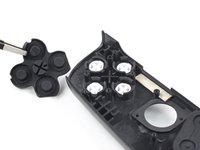
    • Use a pair of blunt nose tweezers to remove the rubber cover which is placed over the face buttons.

    询问修复机器人

    添加评论

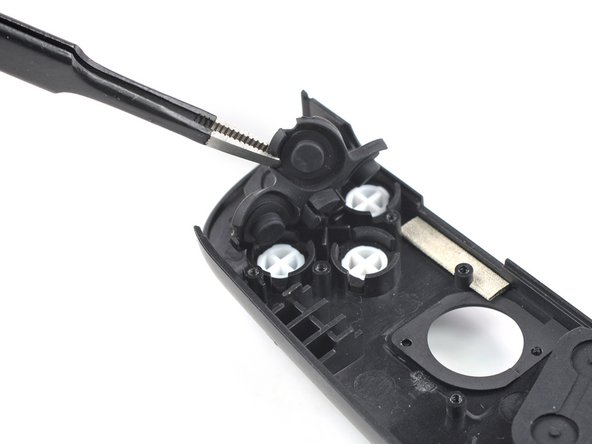
  14. Backbone One Face Buttons Replacement, Remove the face buttons: 步骤 14 中的图像 1,3 Backbone One Face Buttons Replacement, Remove the face buttons: 步骤 14 中的图像 2,3 Backbone One Face Buttons Replacement, Remove the face buttons: 步骤 14 中的图像 3,3
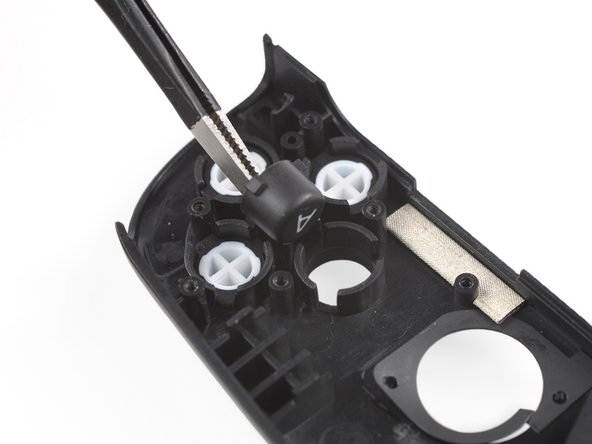
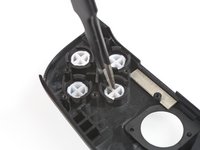
    • Use a pair of tweezers to remove the face buttons.

    询问修复机器人

    添加评论

结论

To reassemble your device, follow these instructions in reverse order.

Repair didn’t go as planned? Ask our Answers community for help.

取消:我没有完成这个指南。

另外一个人完成了本指南。

Adriana Zwink

于12/18/19注册

67,702 声望

创作了167篇指南

团队

iFixit iFixit 的会员

Staff

123 名成员

创作了28,230篇指南

1指南评论

is there any way to do this without taking apart the entire controller?

Robert - 回复 分享

添加评论

浏览统计数据:

过去 24 小时: 0

过去 7 天: 16

过去 30 天: 75

总计 3,505