此翻译由机器生成,尚未经过人工审核。 会说这种语言吗? 查看评论。
简介
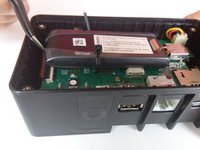
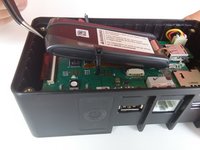
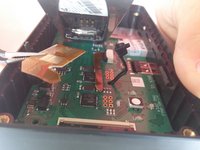
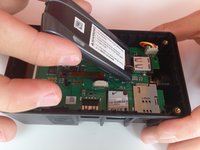
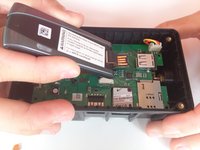
本指南将向你展示如何使用 2.0 规格的内六角螺丝刀拆下顶盖,以便接触到调制解调器及附带的 MicroSD 卡。使用一把镊子,你就能拆下并更换这张 MicroSD 卡。
你所需要的
-
-
-
-
在这个步骤中使用的工具:Tweezers$4.99
-
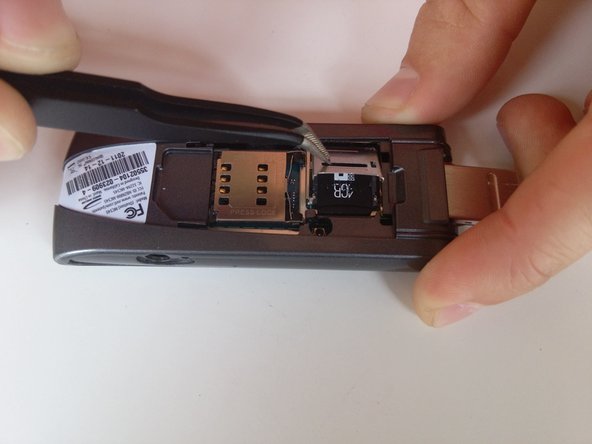
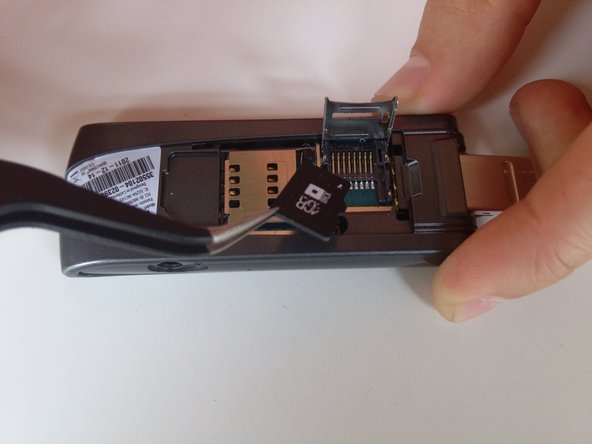
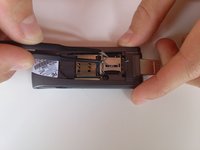
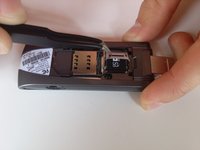
用你的 镊子 滑动金属面板,以松开锁定机构。
-
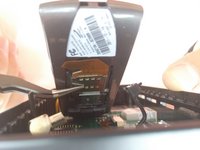
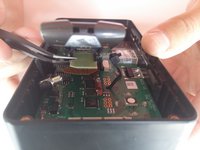
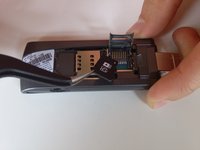
抬起面板并小心地取出 microSD 卡。
-
-

 询问修复机器人







结论
要重新组装设备,请按相反顺序执行这些说明。

团队

Cal Poly, Team 12-3, Lancaster Spring 2015 Cal Poly, Team 12-3, Lancaster Spring 2015 的会员
CPSU-LANCASTER-S15S12G3
3 名成员
创作了84篇指南
1指南评论
Can my brck connect if it does not have the sim card and the SD card from the manufacturer?
