简介
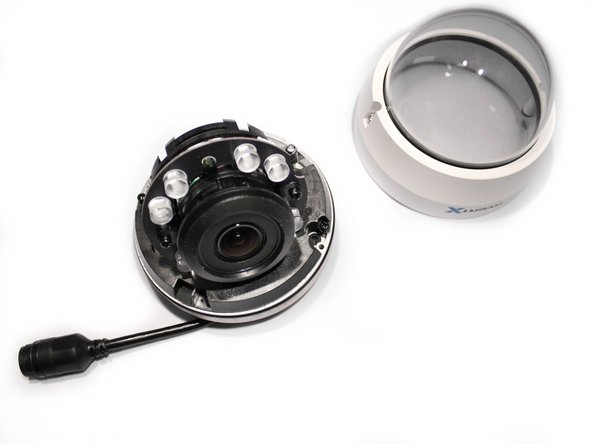
This guide covers removing the clear dome cover for the AvertX HD810 security camera. You need a T10 Torx security screwdriver and a replacement dome cover for the camera. It's advised to have the camera turned off for this procedure.
你所需要的
-
-
-
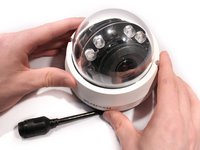
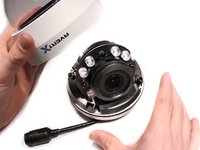
Lift off the paintable snap-on cover from the AvertX HD810 dome security camera.
 询问修复机器人
-
-
-


结论
You've successfully replaced your AvertX HD810 clear dome cover when you've snapped back on your paintable snap-on cover. You can reassemble your device at any point by following the steps in reverse order.

团队

Eastern Washington University, Team 2-3, Crane Winter 2017 Eastern Washington University, Team 2-3, Crane Winter 2017 的会员
EWU-CRANE-W17S2G3
3 名成员
创作了38篇指南
