跳转到主内容
加入维修社区 - 创建账户

Asus PadFone S Front Facing Camera Replacement

你所需要的

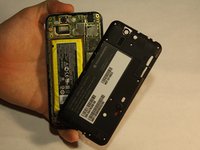
    1. Asus PadFone S Front Facing Camera Replacement, Remove the Back Panel: 步骤 1 中的图像 1,1
      • Place your thumb in the charging port and pry the back cover off of the phone.

      询问修复机器人

      添加评论

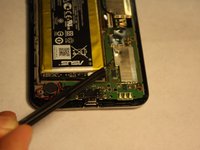
    2. Asus PadFone S Front Facing Camera Replacement, Remove the Back Panel: 步骤 2 中的图像 1,2 Asus PadFone S Front Facing Camera Replacement, Remove the Back Panel: 步骤 2 中的图像 2,2
      • Remove all screws using the T5 Torx screwdriver

      • Lift the back panel off the phone.

      询问修复机器人

      添加评论

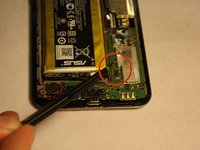
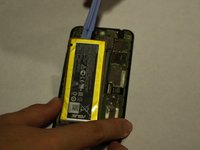
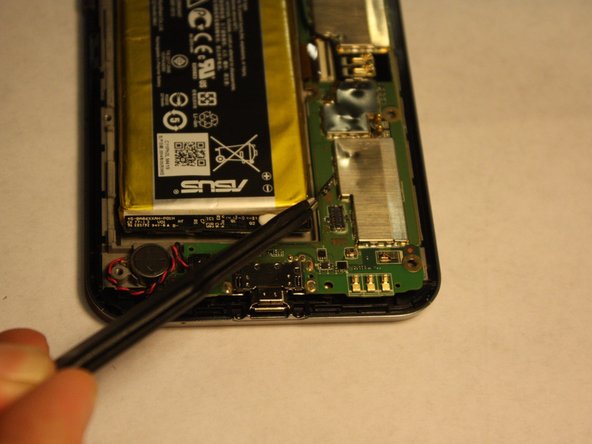
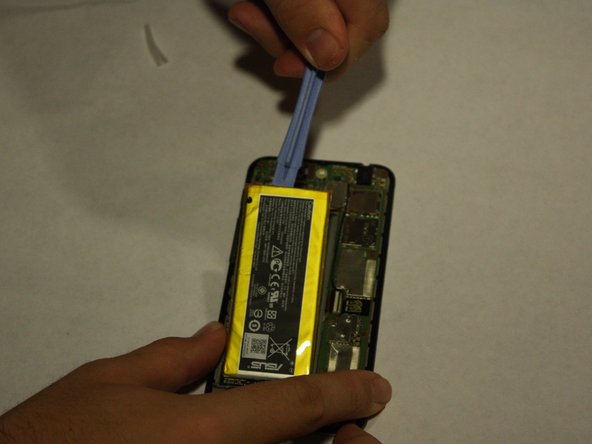
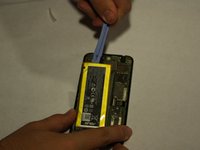
    3. Asus PadFone S Front Facing Camera Replacement, Remove the Battery: 步骤 3 中的图像 1,2 Asus PadFone S Front Facing Camera Replacement, Remove the Battery: 步骤 3 中的图像 2,2
      在这个步骤中使用的工具:
      Tweezers
      $4.99
      • Disconnect the battery from the logic board using tweezers

      • Using the plastic opening tools, lift the battery up from its slot

      • Apply consistent, steady force to lift the battery from its slot. Be careful not to damage the battery while removing it.

      询问修复机器人

      添加评论

    1. Asus PadFone S Front Facing Camera Replacement, Front Facing Camera: 步骤 4 中的图像 1,3 Asus PadFone S Front Facing Camera Replacement, Front Facing Camera: 步骤 4 中的图像 2,3 Asus PadFone S Front Facing Camera Replacement, Front Facing Camera: 步骤 4 中的图像 3,3
      • Once the Battery has been successfully removed, move on to the step 2.

      询问修复机器人

      添加评论

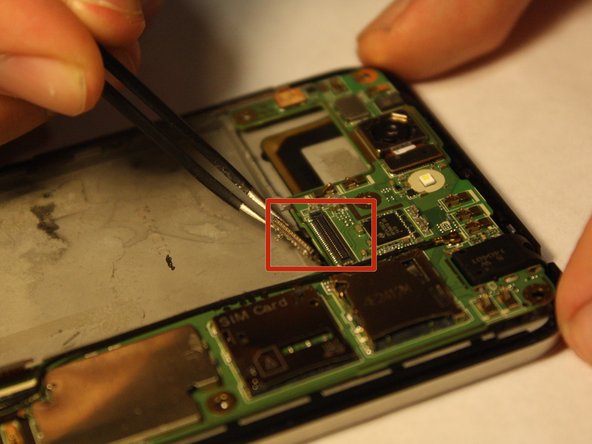
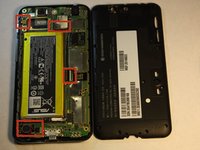
    2. Asus PadFone S Front Facing Camera Replacement, Start of Logic Board Removal: 步骤 5 中的图像 1,2 Asus PadFone S Front Facing Camera Replacement, Start of Logic Board Removal: 步骤 5 中的图像 2,2
      在这个步骤中使用的工具:
      Tweezers
      $4.99
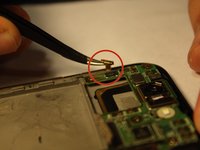
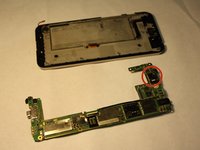
      • Disconnect the marked strips from the logic board using the tweezers.

      • Applying too much force may damage the strips/connectors.

      • Remember to remove speaker connection located at the bottom left hand corner.

      询问修复机器人

      添加评论

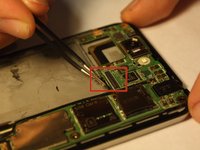
    3. Asus PadFone S Front Facing Camera Replacement, Logic Board Removal - Continued: 步骤 6 中的图像 1,2 Asus PadFone S Front Facing Camera Replacement, Logic Board Removal - Continued: 步骤 6 中的图像 2,2
      • Disconnect the other two strips that connect the logic board to the phone.

      • Applying too much force may damage the strips/connectors.

      询问修复机器人

      添加评论

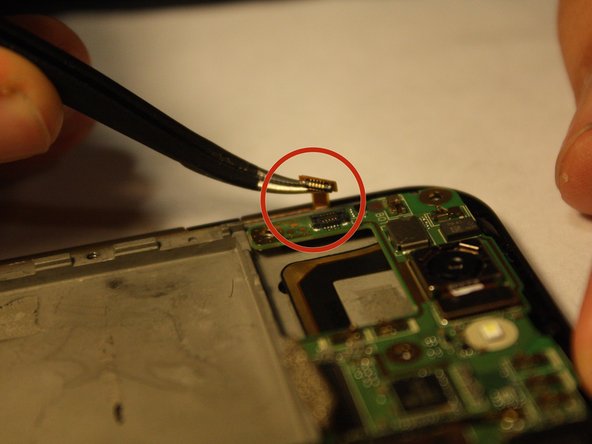
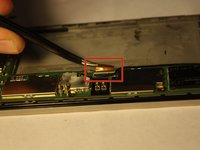
    4. Asus PadFone S Front Facing Camera Replacement, Remove The Camera: 步骤 7 中的图像 1,2 Asus PadFone S Front Facing Camera Replacement, Remove The Camera: 步骤 7 中的图像 2,2
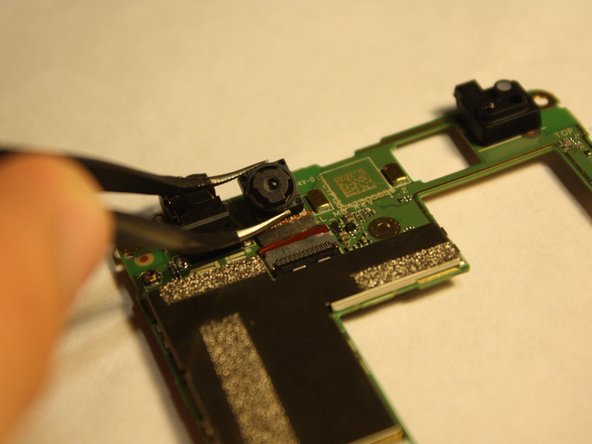
      • Turn over the logic board to locate the front camera.

      • Grasp the sides of the camera with the tweezers and carefully remove the camera from the logic board.

      • Applying to much force will damage the connective strip.

      询问修复机器人

      添加评论

结论

To reassemble your device, follow these instructions in reverse order.

取消:我没有完成这个指南。

另外一个人完成了本指南。

团队

UMass Dartmouth, Team 6-1, Vijaybhaskar Fall 2014 UMass Dartmouth, Team 6-1, Vijaybhaskar Fall 2014 的会员

UMASSD-VIJAYBHASKAR-F14S6G1

3 名成员

创作了35篇指南

0指南评论

添加评论

浏览统计数据:

过去 24 小时: 0

过去 7 天: 7

过去 30 天: 26

总计 1,833