跳转到主内容
加入维修社区 - 创建账户

Asus A52F Screen Replacement

你所需要的

    1. Asus A52F Screen Replacement, Screen: 步骤 1 中的图像 1,2 Asus A52F Screen Replacement, Screen: 步骤 1 中的图像 2,2
      • Remove the six rubber pads around the border of the screen using a spudger.

      询问修复机器人

      添加评论

    2. Asus A52F Screen Replacement: 步骤 2 中的图像 1,1
      • Remove the six screws using a Phillips #0 screwdriver.

      询问修复机器人

      添加评论

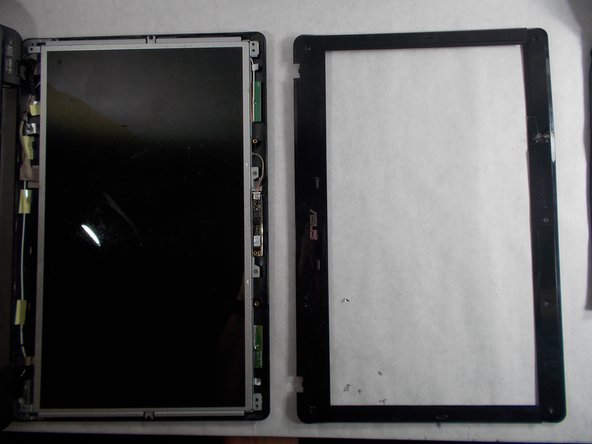
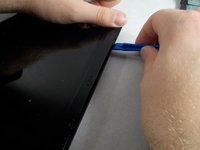
    3. Asus A52F Screen Replacement: 步骤 3 中的图像 1,2 Asus A52F Screen Replacement: 步骤 3 中的图像 2,2
      • Separate the plastic bezel from the rest of the screen using an opening tool.

      询问修复机器人

      添加评论

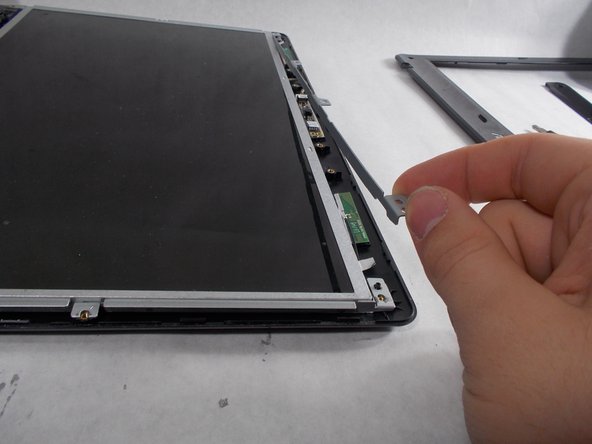
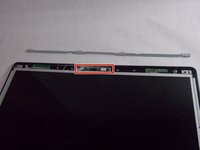
    4. Asus A52F Screen Replacement: 步骤 4 中的图像 1,2 Asus A52F Screen Replacement: 步骤 4 中的图像 2,2
      • Lift the metal bar on the top of the screen away from the device.

      询问修复机器人

      添加评论

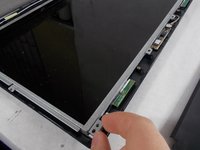
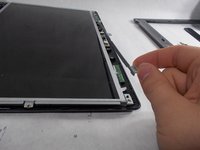
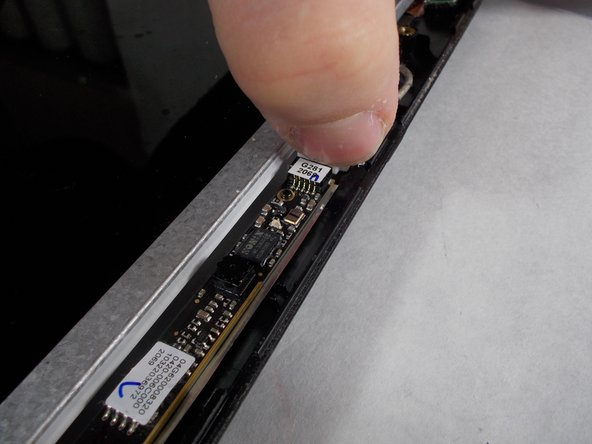
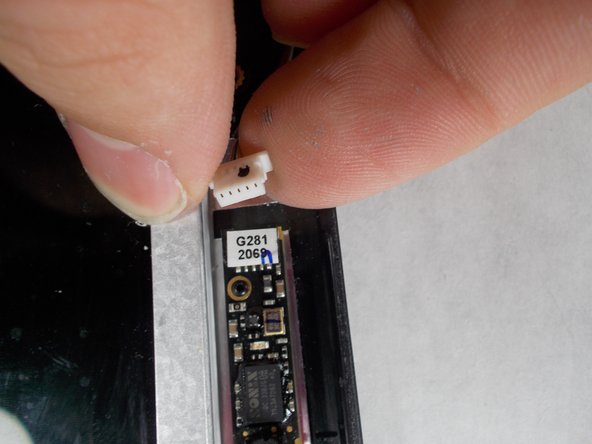
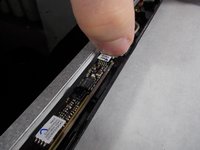
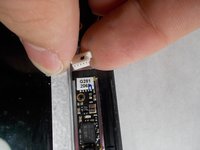
    5. Asus A52F Screen Replacement: 步骤 5 中的图像 1,3 Asus A52F Screen Replacement: 步骤 5 中的图像 2,3 Asus A52F Screen Replacement: 步骤 5 中的图像 3,3
      • Gently detach the wire to the left of the webcam.

      询问修复机器人

      添加评论

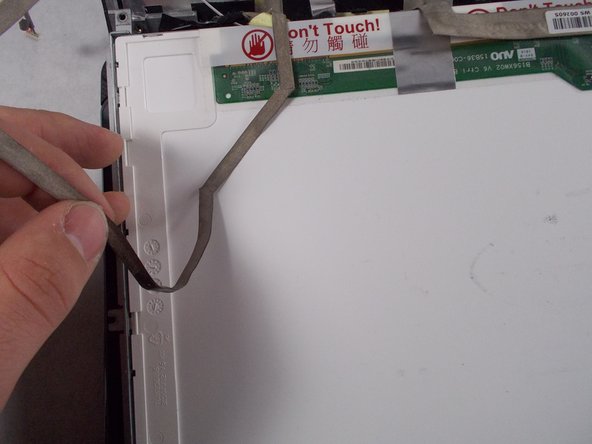
    6. Asus A52F Screen Replacement: 步骤 6 中的图像 1,2 Asus A52F Screen Replacement: 步骤 6 中的图像 2,2
      • Carefully pull the screen toward you and lay it on the keyboard.

      • Peel the webcam wire off the back of the screen.

      询问修复机器人

      添加评论

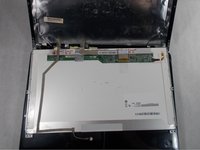
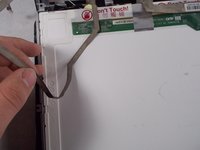
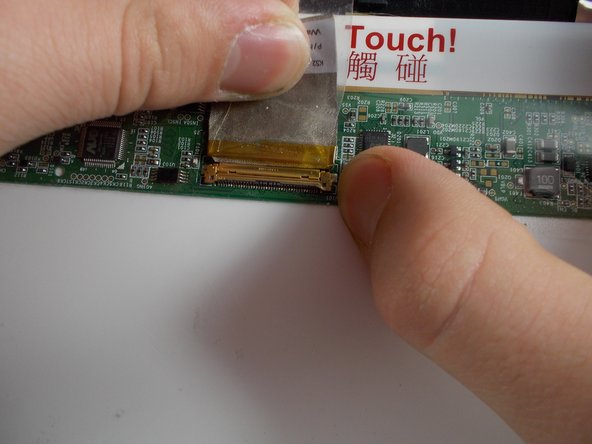
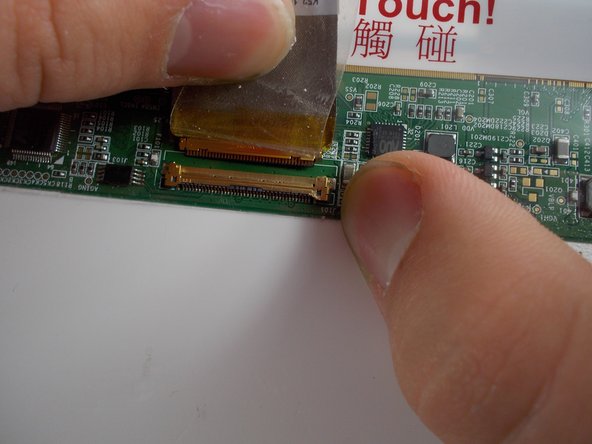
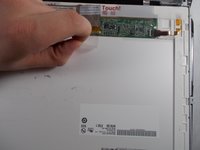
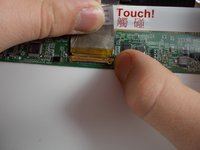
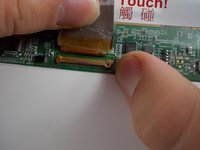
    7. Asus A52F Screen Replacement: 步骤 7 中的图像 1,3 Asus A52F Screen Replacement: 步骤 7 中的图像 2,3 Asus A52F Screen Replacement: 步骤 7 中的图像 3,3
      • Peel back the tape holding the screen cable in its socket.

      • Gently pull the tape and cable away from you to remove the cable from the socket.

      • The screen is now disconnected and can be removed.

      询问修复机器人

      添加评论

结论

To reassemble your device, follow these instructions in reverse order.

取消:我没有完成这个指南。

2等其他人完成本指南。

Morgan Hays

于03/08/17注册

399 声望

创作了2篇指南

团队

UMass Dartmouth, Team S5-G1, Botvin Spring 2017 UMass Dartmouth, Team S5-G1, Botvin Spring 2017 的会员

UMASSD-BOTVIN-S17S5G1

4 名成员

创作了35篇指南

0指南评论

添加评论

浏览统计数据:

过去 24 小时: 0

过去 7 天: 18

过去 30 天: 43

总计 1,605