跳转到主内容
加入维修社区 - 创建账户

Apple LED Cinema Display 27" LED Panel Replacement

你所需要的

  1. Apple LED Cinema Display 27" LED Panel Replacement, LED panel: 步骤 1 中的图像 1,3 Apple LED Cinema Display 27" LED Panel Replacement, LED panel: 步骤 1 中的图像 2,3 Apple LED Cinema Display 27" LED Panel Replacement, LED panel: 步骤 1 中的图像 3,3
    • Before beginning any work on your Mac: Unplug the computer and wait for 2 minutes in order for the power supply's capacitors to discharge.

    • Be very careful not to touch the capacitor leads or any exposed solder joints on the back of the power supply.

    • The all-in-one cable located underneath the power cable can NOT get disconnected from the rest of the enclosure.

    询问修复机器人

    添加评论

  2. Apple LED Cinema Display 27" LED Panel Replacement: 步骤 2 中的图像 1,3 Apple LED Cinema Display 27" LED Panel Replacement: 步骤 2 中的图像 2,3 Apple LED Cinema Display 27" LED Panel Replacement: 步骤 2 中的图像 3,3
    • Glass panel can be removed in various ways:

    • Lay the unit on its back and press clean suction cups in opposite corners on the glass panel, or...

    • Lay the unit on its back and press clean suction cups on top.

    • Lift the glass panel up and off.

    询问修复机器人

    添加评论

  3. Apple LED Cinema Display 27" LED Panel Replacement: 步骤 3 中的图像 1,3 Apple LED Cinema Display 27" LED Panel Replacement: 步骤 3 中的图像 2,3 Apple LED Cinema Display 27" LED Panel Replacement: 步骤 3 中的图像 3,3
    • First Steps Remove the glass panel as shown on step 2.

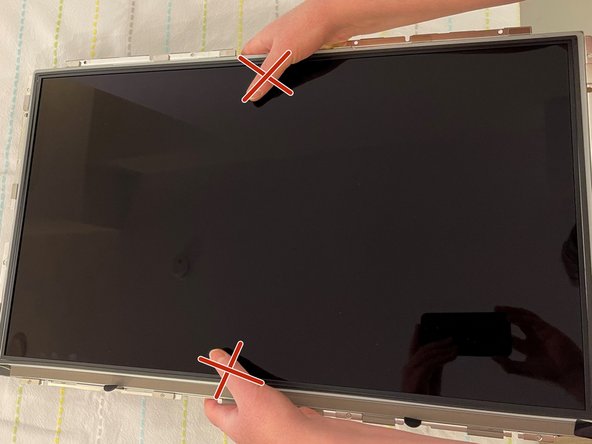
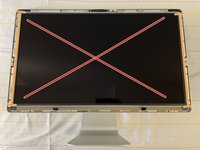
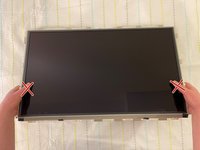
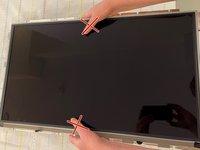
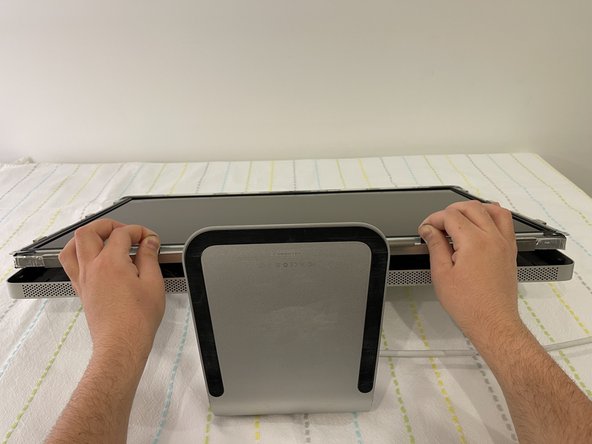
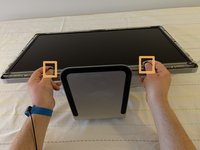
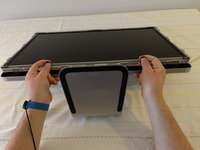
    • Upon disassembly, handle the LED panel only from the metal railings on either side and avoid touching the panel as much as possible.

    • Do not press on the front surface of the LED panel when handling, as this could cause the pixels from the panel to malfunction and/or stop working.

    询问修复机器人

    添加评论

  4. Apple LED Cinema Display 27" LED Panel Replacement: 步骤 4 中的图像 1,3 Apple LED Cinema Display 27" LED Panel Replacement: 步骤 4 中的图像 2,3 Apple LED Cinema Display 27" LED Panel Replacement: 步骤 4 中的图像 3,3
    • Remove the twelve, 10 mm Torx T10 screws around the border of the display frame.

    • Be sure not to overtighten the LED screws during reassembly, as it could cause light leakage after the unit is reassembled.

    询问修复机器人

    添加评论

  5. Apple LED Cinema Display 27" LED Panel Replacement: 步骤 5 中的图像 1,3 Apple LED Cinema Display 27" LED Panel Replacement: 步骤 5 中的图像 2,3 Apple LED Cinema Display 27" LED Panel Replacement: 步骤 5 中的图像 3,3
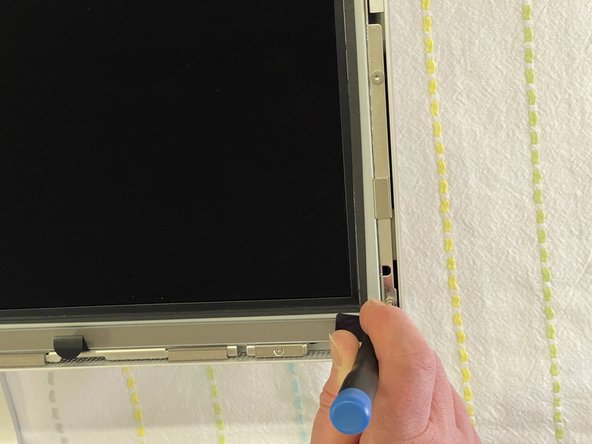
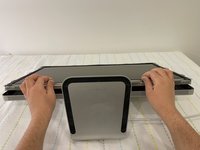
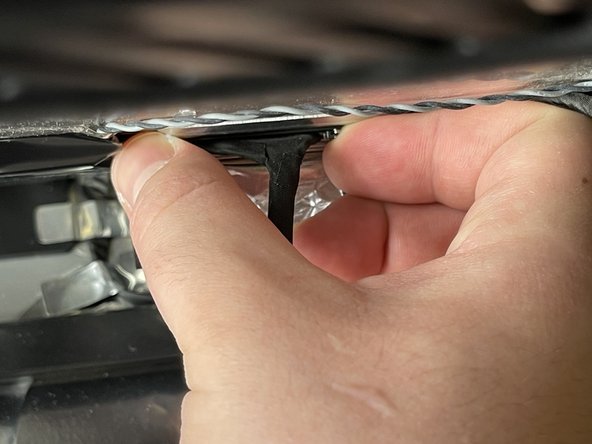
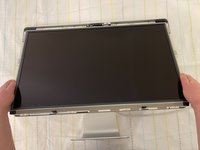
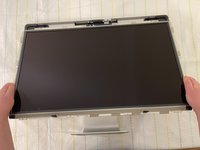
    • Use the black tabs to raise the bottom edge of the LCD a few inches to access the cables inside.

    • Tilt the display up no more than 4 inches (10 cm). Pulling the display too far could damage the cables or connectors.

    询问修复机器人

    添加评论

  6. Apple LED Cinema Display 27" LED Panel Replacement: 步骤 6 中的图像 1,2 Apple LED Cinema Display 27" LED Panel Replacement: 步骤 6 中的图像 2,2
    • Avoid coming in close contact or touching any components of the Power Supply.

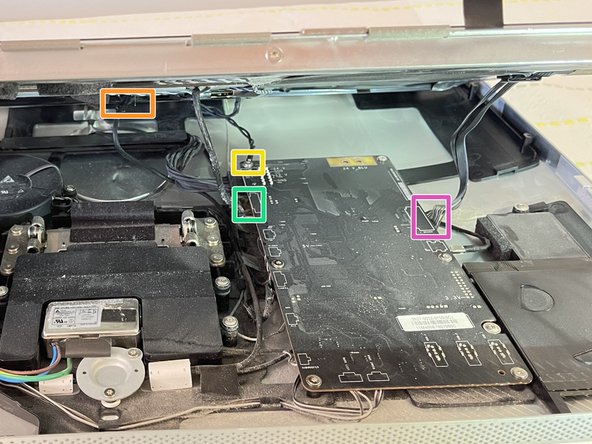
    • Looking into the gap under the LCD, disconnect four (4) cables:

    • DisplayPort

    • Function

    • Ground pin

    • LED backlight driver

    • Verify that all cables are firmly seated into connectors during reassembly. An insecure cable connection can cause image flicker.

    添加评论

  7. Apple LED Cinema Display 27" LED Panel Replacement: 步骤 7 中的图像 1,3 Apple LED Cinema Display 27" LED Panel Replacement: 步骤 7 中的图像 2,3 Apple LED Cinema Display 27" LED Panel Replacement: 步骤 7 中的图像 3,3
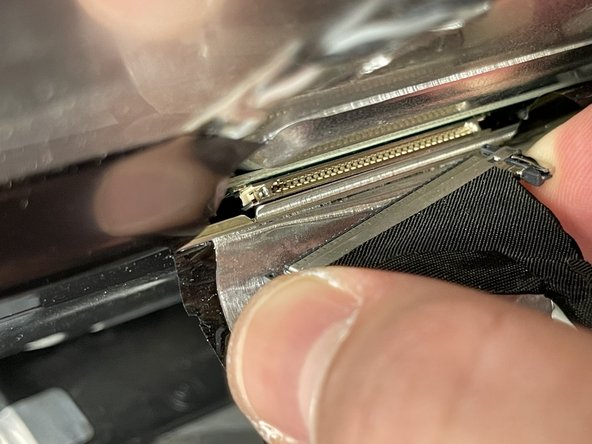
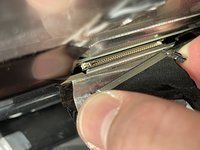
    • Peel back the mylar and foil tape on the DisplayPort cable on the back of the LED panel.

    • Squeeze the sides of connector and pull it out.

    • Make sure the 24 pin cable is correctly aligned with the LED panel upon reassembly.

    询问修复机器人

    添加评论

  8. Apple LED Cinema Display 27" LED Panel Replacement: 步骤 8 中的图像 1,3 Apple LED Cinema Display 27" LED Panel Replacement: 步骤 8 中的图像 2,3 Apple LED Cinema Display 27" LED Panel Replacement: 步骤 8 中的图像 3,3
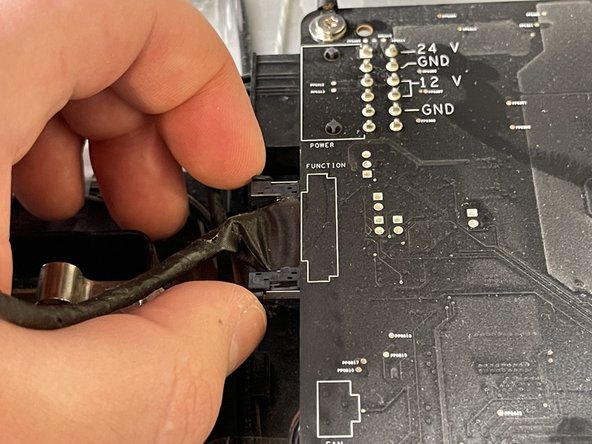
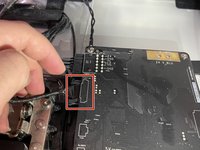
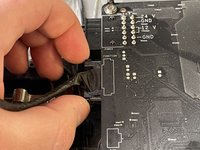
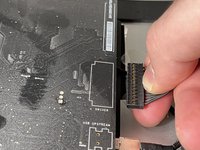
    • Squeeze the sides of the function cable connector on the top left edge of the logic board and pull it straight out.

    • Make sure to align the function cable correctly with the logic board during reassembly.

    询问修复机器人

    添加评论

  9. Apple LED Cinema Display 27" LED Panel Replacement: 步骤 9 中的图像 1,2 Apple LED Cinema Display 27" LED Panel Replacement: 步骤 9 中的图像 2,2
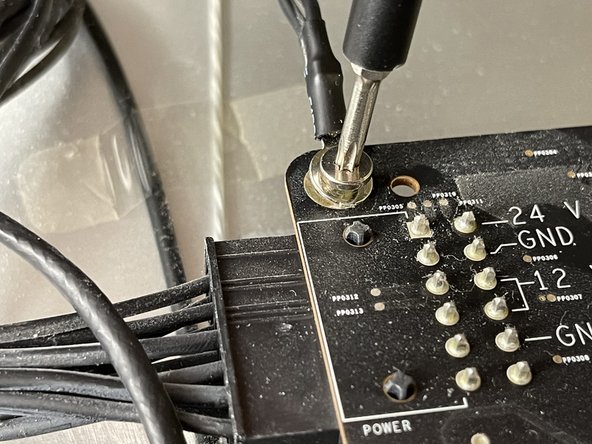
    • Close-up of the ground cable at top left of logic board. Remove the 10 mm Torx T10 screw from top left corner of logic board.

    • Disconnect the ground cable.

    • Avoid touching the double pins on the top left corner of the logic board with a screwdriver.

    询问修复机器人

    添加评论

  10. Apple LED Cinema Display 27" LED Panel Replacement: 步骤 10 中的图像 1,3 Apple LED Cinema Display 27" LED Panel Replacement: 步骤 10 中的图像 2,3 Apple LED Cinema Display 27" LED Panel Replacement: 步骤 10 中的图像 3,3
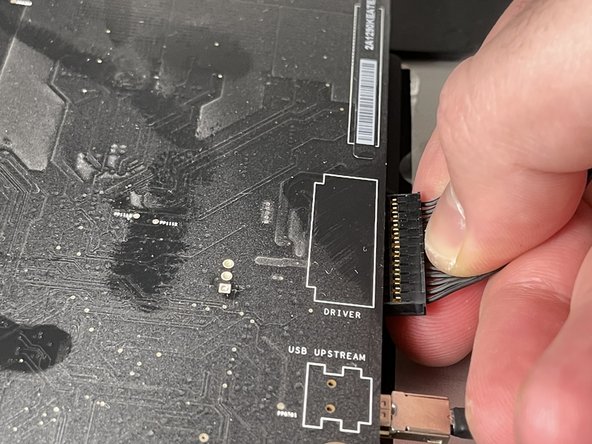
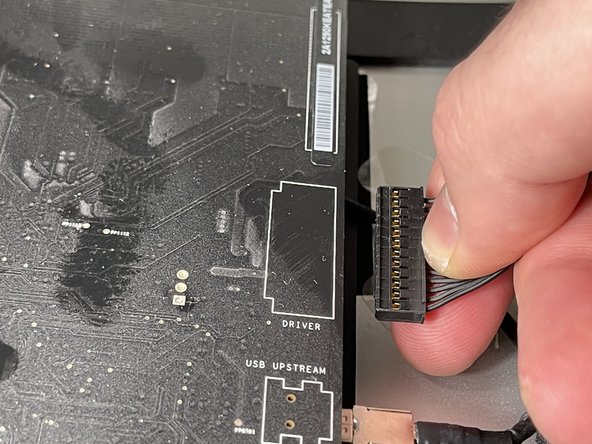
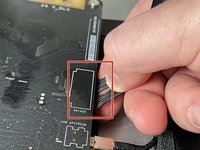
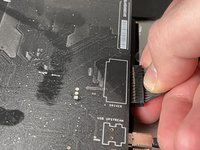
    • Pinch the LED backlight driver cable on the underside of the center right edge of the logic board and pull straight out.

    • Avoid putting force on the logic board to bend as deformation of a logic board can cause issues.

    询问修复机器人

    添加评论

  11. Apple LED Cinema Display 27" LED Panel Replacement: 步骤 11 中的图像 1,3 Apple LED Cinema Display 27" LED Panel Replacement: 步骤 11 中的图像 2,3 Apple LED Cinema Display 27" LED Panel Replacement: 步骤 11 中的图像 3,3
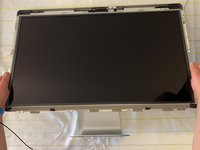
    • Handle the LCD panel by the edges and lift it upwards until it separates from the rest of the enclosure.

    • This guide can be followed in reserve in order to perform an installation and reassembly of the LED panel to the rest of the enclosure.

    询问修复机器人

    添加评论

结论

In order to put everything back to its original place, we will need the new LCD panel and to follow the above steps in reverse.

取消:我没有完成这个指南。

8等其他人完成本指南。

附加文件

团队

0指南评论

添加评论

浏览统计数据:

过去 24 小时: 5

过去 7 天: 62

过去 30 天: 291

总计 17,057