跳转到主内容
加入维修社区 - 创建账户

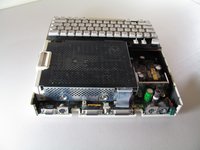
Apple IIc IC Chips Replacement

你所需要的

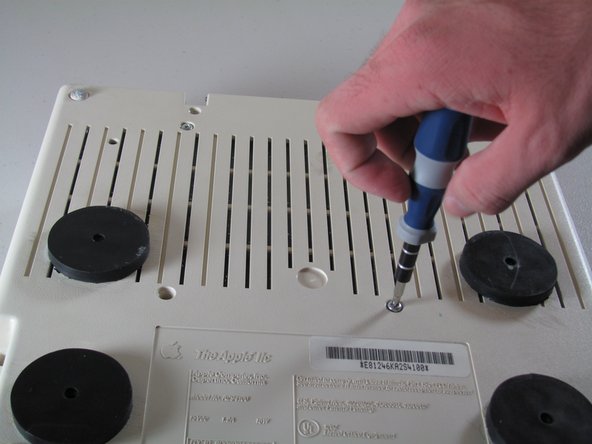
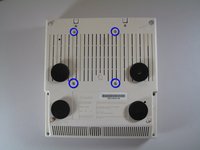
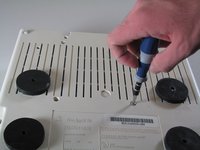
  1. Apple IIc IC Chips Replacement, Disassembling Apple IIc Cover: 步骤 1 中的图像 1,2 Apple IIc IC Chips Replacement, Disassembling Apple IIc Cover: 步骤 1 中的图像 2,2
    • Remove the six 19 mm long screws with a #2 Phillips head screwdriver.

    询问修复机器人

    添加评论

  2. Apple IIc IC Chips Replacement: 步骤 2 中的图像 1,2 Apple IIc IC Chips Replacement: 步骤 2 中的图像 2,2
    • Release the catch by pushing it in using a plastic opening tool.

    • The catch is off-center, but in line with the middle of the speaker underneath.

    询问修复机器人

    添加评论

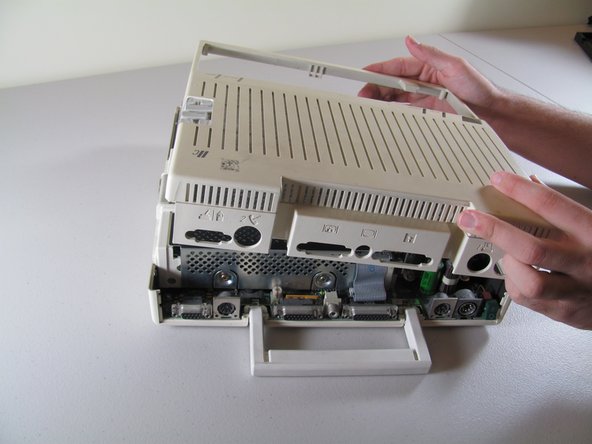
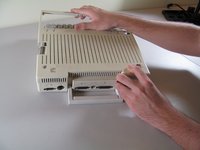
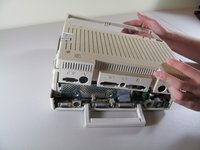
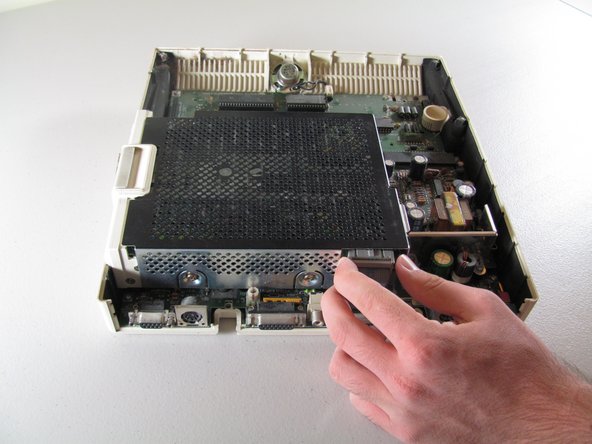
  3. Apple IIc IC Chips Replacement: 步骤 3 中的图像 1,2 Apple IIc IC Chips Replacement: 步骤 3 中的图像 2,2
    • Slide the case toward the ports on the back, then grip under the catch and pull up while moving toward the ports to remove.

    添加评论

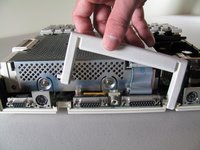
  4. Apple IIc IC Chips Replacement: 步骤 4 中的图像 1,2 Apple IIc IC Chips Replacement: 步骤 4 中的图像 2,2
    • Lift the handle straight up to remove.

    询问修复机器人

    添加评论

  5. Apple IIc IC Chips Replacement, Keyboard: 步骤 5 中的图像 1,2 Apple IIc IC Chips Replacement, Keyboard: 步骤 5 中的图像 2,2
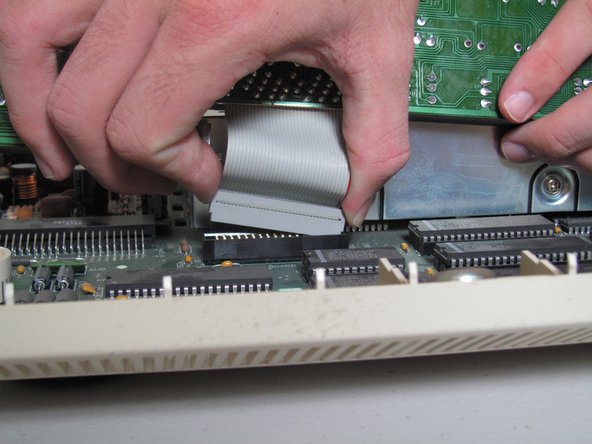
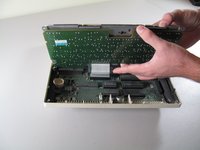
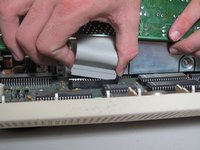
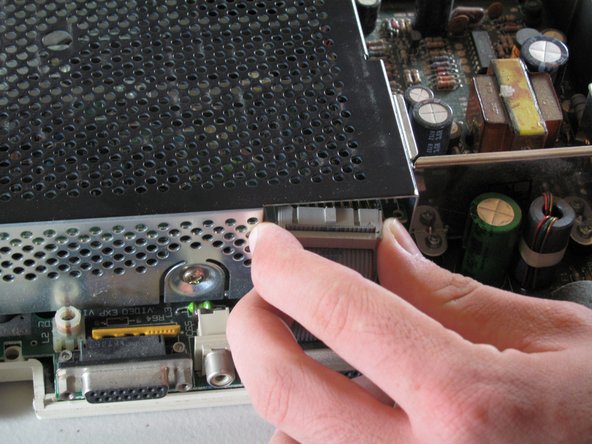
    • Tilt the keyboard up while detaching the ribbon connection by pulling it straight up. You may have to wiggle the connector sideways to loosen it.

    • Be careful not to force the ribbon while pulling it out to avoid tearing. Do not try to pull the ribbon out by pulling the keyboard as it may cause tearing.

    询问修复机器人

    添加评论

  6. Apple IIc IC Chips Replacement, Floppy Drive: 步骤 6 中的图像 1,2 Apple IIc IC Chips Replacement, Floppy Drive: 步骤 6 中的图像 2,2
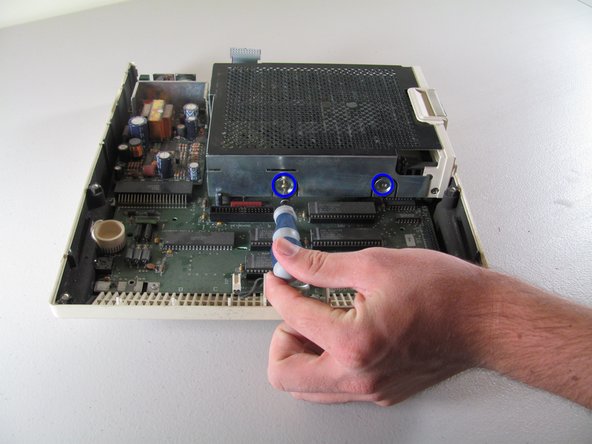
    • Carefully place device upside down to remove the four centered 21.1 mm screws that secure the floppy drive.

    询问修复机器人

    添加评论

  7. Apple IIc IC Chips Replacement: 步骤 7 中的图像 1,3 Apple IIc IC Chips Replacement: 步骤 7 中的图像 2,3 Apple IIc IC Chips Replacement: 步骤 7 中的图像 3,3
    • Carefully detach ribbon connector from floppy disk drive by pulling it out horizontally.

    询问修复机器人

    添加评论

  8. Apple IIc IC Chips Replacement: 步骤 8 中的图像 1,2 Apple IIc IC Chips Replacement: 步骤 8 中的图像 2,2
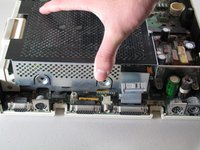
    • Unscrew the four 8.5 mm screws that attach the floppy drive cage. Two screws are located on the front and back of the cage.

    添加评论

  9. Apple IIc IC Chips Replacement: 步骤 9 中的图像 1,2 Apple IIc IC Chips Replacement: 步骤 9 中的图像 2,2
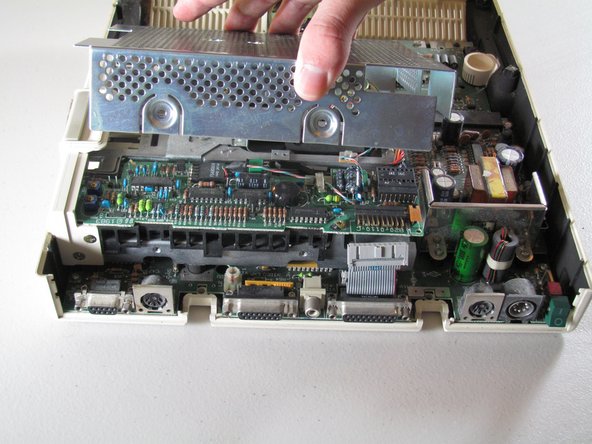
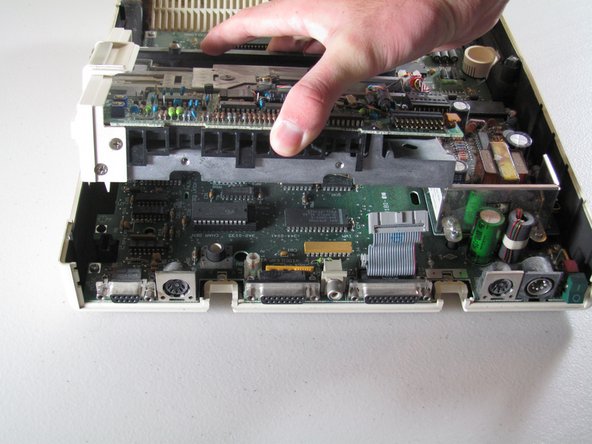
    • Carefully lift the floppy drive cage straight up to remove it.

    询问修复机器人

    添加评论

  10. Apple IIc IC Chips Replacement: 步骤 10 中的图像 1,2 Apple IIc IC Chips Replacement: 步骤 10 中的图像 2,2
    • Lift the floppy drive straight up to remove.

    添加评论

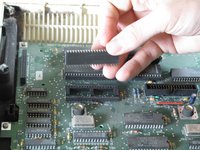
  11. Apple IIc IC Chips Replacement, IC Chips: 步骤 11 中的图像 1,3 Apple IIc IC Chips Replacement, IC Chips: 步骤 11 中的图像 2,3 Apple IIc IC Chips Replacement, IC Chips: 步骤 11 中的图像 3,3
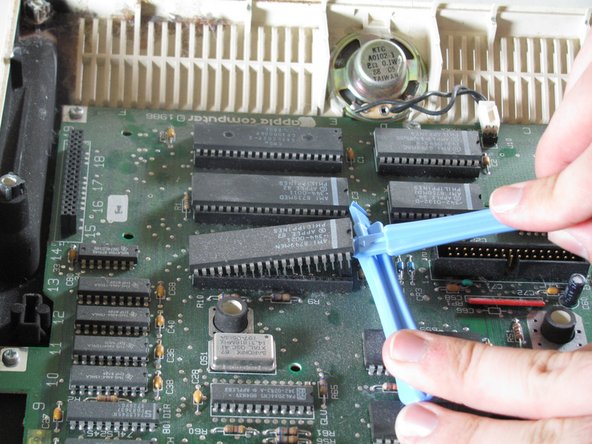
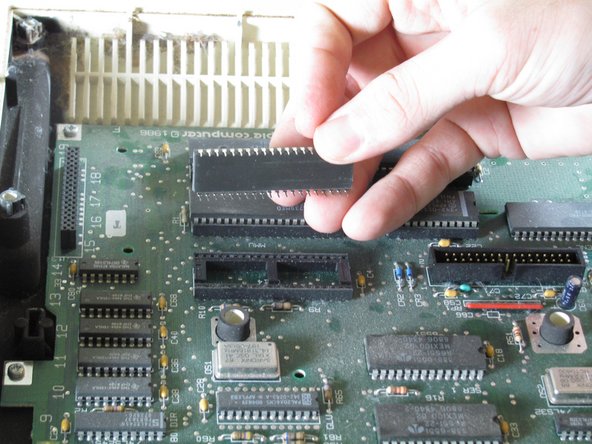
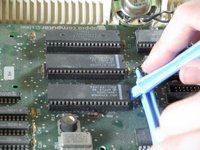
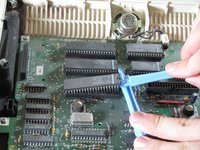
    • Use the plastic opening tools to carefully lever the IC chips out of the holder. Gently lever one end and then the other to lift it out of the chip holder.

    • Do not force IC chips out! Pins are very fragile and can easily bend or break.

    询问修复机器人

    添加评论

结论

To reassemble your device, follow these instructions in reverse order.

取消:我没有完成这个指南。

9等其他人完成本指南。

Josiah

于10/06/11注册

658 声望

创作了3篇指南

团队

Cal Poly, Team 21-23, Maness Fall 2011 Cal Poly, Team 21-23, Maness Fall 2011 的会员

CPSU-MANESS-F11S21G23

4 名成员

创作了14篇指南

1指南评论

What are the 4 round black things shown in the photos in Step 1 and Step 6? (No explanation is given.)

James Wages - 回复 分享
添加评论

浏览统计数据:

过去 24 小时: 3

过去 7 天: 9

过去 30 天: 52

总计 7,542