跳转到主内容
加入维修社区 - 创建账户

Anker Soundcore Flare Mini Battery Replacement

你所需要的

  1. Anker Soundcore Flare Mini Battery Replacement, Bottom Cover: 步骤 1 中的图像 1,3 Anker Soundcore Flare Mini Battery Replacement, Bottom Cover: 步骤 1 中的图像 2,3 Anker Soundcore Flare Mini Battery Replacement, Bottom Cover: 步骤 1 中的图像 3,3
    在这个步骤中使用的工具:
    Tweezers
    $4.99
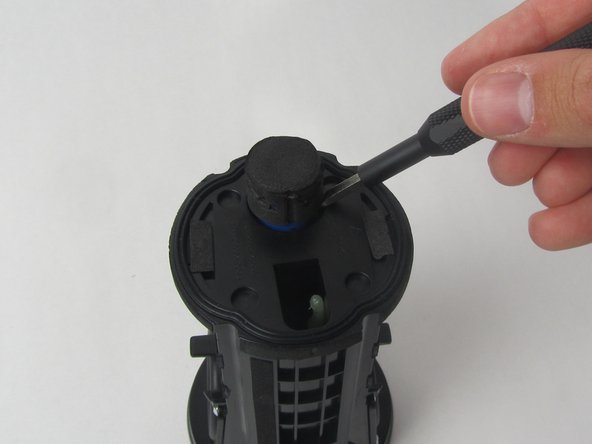
    • The rubber cover of the speaker is glued down.

    • Use precision tweezers to peel the rubber cover off of the bottom of the speaker.

  2. Anker Soundcore Flare Mini Battery Replacement: 步骤 2 中的图像 1,3 Anker Soundcore Flare Mini Battery Replacement: 步骤 2 中的图像 2,3 Anker Soundcore Flare Mini Battery Replacement: 步骤 2 中的图像 3,3
    • Remove six 10 mm screws holding the plastic cover in place using a Phillips #1 screwdriver.

    • Use your hand to pull the plastic cover off the bottom of the speaker.

  3. Anker Soundcore Flare Mini Battery Replacement, Motherboard: 步骤 3 中的图像 1,3 Anker Soundcore Flare Mini Battery Replacement, Motherboard: 步骤 3 中的图像 2,3 Anker Soundcore Flare Mini Battery Replacement, Motherboard: 步骤 3 中的图像 3,3
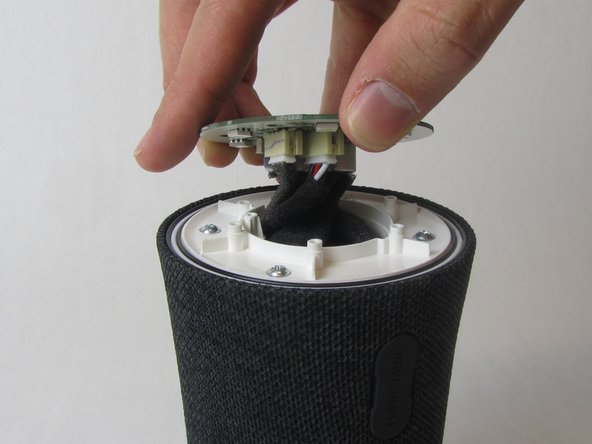
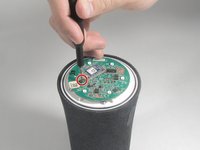
    • Remove the single 10 mm screw holding the motherboard in place using a Phillips #1 screwdriver.

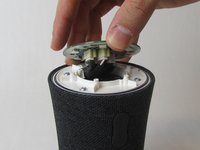
    • Lift the motherboard up.

    • The motherboard is still attached to several wires underneath.

  4. Anker Soundcore Flare Mini Battery Replacement: 步骤 4 中的图像 1,3 Anker Soundcore Flare Mini Battery Replacement: 步骤 4 中的图像 2,3 Anker Soundcore Flare Mini Battery Replacement: 步骤 4 中的图像 3,3
    在这个步骤中使用的工具:
    Tweezers
    $4.99
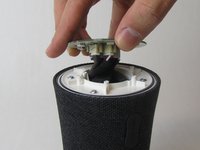
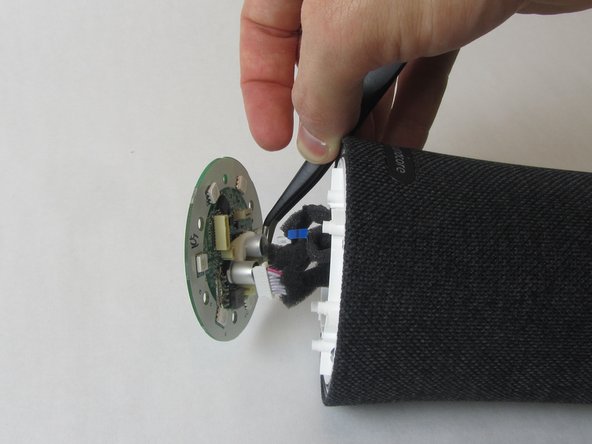
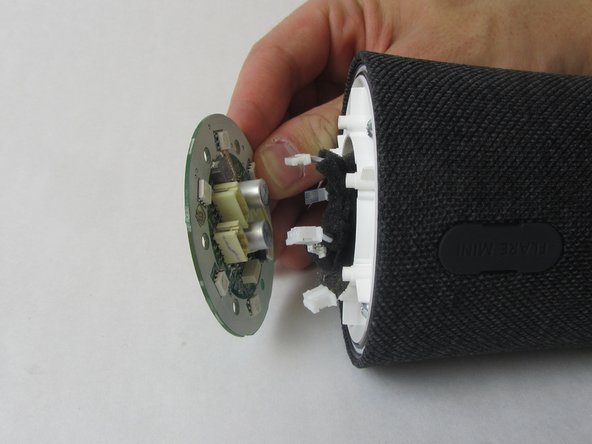
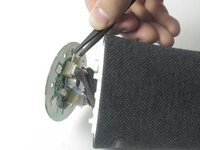
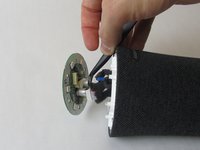
    • Use precision tweezers to firmly grasp the five power connectors and detach them from the back of the motherboard.

    • When removing the power connectors, do not pull the wires themselves.

    • Remove the motherboard from the speaker.

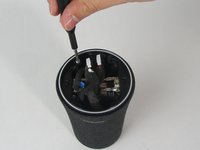
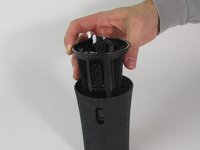
  5. Anker Soundcore Flare Mini Battery Replacement, Waterproof Outer Shell: 步骤 5 中的图像 1,3 Anker Soundcore Flare Mini Battery Replacement, Waterproof Outer Shell: 步骤 5 中的图像 2,3 Anker Soundcore Flare Mini Battery Replacement, Waterproof Outer Shell: 步骤 5 中的图像 3,3
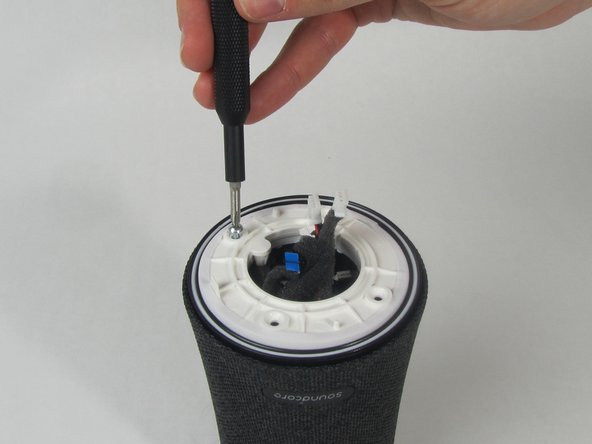
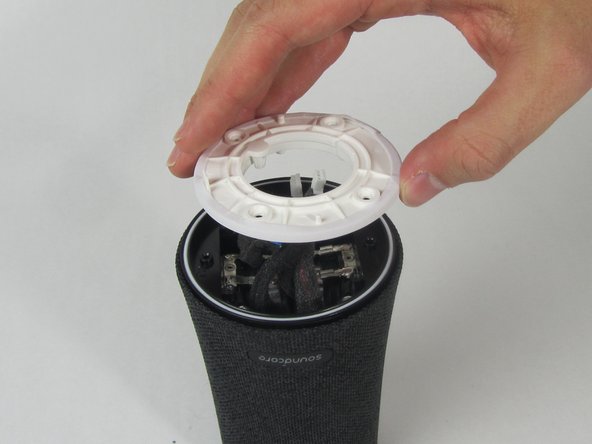
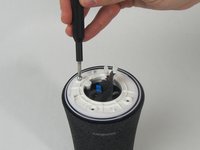
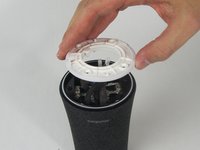
    • Remove the four 11 mm screws from the white plastic cover using a Phillips #1 screwdriver.

    • Remove the white plastic cover from the speaker.

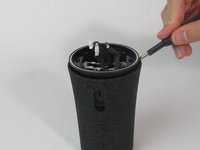
  6. Anker Soundcore Flare Mini Battery Replacement: 步骤 6 中的图像 1,2 Anker Soundcore Flare Mini Battery Replacement: 步骤 6 中的图像 2,2
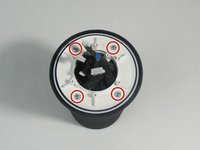
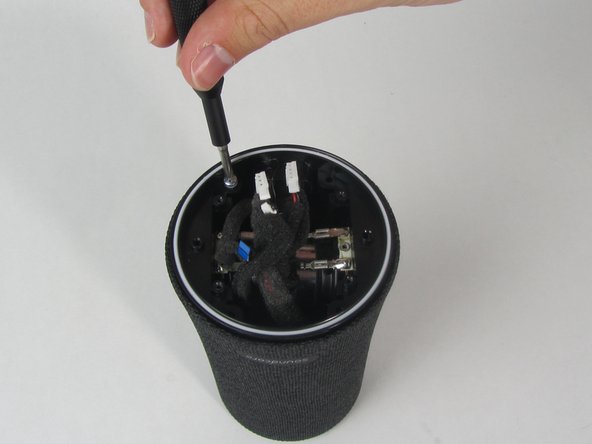
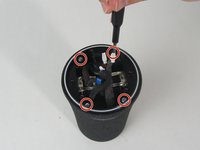
    • Remove the other four 11 mm screws holding the outer shell in place with a Phillips #1 screwdriver.

  7. Anker Soundcore Flare Mini Battery Replacement: 步骤 7 中的图像 1,1
    • Pull the charging port away from the side of the speaker.

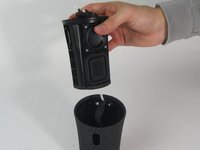
  8. Anker Soundcore Flare Mini Battery Replacement: 步骤 8 中的图像 1,3 Anker Soundcore Flare Mini Battery Replacement: 步骤 8 中的图像 2,3 Anker Soundcore Flare Mini Battery Replacement: 步骤 8 中的图像 3,3
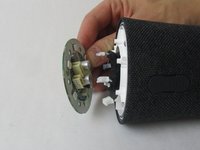
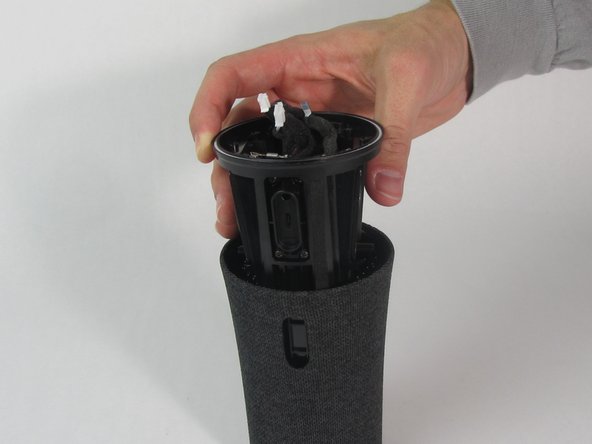
    • Use a spudger to loosen the cover from the inner components of the speaker.

    • Slide the cover completely off.

    • One wire will still be connected to the shell.

  9. Anker Soundcore Flare Mini Battery Replacement, Battery: 步骤 9 中的图像 1,3 Anker Soundcore Flare Mini Battery Replacement, Battery: 步骤 9 中的图像 2,3 Anker Soundcore Flare Mini Battery Replacement, Battery: 步骤 9 中的图像 3,3
    • Use a spudger to pry the battery out.

    • It will be tough to start, but once you work the top part of the battery out with the spudger, you can pull it the rest of the way by hand.

结论

To reassemble your device, follow these instructions in reverse order.

2等其他人完成本指南。

3指南评论

where can I buy the battery replacement component ?

Andre Walters - 回复 分享
Amazon, search for “rechargeable lithium ion battery 18650” it has to be a 2600 mAh 3.7v. I didn’t find one with the same connector so I just soldered the old one to the new battery, it works fine.

Mario Ojeda - 分享

Would be nice to have guidance on how to get the shell cable back through the channel. Also, have people had any issues replacing the battery without the foam padding securing it in it's slot?

Lapin Lunarie - 回复 分享

添加评论

浏览统计数据:

过去 24 小时: 9

过去 7 天: 22

过去 30 天: 82

总计 3,092