跳转到主内容
加入维修社区 - 创建账户

Anker Soundcore Flare Mini Audio Drivers Replacement

你所需要的

    1. Anker Soundcore Flare Mini Audio Drivers Replacement, Bottom Cover: 步骤 1 中的图像 1,3 Anker Soundcore Flare Mini Audio Drivers Replacement, Bottom Cover: 步骤 1 中的图像 2,3 Anker Soundcore Flare Mini Audio Drivers Replacement, Bottom Cover: 步骤 1 中的图像 3,3
      在这个步骤中使用的工具:
      Tweezers
      $4.99
      • The rubber cover of the speaker is glued down.

      • Use precision tweezers to peel the rubber cover off of the bottom of the speaker.

      询问修复机器人

      添加评论

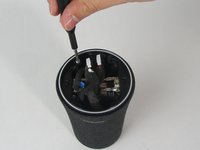
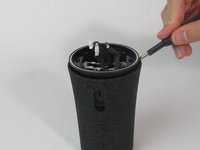
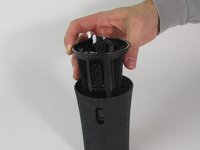
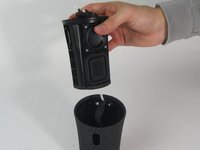
    2. Anker Soundcore Flare Mini Audio Drivers Replacement: 步骤 2 中的图像 1,3 Anker Soundcore Flare Mini Audio Drivers Replacement: 步骤 2 中的图像 2,3 Anker Soundcore Flare Mini Audio Drivers Replacement: 步骤 2 中的图像 3,3
      • Remove six 10 mm screws holding the plastic cover in place using a Phillips #1 screwdriver.

      • Use your hand to pull the plastic cover off the bottom of the speaker.

      询问修复机器人

      添加评论

    1. Anker Soundcore Flare Mini Audio Drivers Replacement, Motherboard: 步骤 3 中的图像 1,3 Anker Soundcore Flare Mini Audio Drivers Replacement, Motherboard: 步骤 3 中的图像 2,3 Anker Soundcore Flare Mini Audio Drivers Replacement, Motherboard: 步骤 3 中的图像 3,3
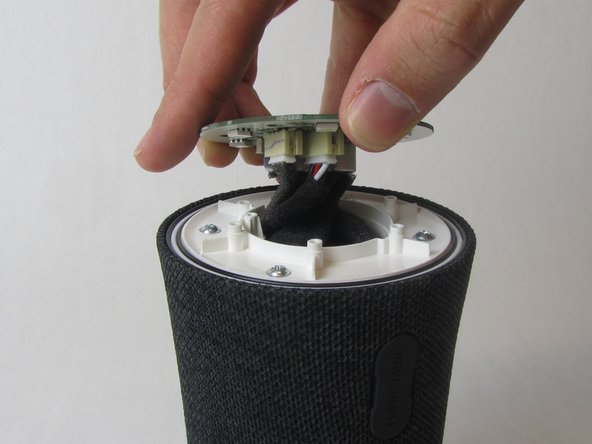
      • Remove the single 10 mm screw holding the motherboard in place using a Phillips #1 screwdriver.

      • Lift the motherboard up.

      • The motherboard is still attached to several wires underneath.

      询问修复机器人

      添加评论

    2. Anker Soundcore Flare Mini Audio Drivers Replacement: 步骤 4 中的图像 1,3 Anker Soundcore Flare Mini Audio Drivers Replacement: 步骤 4 中的图像 2,3 Anker Soundcore Flare Mini Audio Drivers Replacement: 步骤 4 中的图像 3,3
      在这个步骤中使用的工具:
      Tweezers
      $4.99
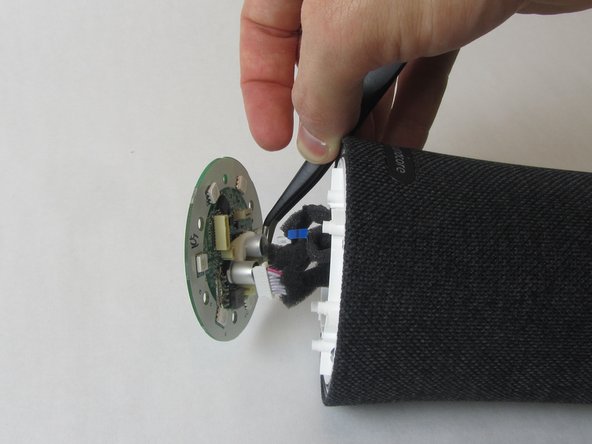
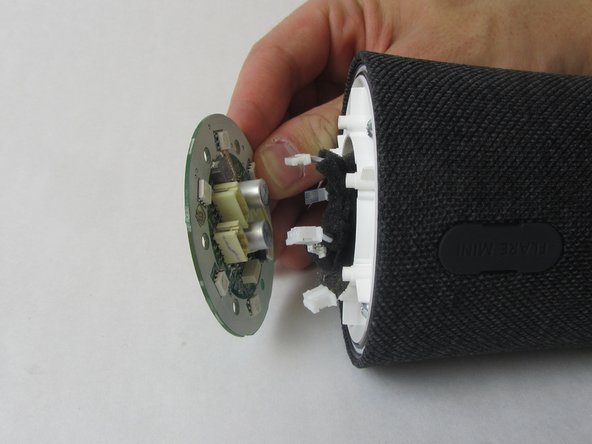
      • Use precision tweezers to firmly grasp the five power connectors and detach them from the back of the motherboard.

      • When removing the power connectors, do not pull the wires themselves.

      • Remove the motherboard from the speaker.

      添加评论

    1. Anker Soundcore Flare Mini Audio Drivers Replacement, Waterproof Outer Shell: 步骤 5 中的图像 1,3 Anker Soundcore Flare Mini Audio Drivers Replacement, Waterproof Outer Shell: 步骤 5 中的图像 2,3 Anker Soundcore Flare Mini Audio Drivers Replacement, Waterproof Outer Shell: 步骤 5 中的图像 3,3
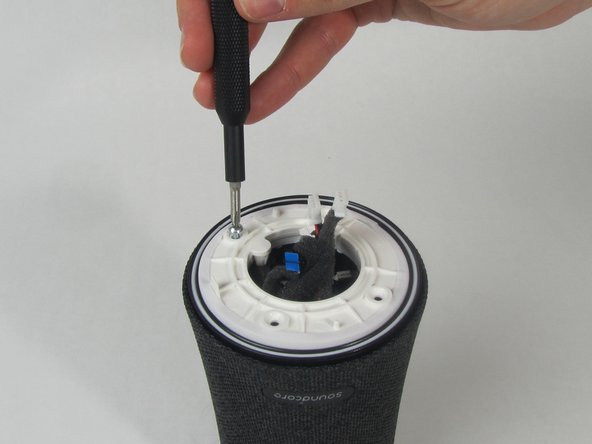
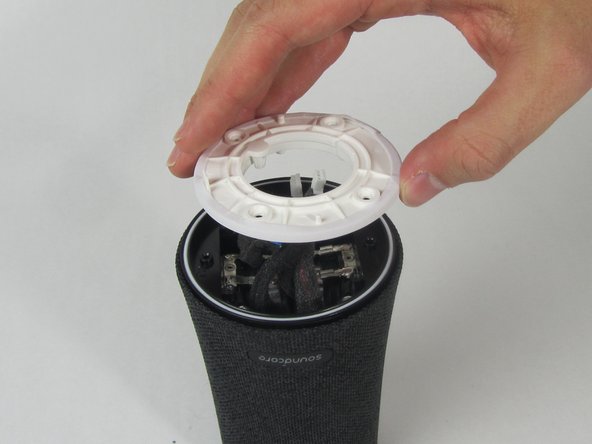
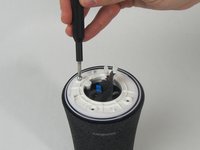
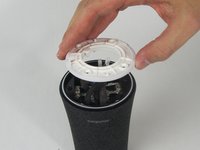
      • Remove the four 11 mm screws from the white plastic cover using a Phillips #1 screwdriver.

      • Remove the white plastic cover from the speaker.

      询问修复机器人

      添加评论

    2. Anker Soundcore Flare Mini Audio Drivers Replacement: 步骤 6 中的图像 1,2 Anker Soundcore Flare Mini Audio Drivers Replacement: 步骤 6 中的图像 2,2
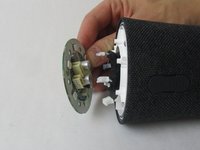
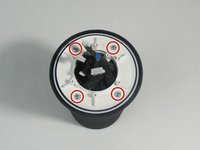
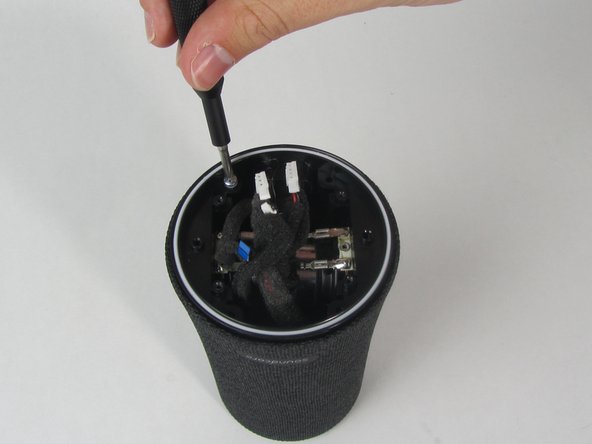
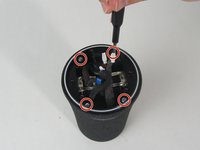
      • Remove the other four 11 mm screws holding the outer shell in place with a Phillips #1 screwdriver.

      询问修复机器人

      添加评论

    3. Anker Soundcore Flare Mini Audio Drivers Replacement: 步骤 7 中的图像 1,1
      • Pull the charging port away from the side of the speaker.

      询问修复机器人

      添加评论

    4. Anker Soundcore Flare Mini Audio Drivers Replacement: 步骤 8 中的图像 1,3 Anker Soundcore Flare Mini Audio Drivers Replacement: 步骤 8 中的图像 2,3 Anker Soundcore Flare Mini Audio Drivers Replacement: 步骤 8 中的图像 3,3
      • Use a spudger to loosen the cover from the inner components of the speaker.

      • Slide the cover completely off.

      • One wire will still be connected to the shell.

      添加评论

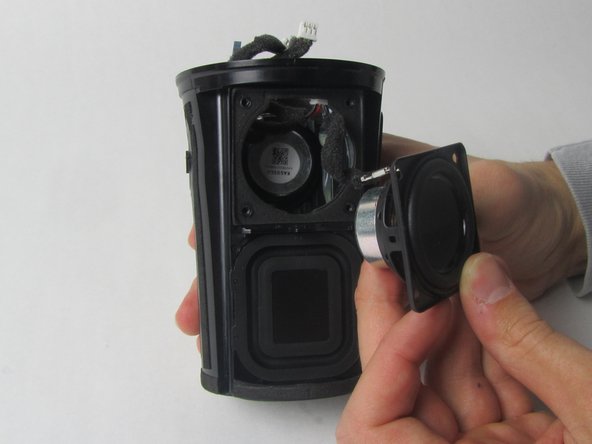
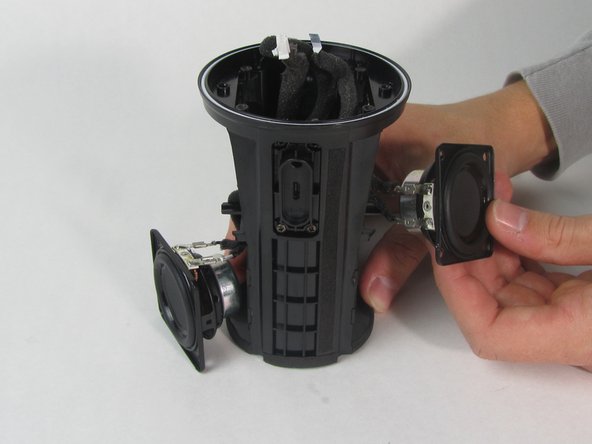
    1. Anker Soundcore Flare Mini Audio Drivers Replacement, Audio Drivers: 步骤 9 中的图像 1,3 Anker Soundcore Flare Mini Audio Drivers Replacement, Audio Drivers: 步骤 9 中的图像 2,3 Anker Soundcore Flare Mini Audio Drivers Replacement, Audio Drivers: 步骤 9 中的图像 3,3
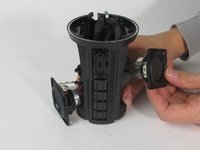
      • There are two drivers—one on each side of the speaker.

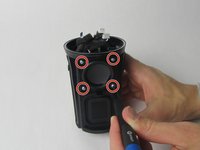
      • Use a Phillips #1 screwdriver to remove the four 11 mm screws from one driver.

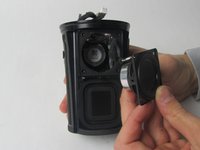
      • Use your hand to pull the driver out of the device.

      • Repeat this step with the other driver.

      询问修复机器人

      添加评论

    2. Anker Soundcore Flare Mini Audio Drivers Replacement: 步骤 10 中的图像 1,3 Anker Soundcore Flare Mini Audio Drivers Replacement: 步骤 10 中的图像 2,3 Anker Soundcore Flare Mini Audio Drivers Replacement: 步骤 10 中的图像 3,3
      在这个步骤中使用的工具:
      Tweezers
      $4.99
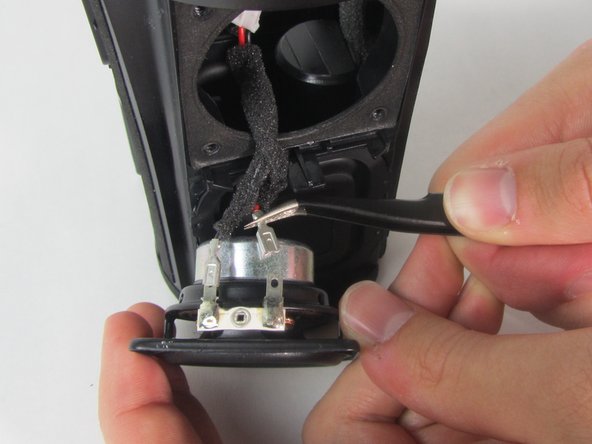
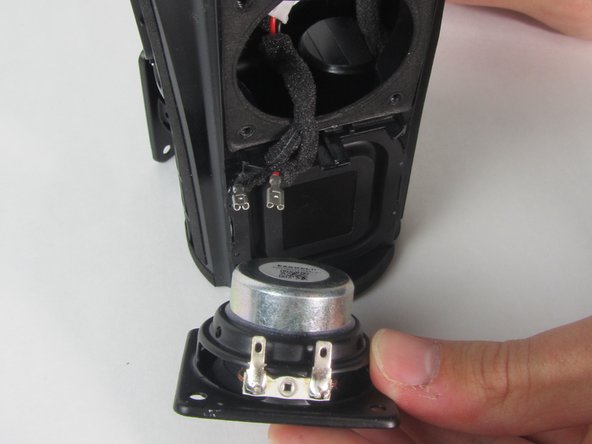
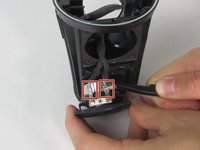
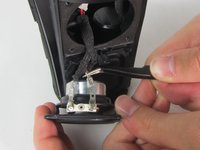
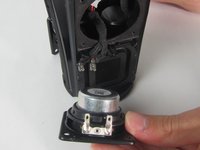
      • Use precision tweezers to detach the two wire connectors from the driver.

      • Both drivers are connected to the same wire so removing one side will separate the other driver from the device as well.

      • Remove both drivers from the device.

      添加评论

结论

To reassemble your device, follow these instructions in reverse order.

取消:我没有完成这个指南。

1指南评论

what size are the speakers?

Chris - 回复 分享
添加评论

浏览统计数据:

过去 24 小时: 1

过去 7 天: 8

过去 30 天: 37

总计 1,539