跳转到主内容
加入维修社区 - 创建账户

Anker 2.4G Wireless Mouse DPI button Replacement

你所需要的

  1. Anker 2.4G Wireless Mouse DPI button Replacement, DPI button: 步骤 1 中的图像 1,1
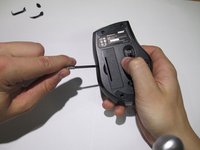
    • Use screwdriver to pry off the stickers marked in red to reveal the location of the 4 screws.

    询问修复机器人

    添加评论

  2. Anker 2.4G Wireless Mouse DPI button Replacement: 步骤 2 中的图像 1,1
    • Remove the 4 screws to continue.

    询问修复机器人

    添加评论

  3. Anker 2.4G Wireless Mouse DPI button Replacement: 步骤 3 中的图像 1,2 Anker 2.4G Wireless Mouse DPI button Replacement: 步骤 3 中的图像 2,2
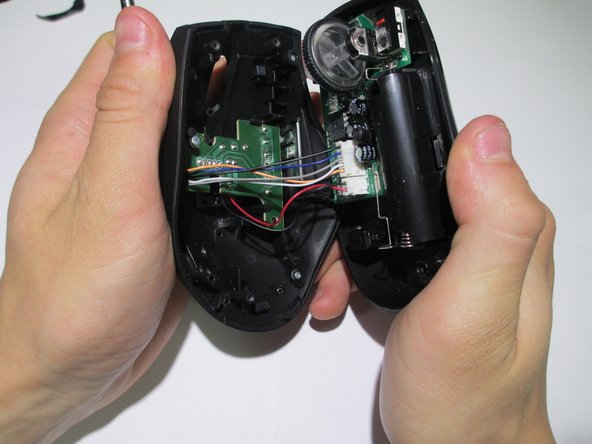
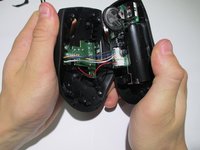
    • Pry the center of the mouse apart to separate the upper and lower housing of the boards.

    询问修复机器人

    添加评论

  4. Anker 2.4G Wireless Mouse DPI button Replacement: 步骤 4 中的图像 1,1
    • Remove the wires from the white crimp headers. this will separate the upper and lower housing units of the mouse.

    • Pull as far up on the wire as possible, being as careful as possible to avoid ripping the wires.

    询问修复机器人

    添加评论

  5. Anker 2.4G Wireless Mouse DPI button Replacement: 步骤 5 中的图像 1,2 Anker 2.4G Wireless Mouse DPI button Replacement: 步骤 5 中的图像 2,2
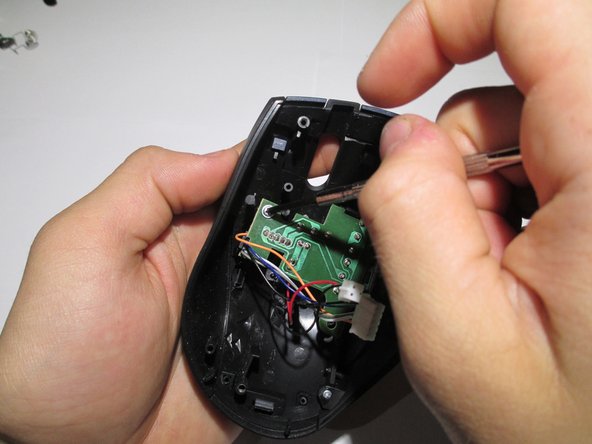
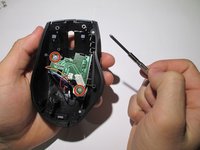
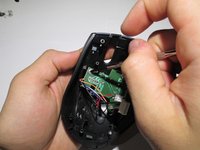
    • Take the upper housing of the mouse and begin to remove the two screws (highlighted in red) that hold the board in place.

    询问修复机器人

    添加评论

  6. Anker 2.4G Wireless Mouse DPI button Replacement: 步骤 6 中的图像 1,1
    • Gently remove board.

    询问修复机器人

    添加评论

  7. Anker 2.4G Wireless Mouse DPI button Replacement: 步骤 7 中的图像 1,2 Anker 2.4G Wireless Mouse DPI button Replacement: 步骤 7 中的图像 2,2
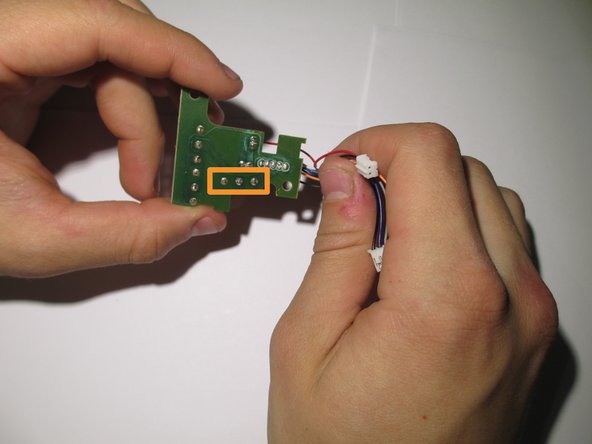
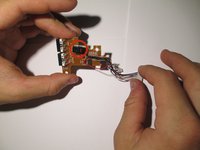
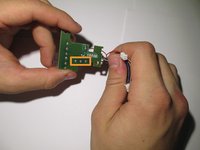
    • The DPI button is the red push button highlighted in red.

    • To remove it, flip the board over and desolder the wires highlighted in orange.

    • Replace component with new component and resolder back in place.

    询问修复机器人

    添加评论

结论

To reassemble your device, follow these instructions in reverse order.

取消:我没有完成这个指南。

Colin

于02/10/14注册

409 声望

创作了3篇指南

团队

Cal Poly, Team 1-39, Maness Winter 2014 Cal Poly, Team 1-39, Maness Winter 2014 的会员

CPSU-MANESS-W14S1G39

4 名成员

创作了16篇指南

0指南评论

添加评论

浏览统计数据:

过去 24 小时: 3

过去 7 天: 7

过去 30 天: 26

总计 3,882