跳转到主内容
加入维修社区 - 创建账户

Alienware M17x Display Assembly Replacement

你所需要的

    1. Alienware M17x Display Assembly Replacement, Battery: 步骤 1 中的图像 1,2 Alienware M17x Display Assembly Replacement, Battery: 步骤 1 中的图像 2,2
      • Turn off your laptop before starting.

      • Flip the laptop over so the model stickers face the ceiling.

      询问修复机器人

      添加评论

    2. Alienware M17x Display Assembly Replacement: 步骤 2 中的图像 1,1
      • Remove the two 3.5 mm Phillips #0 screws holding the cover in place.

      • Slide cover forward then carefully lift up.

      询问修复机器人

      添加评论

    3. Alienware M17x Display Assembly Replacement: 步骤 3 中的图像 1,1
      • Remove the two 5.5 mm Phillips #0 screws holding the battery in place.

      询问修复机器人

      添加评论

    4. Alienware M17x Display Assembly Replacement: 步骤 4 中的图像 1,2 Alienware M17x Display Assembly Replacement: 步骤 4 中的图像 2,2
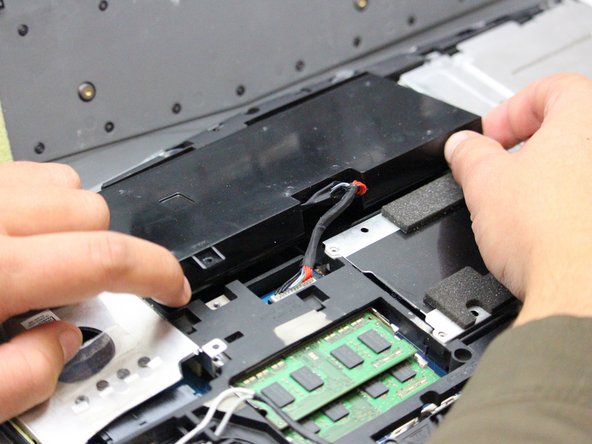
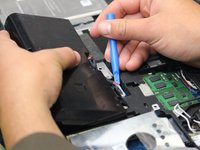
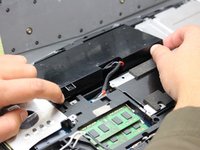
      • Carefully use the Plastic Opening Tool to unplug the battery.

      • Lift the battery up and out to remove.

      询问修复机器人

      添加评论

    1. Alienware M17x Display Assembly Replacement, Display Assembly: 步骤 5 中的图像 1,1
      • Flip the laptop back over so that the Alienware logo faces the ceiling then open the lid to view the screen.

      询问修复机器人

      添加评论

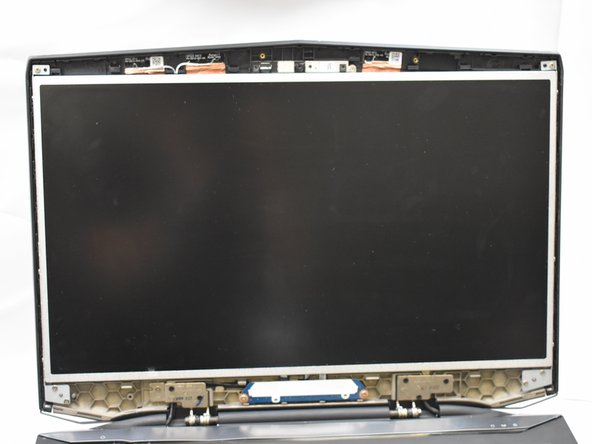
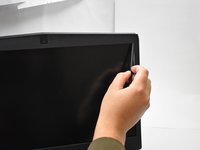
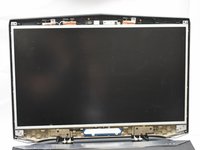
    2. Alienware M17x Display Assembly Replacement: 步骤 6 中的图像 1,3 Alienware M17x Display Assembly Replacement: 步骤 6 中的图像 2,3 Alienware M17x Display Assembly Replacement: 步骤 6 中的图像 3,3
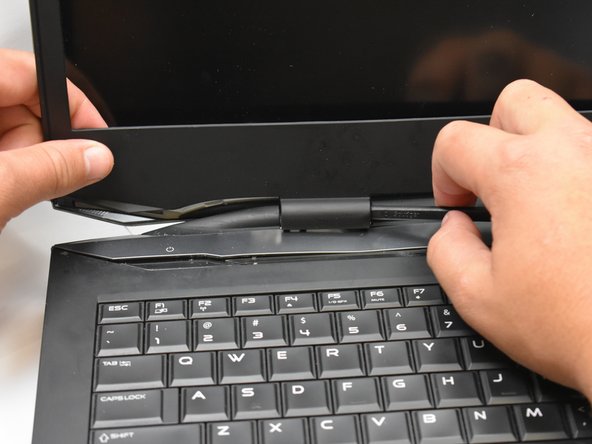
      • Use a spudger as a lever to pry the black plastic siding off of the frame starting on either of the top corners.

      • Use the spudger to remove the siding from the bottom of the frame near the hinges.

      • Carefully lift the black plastic siding up and out of the hinged area making sure not to break the fragile sides.

      询问修复机器人

      添加评论

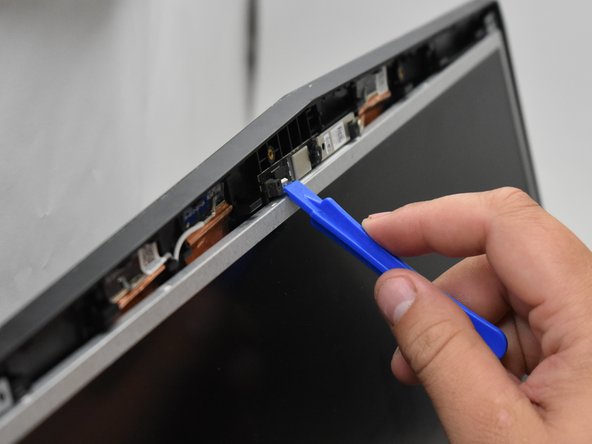
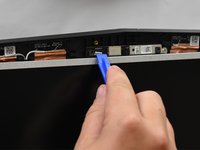
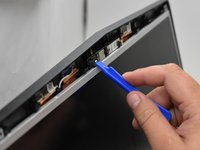
    3. Alienware M17x Display Assembly Replacement: 步骤 7 中的图像 1,2 Alienware M17x Display Assembly Replacement: 步骤 7 中的图像 2,2
      • Use the plastic opening tool to disconnect the screen from the top mount.

      询问修复机器人

      添加评论

    4. Alienware M17x Display Assembly Replacement: 步骤 8 中的图像 1,1
      • Avoid directly touching the connectors with anything other than plastic tools to avoid damaging the internal components.

      询问修复机器人

      添加评论

    5. Alienware M17x Display Assembly Replacement: 步骤 9 中的图像 1,1
      • Tilt the screen forward to expose the connecting wires.

      • Disconnect said wires to then lift the display assembly out of the frame.

      询问修复机器人

      添加评论

结论

To reassemble your device, follow these instructions in reverse order.

取消:我没有完成这个指南。

另外一个人完成了本指南。

0指南评论

添加评论

浏览统计数据:

过去 24 小时: 0

过去 7 天: 7

过去 30 天: 32

总计 1,032