跳转到主内容
加入维修社区 - 创建账户

Alienware M14xR2 RAM Replacement

你所需要的

    1. Alienware M14xR2 RAM Replacement, Battery: 步骤 1 中的图像 1,1
      • Turn the computer off.

      • Disconnect the charging cable from the computer.

      • Failure to unplug the charging cable could result in electric shock and serious injury.

      • Flip the computer upside down.

      询问修复机器人

      添加评论

    2. Alienware M14xR2 RAM Replacement: 步骤 2 中的图像 1,3 Alienware M14xR2 RAM Replacement: 步骤 2 中的图像 2,3 Alienware M14xR2 RAM Replacement: 步骤 2 中的图像 3,3
      • Loosen the two 6.35 mm size 1 Phillips screws on the back cover.

      • The two screws are spring loaded and will not separate from the cover.

      • Slide the back cover towards you and then lift upwards to remove.

      询问修复机器人

      添加评论

    3. Alienware M14xR2 RAM Replacement: 步骤 3 中的图像 1,1
      • Loosen the two 6.35 mm size 1 Philips screws attaching the battery to the laptop.

      • The two screws are clipped into the battery and will not detach.

      询问修复机器人

      添加评论

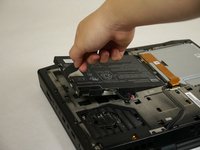
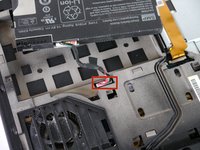
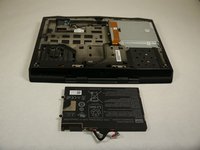
    4. Alienware M14xR2 RAM Replacement: 步骤 4 中的图像 1,3 Alienware M14xR2 RAM Replacement: 步骤 4 中的图像 2,3 Alienware M14xR2 RAM Replacement: 步骤 4 中的图像 3,3
      • Pull up on the black tab on the battery to reveal the connection between the battery and laptop.

      • Pull up on the white connector to disconnect it from the laptop.

      • The battery is now free to remove from the laptop and can be set aside.

      询问修复机器人

      添加评论

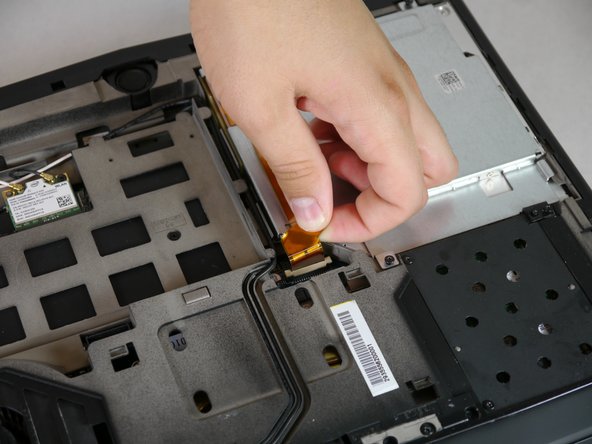
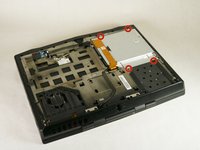
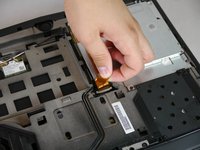
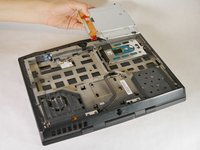
    1. Alienware M14xR2 RAM Replacement, Optical Drive: 步骤 5 中的图像 1,3 Alienware M14xR2 RAM Replacement, Optical Drive: 步骤 5 中的图像 2,3 Alienware M14xR2 RAM Replacement, Optical Drive: 步骤 5 中的图像 3,3
      • Unscrew the four 6.35 mm size 1 screws.

      • Pull up on the end of the orange tab to detach it from the white connector.

      • Lift the optical drive up and out of the laptop and set it aside.

      询问修复机器人

      添加评论

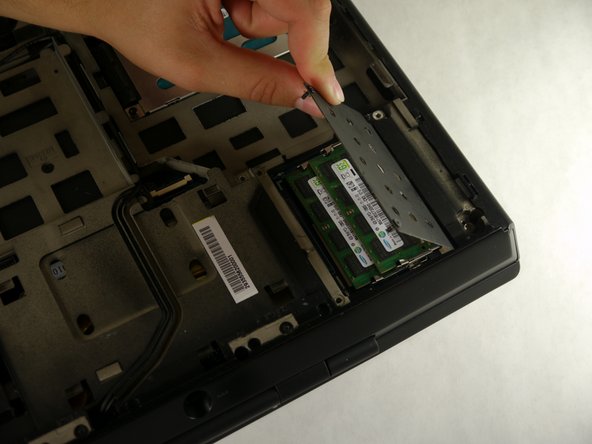
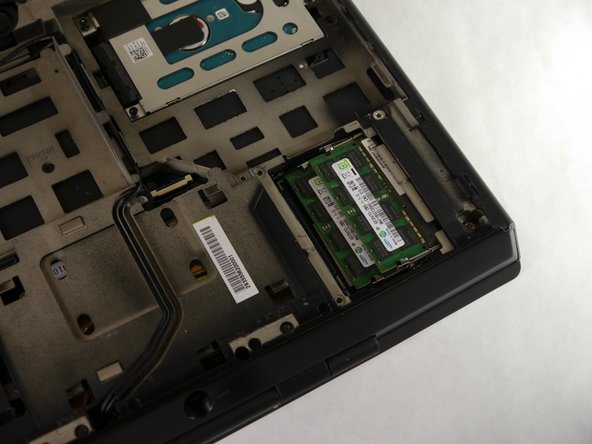
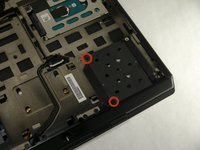
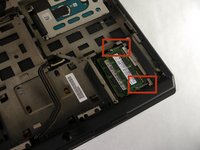
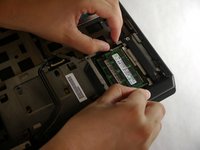
    1. Alienware M14xR2 RAM Replacement, RAM: 步骤 6 中的图像 1,3 Alienware M14xR2 RAM Replacement, RAM: 步骤 6 中的图像 2,3 Alienware M14xR2 RAM Replacement, RAM: 步骤 6 中的图像 3,3
      • Unscrew the two 6.35 mm size 1 screws.

      • Lift up and remove the panel covering the RAM sticks.

      询问修复机器人

      添加评论

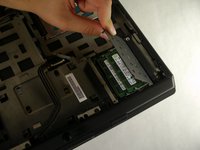
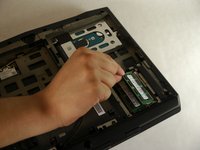
    2. Alienware M14xR2 RAM Replacement: 步骤 7 中的图像 1,2 Alienware M14xR2 RAM Replacement: 步骤 7 中的图像 2,2
      • Push outward on both prongs that secure the RAM sticks in place.

      • The RAM sticks will rise upward when released from the prongs.

      询问修复机器人

      添加评论

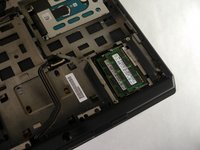
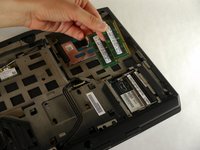
    3. Alienware M14xR2 RAM Replacement: 步骤 8 中的图像 1,2 Alienware M14xR2 RAM Replacement: 步骤 8 中的图像 2,2
      • Grab and pull the RAM sticks up and out of their casing and set them aside.

      询问修复机器人

      添加评论

结论

To reassemble your device, follow these instructions in reverse order.

取消:我没有完成这个指南。

4等其他人完成本指南。

Eugene Park

于09/30/13注册

195 声望

撰写一个指南

团队

Cal Poly, Team 13-4, Forte Fall 2013 Cal Poly, Team 13-4, Forte Fall 2013 的会员

CPSU-FORTE-F13S13G4

5 名成员

创作了45篇指南

3指南评论

How max is the ram upgrade compatible with the m14x ifixit?!

doantuan85 - 回复 分享

I meaned r1 model

doantuan85 - 回复 分享

Yo, man! If my RAM slot is damaged somehow, is there any possibility to change/repair it? It won't detect a RAM card, keeps beeping 4 times at the start.

tasanov - 回复 分享

添加评论

浏览统计数据:

过去 24 小时: 2

过去 7 天: 9

过去 30 天: 34

总计 2,735