跳转到主内容
加入维修社区 - 创建账户

Alcatel One Touch Pop 7 Display Assembly Replacement

你所需要的

  1. Alcatel One Touch Pop 7 Display Assembly Replacement, Volume Button Assembly: 步骤 1 中的图像 1,1
    • Begin working by using the plastic opening tool to remove the back cover of your Alcatel One Touch Pop 7. Opening the flap as shown in the picture will give you an easier start.

    询问修复机器人

    添加评论

  2. Alcatel One Touch Pop 7 Display Assembly Replacement: 步骤 2 中的图像 1,3 Alcatel One Touch Pop 7 Display Assembly Replacement: 步骤 2 中的图像 2,3 Alcatel One Touch Pop 7 Display Assembly Replacement: 步骤 2 中的图像 3,3
    在这个步骤中使用的工具:
    Tweezers
    $4.99
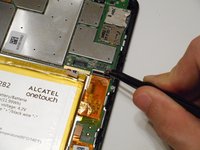
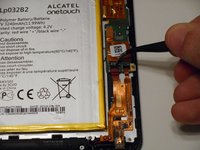
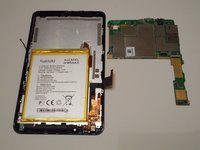
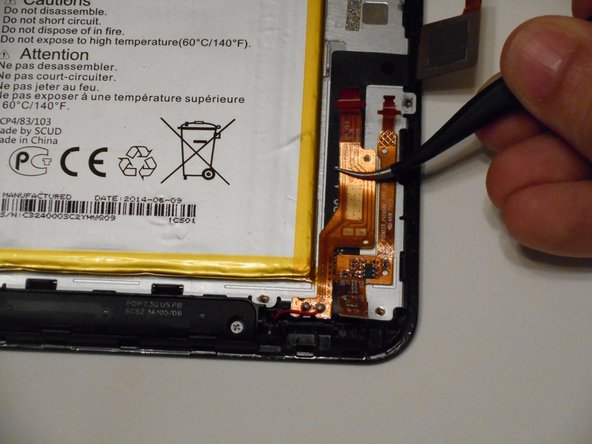
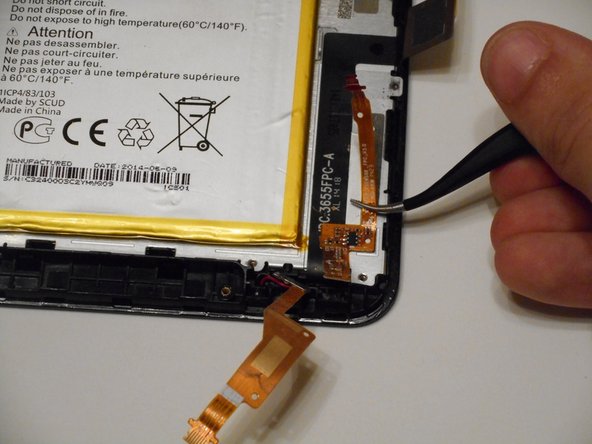
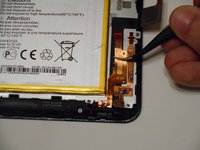
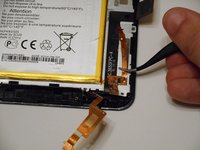
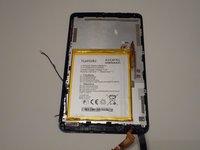
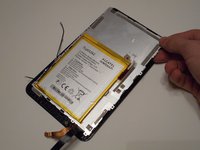
    • With the back cover removed you will now want to disconnect the battery. Use the tweezers and gently pull the wires as shown in the second picture.

    询问修复机器人

    添加评论

  3. Alcatel One Touch Pop 7 Display Assembly Replacement: 步骤 3 中的图像 1,2 Alcatel One Touch Pop 7 Display Assembly Replacement: 步骤 3 中的图像 2,2
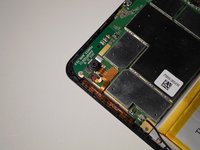
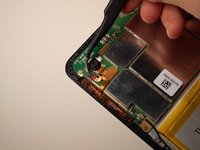
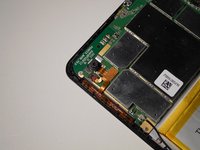
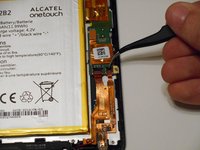
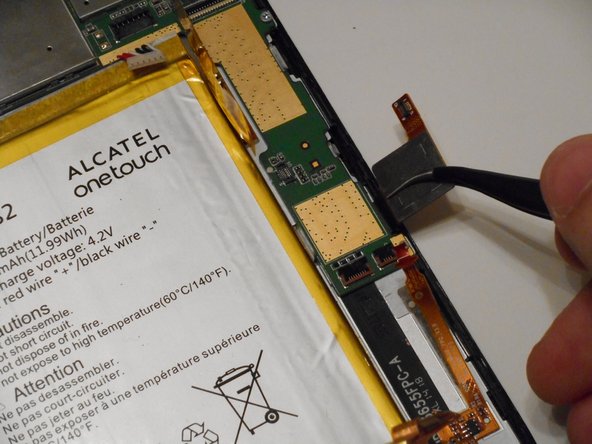
    • The volume button assembly is in the top left corner of the tablet. To begin, you will have to pull the small black tab of the ZIF connector, shown in the second picture, to be able to remove the assembly. The tab is on a hinge so it should not be pulled off completely.

    询问修复机器人

    添加评论

  4. Alcatel One Touch Pop 7 Display Assembly Replacement: 步骤 4 中的图像 1,3 Alcatel One Touch Pop 7 Display Assembly Replacement: 步骤 4 中的图像 2,3 Alcatel One Touch Pop 7 Display Assembly Replacement: 步骤 4 中的图像 3,3
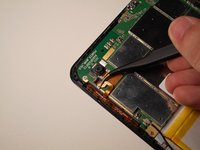
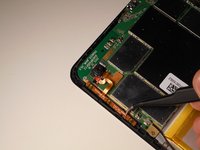
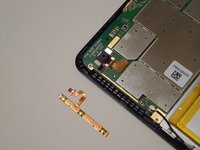
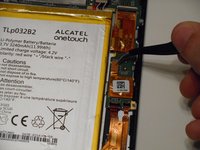
    • Pull the copper ribbon cable from the tab. It should be easily removed, as the ZIF connector is the only thing holding it in place.

    • Next up is removing the volume button assembly. Another easy removal, simply pull the assembly away from the device and you're done with the removal process.

    询问修复机器人

    添加评论

  5. Alcatel One Touch Pop 7 Display Assembly Replacement, Rear Camera: 步骤 5 中的图像 1,2 Alcatel One Touch Pop 7 Display Assembly Replacement, Rear Camera: 步骤 5 中的图像 2,2
    在这个步骤中使用的工具:
    Tweezers
    $4.99
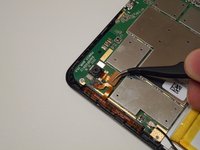
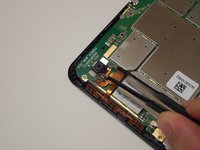
    • The camera is in the top left corner of the tablet. To begin removal, use the tweezers to gently disconnect the ribbon cable attached to the camera.

    添加评论

  6. Alcatel One Touch Pop 7 Display Assembly Replacement: 步骤 6 中的图像 1,2 Alcatel One Touch Pop 7 Display Assembly Replacement: 步骤 6 中的图像 2,2
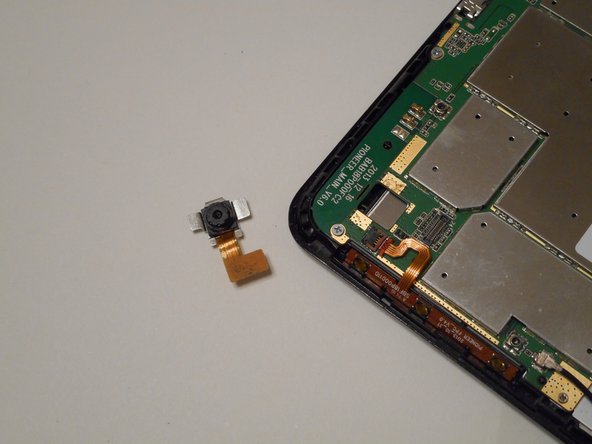
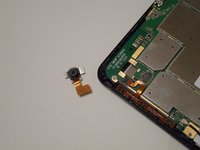
    • Pull the actual camera piece from the camera slot. It may stick a bit but it shouldn't be too difficult.

    询问修复机器人

    添加评论

  7. Alcatel One Touch Pop 7 Display Assembly Replacement, Motherboard: 步骤 7 中的图像 1,3 Alcatel One Touch Pop 7 Display Assembly Replacement, Motherboard: 步骤 7 中的图像 2,3 Alcatel One Touch Pop 7 Display Assembly Replacement, Motherboard: 步骤 7 中的图像 3,3
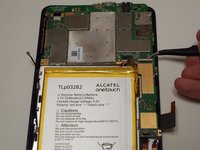
    • We now need to remove 3 ZIF connectors, all located in the bottom right quadrant. The order they are disconnected doesn't matter.

    询问修复机器人

    添加评论

  8. Alcatel One Touch Pop 7 Display Assembly Replacement: 步骤 8 中的图像 1,2 Alcatel One Touch Pop 7 Display Assembly Replacement: 步骤 8 中的图像 2,2
    • Disconnect the ribbon cable and move it out of the way of the motherboard.

    询问修复机器人

    添加评论

  9. Alcatel One Touch Pop 7 Display Assembly Replacement: 步骤 9 中的图像 1,1
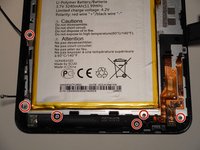
    • Using a PH00 screwdriver to remove these seven 2mm screws and place them in a safe spot where you won't lose them.

    询问修复机器人

    添加评论

  10. Alcatel One Touch Pop 7 Display Assembly Replacement: 步骤 10 中的图像 1,2 Alcatel One Touch Pop 7 Display Assembly Replacement: 步骤 10 中的图像 2,2
    在这个步骤中使用的工具:
    Tweezers
    $4.99
    • With the screws removed, you can now remove the motherboard. Using tweezers or just your fingers, pick up the motherboard and place it to the side.

    询问修复机器人

    添加评论

  11. Alcatel One Touch Pop 7 Display Assembly Replacement, Display Assembly: 步骤 11 中的图像 1,3 Alcatel One Touch Pop 7 Display Assembly Replacement, Display Assembly: 步骤 11 中的图像 2,3 Alcatel One Touch Pop 7 Display Assembly Replacement, Display Assembly: 步骤 11 中的图像 3,3
    • Using a PH00 screwdriver, remove the 6 highlighted 2mm screws.

    • Pull the ribbon cables away from the back of the display screen. The right cable can be removed completely while the left will stay attached to the front casing.

    询问修复机器人

    添加评论

  12. Alcatel One Touch Pop 7 Display Assembly Replacement: 步骤 12 中的图像 1,2 Alcatel One Touch Pop 7 Display Assembly Replacement: 步骤 12 中的图像 2,2
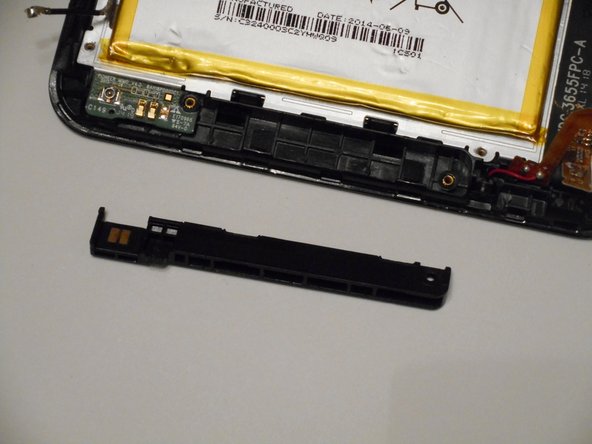
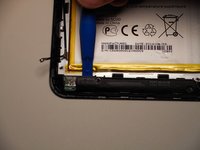
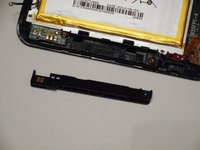
    • Use the plastic opening tools to pry off the plastic piece at the bottom of the device.

    询问修复机器人

    添加评论

  13. Alcatel One Touch Pop 7 Display Assembly Replacement: 步骤 13 中的图像 1,1
    在这个步骤中使用的工具:
    Tweezers
    $4.99
    • Pull away the digitizer ribbon cable using the tweezers. It will stay attached to the front casing.

    询问修复机器人

    添加评论

  14. Alcatel One Touch Pop 7 Display Assembly Replacement: 步骤 14 中的图像 1,3 Alcatel One Touch Pop 7 Display Assembly Replacement: 步骤 14 中的图像 2,3 Alcatel One Touch Pop 7 Display Assembly Replacement: 步骤 14 中的图像 3,3
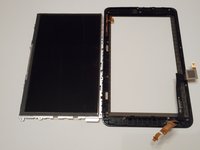
    • With the screws and ribbon cables removed, the display panel can be separated from the digitizer. You can pull the display panel away from the digitizer or turn it vertically and catch the display panel as it falls out.

    询问修复机器人

    添加评论

结论

To reassemble your device, follow these instructions in reverse order.

取消:我没有完成这个指南。

4等其他人完成本指南。

Riley Cooper

于10/10/16注册

926 声望

创作了5篇指南

团队

1指南评论

Hi please I will like to ask weather you have the screen in stock...am from Ghana... kindly hit me back on jamessalia11@gmail.com

Will be glad to hear from you

james salia - 回复 分享

添加评论

浏览统计数据:

过去 24 小时: 3

过去 7 天: 9

过去 30 天: 40

总计 5,321