跳转到主内容
加入维修社区 - 创建账户

ASUS ZenWatch Vibration motor Replacement

你所需要的

    1. ASUS ZenWatch Vibration motor Replacement, Watch Strap Removal: 步骤 1 中的图像 1,2 ASUS ZenWatch Vibration motor Replacement, Watch Strap Removal: 步骤 1 中的图像 2,2
      • On the strap there is a knob. Sliding this knob towards the opposite side of the strap releases the tension on the spring bar, allowing you to pull the strap out..

      询问修复机器人

      添加评论

    1. ASUS ZenWatch Vibration motor Replacement, Battery: 步骤 2 中的图像 1,3 ASUS ZenWatch Vibration motor Replacement, Battery: 步骤 2 中的图像 2,3 ASUS ZenWatch Vibration motor Replacement, Battery: 步骤 2 中的图像 3,3
      • Use the T5 Torx driver to remove the four screws on the case.

      • Use the magnetic pad to keep all your parts easily contained!

      • The case will pry easily off with just gentle hand pressure

      询问修复机器人

      添加评论

    2. ASUS ZenWatch Vibration motor Replacement: 步骤 3 中的图像 1,2 ASUS ZenWatch Vibration motor Replacement: 步骤 3 中的图像 2,2
      在这个步骤中使用的工具:
      Tweezers
      $4.99
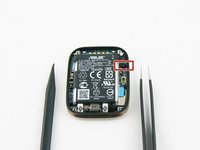
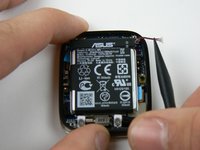
      • Using the tweezers, gently remove the fabric protecting the battery connection.

      • Take care when removing the fabric. Too much force may damage the contact with the metal tweezers.

      • Use the heavy duty spudger to gently push the contact towards the top of the case.

      添加评论

    3. ASUS ZenWatch Vibration motor Replacement: 步骤 4 中的图像 1,3 ASUS ZenWatch Vibration motor Replacement: 步骤 4 中的图像 2,3 ASUS ZenWatch Vibration motor Replacement: 步骤 4 中的图像 3,3
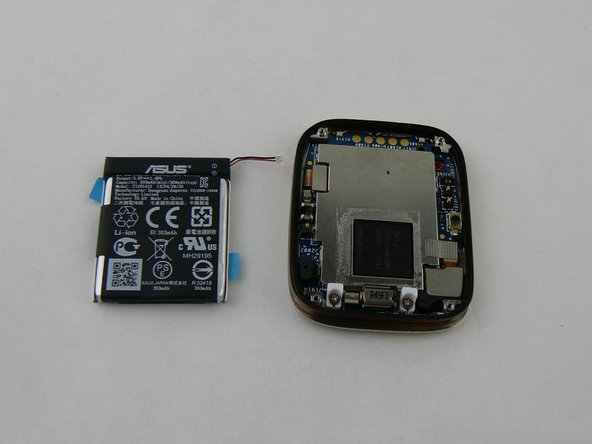
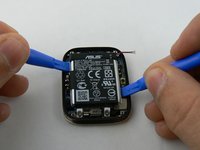
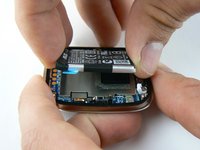
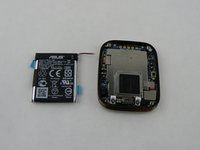
      • Gently pry the battery up with the plastic pry tools

      询问修复机器人

      添加评论

    1. ASUS ZenWatch Vibration motor Replacement, Motherboard: 步骤 5 中的图像 1,3 ASUS ZenWatch Vibration motor Replacement, Motherboard: 步骤 5 中的图像 2,3 ASUS ZenWatch Vibration motor Replacement, Motherboard: 步骤 5 中的图像 3,3
      在这个步骤中使用的工具:
      Tweezers
      $4.99
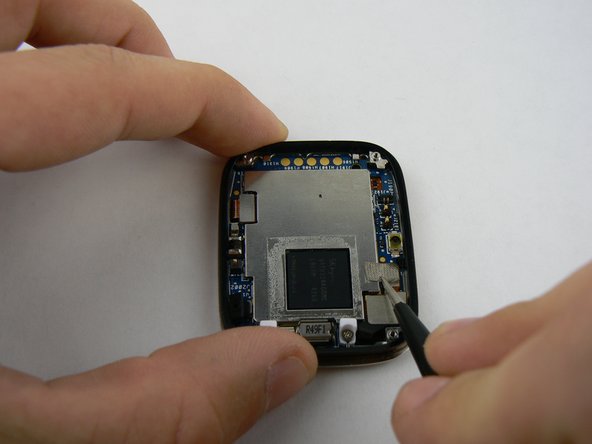
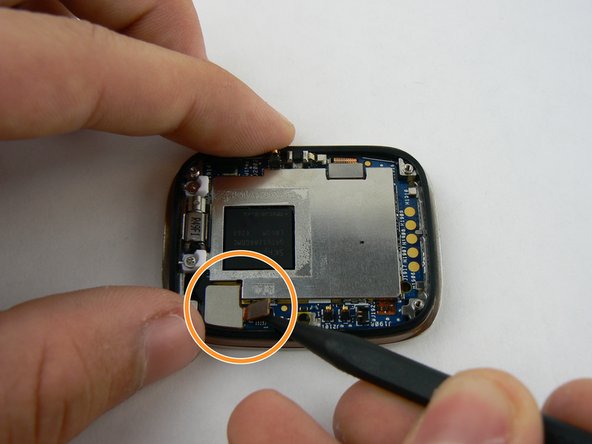
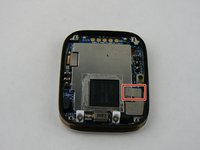
      • With the metal tweezers gently remove the fabric covering the connection on bottom right

      • Using the heavy duty plastic spudger pry up on the connection ribbon.

      • There are two connection ports on the single ribbon. Do not use too much force as you may tear ribbon!

      询问修复机器人

      添加评论

    2. ASUS ZenWatch Vibration motor Replacement: 步骤 6 中的图像 1,3 ASUS ZenWatch Vibration motor Replacement: 步骤 6 中的图像 2,3 ASUS ZenWatch Vibration motor Replacement: 步骤 6 中的图像 3,3
      在这个步骤中使用的工具:
      Heavy-Duty Spudger
      $4.99
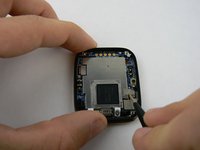
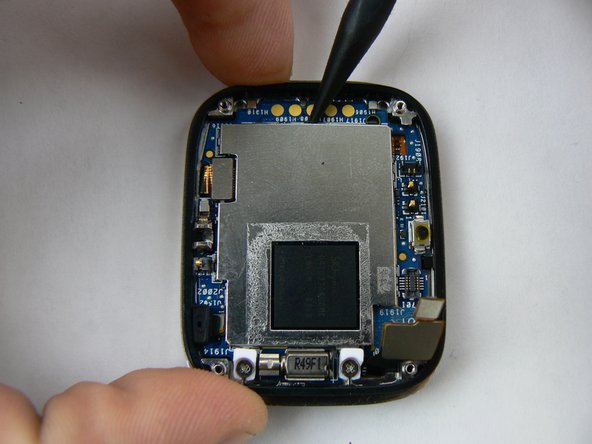
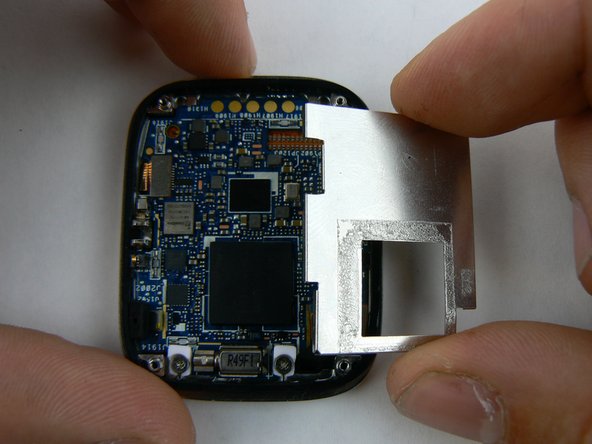
      • The protective plate is now ready to be safely removed.

      • With the heavy duty spudger pry up on the metal plate, in a counter-clockwise pattern

      • There are tiny notches on plate making it simple to pull up on each side.

      • A small strip of adhesive is on back of plate as well.

      • Remove loosened plate and set aside.

      询问修复机器人

      添加评论

    3. ASUS ZenWatch Vibration motor Replacement: 步骤 7 中的图像 1,3 ASUS ZenWatch Vibration motor Replacement: 步骤 7 中的图像 2,3 ASUS ZenWatch Vibration motor Replacement: 步骤 7 中的图像 3,3
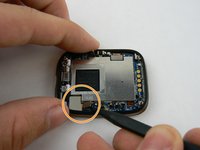
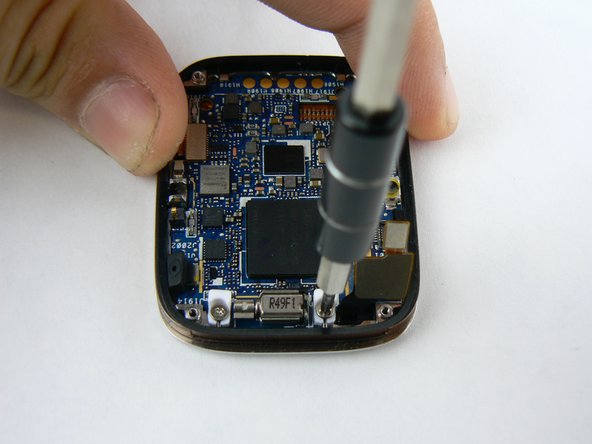
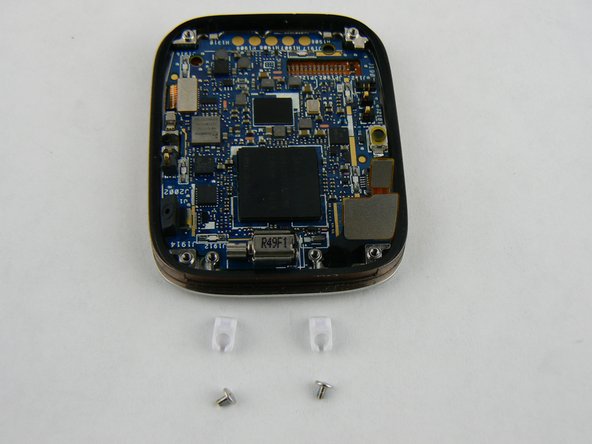
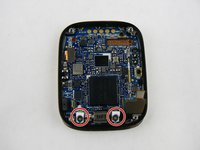
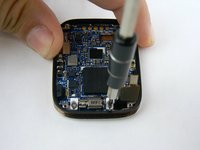
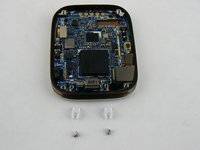
      • With the 000 Philips screwdriver remove the screw and plastic retainer clips

      询问修复机器人

      添加评论

    4. ASUS ZenWatch Vibration motor Replacement: 步骤 8 中的图像 1,2 ASUS ZenWatch Vibration motor Replacement: 步骤 8 中的图像 2,2
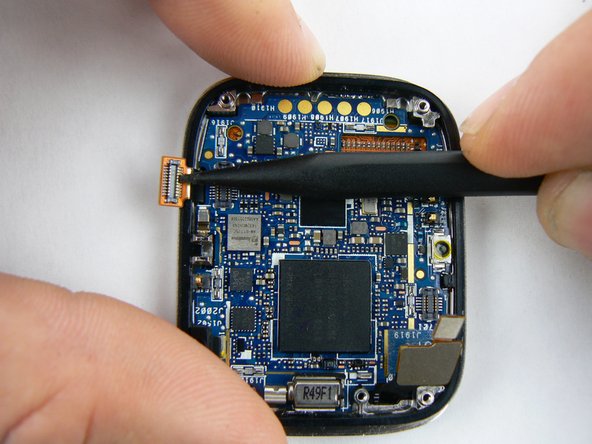
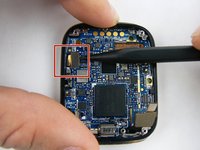
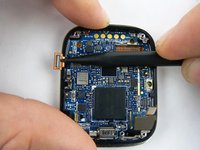
      • With heavy duty spudger lift up on final connection ribbon located on left corner.

      询问修复机器人

      添加评论

    5. ASUS ZenWatch Vibration motor Replacement: 步骤 9 中的图像 1,2 ASUS ZenWatch Vibration motor Replacement: 步骤 9 中的图像 2,2
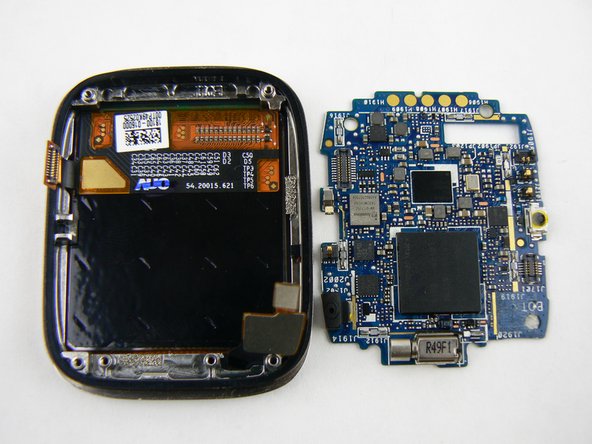
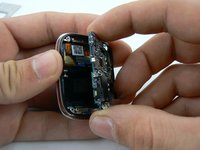
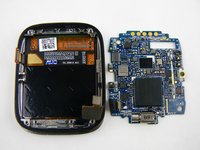
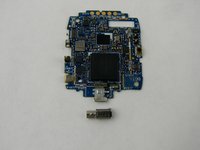
      • With all the connections disconnected the motherboard can be gently pried up and out of the watch case.

      询问修复机器人

      添加评论

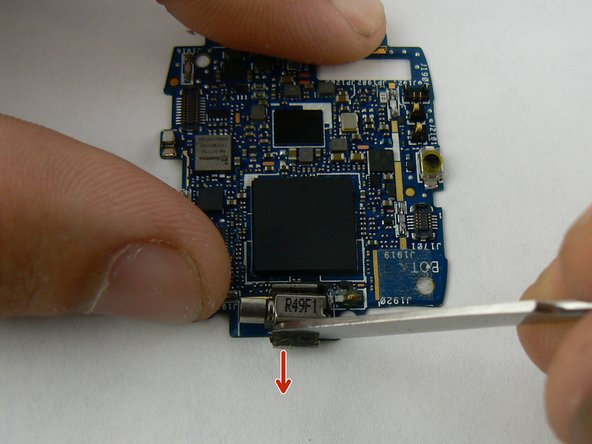
    1. ASUS ZenWatch Vibration motor Replacement, Vibration motor: 步骤 10 中的图像 1,3 ASUS ZenWatch Vibration motor Replacement, Vibration motor: 步骤 10 中的图像 2,3 ASUS ZenWatch Vibration motor Replacement, Vibration motor: 步骤 10 中的图像 3,3
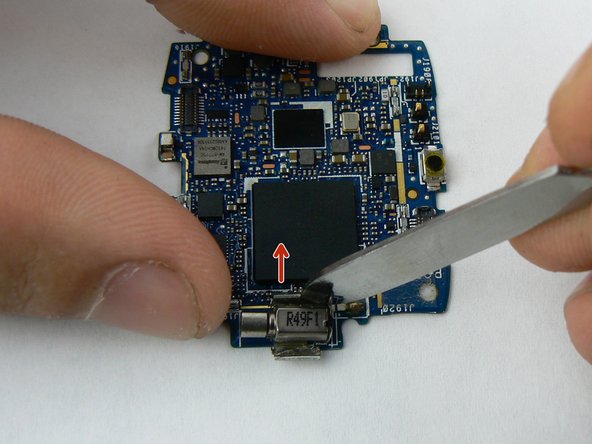
      • With a flat metal spudger pry back the little metal clamps that hold the motor secure.

      • Do not bend these too far as they can easily break off!

      询问修复机器人

      添加评论

    2. ASUS ZenWatch Vibration motor Replacement: 步骤 11 中的图像 1,3 ASUS ZenWatch Vibration motor Replacement: 步骤 11 中的图像 2,3 ASUS ZenWatch Vibration motor Replacement: 步骤 11 中的图像 3,3
      在这个步骤中使用的工具:
      Tweezers
      $4.99
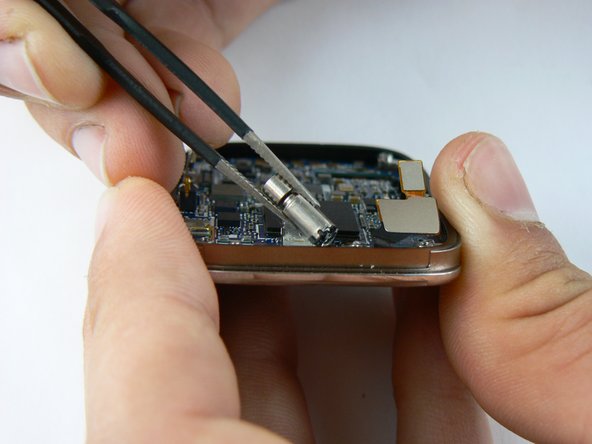
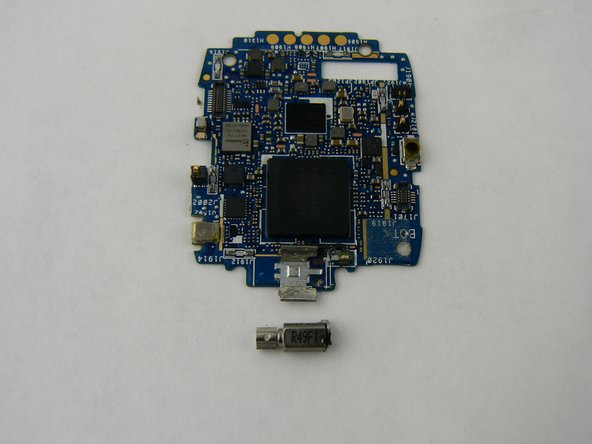
      • With the soldering iron, heat the two solder tabs on back of motor.

      • Use metal tweezers to pull up and remove motor.

      • A soldering iron gets hot! Take care not to burn yourself or place it on any other part of the board.

      询问修复机器人

      添加评论

结论

To reassemble your device, follow these instructions in reverse order.

取消:我没有完成这个指南。

另外一个人完成了本指南。

团队

USF Tampa, Team 1-3, Sullivan Spring 2016 USF Tampa, Team 1-3, Sullivan Spring 2016 的会员

USFT-SULLIVAN-S16S1G3

4 名成员

创作了7篇指南

0指南评论

添加评论

浏览统计数据:

过去 24 小时: 4

过去 7 天: 6

过去 30 天: 26

总计 1,181