简介
按照本指南使用计算机调整设置并更新 FixHub 便携式电站上的固件。
-
-
-
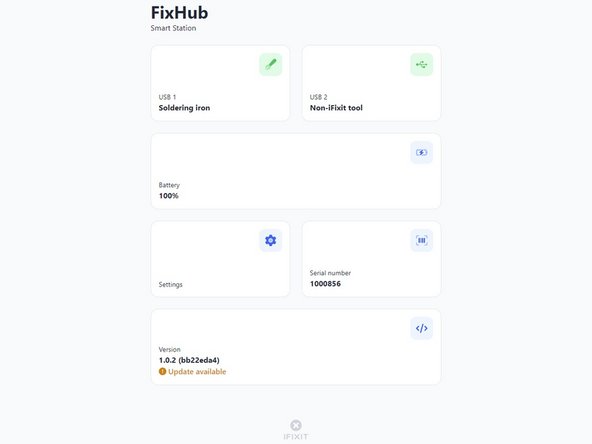
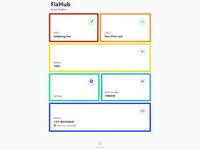
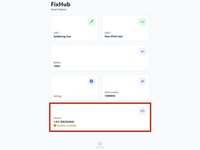
USB 1 显示有关连接到电站左前 USB-C 端口的设备的信息。
-
USB 2 显示有关连接到电站右前 USB-C 端口的设备的信息。
-
电池实时显示电池百分比。
-
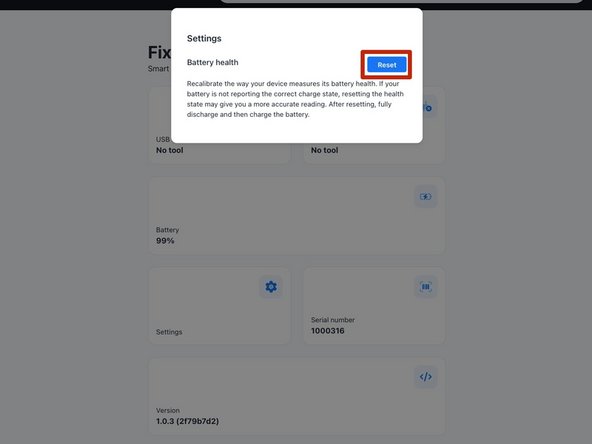
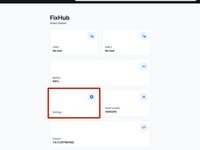
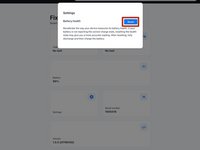
设置允许您重置电池校准数据。
-
序列号显示电站的序列号。
-
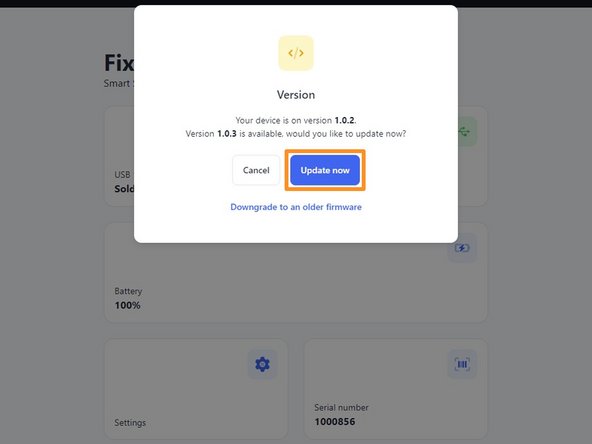
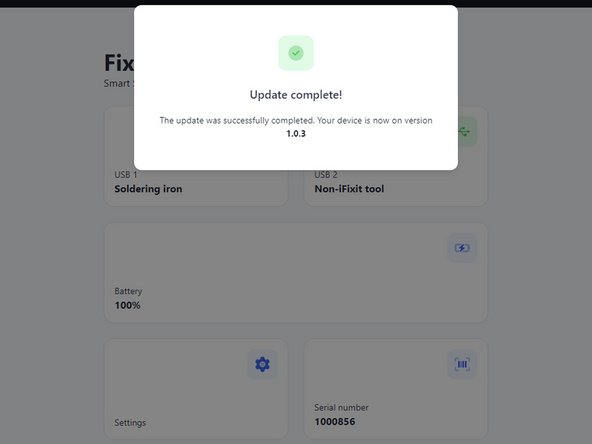
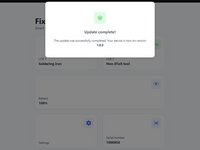
版本 显示电站的固件版本和更新。
-









9等其他人完成本指南。



4指南评论
Can you update the app or website to display the latest firmware release information for this device? When I plug in my hub, it only shows the current firmware version on the device but doesn't indicate if it's the latest. Unlike other options, I can't click on the box for more details. Additionally, I couldn't find any information on your website about the current firmware version or its release notes.
The web console page is: https://www.ifixit.com/fixhub/console
This is where you can browse through the current and prior firmware versions. However, I don't believe the packaged firmware (at least with CI/CD) is currently open-source at the time of writing. Yet you can see what is currently available here on GitHub: https://github.com/ifixit/fixhub (The commands here work if you're able to access the FixHub with either minicomp on Linux or PuTTY on Windows; you can determine which TTY device the FixHub is assigned to with the help of the FixHub web console, which reliably picks out the correct low-level serial device name for the FixHub.)
Tai Lam -
