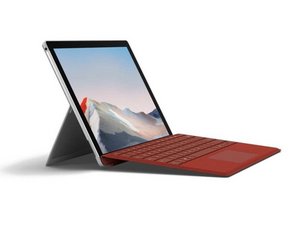

Is the battery replaceable on the surface pro 7 plus
What kind of connection is it? And how does it connect to the logic board?

声誉积分: 13
 1
1
The Surface Pro 7+ (1960, 1961) has the battery connection on the back side of the motherboard. Therefore, battery replacement requires removal of the motherboard. Thank Microsoft for a big step backward from the 7 which uses a conventional plug connector.
这个答案有帮助吗?

声誉积分: 1.8千
16
 7
7
 1
1
Hello,
I also have a surface pro 7+ from a business. With regards to battery replacements, i'd assume it's similar to the surface pro 7 it is based on, where you have to remove the display, shields and heatsink to then remove the adhesive held battery. I did notice that the internal layout on the 7+ appears different to the 7, likely based on the fact of 11th gen v 10th gen, however the process to remove should be similar (microsoft tech on here, do you have an answer?)
Pretty much:
Let me know how it goes or if you have any other questions :)
这个答案有帮助吗?
The removal process seems simple enough. Its the type of connection the battery has, it doesn't appear to be a pin type connection.
过去 24 小时: 0
过去 7 天: 7
过去 30 天: 39
总计 183
